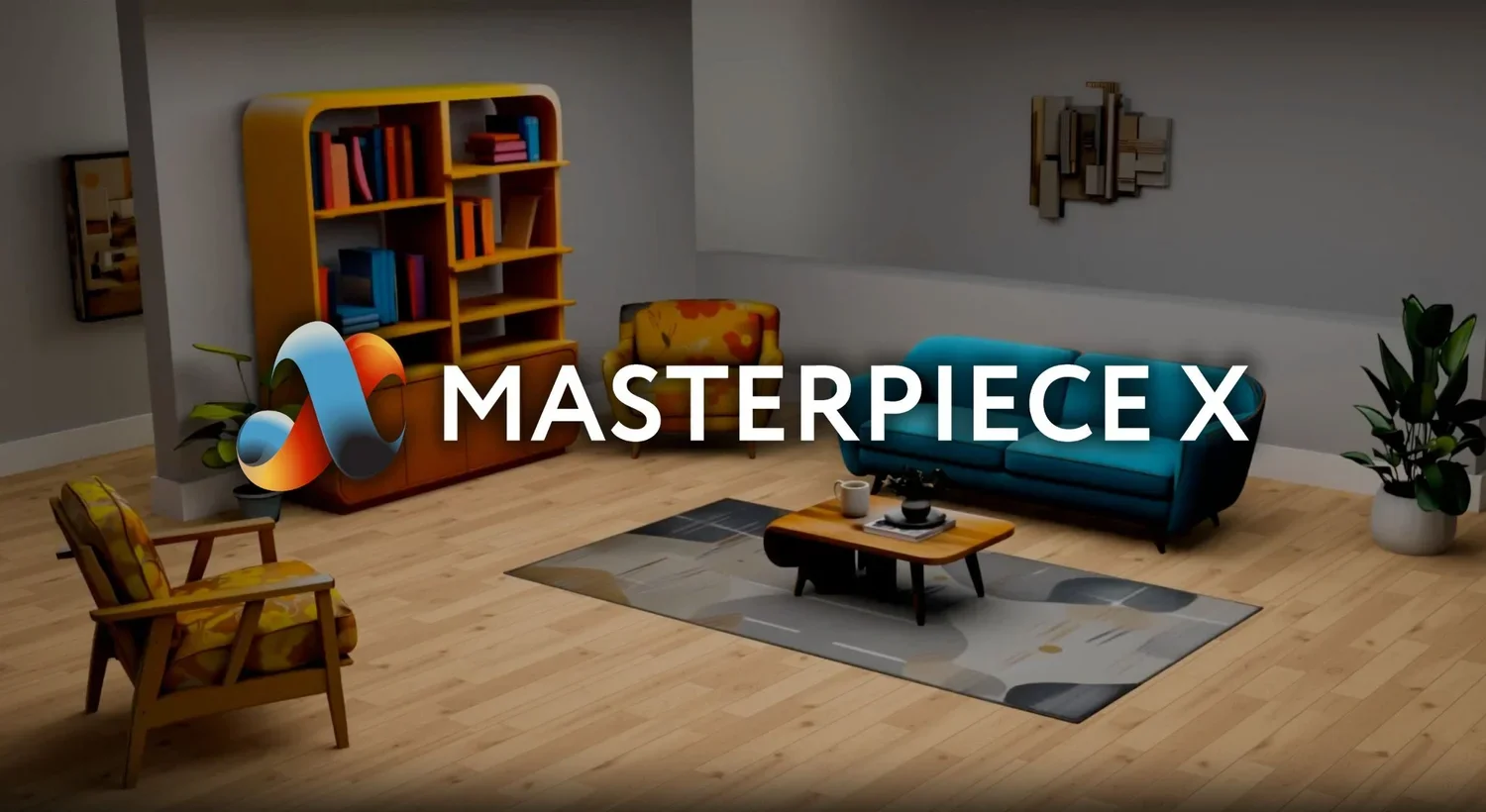
Masterpiece X
Turns early concepts into editable 3D worlds for game and film teams.
Key Takeaways
- What it is
- Turns early concepts into editable 3D worlds for game and film teams.
- Best for
- Style Guides
- Image Kits
- Image-to-3D
- Rating
- 3.9/5
What is Masterpiece X?
WorldEngen helps 3D production teams turn a prompt, reference board, or rough idea into a scene they can keep editing. Its AI agents can generate concept art, image kits, greyboxes, videos, and 3D models, then help arrange them in a live scene. Connections to Blender, Unity, and Unreal let teams bring the work into tools they already use.
Rather than stopping at a single generated model, WorldEngen links scene planning, asset creation, and scene assembly in one editor, with chat commands for editing objects and layouts.
It is aimed at teams building game worlds, simulations, animation, or cinematic environments. The desktop app currently downloads for Windows, and the company does not guarantee generated content will be unique or accurate, so artists still need to review the results.
Who is Using Masterpiece X?
Environment Artists
Scene assembly and asset generation help them fill out environments from a reference board or style guide.
Level Designers
Greyboxing and viewport edits help them explore layouts before a level is finished.
Concept Artists
Concept art and Style Guides give them a path from visual direction to scene-ready assets.
3D Artists
Image Kits and image-to-3D workflows help them develop objects from concept art.
Uncommon Use Cases
Simulation teams can draft training environments; film crews can explore early cinematic layouts.
Key Features
Rating Breakdown
Pricing Plans
Automatic credit top-ups
- WorldEngen's terms state that a $50 USD top-up is charged when credits reach zero if automatic top-ups are enabled.
- Automatic top-ups are enabled by default and can be turned off in settings.
Which Masterpiece X plan should you pick?
Start with the 7-day trial to test a real scene workflow, then review the credit balance and automatic top-up setting before paid use.
Free Trial
Good for teams evaluating the scene editor and AI workflows before paid access.
Masterpiece X Use Cases
Game Environment Prototyping
Early greyboxes and scene assets give level teams material to test and revise a world.
Outcome: A scene layout the team can continue shaping.
Concept Art to Scene
A Style Guide and Image Kits help carry visual direction from concept art into 3D assets.
Outcome: A scene built around a consistent visual direction.
Scene Editing by Chat
Plain-language commands let artists reposition, resize, or swap objects in the viewport.
Outcome: Faster edits to objects and layout.
Simulation Environment Drafting
Realistic scene concepts give training teams a starting point for environments they need to update.
Outcome: A draft training environment.
Workflow Ideas with Masterpiece X
Build a Scene from a Visual Direction
- 1Create a Style Guide for the intended look.
- 2Generate concept art and extract objects with Image Kits.
- 3Convert selected images into 3D models and assemble the scene.
Explore a Game Level
- 1Start with a greybox workflow for the level layout.
- 2Add models to the viewport and arrange them with chat commands.
- 3Continue scene work through a Blender, Unity, or Unreal connection.
How Masterpiece X fits into your stack
WorldEngen desktop editor
The Windows app is where you pair your session, direct AI agents, and work on a live scene.
Blender, Unity, and Unreal
WorldEngen connects with these tools; external-app round-tripping through transport plugins is documented as beta.
Concepts and reference images
Prompts, reference boards, and concept art help direct the creation of visual assets and scenes.
Developer tools
Masterpiece X documents a proprietary API and SDK for developers who register a developer account.
Pros
- +Scene-level workflow: Connects concept development, asset creation, and scene assembly.
- +Chat-based editing: Adjust object positions and sizes with plain-language commands.
- +Reference-led creation: Style Guides and Image Kits help turn visual direction into scene assets.
- +Existing tool connections: Works with Blender, Unity, and Unreal.
Cons
- −Desktop setup: Requires installing and pairing the Windows app before creating scenes.
- −Unclear ongoing cost: WorldEngen uses credits, but its current product pages do not clearly list a standard paid plan price.
Limitations & when to consider alternatives
Known limitations
- External-app round-tripping is beta. The documentation labels transport-plugin workflows for sending scenes to and from external apps as beta.
- Generated content needs review. The terms say generated content is not guaranteed to be unique, accurate, or correct.
- Trial duration depends on credits. The trial ends when its credits are used or after seven days, whichever comes first.
- Automatic credit top-ups. After the trial, automatic top-ups are enabled by default and charge $50 when the credit balance reaches zero; users can turn them off.
Look elsewhere when
- You need a browser-only scene editor that does not require a desktop app.
- Your work depends on guaranteed uniqueness or accuracy from generated assets.
- You need a clearly published monthly subscription price before trying the tool.
How to Use Masterpiece X
- 1
Start the trial
Create an account and begin the 7-day trial; trial credits may run out sooner.
- 2
Install the desktop app
Download the Windows app before starting a scene.
- 3
Pair the app
Open the desktop app and use its pairing control to connect your session.
- 4
Set the scene direction
Start with a prompt, reference board, or Style Guide so the agents have visual direction.
- 5
Generate and arrange assets
Create concepts, Image Kits, greyboxes, or models, then place and adjust objects in the viewport.
- 6
Connect your production tool
Use a Blender, Unity, or Unreal connection to continue the work in your existing workflow.
Who is Masterpiece X For?
Games and Interactive Worlds
Game teams can block out and dress levels while exploring scene ideas.
Simulation and Training
Teams can build realistic environments that they can revise as training needs change.
3D and Animation
Artists can develop scenes from early concepts and reserve more time for story and performance.
Film, TV, and Cinematics
Production teams can develop environments for shots and cinematic sequences.
Frequently Asked Questions
Does WorldEngen have a free plan?
It offers a 7-day free trial with credits. The trial ends when the credits are used or seven days pass, whichever comes first.
How does paid use work?
WorldEngen uses credits. Its terms say automatic $50 credit top-ups are enabled by default after paid access begins, and users can disable them.
Which tools does WorldEngen connect to?
The product names Blender, Unity, and Unreal. Its documentation says transport-plugin round-tripping with external apps is beta.
Do I need to install an app?
Yes. The setup instructions call for installing the desktop app and pairing it with your session; the download page offers a Windows version.
Can I use generated content without checking it?
The terms do not guarantee generated content is unique or accurate, so users should review it for their intended use.
Community reviews
Be the first to share your experience.
Sign in to leave a review for Masterpiece X.
Masterpiece X Alternatives
Looking for alternatives to Masterpiece X? Here are similar tools in the same category: