Maxfusion
Turns briefs into emotional UGC videos.
Key Takeaways
- What it is
- Turns briefs into emotional UGC videos.
- Pricing
- $99/month · $199/month · $400/month
- Best for
- MaxFlows
- Talking Actors
- CopyLab
Who is Using Maxfusion?
Brands
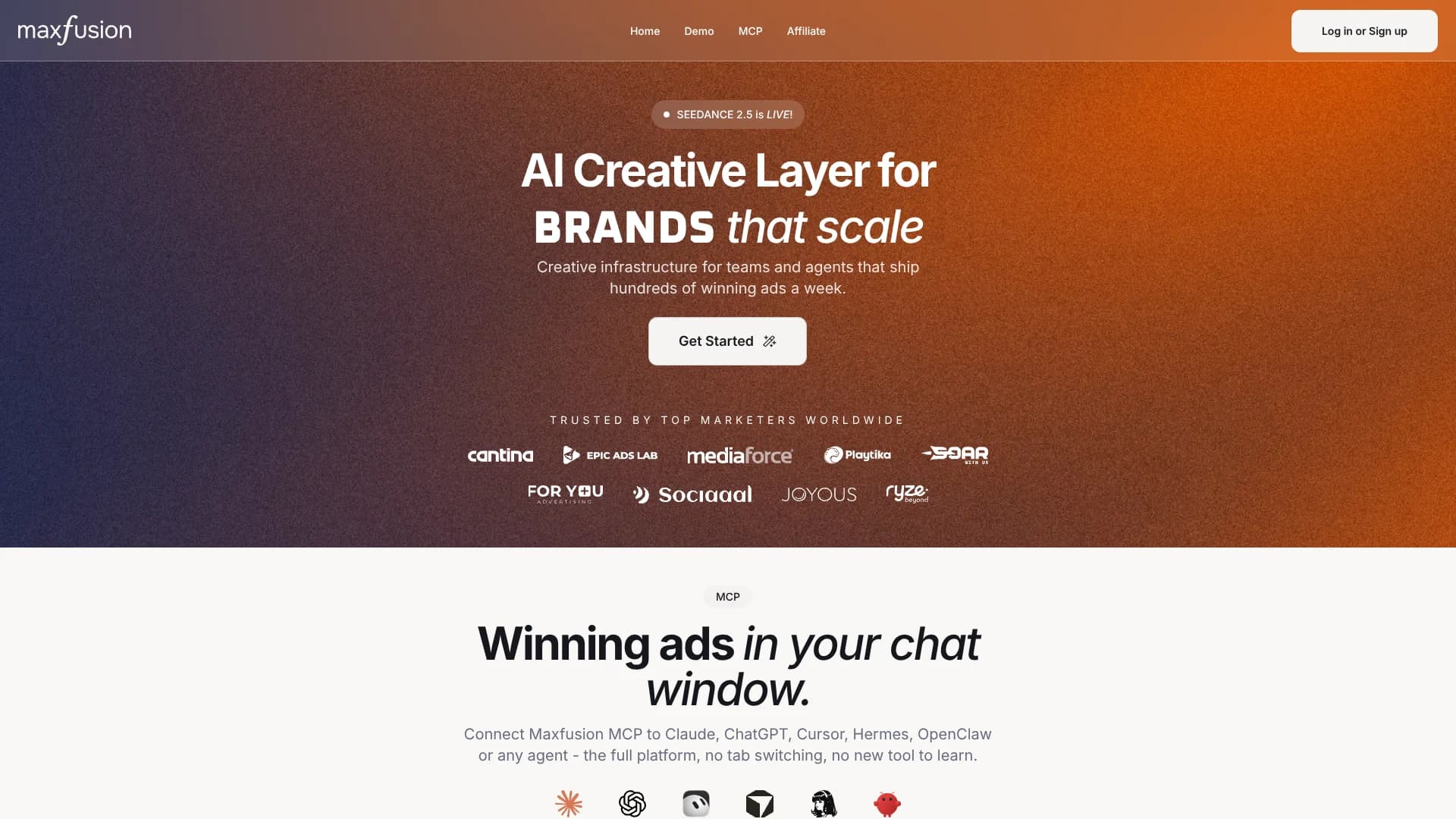
The platform is positioned as creative infrastructure for brands producing performance advertising at scale.
Agencies
Agencies can create large batches of UGC ads, test many concepts, and support multiple client campaigns.
Creative strategists
Creative strategists can research competitors, develop concepts, and generate campaign assets in one workflow.
Media buyers
Media buyers can use ad research, bulk creative production, and campaign-ready exports to support performance testing.
Solo marketers
The official site identifies solo marketers among the users featured in its customer community.
Key Features
Pricing Plans
Starter
$99/month
- 2,000 credits
- Approximately 20 Talking Actor videos
- Approximately 40 Seedance 2.5 videos
- Approximately 50 Seedance 2.0 videos
- Flows – creative canvas
- Access to top AI video models
- Video and audio processing tools
- Add captions
- Video Compositor
- Lip sync tool
Pro
$199/month
- 4,500 credits
- Save 11% on every video
- Approximately 45 Talking Actor videos
- Approximately 90 Seedance 2.5 videos
- Approximately 112 Seedance 2.0 videos
- Approximately 90 RIZZ videos
- Flows – creative canvas
- Access to top AI video models
- Video and audio processing tools
- Unlimited seats
Max 400
$400/month
- 10,000 credits
- Save 19% on every video
- Approximately 100 Talking Actor videos
- Approximately 200 Seedance 2.5 videos
- Approximately 250 Seedance 2.0 videos
- Approximately 200 RIZZ videos
- Flows – creative canvas
- Access to top AI video models
- Video and audio processing tools
- Unlimited seats
Which Maxfusion plan should you pick?
Start with Starter for one-seat experimentation, upgrade to Pro for unlimited seats and broader production, and choose Max for higher-volume generation.
Starter
Good for a single user who needs Flows, core video models, actors, processing tools, API access, and 2,000 monthly credits.
Pro
Good for teams who need unlimited seats, 4,500 monthly credits, public API access, integrations, research, and expanded image allowances.
Max 400
Good for high-volume teams needing 10,000 monthly credits, unlimited seats, larger generation allowances, and the same advanced workflow stack.
Maxfusion Use Cases
Produce UGC video ads
Select an actor, write a script, and generate a localized talking-actor or product-in-hand video.
Outcome: Campaign-ready UGC ads.
Analyze competitor ads
Search Meta Ad Library or TikTok content, then analyze hooks, scripts, scenes, and formats.
Outcome: Reusable creative insights and concepts.
Build automated creative pipelines
Connect research, assistant, image-generation, video-generation, and compositor nodes in Flows.
Outcome: Repeatable bulk production.
Localize advertising campaigns
Generate or translate actor-led ads into 35+ languages with synchronized lip movements.
Outcome: Ads for multiple markets.
Assemble finished campaign assets
Trim, stitch, caption, process, compose, and export generated media.
Outcome: Campaign-ready deliverables.
Workflow Ideas with Maxfusion
Competitor ad to video variation
- 1Research competitor ads in Meta Ad Library
- 2Analyze the hook, pacing, transcript, and shots
- 3Generate a new product-based video variation
Product image to static ad batch
- 1Upload a product image
- 2Use an assistant to create image-generation prompts
- 3Run multiple image generators in parallel
Script to localized UGC campaign
- 1Select an AI actor
- 2Enter the ad script and emotion tags
- 3Generate and export videos across supported languages
How Maxfusion fits into your stack
Browser
Maxfusion operates as a web application where users research ads, generate assets, edit videos, and export campaign-ready creatives.
Knowledge and files
Users can upload images, product photos, reference scenes, and other files for actor creation, scene building, and creative generation.
Automation and APIs
Maxfusion provides Flows, a public API, and an MCP server for connecting its research, generation, and composition tools to agents and automated pipelines.
Cloud storage
The pricing page lists Google Drive integration for exporting or delivering generated creative assets.
Voice and audio
Users can connect an ElevenLabs account, use voice-related tools, and create audio-driven RIZZ videos.
Pros
- +Multiple paid tiers with credit-based production capacity
- +Public API and MCP access on listed plans
- +Visual workflow canvas for multi-step ad production
- +Google Drive and ElevenLabs integrations
- +Support for 35+ human languages
Limitations & when to consider alternatives
Known limitations
- Business-user focus. The terms state that the services are intended exclusively for professional business users.
- Credits expire. Subscription credits expire at the end of the subscription period unless carried over under the applicable terms.
- No refunds. Payments for subscriptions, credits, boosters, and other fees are final and non-refundable.
- Third-party model availability can change. Maxfusion may add, replace, or remove third-party models and does not guarantee continued availability of a specific model.
- Browser and internet required. Users must provide a stable high-speed internet connection, a compatible browser, and suitable hardware.
Look elsewhere when
- You need a native mobile application.
- You need a downloadable desktop installer.
- You need SSO or SAML authentication.
How to Use Maxfusion
- 1
Choose a plan
Select Starter, Pro, or Max based on required credits, seats, and production volume.
- 2
Open the workspace
Use the browser-based workspace to access Flows, actors, models, research, and editing tools.
- 3
Add source assets
Upload product or actor images and provide scripts, references, or other campaign inputs.
- 4
Build a Flow
Connect research, analysis, assistant, image-generation, video-generation, and compositor steps.
- 5
Generate and refine
Run the workflow, then use captions, lip sync, translation, trimming, stitching, and composition tools.
- 6
Export or automate
Export finished assets to Google Drive or operate Maxfusion through MCP and the public API.
Who is Maxfusion For?
Brands
Maxfusion positions itself as creative infrastructure for brands producing high volumes of advertising assets.
Agencies
Agencies can research competitors, generate variants, assemble campaigns, and run repeatable creative pipelines.
Marketing teams
Marketing teams can connect research, ideation, generation, editing, and export in one workflow.
Creative strategists
Creative strategists can analyze winning ads, extract hooks, and turn concepts into production-ready creatives.
AI agents and developers
Agents and developers can access Maxfusion through MCP and its public API.
Frequently Asked Questions
What are credits and what does a generation cost?
Credits are monthly subscription units consumed by videos, images, audio, and other chargeable actions; rates vary by model, resolution, and duration.
What is the Flows feature?
Flows is a creative canvas where outputs from one step can become inputs to another, enabling connected research, analysis, generation, and composition.
Can my AI agent use Maxfusion?
Yes. Maxfusion provides MCP connectivity for Claude, ChatGPT, Cursor, and other agents, plus public API access on listed plans.
How many team members can I add?
Starter includes one seat; Pro and Max include unlimited seats. Workspace administrators can invite users within the applicable offer limits.
Does Maxfusion support multiple languages?
Yes. Maxfusion advertises 35+ languages and supports multilingual AI actors with lip synchronization.
Can I use what I create commercially?
The terms grant clients a worldwide, non-exclusive license to reproduce, distribute, display, perform, and make limited edits to generated videos, subject to restrictions.
Community reviews
Be the first to share your experience.
Sign in to leave a review for Maxfusion.
Maxfusion Alternatives
Looking for alternatives to Maxfusion? Here are similar tools in the same category:
Learn to Master Maxfusion
With Skill Leap courses
Get in-depth training on Maxfusion and 50+ other AI tools with our expert-led video courses.
Start 7-Day Free Trial