
Meta AI
Enhances machine learning, NLP, and computer vision capabilities.
Key Takeaways
- What it is
- Enhances machine learning, NLP, and computer vision capabilities.
- Best for
- Advanced Machine Learning Models
- Natural Language Processing (NLP)
- Computer Vision
- Rating
- 4.4/5
What is Meta AI?
Meta AI is a cutting-edge artificial intelligence initiative from Meta, the company formerly known as Facebook. This ambitious project aims to advance the state of AI research and development, focusing on creating technologies that can understand and interact with the world more like humans do. Designed for researchers, developers, and businesses, Meta AI simplifies complex tasks by offering tools that enhance machine learning capabilities, natural language processing, and computer vision.
Meta AI stands out with its commitment to open-source AI research and development, a game-changer for fostering innovation and collaboration across the industry. Its ability to integrate cutting-edge research with practical applications in social media, healthcare, and beyond sets it apart, making it a versatile tool for a wide range of applications.
Meta AI offers a comprehensive suite of AI tools and resources that are reshaping the landscape of artificial intelligence. Its commitment to open-source development and cutting-edge research makes it an invaluable asset for researchers, developers, and businesses looking to harness the power of AI. While it may present challenges for beginners, its potential for innovation and impact is undeniable, positioning Meta AI as a leader in the AI industry.
Who is Using Meta AI?
Tech Companies
Utilizing Meta AI for developing innovative AI-driven products and services.
Academic Researchers
Employing the platform for cutting-edge AI research and experiments.
Healthcare Providers
Leveraging AI for improved patient diagnosis and treatment plans.
Retail Businesses
Using AI to enhance customer experiences and optimize supply chains.
Uncommon Use Cases
Adopted by environmental organizations for wildlife monitoring; Used by artists to create AI-generated artworks.
Key Features
Rating Breakdown
Pricing Plans
Open Access
- Meta AI offers many of its tools and resources freely to the public
- Supporting open-source collaboration and innovation
Meta AI Use Cases
Analyze business data
Upload CSV, XLSX, or other documents and ask Meta AI to identify patterns, summarize results, or create structured insights.
Outcome: Faster analysis and clearer business recommendations.
Create and edit images
Generate images from text, upload photos, combine images, restyle rooms, or describe precise edits.
Outcome: Shareable visual concepts and edited media.
Build a content calendar
Provide objectives, keyword data, brand guidelines, and campaign information, then ask Meta AI to organize a calendar.
Outcome: A structured publishing plan with content ideas and scheduling.
Draft professional writing
Give Meta AI the purpose, audience, tone, or supporting documents for emails, captions, product descriptions, or presentations.
Outcome: Faster first drafts that can be reviewed and refined.
Research and fact-check
Ask Meta AI to research a topic, compare sources, or verify a claim using real-time web information.
Outcome: A structured research summary with citations or verification guidance.
Workflow Ideas with Meta AI
Campaign content workflow
- 1Upload campaign data, keyword files, and brand guidelines.
- 2Ask Meta AI to identify priorities and build a content calendar.
- 3Generate captions, email copy, and supporting images from the calendar.
Image refinement workflow
- 1Upload one or more reference photos.
- 2Describe the desired composition, style, or scene.
- 3Iterate with conversational edits, sketches, or restyling prompts.
Research and reporting workflow
- 1Ask Meta AI to research a topic and create a research plan.
- 2Upload supporting documents or spreadsheets.
- 3Request a structured summary, comparison, or report with citations.
How Meta AI fits into your stack
Browser
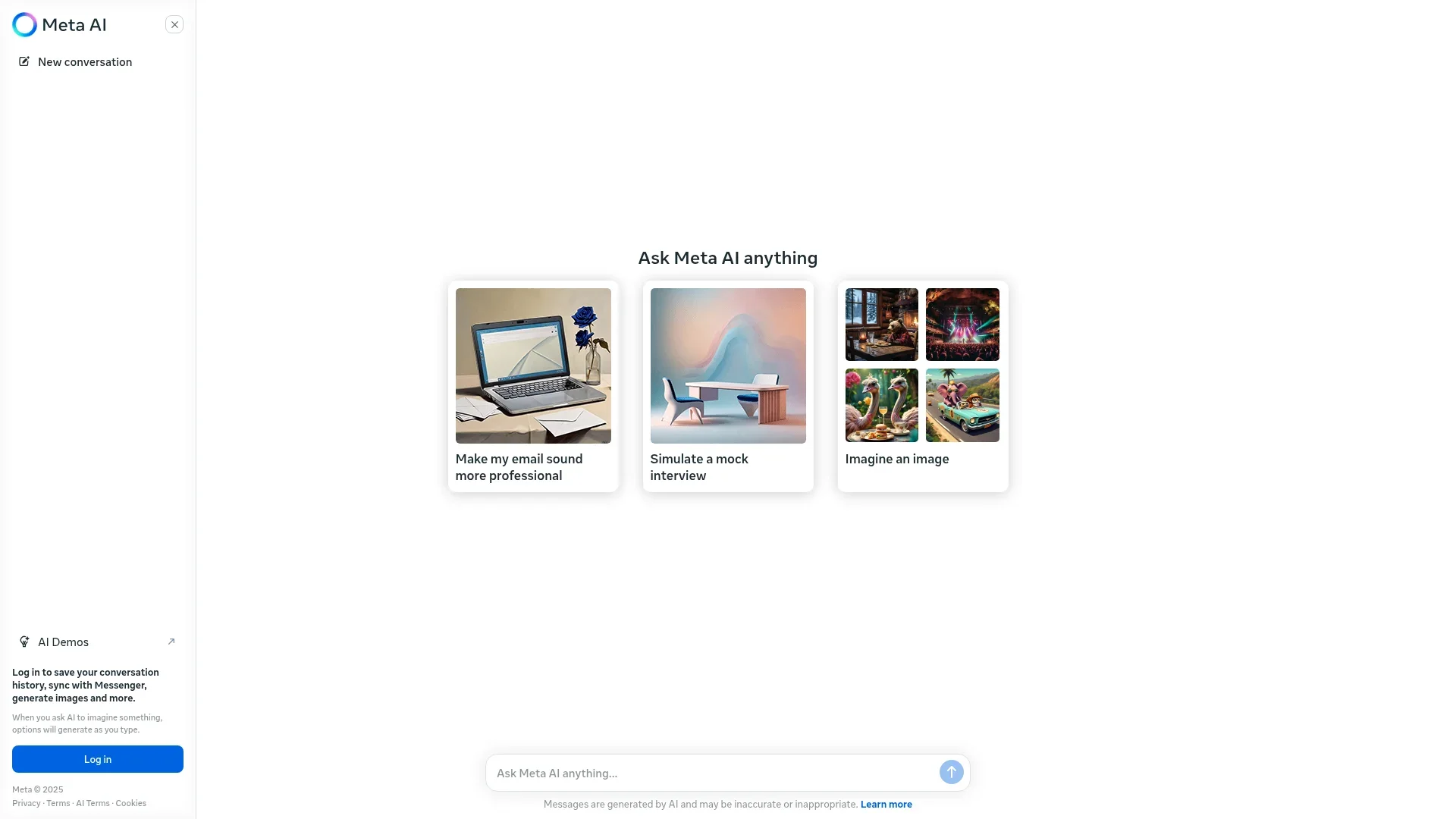
Use Meta AI directly at meta.ai for research, writing, image work, file analysis, coding assistance, and conversational tasks.
Mobile apps
The native iOS and Android apps provide voice conversations, image and document analysis, image generation, reminders, research, and AI-glasses connectivity.
Team chat and social apps
Meta AI is embedded in WhatsApp, Instagram, Messenger, and Facebook for conversation support, writing, recommendations, and image creation.
Desktop
The Mac desktop app lets users interact with Meta AI while working across desktop windows, including voice and screen-context workflows.
Pros
- +Innovative Research: Meta AI is at the forefront of AI research, continuously pushing the boundaries of what AI can achieve.
- +Comprehensive Toolset: Provides a wide range of tools for different AI applications, from NLP to computer vision.
- +Community Engagement: Actively engages with the AI community, offering open-source projects and collaboration opportunities.
- +Scalable Solutions: Designed to scale with the needs of businesses, from small startups to large enterprises.
Cons
- −Complexity for Beginners: The advanced nature of Meta AI's tools can present a steep learning curve for those new to AI.
- −Resource Intensive: Requires significant computational resources, which may not be accessible to all users.
- −Limited to Meta Ecosystem: Some tools and features may integrate best within the Meta platform, potentially limiting cross-platform usability.
Limitations & when to consider alternatives
Known limitations
- Usage limits may apply. Meta is testing daily or monthly limits on some compute-intensive features; paid access may be offered after the free limit is reached.
- Feature availability varies. Certain Meta AI features are available only in select countries and languages and may roll out gradually.
- Outputs require verification. Meta’s learning materials advise independently verifying AI-generated outputs, especially for critical information or decisions.
- Some document features are still being tested. Meta has described document import and rich document editing as tests in select countries.
Look elsewhere when
- You need a documented developer API for programmatic access.
- You need a Windows or Linux desktop installer.
- You need a browser extension.
How to Use Meta AI
- 1
Choose an access point
Open meta.ai, install the Meta AI app on iOS or Android, install the Mac beta, or use Meta AI inside WhatsApp, Instagram, Messenger, or Facebook.
- 2
Start with a specific prompt
State one clear objective and include relevant context, such as audience, tone, deadline, or desired output format.
- 3
Upload supporting material
Add images, PDFs, DOCX, TXT, CSV, or XLSX files when the task requires document or data analysis.
- 4
Iterate conversationally
Ask for revisions, image edits, translations, summaries, tables, or alternative versions rather than restarting from scratch.
- 5
Connect supported services
For business workflows, connect Instagram professional accounts, Meta Ads Manager, or Google Workspace where available.
- 6
Review before using outputs
Verify factual claims and carefully review generated content before publishing, sending, or making important decisions.
Who is Meta AI For?
Everyday users
Meta AI is designed for everyday questions, planning, recommendations, shopping, reminders, and general assistance.
Content creators
Creators can analyze performance data, generate images, draft captions, integrate keywords, and repurpose content.
Marketers
Marketers can build content calendars, analyze campaign data, create social assets, and draft email or advertising copy.
Business users
Businesses can use Meta AI for routine tasks, document summaries, project notes, emails, presentations, and data analysis.
Students and learners
Meta’s learning resources position AI for breaking down difficult subjects, preparing for exams, and organizing research.
Frequently Asked Questions
What is Meta AI?
Meta AI is Meta’s free personal AI assistant, available on the web, mobile app, Mac, and within WhatsApp, Instagram, Messenger, and Facebook.
Is Meta AI free?
Meta AI is free for everyday use. Meta is testing usage limits on some compute-intensive features, with optional paid access after limits are reached.
What can Meta AI do?
It can answer questions, perform complex reasoning, generate and edit images, assist with coding, research topics, shop, and complete tasks.
Can Meta AI analyze files?
Yes. Users can upload files such as leases, spreadsheets, PDFs, DOCX, TXT, CSV, and XLSX files for analysis.
Where can I use Meta AI?
Meta AI is available at meta.ai, in the Meta AI mobile app, on Mac, and inside WhatsApp, Instagram, Messenger, and Facebook.
Can Meta AI translate languages?
Yes. Meta’s learning materials describe translation support for more than 200 languages.
Community reviews
Be the first to share your experience.
Sign in to leave a review for Meta AI.
Meta AI Alternatives
Looking for alternatives to Meta AI? Here are similar tools in the same category:
Learn to Master Meta AI
With Skill Leap courses
Get in-depth training on Meta AI and 50+ other AI tools with our expert-led video courses.
Start 7-Day Free Trial