
Microsoft Power Automate
Automate workflows seamlessly with AI-driven integrations and templates.
Key Takeaways
- What it is
- Automate workflows seamlessly with AI-driven integrations and templates.
- Pricing
- Freemium
- Best for
- AI-Driven Automation
- Seamless Integration
- Pre-Built Templates
- Rating
- 4.4/5
What is Microsoft Power Automate?
Microsoft Power Automate is a powerful automation tool designed to streamline workflows and automate repetitive tasks. It revolutionizes business processes by integrating seamlessly with Microsoft 365 applications and a wide array of third-party services. This tool is ideal for both individuals and businesses looking to enhance efficiency, reduce operational costs, and improve productivity. By automating routine tasks, Power Automate frees up valuable time for more strategic activities.
Microsoft Power Automate stands out with its deep integration into the Microsoft ecosystem, making it a game-changer for businesses already using Microsoft products. Its ability to automate workflows across a wide range of applications and services, coupled with AI-driven insights, sets it apart from other automation tools.
Microsoft Power Automate offers a robust solution for businesses and individuals aiming to optimize their workflows and reduce manual effort. With its seamless integrations, user-friendly interface, and AI-driven capabilities, it is an invaluable tool for enhancing productivity and efficiency across various sectors. Whether you're a large enterprise or a small business, Power Automate provides the tools needed to transform the way you work.
Who is Using Microsoft Power Automate?
Corporate Enterprises
Streamlining complex business processes and improving efficiency across departments.
IT Professionals
Automating IT workflows and system notifications to enhance productivity.
HR Departments
Simplifying onboarding processes and automating routine HR tasks.
Healthcare Providers
Automating patient data management and appointment scheduling.
Key Features
Rating Breakdown
Pricing Plans
Free Tier
Free
- Experience Microsoft Power Automate with a limited free version
Which Microsoft Power Automate plan should you pick?
Start with Power Automate Premium for individual cloud and attended desktop automation; upgrade to Power Automate Process or Hosted Process when you need unattended or Microsoft-hosted automation.
Power Automate free trial
Good for evaluating UI-based cloud flows and standard connectors during the 30-day trial.
Power Automate Premium
Good for individual users who need cloud flows, attended desktop flows, process mining, and premium connectors.
Power Automate Process
Good for organizations that need unattended desktop automation or cloud flows accessible by unlimited organizational users.
Power Automate Hosted Process
Good for unattended automation that requires a Microsoft-managed virtual machine hosted on Azure infrastructure.
Power Automate Process Mining add-on
Good for organizations that need to discover, visualize, and analyze processes using 100 GB of stored data.
Microsoft Power Automate Use Cases
Employed by non-profits for managing volunteer schedules.
Utilized by educational institutions for automating administrative tasks.
Workflow Ideas with Microsoft Power Automate
Automate document intake and approval
- 1Receive a document from a connected source
- 2Extract information with AI Builder document processing
- 3Send an approval and store the result
Automate desktop data entry
- 1Trigger a cloud flow or desktop flow
- 2Open the target desktop application
- 3Enter, transform, and save the required data
Notify a team about business events
- 1Monitor a connected service for a trigger
- 2Collect or transform the event data
- 3Send a notification through a connected collaboration or messaging service
How Microsoft Power Automate fits into your stack
Browser
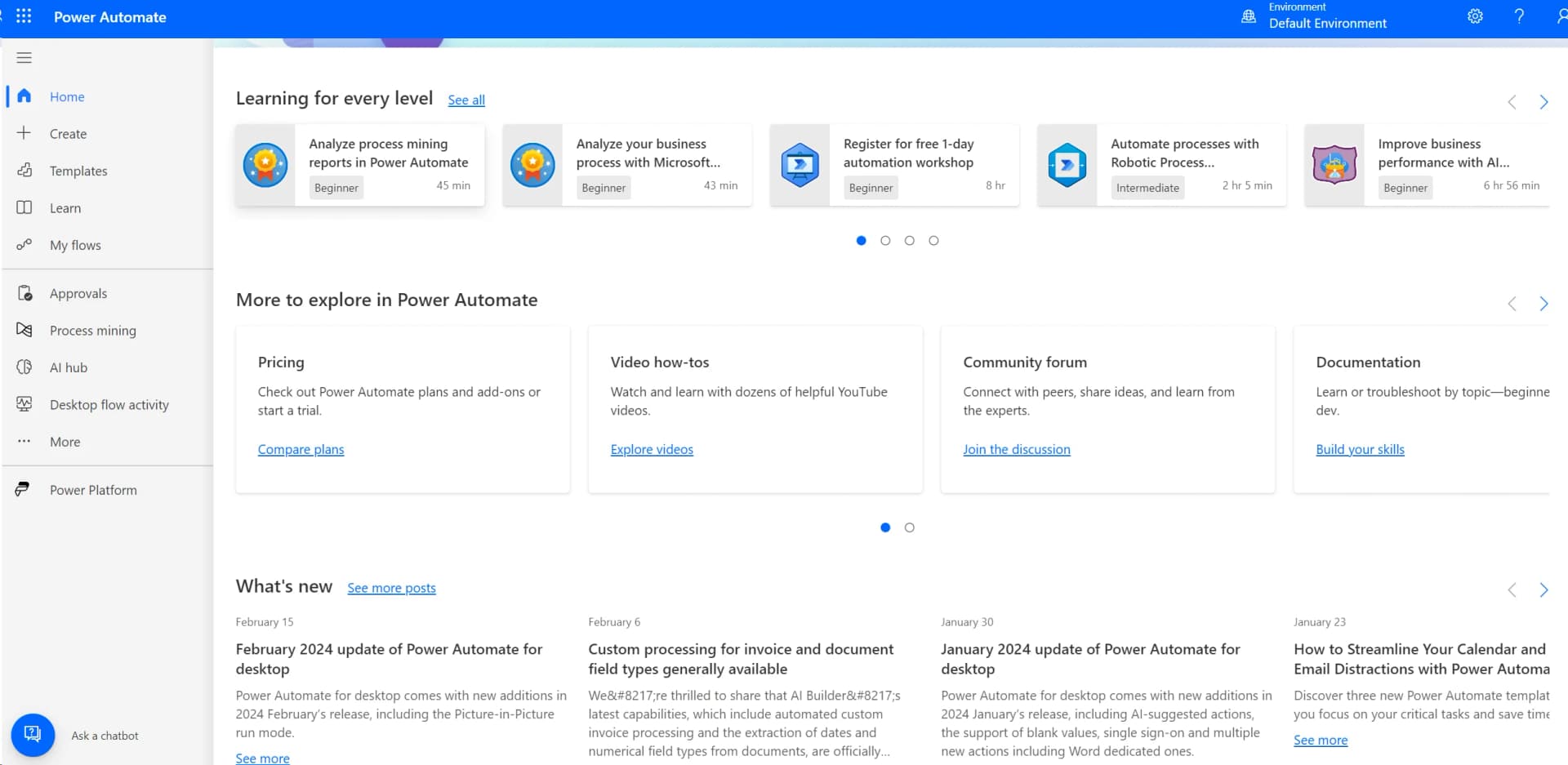
The Power Automate portal is the primary web surface for creating, managing, monitoring, and sharing cloud flows.
Automation and APIs
Power Automate sits between business systems through prebuilt connectors, custom connectors, REST APIs, Dataverse, and service-principal integrations.
Desktop / IDE
Power Automate for desktop runs Windows-based RPA against desktop and browser applications, with browser extensions or WebDrivers for web automation.
Knowledge and files
Flows can process files and images through Dataverse, SharePoint, OneDrive, Dropbox, OCR, document processing, and other file connectors.
Team chat and tickets
Flows can connect to Microsoft Teams and other named services to send notifications, manage approvals, and react to business events.
Pros
- +Time Efficiency: Significantly reduces the time spent on manual tasks, allowing users to focus on strategic initiatives.
- +Cost-Effective: Minimizes operational costs by automating routine processes.
- +User-Friendly Interface: Intuitive design makes it accessible to users with varying levels of technical expertise.
- +Scalability: Easily scales with your business needs, supporting both small teams and large enterprises.
Cons
- −Initial Learning Curve: Users may need time to familiarize themselves with advanced features and complex workflows.
- −Limited Customization: Some users find the customization options for specific workflows to be limited.
- −Dependency on Internet Connectivity: Requires a stable internet connection for optimal performance.
Limitations & when to consider alternatives
Known limitations
- Request and connector throttling. Flows can be throttled when they exceed platform, connector, API, concurrency, or burst limits; continuously throttled flows may be turned off.
- Plan-dependent capabilities. Cloud flows, attended desktop flows, unattended desktop flows, hosted machines, and process mining vary by license plan.
- Mobile app deprecation. The standalone Power Automate mobile app reaches end of support and is scheduled for removal from the App Store and Google Play after August 31, 2026.
- Environment access requirements. Since June 2025, users shared on flows must be members of the relevant environment to access those flows.
Look elsewhere when
- You need a standalone mobile experience after August 31, 2026.
- You need automation without platform request and connector limits.
- You need unattended automation in the Premium individual-user plan.
How to Use Microsoft Power Automate
- 1
Choose a flow type
Create an automated, scheduled, instant, or desktop flow based on how the process should start.
- 2
Add connectors and actions
Connect services such as SharePoint, Excel, OneDrive, Dropbox, Microsoft 365, or Twitter, then add triggers and actions.
- 3
Add conditions and transformations
Use built-in actions, expressions, variables, loops, and conditions to implement the business logic.
- 4
Add AI Builder capabilities
Use document processing, text recognition, translation, classification, prediction, or image description where AI is needed.
- 5
Test and monitor the flow
Run tests, inspect run history, and review analytics to identify failures, throttling, or connector problems.
- 6
Share and govern the flow
Share flows with users or teams, place them in environments, and apply administrative policies such as DLP controls.
Who is Microsoft Power Automate For?
Business users
They can create cloud flows with a low-code interface to automate repetitive business processes.
App makers
They can combine Power Automate with Power Apps, Dataverse, connectors, and AI Builder.
RPA developers
They can build attended or unattended desktop flows for robotic process automation.
Enterprise developers, ISVs, and partners
They can use APIs, custom connectors, embedding, and Microsoft Entra authentication to extend Power Automate.
Power Platform administrators
They can manage environments, governance, data-loss-prevention policies, encryption keys, and licensing.
Frequently Asked Questions
What is Microsoft Power Automate?
Power Automate is a low-code workflow automation service for creating automated, scheduled, instant, and desktop flows across apps and services.
Is Power Automate free?
Microsoft offers a 30-day free trial. The listed paid plans include Power Automate Premium, Power Automate Process, Power Automate Hosted Process, and the Process Mining add-on.
What is Power Automate Premium?
Power Automate Premium costs $15 per user per month when paid yearly and includes cloud flows, attended desktop flows, process and task mining, and Dataverse entitlements.
What is Power Automate Process?
Power Automate Process costs $150 per bot per month when paid yearly and supports cloud flows plus unattended desktop automation.
Can Power Automate automate desktop applications?
Yes. Power Automate for desktop provides an installable Windows application for building, editing, and running desktop flows.
What is happening to the Power Automate mobile app?
Microsoft says the standalone iOS and Android app reaches end of support and is deprecated on August 31, 2026; existing cloud flows continue running.
Community reviews
Be the first to share your experience.
Sign in to leave a review for Microsoft Power Automate.
Microsoft Power Automate Alternatives
Looking for alternatives to Microsoft Power Automate? Here are similar tools in the same category:
Learn to Master Microsoft Power Automate
With Skill Leap courses
Get in-depth training on Microsoft Power Automate and 50+ other AI tools with our expert-led video courses.
Start 7-Day Free Trial