
MimicPC
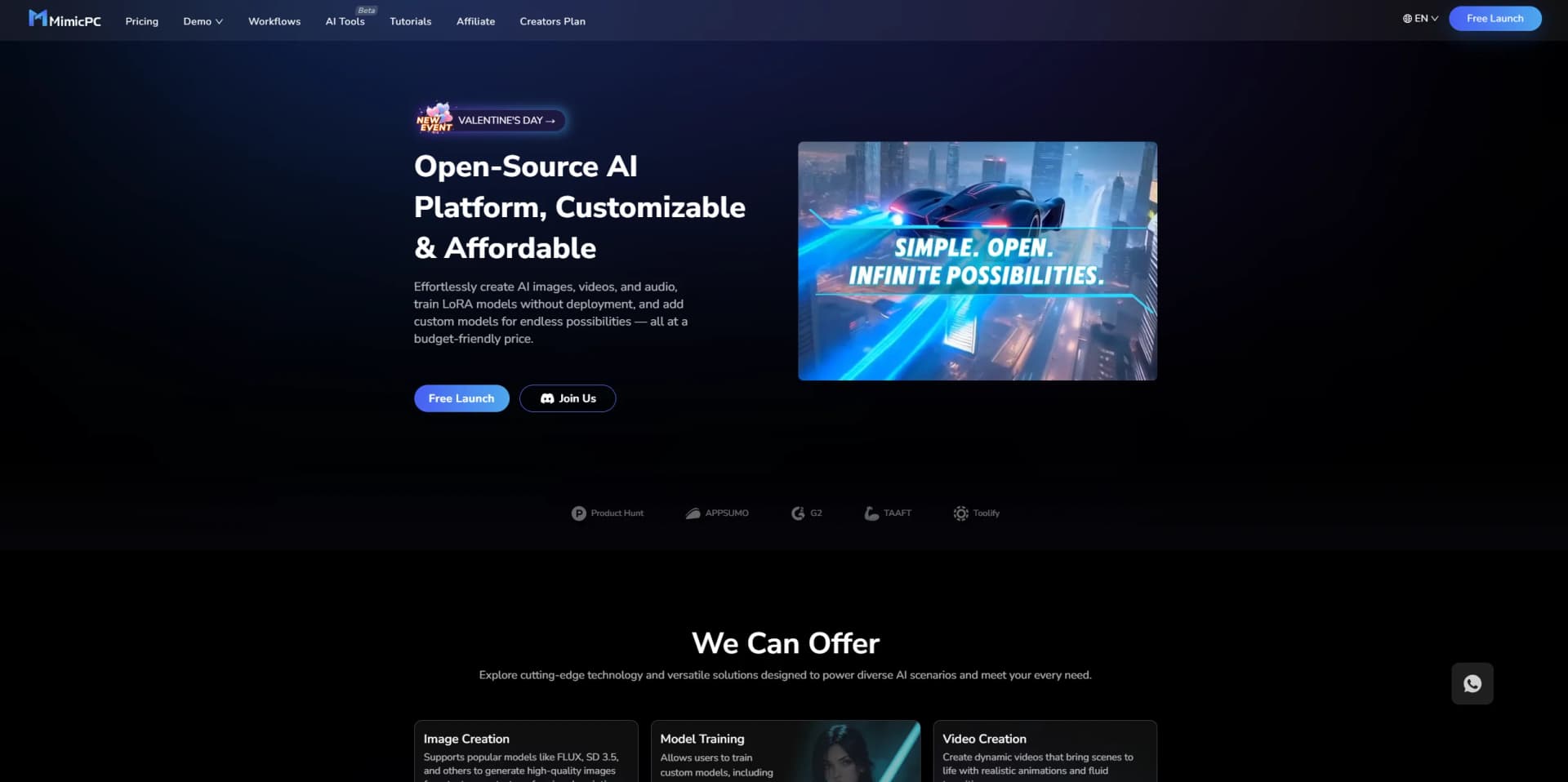
Unlock AI tools instantly, browser-based, no installs needed.
Watch MimicPC in Action
Key Takeaways
- What it is
- Unlock AI tools instantly, browser-based, no installs needed.
- Pricing
- $0.49 per hour · $0.99 per hour
- Best for
- Instant App Launches
- Pre-Deployed AI Apps
- Cloud-Based File Management
- Rating
- 4.6/5
What is MimicPC?
MimicPC is a groundbreaking platform designed to streamline the use of AI applications directly in your browser. This tool eliminates the need for lengthy installations and complex setups, offering a user-friendly gateway to a variety of AI-driven applications. From image generation to voice conversion, MimicPC caters to a wide range of needs, making it an ideal choice for professionals and enthusiasts alike who seek efficiency and simplicity in their AI endeavors.
MimicPC stands out with its instant, no-installation-required approach to accessing a variety of AI applications. This unique feature particularly benefits users who need quick, hassle-free access to powerful AI tools without the overhead of traditional software setups.
MimicPC excels in providing a user-friendly, cost-effective, and efficient platform for accessing a diverse range of AI applications directly from your browser. Its standout feature of instant app launches, along with competitive pricing and robust community support, makes it an essential tool for anyone looking to simplify their AI journey. Whether you're a professional looking to streamline workflows or a hobbyist eager to explore AI technologies, MimicPC offers a valuable solution.
Who is Using MimicPC?
Graphic Designers
Employing the platform for quick image editing and generation.
Content Creators
Utilizing AI tools for creating engaging digital content.
Educators and Students
Leveraging the educational apps for interactive learning and teaching aids.
Researchers
Using sophisticated AI models for experimental and analytical purposes.
Uncommon Use Cases
Non-profits using AI tools for creating promotional materials; hobbyists exploring AI for personal projects.
Key Features
Rating Breakdown
Pricing Plans
Medium Tier
$0.49 per hour
SDXL Tier
$0.99 per hour
Which MimicPC plan should you pick?
Start with Starter to explore the platform for free; upgrade to Essential or Advanced when you need monthly credits, shared storage, or more private storage.
Starter
Good for users exploring MimicPC's core features, pre-installed AI apps, ready-to-go workflows, and custom model or extension installation without upfront payment.
Essential
Good for regular users who need monthly credits, shared storage, and an additional 50GB of private storage.
Advanced
Good for heavier users who need a larger monthly credit allocation while retaining shared storage and additional private storage.
MimicPC Use Cases
Image-to-song creation
Upload an image and use a workflow that analyzes its visual content before generating lyrics, musical style, and vocals.
Outcome: A complete sung music track inspired by the image.
AI image and video generation
Launch applications such as ComfyUI, Stable Diffusion WebUI, Fooocus, and FaceFusion with cloud GPU hardware.
Outcome: Generated images, videos, and other creative media.
Custom LoRA training
Upload a dataset, configure training parameters, and train Flux or video LoRA models using AI-Toolkit or Diffusion-Pipe.
Outcome: A trained custom model for image or video generation.
Workflow-based image editing
Upload one or more PNG or JPEG images and use workflows for lighting changes, compositing, inpainting, and image editing.
Outcome: Edited and enhanced images.
Workflow monetization
Convert a ComfyUI workflow into a secure AI Generator, customize its controls, and distribute access through redeem codes.
Outcome: A shareable or monetizable AI Generator for clients or communities.
Workflow Ideas with MimicPC
Create a song from an image
- 1Upload an image
- 2Let QWEN-VL analyze the image and generate lyrics and musical tags
- 3Generate and download the sung track
Train a custom Flux LoRA
- 1Create a LoRA project and upload training images
- 2Add captions, choose a base model, and configure training parameters
- 3Start training and retrieve the trained model from cloud storage
Turn a ComfyUI workflow into an AI Generator
- 1Launch and customize a workflow
- 2Set input parameters and limits
- 3Name the AI Generator and share it with redeem codes
How MimicPC fits into your stack
Cloud Integration
Seamlessly integrates with various cloud storage solutions for efficient file management.
Browser Compatibility
Optimized for performance across major web browsers.
API Access
Offers API integration for custom user applications.
Multi-Device Access
Accessible on any device that supports a web browser, enhancing its usability.
Pros
- +Ease of Use: Simplifies the process of using AI apps with its one-click launch functionality.
- +Cost-Effective: Offers a competitive pricing model starting as low as $0.30 per hour.
- +High Accessibility: Cloud-based settings ensure that your work setup can be accessed from anywhere, anytime.
- +Community Support: Active Discord community for user support and free permanent storage offers for members.
Cons
- −Browser Dependency: Being fully browser-based, its performance might be limited by the user's internet speed and browser capabilities.
- −Limited Customization: While it offers ease of use, there might be limited options for advanced customization of AI models compared to more complex platforms.
Limitations & when to consider alternatives
Known limitations
- Free credits are limited. New-user credits are valid only for open-source models and core features, expire after 30 days, and cannot be used for closed-source models or premium services.
- Credits do not roll over. Unused monthly credits do not carry into the next billing period.
- Hardware selection affects results. Users are responsible for selecting adequate GPU resources; insufficient performance can cause generation failures or lost credits.
- Runtime settings affect charges. Users are responsible for setting suitable runtime durations because excessive runtimes can create unnecessary usage charges.
- Some workflows require external API keys. Certain ComfyUI workflows require users to obtain and enter API keys from providers such as Google, Groq, or other services.
Look elsewhere when
- You need a dedicated native mobile app.
- You need a documented MimicPC developer API.
- You need team workspaces with roles and invitations.
- You need enterprise SSO or SAML.
How to Use MimicPC
- 1
Explore a range of tutorials on the MimicPC website, covering everything from basic application launches to advanced features of specific AI tools.
Who is MimicPC For?
AI artists
MimicPC provides ready-to-use image, video, audio, and editing applications without requiring local high-end hardware.
Content creators
Creators can use pre-built workflows for images, videos, music, storytelling, social content, and cinematic projects.
Professionals
Higher hardware configurations support larger models, complex workflows, professional projects, and extensive creative workloads.
Beginners
Pre-installed applications, ready-to-go workflows, and browser-based access reduce setup and installation complexity.
ComfyUI workflow creators
Creators can package workflows into branded AI Generators, protect workflow details, and distribute access using redeem codes.
Frequently Asked Questions
Can I try MimicPC for free?
Yes. The Starter plan provides core platform features at no cost, and new users receive free credits.
What can I do with MimicPC?
You can launch pre-installed AI applications, run workflows, upload models and LoRAs, generate content, and manage projects in cloud storage.
How does MimicPC charge for its services?
MimicPC offers subscription plans with monthly credits and storage, plus usage-based hardware charges and additional paid services.
Can I upload my own models or use custom nodes?
Yes. MimicPC supports uploading models and LoRAs through device uploads or URLs, and supports custom nodes in applications such as ComfyUI.
What hardware configurations are available?
Available configurations include Medium, Large, Large-Pro, and Ultra, with different GPU and RAM specifications.
Are subscriptions refundable?
The pricing page states that all MimicPC orders are non-refundable, subject to the applicable return policy.
Community reviews
Be the first to share your experience.
Sign in to leave a review for MimicPC.
MimicPC Alternatives
Looking for alternatives to MimicPC? Here are similar tools in the same category:
Learn to Master MimicPC
With Skill Leap courses
Get in-depth training on MimicPC and 50+ other AI tools with our expert-led video courses.
Start 7-Day Free Trial