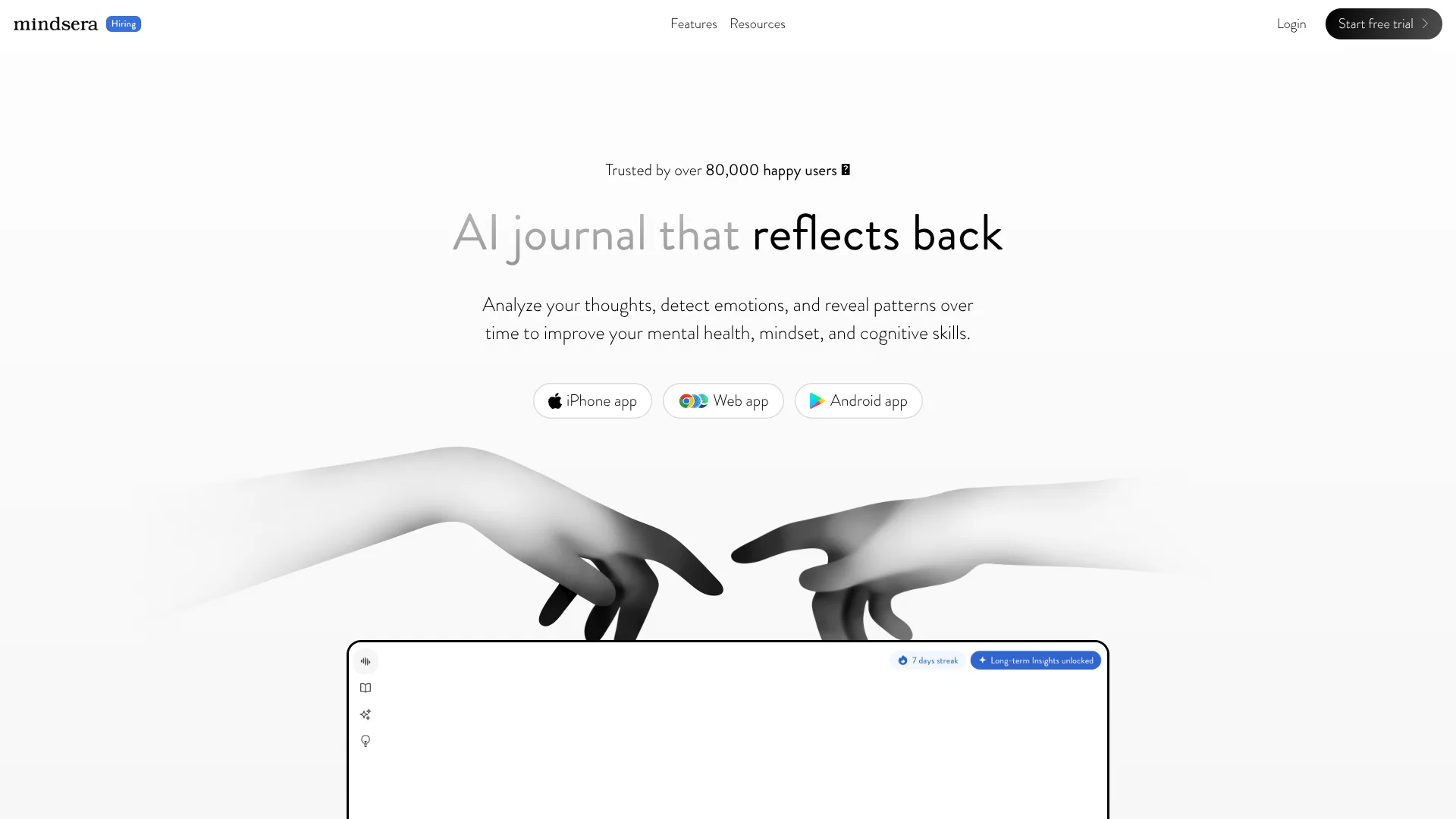
Mindsera
AI journaling for spotting patterns in your emotions and thinking.
Key Takeaways
- What it is
- AI journaling for spotting patterns in your emotions and thinking.
- Pricing
- Freemium · $14.99 per month
- Best for
- Ask Your Journal
- Entry Analysis
- Go Deeper
- Rating
- 4.2/5
What is Mindsera?
Mindsera turns written, spoken, or handwritten reflections into a searchable journal that helps you notice emotions, recurring topics, and changes in your thinking. Its guided prompts and 52+ thinking templates give beginners a place to start, while entry analysis adds summaries, artwork, and emotion insights. The web app and native iPhone and Android apps keep the practice available across devices.
Mindsera connects individual entries to longer-term patterns, including emotional waves, recurring topics, Big Five personality insights, and questions about your whole journal.
It fits people who want journaling to support self-reflection, clearer decisions, or cognitive growth rather than record events alone. The AI features are optimized for English, and Mindsera says quality in other languages is not guaranteed, so English-speaking journalers get the most predictable experience.
Who is Using Mindsera?
Founders and executives
Decision-making templates and whole-journal analysis help them examine assumptions, goals, and repeated thought patterns.
Therapists and coaches
The journal gives clients a structured way to reflect between sessions, without presenting itself as a replacement for professional care.
Writers and creators
Voice entries, handwritten-page scanning, and generated artwork make it easier to capture ideas in the form they arrive.
Students and lifelong learners
Guided prompts and natural-language search help them revisit lessons, decisions, and personal goals over time.
People building a journaling habit
Streaks, reminders, morning and evening rituals, and weekly review emails provide regular structure.
Uncommon Use Cases
Pair journal emotions with Oura or Whoop recovery data to compare mood and sleep; import an existing journal and analyze up to 5,000 entries through Genius.
Key Features
Rating Breakdown
Pricing Plans
Curious
Free
- Minimal journal
- Habit tracker, passcode, dark mode, themes, tags, and Smart Highlights
- Export entries to Markdown or PDF
- 52+ guided thinking templates
- No full AI analysis or long-term AI insights
Genius
$14.99 per month
- $129 billed annually
- Voice Mode, Call Mode, Conversational Prompts, and Scan Physical Journal
- Entry Analysis, Minds Comments, Ask Your Journal, and long-term insights
- Artwork generation, bullet summaries, personalized suggestions, and Weekly Review Email
- Body-Mind insights with Oura or Whoop
Which Mindsera plan should you pick?
Start with Curious if you mainly need a private digital journal and guided templates, then choose Genius when whole-journal analysis, voice conversations, or long-term insights become central to your routine.
Curious
Good for people who need distraction-free journaling, habit tracking, exports, tags, highlights, and guided thinking templates without paying.
Genius
Good for regular journalers who want AI follow-up prompts, voice and call entries, emotional analysis, Ask Your Journal, artwork, and long-term insights.
Mindsera Use Cases
Daily mental reset
Morning and evening rituals guide short reflections that give the day a clearer starting point or closing review.
Outcome: A repeatable journaling routine with prompts matched to the time of day.
Decision review
Mental-model templates help break down a difficult choice, clarify unwanted outcomes, and examine the assumptions behind it.
Outcome: A more structured record of the decision and the reasoning behind it.
Emotion and topic tracking
Entry analysis and long-term insights connect specific writing with detected emotions and recurring themes.
Outcome: A timeline of emotional shifts and subjects that keep returning.
Voice or handwritten journaling
Spoken thoughts can be transcribed, and photos of handwritten pages can be converted into searchable text.
Outcome: A digital journal without requiring every reflection to start at a keyboard.
Body and mood reflection
Oura or Whoop data can sit beside journal emotions so you can compare recovery, sleep, and mood.
Outcome: Personal observations about how physical recovery relates to your reflections.
Workflow Ideas with Mindsera
Morning clarity routine
- 1Open the Set the Day ritual
- 2Write or speak what matters today
- 3Review the AI follow-up and save the entry
Decision debrief
- 1Choose a decision-making template
- 2Write the situation and competing options
- 3Run Entry Analysis and revisit the result later
Weekly pattern review
- 1Journal several times during the week
- 2Open Insights for emotions and recurring topics
- 3Ask Your Journal what changed and why
How Mindsera fits into your stack
Web and mobile journaling
Mindsera works as a web app and has native iPhone and Android apps. Entries, settings, and subscriptions work across the connected account.
Voice and wearable data
Voice Mode and Call Mode capture reflections hands-free. Oura, Whoop, Apple Health, Apple Watch, and Wear OS features extend the journal into a broader mind-and-body routine.
Personal knowledge archive
Tags, natural-language search, Story View, highlights, exports, and summaries make the journal useful as a long-term record of ideas and experiences.
External AI connections
Mindsera documents connections to ChatGPT and Claude through MCP, while its own journal features provide the long-term personal context.
Pros
- +Whole-journal context: Connects new reflections with older entries instead of treating each prompt as a separate chat.
- +Flexible journaling: Supports typing, voice recording, spoken calls, and scans of handwritten pages.
- +Structured reflection: More than 52 guided thinking templates help turn vague thoughts into focused exercises.
- +Privacy controls: Mindsera states that writing is encrypted in transit and at rest and is not used to train AI models.
- +Free writing tier: Curious includes the core journal, habit tracking, tags, export, and guided templates.
Cons
- −AI paywall: Nearly all major analysis and conversation features require Genius.
- −English-first quality: Mindsera does not guarantee the same AI quality in languages other than English.
- −Personal use focus: It does not provide shared team workspaces, developer API access, or desktop installers.
Limitations & when to consider alternatives
Known limitations
- Genius gates most AI features. Curious includes core journaling and guided templates, while voice journaling, Call Mode, entry analysis, Ask Your Journal, long-term insights, and other major AI features are part of Genius.
- Ask Your Journal has an unlock threshold. The feature unlocks after journaling on three days; free members receive two free questions before it becomes part of Genius.
- Deep Analysis has activity thresholds. Insights unlock after journaling on five days, Emotional Waves after 21 days, and Body-Mind insights need at least three days with analyzed entries in the selected period.
- Call Mode session limit. A single Call Mode session can last up to 75 minutes, after which you need to start another call.
- Imported artwork billing. Genius includes analysis for up to 5,000 imported entries, but artwork for larger imports costs $0.02 per entry.
Look elsewhere when
- You need a developer API or automated data pipeline.
- Your team needs shared workspaces, roles, or SSO.
- You need guaranteed AI quality across several languages.
- Your workflow depends on a downloadable Windows, Mac, or Linux app.
How to Use Mindsera
- 1
Choose your entry method
Start with writing, Voice Mode, Call Mode, or a scan of a handwritten page, depending on how your thoughts are arriving.
- 2
Pick a direction
Use a personalized prompt or one of the guided thinking templates when a blank page feels too open.
- 3
Go deeper
Select Go Deeper after writing to receive a follow-up question, then adjust the tone or perspective if the response does not fit.
- 4
Analyze the entry
Finish the entry to receive emotion insights, a short summary, artwork, and updated journaling statistics.
- 5
Review your journal
Open Insights or Ask Your Journal after several entries to examine recurring topics, emotional waves, personality patterns, and personal suggestions.
- 6
Set your privacy and integrations
Review memory settings, export options, passcode protection, and optional Oura, Whoop, or Apple Health connections.
Who is Mindsera For?
People focused on self-reflection
Mindsera helps turn regular journaling into a practice for examining emotions, choices, and recurring thoughts.
Mental health and cognitive fitness users
Emotion tracking, daily rituals, and long-term patterns support personal reflection between other forms of care.
Founders and executives
Thinking templates such as First Principles Thinking, Anti-Goals, and Regret Minimization can structure difficult decisions.
Therapists and coaches
The journal can help clients prepare reflections and review patterns, while remaining a self-reflection tool rather than clinical care.
Writers, students, and lifelong learners
Natural-language search, tags, summaries, and guided prompts make it easier to revisit ideas and build a consistent writing habit.
Frequently Asked Questions
Can I use Mindsera for free?
Yes. Curious is a free plan with basic journaling, habit tracking, passcode protection, themes, tags, highlights, exports, and 52+ guided thinking templates.
What does Genius cost?
Genius costs $14.99 per month when billed monthly or $129 per year when billed annually.
Does Mindsera have iPhone and Android apps?
Yes. Mindsera offers native iPhone and Android apps, along with its web app. It also supports Apple Watch and Wear OS voice journaling.
Can Mindsera read handwritten journal pages?
Yes. Scan Physical Journal turns a photo or upload of handwritten notes into digital text.
Does Mindsera work in languages other than English?
Mindsera supports multiple app, voice, and AI response languages, but its AI features are optimized for English and the company does not guarantee the same quality in other languages.
Is my journal used to train AI models?
Mindsera states that journal writing is encrypted in transit and at rest and is not used to train or improve AI models. You can also export or delete your data.
Community reviews
1 review from people who use Mindsera.
Sign in to leave a review for Mindsera.
Thibault BM
Mindsera Alternatives
Looking for alternatives to Mindsera? Here are similar tools in the same category: