
Mirror AI
Transform selfies into custom avatars and stickers effortlessly.
Key Takeaways
- What it is
- Transform selfies into custom avatars and stickers effortlessly.
- Best for
- Advanced Facial Recognition
- Extensive Emoji and Sticker Library
- Multilingual Support
- Rating
- 4.6/5
What is Mirror AI?
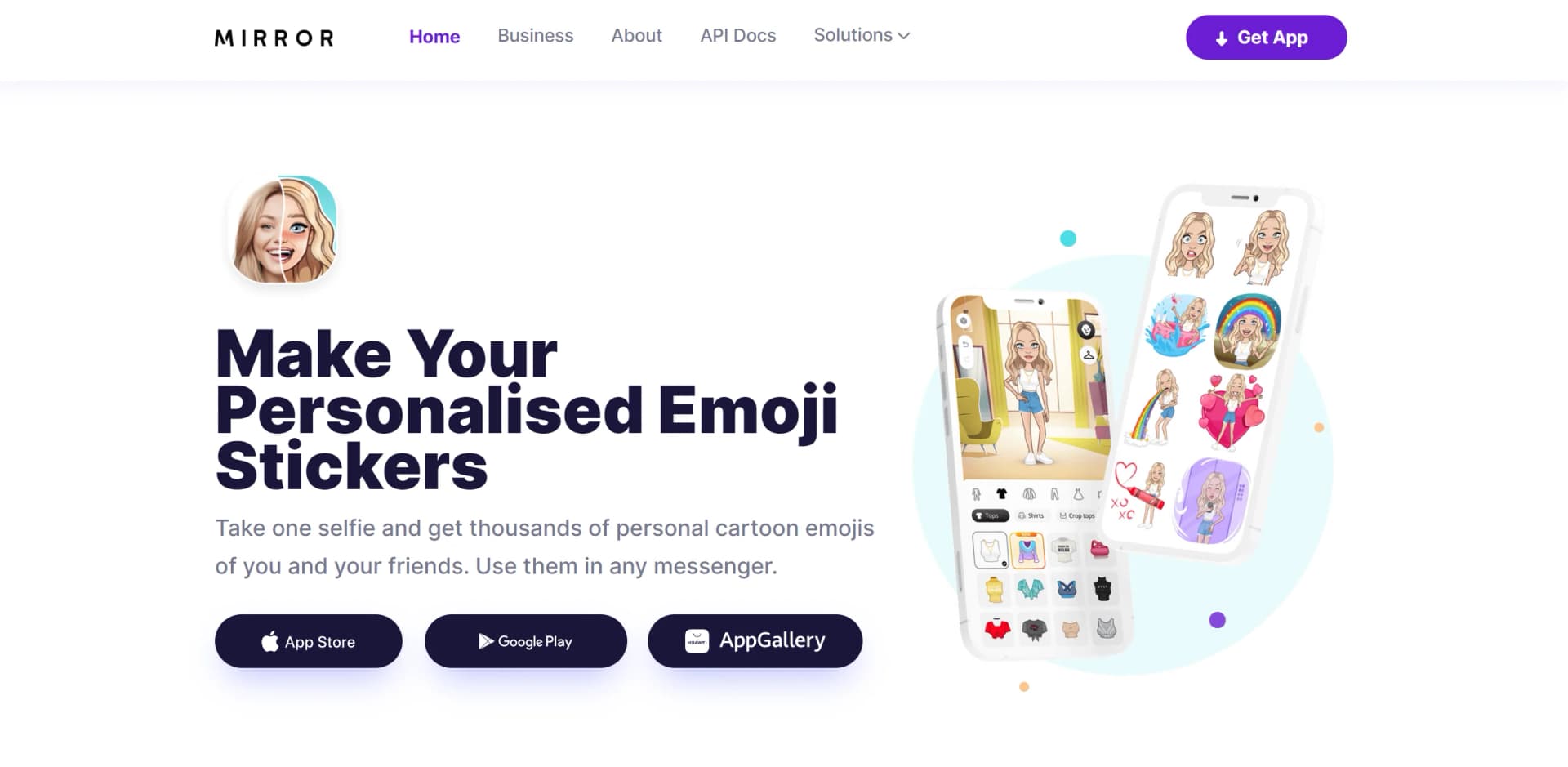
Mirror AI is a cutting-edge mobile application that leverages AI-powered facial recognition technology to create personalized cartoon avatars and emoji stickers from a single selfie. Designed to enhance digital communication, Mirror AI transforms personal expressions into a fun, engaging format that can be shared across various messaging platforms. This tool is especially beneficial for individuals looking to add a unique and personal touch to their digital interactions, whether it's through social media, messages, or even business communications.
Mirror AI stands out by transforming a simple selfie into a full-fledged avatar ecosystem. Its ability to integrate seamlessly with major messaging apps and provide a multilingual interface makes it a universal tool for digital communication.
Mirror AI excels in transforming personal selfies into expressive, customizable avatars and stickers, making digital communication more engaging and personalized. Its robust feature set, coupled with easy integration and a user-friendly interface, makes it an essential tool for anyone looking to enhance their digital interactions. Whether for personal fun or enhancing business communications, Mirror AI offers a unique and valuable service.
Who is Using Mirror AI?
Social Media Enthusiasts
Individuals who frequently engage on platforms like Instagram and Facebook use Mirror AI to personalize their posts and stories.
Young Professionals
Utilizing the tool to make business communications more engaging and less formal.
Educators and Students
Used in educational settings to make learning more interactive and fun.
Graphic Designers
Leverage the tool to quickly generate fun and engaging visuals for various projects.
Uncommon Use Cases
Event planners use Mirror AI to create personalized event invitations; Bloggers use it to create unique featured images for posts.
Key Features
Rating Breakdown
Pricing Plans
Free Version
- Access basic features and a limited sticker set at no cost
Premium Subscription
- Unlock all features and an extensive library of stickers and customization options
Which Mirror AI plan should you pick?
Start with Basic for experimentation, use Pay as You Go for variable professional volume, and upgrade to Pro or Ultra for larger recurring workloads.
Basic
Good for beginners who need a free starting allowance of 100 requests per month.
Pay as You Go
Good for professionals who need unlimited requests billed per request.
Pro
Good for teams that need 50,000 requests per month and priority support.
Ultra
Good for larger teams that need 150,000 requests per month and priority support.
Mirror AI Use Cases
Create a personalized avatar
Take a selfie or create a character manually, then customize clothing, hairstyles, accessories, and skin tone.
Outcome: A personalized cartoon avatar.
Create sticker packs
Use the avatar to create personalized sticker packs for messaging platforms.
Outcome: Shareable stickers for WhatsApp, Telegram, iMessage, and more.
Create stickers with friends
Combine two characters that resemble you and a friend in paired sticker content.
Outcome: Personalized shared stickers.
Use avatars in webinars and video chats
Replace or supplement webcam video with live avatars, reactions, and animated stickers.
Outcome: More expressive participation without a webcam.
Create branded avatar content
Businesses create characters and stickers in their brand style using face recognition.
Outcome: More personalized brand communication.
Workflow Ideas with Mirror AI
Create a personal sticker pack
- 1Take a selfie or create a character manually
- 2Customize the character's appearance
- 3Create and share a sticker pack
Build a friend sticker
- 1Create your avatar
- 2Create a friend's avatar
- 3Combine the two characters in paired sticker content
Create a branded avatar experience
- 1Upload or collect a user's photo
- 2Generate a personalized avatar using face recognition
- 3Deliver the avatar and stickers through the business API
How Mirror AI fits into your stack
Major Messaging Platforms
Fully compatible with WhatsApp, Telegram, iMessage, and more.
Cross-Device Compatibility
Available on iOS, Android, and Huawei devices.
Emoji Keyboard
Enhances user experience by integrating an emoji keyboard directly into the user's device.
Pros
- +Personalization: Enables a high degree of customization for avatars and stickers.
- +User Engagement: Enhances communication with fun and expressive visuals that stand out.
- +Accessibility: Easy to use across different devices and platforms.
- +Free to Use: Offers a robust free version, making it accessible to a wide audience.
Cons
- −Premium Features Behind Paywall: Full access to all features requires a subscription.
- −Limited Physical Merchandise Options: While it offers merchandise like t-shirts, the variety could be expanded.
Limitations & when to consider alternatives
Known limitations
- Free version has limited features. The free app version limits access to some features; premium unlocks all stickers and removes backgrounds and watermarks.
- Free API plan has a monthly request limit. The Basic plan includes 100 requests per month, with additional requests charged separately.
- Pay As You Go requires contacting Mirror AI. The Pay as You Go plan is priced per request and directs prospective customers to contact the company.
- Higher-volume plans are paid. Pro and Ultra plans cost $399 and $999 per month and include defined monthly request allowances.
How to Use Mirror AI
- 1
Explore a range of tutorials and guides available directly on the Mirror AI website or through their app, covering everything from basic setup to advanced customization features.
Who is Mirror AI For?
Businesses
Businesses can turn user photos into branded cartoon avatars and personalized stickers.
Creators
Creators can use the sticker library in commercial digital projects through the Creator Program.
Webinar and video-chat platforms
Platforms can use live avatars, stickers, polls, reactions, and animated video avatars.
Dating and audio-chat platforms
Platforms can use avatars to reveal photos later and emphasize personality and authenticity.
Brands and marketers
Brands can use stickers and branded content to communicate value propositions across social networks and messengers.
Frequently Asked Questions
What is Mirror AI?
Mirror AI is a mobile app that uses AI-powered face detection to create personalized cartoon characters and stickers.
How do I use Mirror AI?
Download the app, take a selfie, let the AI generate a character, then customize and share stickers.
Can I use Mirror AI on different messaging apps?
Yes. Mirror AI supports WhatsApp, Telegram, iMessage, and other messaging apps.
How can I share my stickers with others?
Create sticker packs, share them with friends and family, or use them in social media posts.
Is there a cost to use Mirror AI?
A free version is available with limited features. Premium unlocks all stickers and removes backgrounds and watermarks.
How secure is Mirror AI?
Mirror AI says user data is securely stored and encrypted and is not stored or shared.
Community reviews
Be the first to share your experience.
Sign in to leave a review for Mirror AI.
Mirror AI Alternatives
Looking for alternatives to Mirror AI? Here are similar tools in the same category:
Learn to Master Mirror AI
With Skill Leap courses
Get in-depth training on Mirror AI and 50+ other AI tools with our expert-led video courses.
Start 7-Day Free Trial