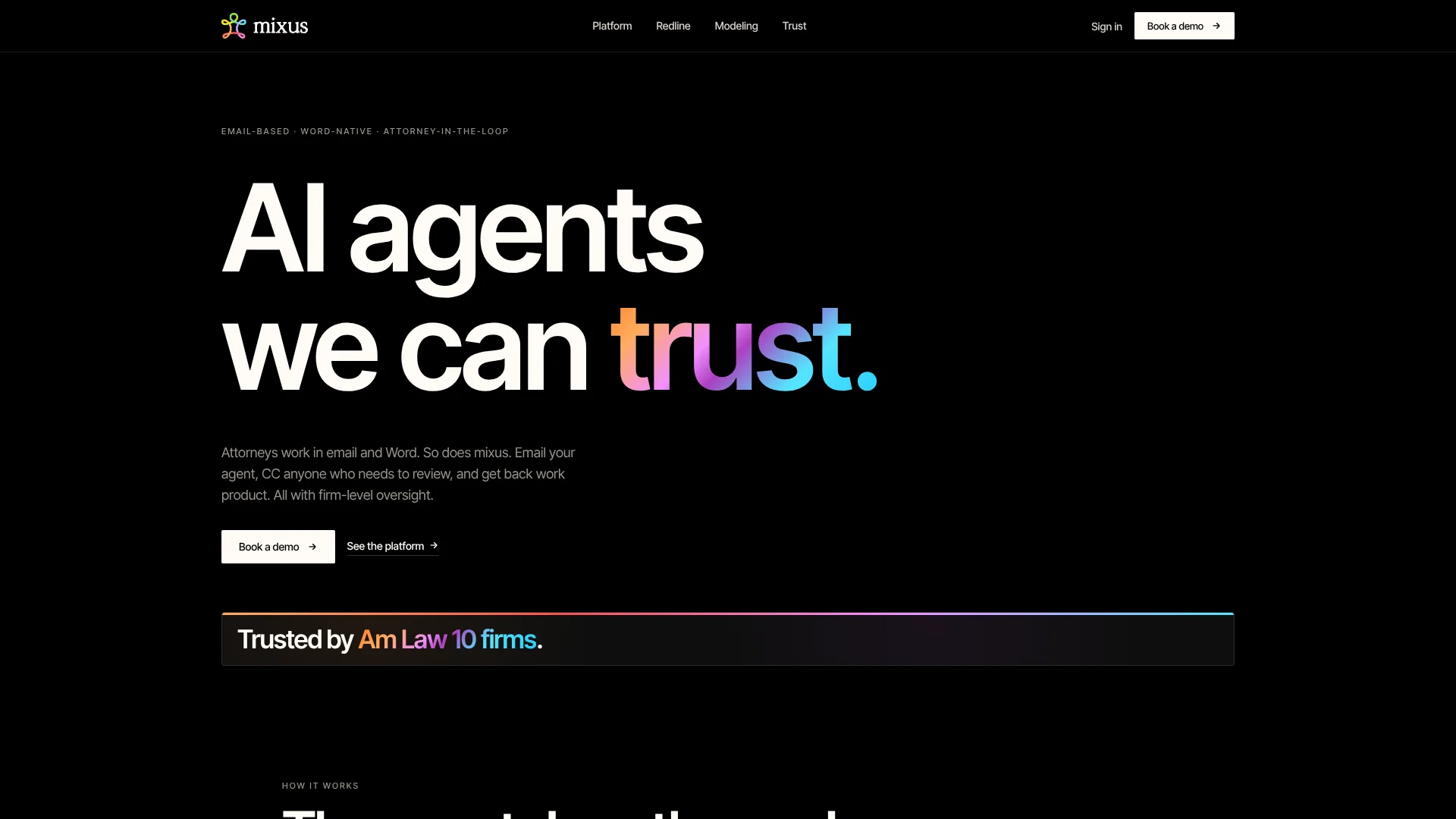
Mixus
Contract reviews guided by a law firm's own legal playbooks.
Watch Mixus in Action
Key Takeaways
- What it is
- Contract reviews guided by a law firm's own legal playbooks.
- Best for
- Playbooks
- AI Redline Review
- Review Decisions
- Rating
- 4.1/5
What is Mixus?
Mixus turns a law firm's prior agreements and attorney decisions into playbooks for reviewing contracts and handling repeat legal work. Attorneys can send matters by email or work in Microsoft Word, then review the returned redlines, drafts, analysis, or spreadsheets before anything is approved. It is built for law firms and legal teams that want AI to follow their own review standards, not generic instructions.
Each suggested contract change can point to the specific playbook rule behind it, and accepted, edited, or dismissed suggestions help shape future rules. That connects firm standards to reviewable Word Track Changes rather than leaving them in a prompt or a separate checklist.
Mixus is best suited to legal teams with repeatable workflows and attorneys available to review AI work. Its current materials list direct connections to legal research sources such as LexisNexis and EDGAR as still in development, so teams needing live case-law research should look elsewhere; Mixus is strongest when the firm's own work is the source of its review standards.
Who is Using Mixus?
Corporate Attorneys
Contract review becomes more consistent when redlines follow approved playbook rules.
Venture Attorneys
Term sheet reviews can produce issue lists and draft financing documents for attorney approval.
M&A Attorneys
Deal modeling workflows can return cap tables and waterfalls as editable spreadsheets.
Legal Operations Managers
Firm-wide playbooks and review records help track how AI-supported work is handled.
Uncommon Use Cases
Extracting structured data from legal documents; generating spreadsheet models from deal terms
Key Features
Rating Breakdown
Pricing Plans
Free Trial
- Provides an opportunity to experience Mixus with no initial cost
Which Mixus plan should you pick?
Book a demo to discuss your firm's workflow and pricing; Mixus does not publish plan prices.
Mixus Use Cases
Contract Redlining
A firm's standard positions guide proposed contract edits, while reviewers see the changes in Word Track Changes.
Outcome: A redlined document with cited reasons and an issues list.
Term Sheet Review
Financing terms are analyzed and organized into issues for an attorney to check.
Outcome: An attorney-reviewable issue list.
Deal Modeling
Deal terms can be turned into cap tables, dilution scenarios, or M&A waterfall models.
Outcome: An editable Excel model with live formulas.
Legal Document Drafting
Venture financing terms can be used to prepare draft transaction documents for attorney review.
Outcome: Draft financing documents ready for attorney review.
Playbook Development
Prior agreements and reviewer decisions can be shaped into reusable firm review rules.
Outcome: A firm-specific playbook for future reviews.
Workflow Ideas with Mixus
Review a Contract by Email
- 1Forward the contract and review instructions to the Mixus agent.
- 2CC the attorneys who need to review the matter.
- 3Check the returned redline and approve or revise suggestions.
Build a Firm Playbook
- 1Choose a repeatable review workflow.
- 2Provide prior agreements or models as examples.
- 3Have reviewers edit and approve the proposed playbook rules.
Continue a Redline in Word
- 1Open the returned document in Microsoft Word.
- 2Review, accept, or dismiss suggested Track Changes.
- 3Run a playbook or ask a follow-up question in the Word add-in.
How Mixus fits into your stack
Forward a matter to the agent and include reviewers in the same email thread.
Microsoft Word
The Word add-in supports playbook-driven reviews and tracked edits in Word Desktop and Word Online.
Legal Document Work
Mixus returns redlines, drafts, analysis, and spreadsheets as files for attorney review.
Legal Document Tools
The Word add-in is listed as compatible with Litera Compare and iManage.
Pros
- +Firm-specific reviews: Playbooks can reflect a firm's prior agreements and approved positions.
- +Reviewable changes: Contract suggestions appear as standard Word Track Changes.
- +Attorney control: Reviewers approve work before it is sent to clients.
- +Useful deal outputs: Cap tables and other models return as editable Excel files.
- +Legal security controls: Mixus lists AES-256 encryption at rest, TLS 1.3 in transit, and customer-managed keys.
Cons
- −Legal-first scope: Its clearest fit is repeatable legal work, not general-purpose AI tasks.
- −No posted prices: Firms need to contact Mixus to discuss pricing.
- −Attorney review required: AI output still needs legal review before client delivery.
Limitations & when to consider alternatives
Known limitations
- Live Legal Research Connections. Mixus lists direct connections to LexisNexis, EDGAR, and national court databases as features it is building toward.
Look elsewhere when
- You need live connections to legal research databases for case-law research.
How to Use Mixus
- 1
Pick a Repeatable Legal Task
Start with a workflow such as redlining, diligence, deal modeling, or data extraction.
- 2
Prepare Examples
Provide past agreements or models so the starting playbook reflects the firm's work.
- 3
Set Reviewer Standards
Have attorneys edit and approve the playbook before using it on live matters.
- 4
Send Work by Email or Open Word
Forward a matter to the agent or work in the Microsoft Word add-in.
- 5
Review Before Delivery
Check the returned work and approve it before it is sent to a client.
Who is Mixus For?
Law Firms
Firm playbooks help attorneys apply approved positions across recurring contract reviews.
In-House Legal Teams
Legal teams can route review work through email and Word with approval steps for colleagues.
Deal Teams
Teams handling financings and M&A can generate cap tables and other editable deal models.
Legal Operations
Matter-level controls and review records help teams govern AI use across legal workflows.
Frequently Asked Questions
Does Mixus have public pricing?
The current site directs firms to book a demo and does not publish plan prices.
Can Mixus review contracts in Microsoft Word?
Yes. Its Word add-in can show AI suggestions as Track Changes and supports playbook-driven review.
Does Mixus use my documents to train AI models?
Mixus says it does not use customer content to train AI models. Its playbooks can still adapt to reviewer decisions.
Can attorneys review work before it reaches a client?
Yes. Mixus describes attorney review and approval as part of its delivery workflow.
Which integrations does Mixus name?
Its Word add-in lists compatibility with Litera Compare and iManage, and the platform works through email and Microsoft Word.
Community reviews
Be the first to share your experience.
Sign in to leave a review for Mixus.
Mixus Alternatives
Looking for alternatives to Mixus? Here are similar tools in the same category: