
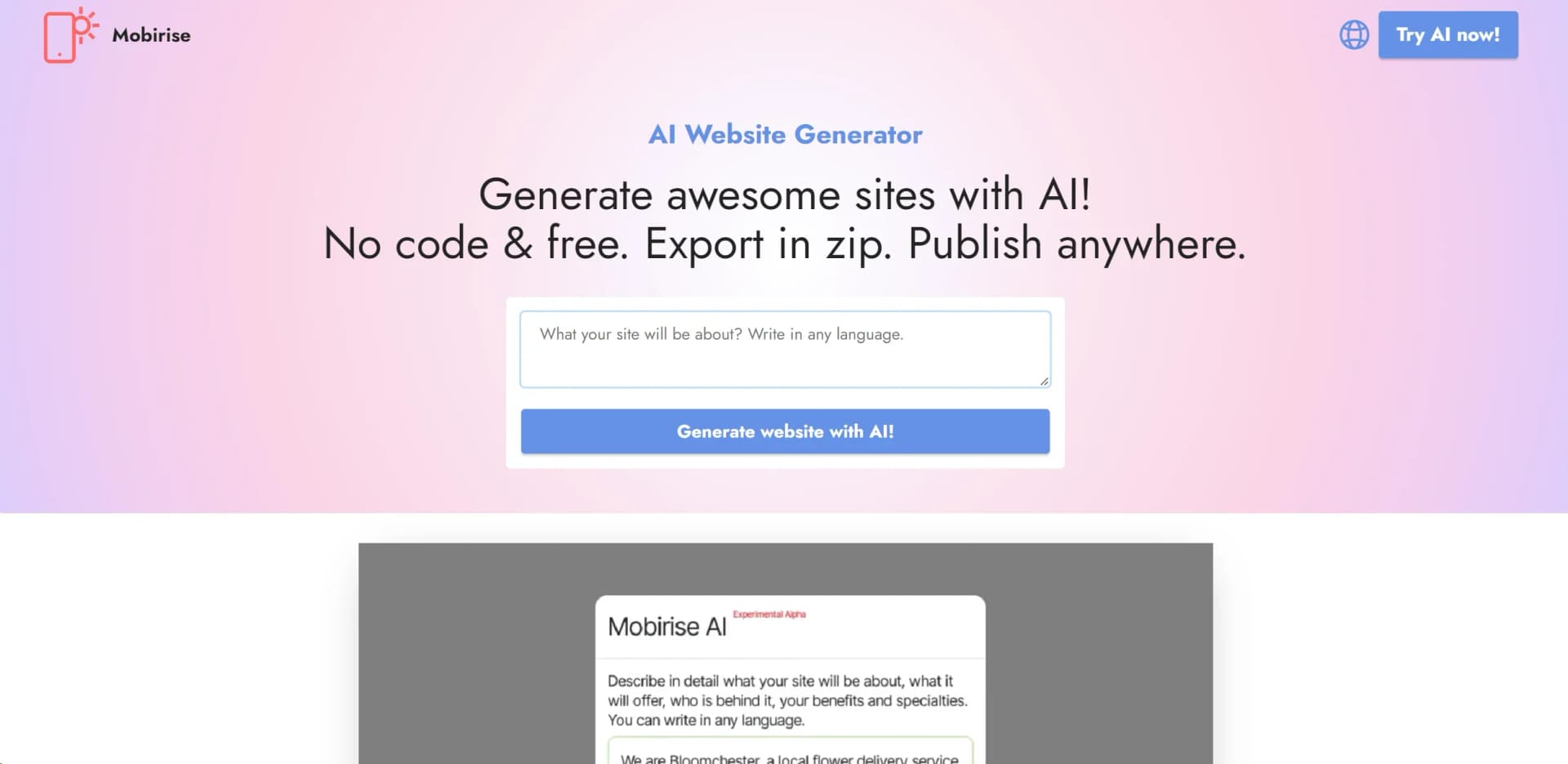
Mobirise AI Website Builder
Create professional websites easily with AI, no coding required.
Watch Mobirise AI Website Builder in Action
Key Takeaways
- What it is
- Create professional websites easily with AI, no coding required.
- Pricing
- Freemium
- Best for
- Unlimited AI Designs
- No-Code Solution
- Customization and Styling
- Rating
- 4.6/5
What is Mobirise AI Website Builder?
In the ever-evolving landscape of web design, the Mobirise AI Website Builder emerges as a groundbreaking tool that significantly simplifies the process of creating websites. Leveraging artificial intelligence, this online generator crafts aesthetically pleasing, highly functional sites tailored to the user's specific prompts and preferences. Designed with non-techies in mind, it offers a streamlined, efficient design solution that demystifies the complexities of web development. Its ability to generate unlimited AI designs optimized for both mobile devices and Google, while ensuring users retain full ownership of their websites, sets a new standard in the realm of web design tools.
What sets Mobirise AI Website Builder apart is its no-code, AI-driven approach to website creation, making it accessible to users regardless of their technical expertise. Its emphasis on customization and flexibility, coupled with a user-friendly interface, ensures that anyone can create a professional-looking website. The ability to generate unlimited designs based on simple prompts makes it a standout tool in the realm of web development.
Mobirise AI Website Builder excels in democratizing web design, offering a powerful, user-friendly platform that caters to users of all skill levels. Its unique AI-driven approach to website creation, combined with extensive customization options and a no-code philosophy, makes it an indispensable tool for anyone looking to create a professional online presence quickly and efficiently. Whether you're a small business owner, freelancer, or hobbyist, Mobirise AI Website Builder provides the tools and flexibility needed to bring your digital vision to life.
Who is Using Mobirise AI Website Builder?
Small to Medium-Sized Businesses
Utilizing the tool to quickly establish an online presence.
Freelancers
Creating personalized portfolios to showcase their work.
Non-Profit Organizations
Developing websites to promote their causes without heavy investment in web development.
Educational Institutions
For projects or to digitalize their presence.
Uncommon Use Cases
Hobbyists creating niche websites for communities; Event organizers setting up landing pages for upcoming events.
Key Features
Rating Breakdown
Pricing Plans
Free Tier
Free
- Start with Mobirise AI Website Builder at no cost
Premium Extensions
- Advanced features and functionalities
- Premium extensions are available for purchase
Which Mobirise AI Website Builder plan should you pick?
Start with FREE to test AI generation; choose BASE for personal sites and GROW when building more sites or doing client work.
FREE
Good for users who need up to 3 AI generations per month and want to test publishing without paying.
BASE
Good for personal site builders who need up to 3 online sites and 100 AI generations per month.
GROW
Good for freelancers and client work requiring up to 10 online sites and 1,000 AI generations per month.
Mobirise AI Website Builder Use Cases
Landing pages
Generate a focused landing page from a text prompt, then customize its content, layout, and visuals.
Outcome: A publishable promotional or campaign website.
Blogs
Use AI to create the structure, content, and design for a blog, then edit and publish it.
Outcome: A ready-to-launch blog site.
Creative portfolios
Create galleries, project showcases, testimonials, case studies, and contact sections for portfolio work.
Outcome: A professional online portfolio.
Online stores
Describe products and use AI e-commerce features to generate shop layouts, product pages, and carts.
Outcome: An online store with supported order-routing options.
Multilingual websites
Translate site content, buttons, and menus into multiple languages with AI Translation.
Outcome: A website accessible to international audiences.
Workflow Ideas with Mobirise AI Website Builder
Prompt to published website
- 1Enter a description of the website and desired features.
- 2Review generated design variations and select one.
- 3Edit the content and publish to a Mobirise or custom domain.
Image to editable website
- 1Upload a screenshot, mockup, or sketch.
- 2Let the AI analyze the visual structure, colors, fonts, and layout.
- 3Refine the generated website and export or publish it.
AI store launch
- 1Describe the products and shop requirements.
- 2Generate the store layout, product pages, and shopping cart.
- 3Route orders to supported channels such as WhatsApp, email, Stripe, or PayPal.
How Mobirise AI Website Builder fits into your stack
Social Media Feeds
Integrate feeds from Facebook, Twitter, Instagram, and TikTok.
Media Compatibility
Supports YouTube, Vimeo, and SoundCloud for a rich multimedia experience.
E-commerce Integration
Through the SmartCart extension, seamlessly set up an online store.
Google Tools
Utilize Google Fonts and Google Maps to enhance your site.
Pros
- +User-Friendly Interface: Designed to be intuitive, making it accessible for users of all skill levels.
- +Time-Saving: Automates the design process, allowing users to focus on content and business strategy.
- +Cost-Effective: Offers a free version, making it an attractive option for individuals and small businesses.
- +Flexibility: Users have full control over their website's look and feel, with options to edit, style, and regenerate content as needed.
Cons
- −Initial Learning Curve: While designed to be user-friendly, first-time users may require time to fully grasp all available features.
- −Limited Integration: May not support as many third-party integrations as some competitors.
- −Over-reliance on AI: While AI simplifies the design process, users looking for highly specific customizations may need to utilize the code editor.
Limitations & when to consider alternatives
Known limitations
- Free-plan generation quota. The FREE plan includes 3 AI generations per month; BASE includes 100 and GROW includes 1,000.
- Online-site limits on paid plans. BASE includes up to 3 online sites, while GROW includes up to 10 online sites.
- Premium access expires after the paid period. After a one-year plan expires, basic editing remains available, but premium blocks, new releases, updates, and support are lost.
- Desktop projects require native project files. The desktop app can import native Mobirise project files but cannot import already published HTML files.
How to Use Mobirise AI Website Builder
- 1
Explore a variety of tutorials available on the Mobirise website and YouTube, covering everything from basic setup to advanced customization features.
Who is Mobirise AI Website Builder For?
Entrepreneurs
The builder creates professional business websites from prompts, with customization, publishing, and code export.
Creators
Creators can rapidly produce landing pages, blogs, portfolios, and visually customized online projects.
Users without technical expertise
The no-code workflow generates layouts, content, images, and functionality without requiring coding or design skills.
Freelancers and client-work professionals
The GROW plan supports up to 10 online sites and 1,000 AI generations per month.
Developers and designers
Full source-code export and the Code Editor support further customization and self-hosting.
Frequently Asked Questions
Is Mobirise AI free?
Yes. The free plan allows users to create, publish, and host up to three AI-generated websites per month.
Can I export the full source code?
Yes. Users can export complete HTML, CSS, and JavaScript files for hosting or further customization.
Does Mobirise AI support image-to-website generation?
Yes. Users can upload screenshots, mockups, or sketches, and the AI analyzes them to generate editable websites.
Are websites created with Mobirise AI mobile-friendly?
Yes. Websites are responsive by default and adapt to desktops, tablets, and smartphones.
Can I build multilingual websites?
Yes. The AI Translation feature can translate website content, buttons, and menus into numerous languages.
Can I build an online store?
Yes. AI e-commerce can generate shops, product pages, and shopping carts, with orders routed to supported services.
Community reviews
2 reviews from people who use Mobirise AI Website Builder.
Sign in to leave a review for Mobirise AI Website Builder.
Docs Docs
Jerry Hook
Mobirise AI Website Builder Alternatives
Looking for alternatives to Mobirise AI Website Builder? Here are similar tools in the same category:
Learn to Master Mobirise AI Website Builder
With Skill Leap courses
Get in-depth training on Mobirise AI Website Builder and 50+ other AI tools with our expert-led video courses.
Start 7-Day Free Trial