
ModelOp
Streamlines AI governance with automated compliance and risk management.
Key Takeaways
- What it is
- Streamlines AI governance with automated compliance and risk management.
- Best for
- Automated Governance Processes
- Real-Time Reporting
- Comprehensive Integrations
- Rating
- 4.4/5
What is ModelOp?
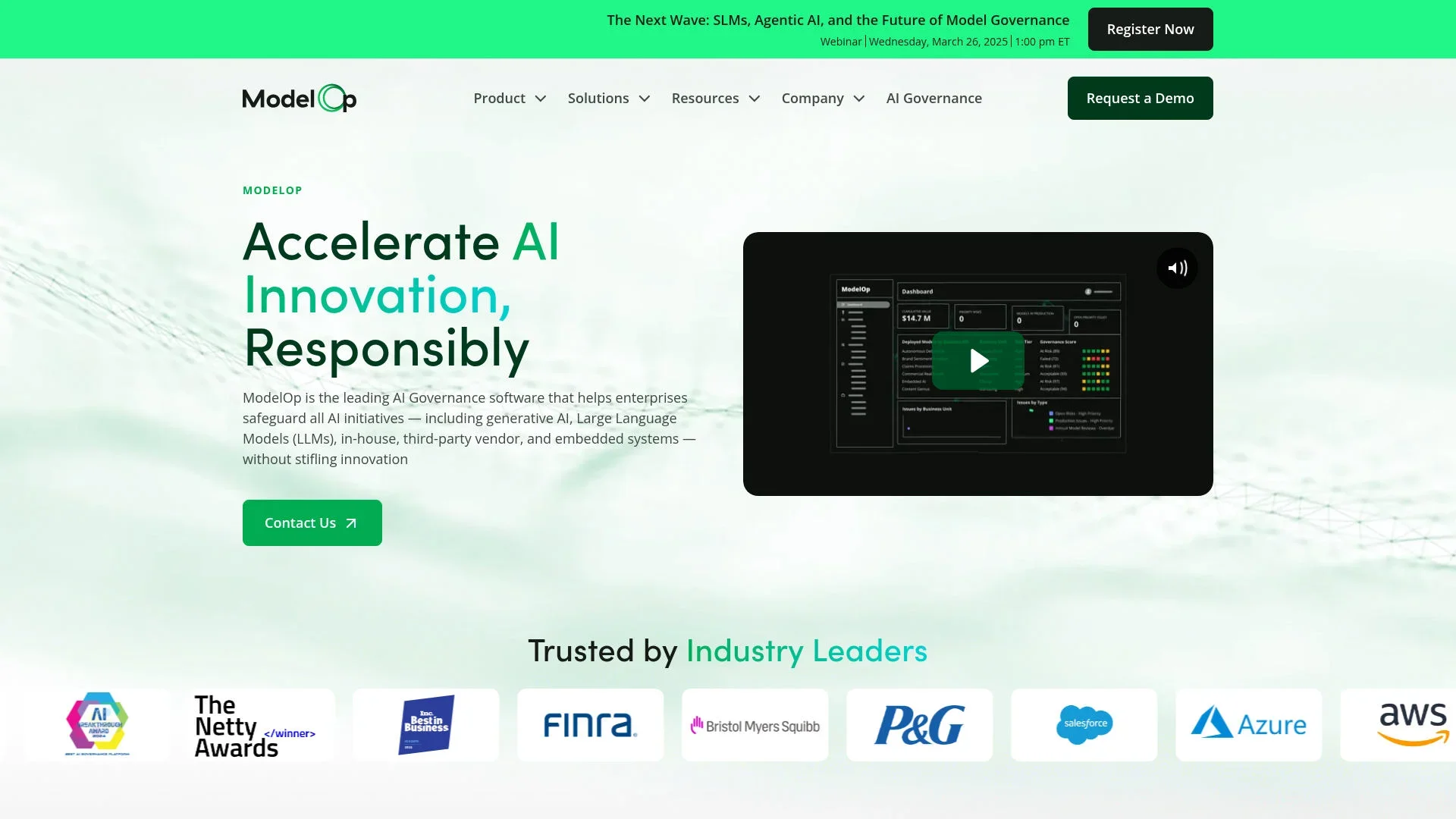
ModelOp is the leading AI governance software designed to revolutionize how enterprises manage their AI systems. By providing a centralized platform, it offers a comprehensive solution for AI governance, enabling businesses to safeguard their AI initiatives without stifling innovation. Tailored for enterprises across various industries, ModelOp simplifies the complexities of AI model management, ensuring compliance, risk mitigation, and enhanced operational efficiency.
ModelOp stands out with its unparalleled focus on AI governance, providing a single source of truth for all AI initiatives across an enterprise. Its ability to integrate seamlessly with existing technology stacks while automating policy enforcement and risk mitigation sets it apart as a leader in AI governance software.
ModelOp offers an indispensable solution for enterprises seeking comprehensive AI governance. Its ability to automate complex processes and provide real-time insights ensures that organizations can innovate responsibly while maintaining compliance and mitigating risks. With its extensive integration capabilities and robust feature set, ModelOp is an essential tool for any enterprise looking to harness the full potential of AI while safeguarding their investments.
Who is Using ModelOp?
Financial Services
Leveraging the tool for risk management and compliance in AI-driven financial operations.
Healthcare, Pharmaceuticals, & Biotech
Utilizing ModelOp to ensure regulatory compliance and streamline AI model deployment.
Consumer Packaged Goods & Retail
Employing the software to enhance supply chain efficiency and customer insights.
Defense, Government, & Public Sector
Adopting ModelOp for secure and compliant AI applications in sensitive environments.
Uncommon Use Cases
Used by educational institutions for AI ethics courses; Employed by non-profits for AI-driven social impact projects.
Key Features
Rating Breakdown
Pricing Plans
Enterprise Plan
- Custom pricing based on the scale and specific needs of the organization
ModelOp Use Cases
AI use-case intake and registration
Standardize intake, register an AI use case, and initiate its lifecycle record.
Outcome: A consistent starting point for governance.
Risk assessment and approval
Apply risk tiers, map controls, and orchestrate reviews across business, legal, security, and compliance teams.
Outcome: Policy-aligned approvals with an auditable trail.
Production monitoring
Monitor AI systems for drift, bias, performance, prompt vulnerabilities, token usage, and cost.
Outcome: Continuous visibility into operational and governance risk.
Agent and MCP governance
Import agents and tools, maintain inventories, approve use cases, and block unapproved traffic or unsafe actions.
Outcome: Controlled deployment of agentic AI.
Regulatory documentation
Generate model cards, validation summaries, risk documentation, test results, and audit artifacts.
Outcome: Reduced manual documentation and stronger audit readiness.
Workflow Ideas with ModelOp
Govern an AI use case from intake to production
- 1Submit and register the AI use case
- 2Apply risk tiering, controls, reviews, and approvals
- 3Monitor the approved system and maintain lifecycle evidence
Connect an existing model registry
- 1Connect MLflow, Bedrock, SageMaker, Azure ML, or Vertex AI
- 2Synchronize model assets into the central inventory
- 3Apply governance workflows and monitoring across the portfolio
Approve and protect an agentic tool
- 1Import the agent or MCP tool and capture its metadata
- 2Run risk assessment and required stakeholder approvals
- 3Allow approved traffic while blocking unregistered or noncompliant components
How ModelOp fits into your stack
Browser
ModelOp Center provides a web interface for AI inventory, governance, lifecycle management, monitoring, and reporting.
Automation and APIs
REST-compliant microservices and documented APIs connect ModelOp with enterprise systems and support custom automations.
Desktop / IDE
ModelOp provides integrations and plugins for development environments including Jupyter and RStudio, while model assets can be managed through Git.
Pros
- +Enhanced Compliance: Automates the enforcement of governance policies, reducing human error and increasing compliance speed.
- +Scalable Solution: Supports all AI initiatives, including generative AI and large language models, ensuring adaptability across various use cases.
- +Increased Efficiency: Reduces the time to find and resolve issues by up to 80%, significantly improving operational efficiency.
- +Enterprise-Grade Controls: Provides robust controls that manage the lifecycle of AI models without hindering innovation.
Cons
- −Initial Setup Complexity: The integration and setup process can be complex, requiring a thorough understanding of existing IT infrastructure.
- −Learning Curve: Users may experience a steep learning curve, particularly when implementing advanced governance features.
Limitations & when to consider alternatives
Known limitations
- Enterprise deployment model. The Command Center is installed on-premises, in private cloud, or in hybrid environments; ModelOp states it is not a public SaaS solution.
- Pricing is sales-led. The site directs prospective customers to request a demo or contact the vendor for pricing rather than publishing self-service plan prices.
- Some technical documentation is restricted. The documentation hub notes that some technical guides are restricted to licensed customers.
- ModelOp is a governance and delivery platform. It governs and orchestrates models, agents, workflows, and enterprise systems rather than serving as a general-purpose consumer AI assistant.
Look elsewhere when
- You need a public SaaS AI assistant rather than an enterprise deployment.
- You need native image analysis, code generation, or conversational multilingual output.
- You need a dedicated desktop application instead of a terminal-based enterprise CLI.
How to Use ModelOp
- 1
Get access to the documentation and instance
Use the ModelOp Center documentation hub and obtain access to a licensed ModelOp instance; some technical guides require licensed-customer access.
- 2
Connect the CLI or enterprise systems
Install the ModelOp CLI or connect supported registries and enterprise systems so models and assets can be synchronized into ModelOp Center.
- 3
Register models and assets
Register models, upload attachments or artifacts, and establish the governance inventory for AI use cases and systems.
- 4
Configure lifecycle workflows
Set up intake, risk tiering, control mapping, reviews, approvals, testing, monitoring, and documentation workflows for each AI lifecycle.
- 5
Monitor and report
Track production status, risk, bias, drift, performance, token usage, costs, evidence, and compliance through the central system of record.
Who is ModelOp For?
CIOs, CAIOs, and AI leaders
They gain a centralized system of record, portfolio visibility, cost and risk insights, and faster AI delivery.
AI governance teams and committees
They use role-based workflows, approvals, controls, evidence collection, and audit-ready reporting.
Data science, security, legal, risk, and compliance teams
They collaborate through governed lifecycle workflows that coordinate reviews, testing, documentation, and approvals.
Government and public-sector organizations
They use on-premises or private-cloud deployment, in-place data handling, and governance templates for public-sector requirements.
Frequently Asked Questions
What is the Enterprise AI Command Center?
It is ModelOp’s AI system of record for ML, GenAI, agentic, first-party, and third-party AI, with automated lifecycle management, governance, and operational intelligence.
How is ModelOp different from MLOps or a model registry?
MLOps tools manage training and deployment, while registries track artifacts. ModelOp orchestrates intake, risk, review, approval, monitoring, and audit across those systems.
Does ModelOp govern agentic AI and LLM systems?
Yes. It supports agent and MCP discovery, tool inventories, agent cards, and runtime protections against prompt injection, PII leakage, unsafe tool use, and misaligned behavior.
Where does ModelOp deploy?
The Command Center installs in an organization’s environment: on-premises, private cloud, or hybrid. It references data in place and is not a public SaaS solution.
Which regulations and frameworks does ModelOp support?
ModelOp supports frameworks including the EU AI Act, NIST AI RMF, OCC SR 11-7, and ISO 42001, with controls mapped by risk and system characteristics.
Community reviews
Be the first to share your experience.
Sign in to leave a review for ModelOp.
ModelOp Alternatives
Looking for alternatives to ModelOp? Here are similar tools in the same category:
Learn to Master ModelOp
With Skill Leap courses
Get in-depth training on ModelOp and 50+ other AI tools with our expert-led video courses.
Start 7-Day Free Trial