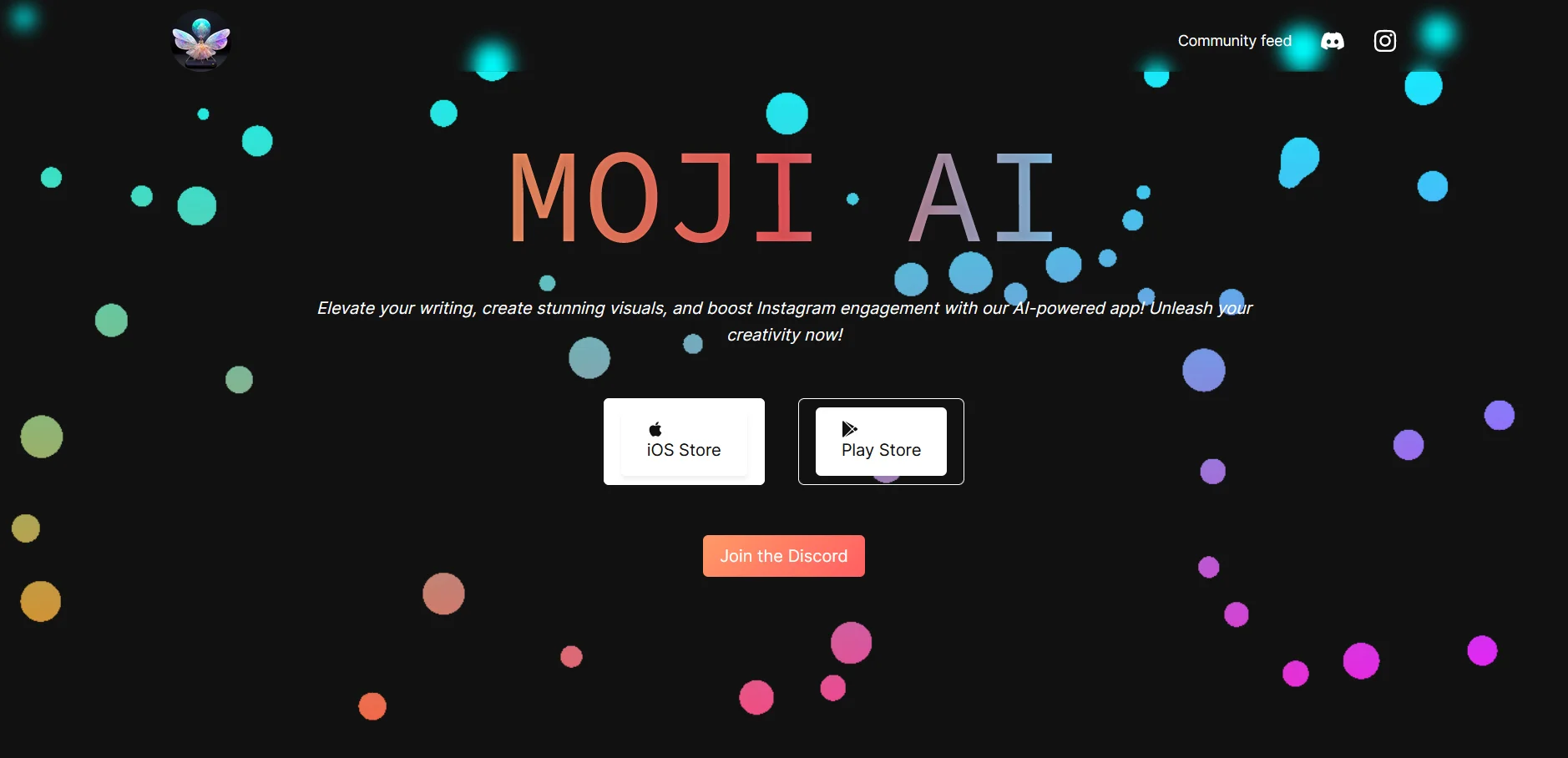
Moji Writing Assistant
Mobile-first writing help for creators shaping polished social media copy.
Key Takeaways
- What it is
- Mobile-first writing help for creators shaping polished social media copy.
- Pricing
- $9.99 per month · $79.99 per year
- Best for
- AI-Generated Captions
- AI-Generated Scripts
- Text to Image Generation
- Rating
- 3.8/5
What is Moji Writing Assistant ?
Moji AI helps creators generate content on an Apple device, including captions, scripts, and hooks.
The app also offers text-to-image creation, turning written prompts into images.
Who is Using Moji Writing Assistant ?
Social Media Managers
Instagram post engagement rates offer a quick metric to review alongside content creation.
Content Creators
Writing support and text-to-image generation help prepare copy and visuals for digital posts.
Marketing Professionals
Email templates and AI-generated images support campaign content preparation.
Business Communicators
Professional email templates can help shape routine messages.
Uncommon Use Cases
A creator can pair an AI-written caption with a generated visual; a marketer can check Instagram engagement rates while preparing post content.
Key Features
Rating Breakdown
Pricing Plans
Monthly Subscription
$9.99 per month
- Pro Access subscription.
Pro Yearly
$79.99 per year
- Pro Access subscription.
Which Moji Writing Assistant plan should you pick?
Try the free app first, then consider a Pro subscription if you want paid access; choose monthly for a shorter commitment or annual for a year-long subscription.
Monthly Subscription
For someone who wants Pro access month to month.
Annual Subscription
For someone who wants Pro access over a year.
Moji Writing Assistant Use Cases
Polish Short Copy
A rough draft gets improved word choices and tailored phrases.
Outcome: Clearer, more polished copy.
Draft Professional Emails
Email templates give routine correspondence a starting point.
Outcome: A professional email draft.
Make Social Visuals
Written ideas become images for social media and digital marketing.
Outcome: An AI-generated image from a text prompt.
Check Instagram Engagement
The calculator measures the engagement rate of an Instagram post.
Outcome: An engagement-rate estimate.
Workflow Ideas with Moji Writing Assistant
Prepare an Instagram Post
- 1Draft or refine the post copy with the AI Writing Assistant.
- 2Generate an image from a written visual idea.
- 3Check the post's engagement rate with the Instagram Engagement Calculator.
Write a Professional Email
- 1Choose an email template suited to the message.
- 2Add the details the recipient needs.
- 3Refine the wording with the AI Writing Assistant.
How Moji Writing Assistant fits into your stack
Apple mobile app
Moji AI is listed for iPhone and iPad, so it fits a mobile content workflow on Apple devices.
Writing and email
The AI Writing Assistant and Email Writing Templates cover copy refinement and professional email drafts.
Social content
Text-to-image generation and an Instagram Engagement Calculator support visual content preparation and a basic engagement check.
Pros
- +Content variety: AI writing, email templates, and image generation serve several everyday content tasks.
- +Instagram metric: The built-in calculator reports post engagement rates.
- +Free access: The App Store lists the app as free with in-app purchases.
- +Apple device access: The app is available for iPhone and iPad.
Cons
- −Apple-focused access: Its listed mobile compatibility is for Apple devices.
- −Subscription renewal: Paid plans renew automatically unless turned off before the renewal period.
- −Narrow social analytics: The listed calculator focuses on Instagram engagement.
Limitations & when to consider alternatives
Known limitations
- Subscription renewal. Paid subscriptions renew automatically unless auto-renew is turned off at least 24 hours before the current period ends.
- No cancellation during an active period. The App Store subscription terms state that the current subscription cannot be canceled during its active period.
Look elsewhere when
- You need a documented API or named third-party integrations.
- You need a shared workspace with user invites and roles.
- You need an Android app or a dedicated desktop installer.
How to Use Moji Writing Assistant
- 1
Install Moji AI
Get the app from the Apple App Store for iPhone or iPad.
- 2
Pick a content task
Choose writing help, an email template, text-to-image generation, or the Instagram Engagement Calculator.
- 3
Add your idea or details
Provide the text or context needed for the selected feature.
- 4
Review the result
Check AI-written copy or generated images before using them in your content.
- 5
Check a paid plan if needed
The App Store lists monthly and annual Pro subscriptions, alongside free app access.
Who is Moji Writing Assistant For?
Content Creators
Writing suggestions and text-to-image generation support creating social and digital content.
Marketing Professionals
Email templates and image creation can help prepare campaign materials.
Professionals
The email templates help with routine professional correspondence.
Creative Users
The app pairs writing support with image generation for content ideas.
Frequently Asked Questions
Is Moji AI free?
The App Store lists the app as free with in-app purchases. It also lists paid monthly and annual Pro subscriptions.
How much does Moji AI cost?
The App Store lists Pro at $9.99 monthly or $89.99 annually.
What can Moji AI help create?
Its listed features include improved writing, professional email drafts, and images generated from text.
Does Moji AI work on Android?
The App Store listing confirms iPhone and iPad compatibility; it does not list Android support.
Does Moji AI collect app data?
The App Store says the developer indicates that the app does not collect data.
Community reviews
Be the first to share your experience.
Sign in to leave a review for Moji Writing Assistant .
Moji Writing Assistant Alternatives
Looking for alternatives to Moji Writing Assistant ? Here are similar tools in the same category: