Momentic
Revolutionize software testing with AI-driven automation and adaptability.
Key Takeaways
- What it is
- Revolutionize software testing with AI-driven automation and adaptability.
- Best for
- AI-Driven Element Location
- Dynamic Assertion Crafting
- Automated Test Recording
- Rating
- 4.7/5
What is Momentic?
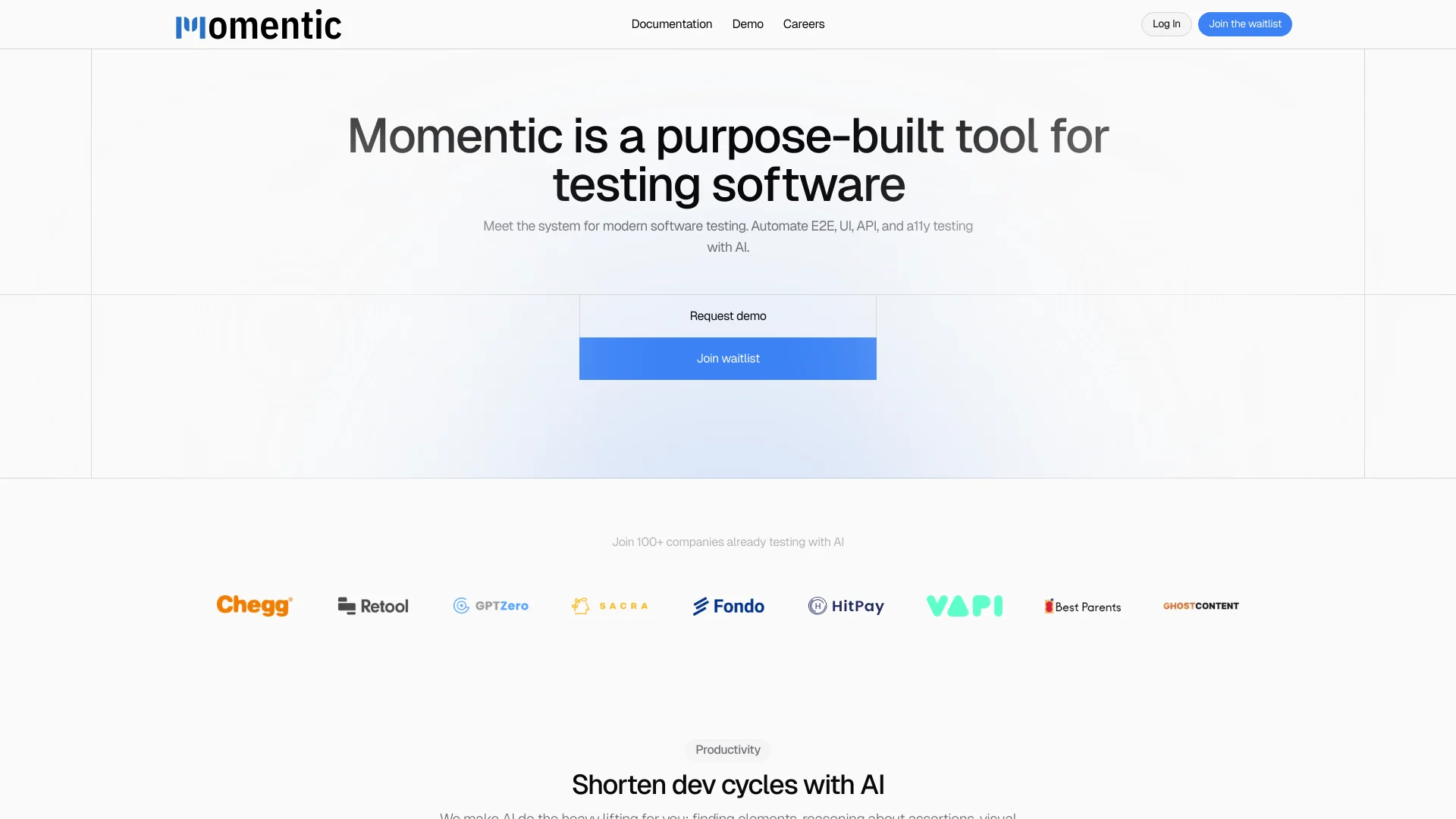
Momentic is an innovative AI-powered tool designed specifically for modern software testing. With a focus on automating end-to-end (E2E), user interface (UI), API, and accessibility (a11y) testing, Momentic leverages artificial intelligence to enhance the efficiency and accuracy of software testing processes. This tool is crafted to meet the needs of developers and QA professionals by simplifying complex testing tasks through intelligent automation, such as element location, assertion crafting, and test generation.
Momentic stands out for its ability to transform the traditional, often cumbersome, software testing landscape. Its use of AI to understand plain English and automate complex testing processes sets it apart, making software testing more intuitive and less reliant on technical know-how.
Momentic excels in revolutionizing software testing by integrating AI to automate and simplify processes. Its unique ability to interpret plain English and generate robust testing procedures makes it an indispensable tool for developers and QA professionals aiming for high efficiency and accuracy in their software development cycles.
Who is Using Momentic?
Software Development Companies
Employ Momentic for streamlined testing across development phases.
Quality Assurance Professionals
Utilize the tool to perform detailed and automated testing with less manual effort.
Tech Startups
Leverage Momentic to maintain agile development cycles and ensure high-quality software releases.
Educational Institutions
Use in tech courses to teach modern testing techniques.
Uncommon Use Cases
Non-tech companies use Momentic to ensure the software reliability of their digital tools.
Key Features
Rating Breakdown
Pricing Plans
Free Trial
- Get started with Momentic at no cost to explore its capabilities
Subscription Plans
- Detailed pricing is available upon request through the Momentic website
Momentic Use Cases
End-to-end web testing
Write natural-language tests for Chromium-based web applications and run them locally or in CI.
Outcome: Automated coverage with self-healing locators.
Mobile app testing
Upload Android APKs or iOS app bundles and run tests on remote emulators or simulators.
Outcome: Cross-platform mobile test feedback without real devices.
Continuous integration testing
Run the Momentic CLI on every pull request, commit, or deployment pipeline.
Outcome: Automated verification throughout the development workflow.
Visual regression checks
Use screenshot-based assertions to verify colors, layout, icons, charts, and other visual properties.
Outcome: Visual failures are detected as test failures.
Failure triage and recovery
Review traces, recordings, AI failure analysis, auto-heal history, and recovery attempts in the dashboard.
Outcome: Faster diagnosis of genuine regressions and transient failures.
Workflow Ideas with Momentic
Create and run a web test
- 1Install Momentic with npm
- 2Write a natural-language test in the local editor
- 3Run the test locally or in CI and upload results
Test an Android APK
- 1Upload the APK to a Momentic asset channel
- 2Create a mobile YAML test with natural-language actions
- 3Run the test on a local or hosted emulator
Triage a failing test
- 1Open the run in the Momentic dashboard
- 2Review recordings, traces, screenshots, and AI failure analysis
- 3Apply recovery or update the YAML test in the repository
How Momentic fits into your stack
GitHub Actions
Seamlessly integrates, facilitating continuous integration and delivery.
CircleCI and GitLab Pipelines
Supports major CI/CD platforms to enhance development workflows.
Local and Cloud Testing
Offers flexible testing solutions that cater to diverse development environments.
Browser Control
Advanced browser interaction capabilities for comprehensive testing scenarios.
Pros
- +Enhanced Productivity: AI does the heavy lifting, significantly shortening development cycles by automating repetitive testing tasks.
- +User-Friendly Interface: Features an intuitive editor and interactive browser preview that simplifies the creation of complex tests.
- +Highly Adaptable: Runs tests in various environments, supporting both local and CI/CD pipeline integrations.
- +Plain English Interaction: Allows users to describe elements and assertions in plain English, making it accessible even to less experienced developers.
Cons
- −Limited Public Information: As a relatively new tool, some potential users might find it challenging to locate extensive user reviews or detailed case studies.
- −Advanced Features Learning Curve: While designed to be user-friendly, some users may require time to fully leverage all advanced features.
- −Dependency on Modern Technology: Requires up-to-date software environments to integrate smoothly.
Limitations & when to consider alternatives
Known limitations
- Real devices are unsupported. Momentic supports iOS simulators and Android emulators, but not real mobile devices.
- Cloud authoring and hosted test runs are deprecated. Tests should be authored and run with the CLI or MCP server; the dashboard is used for triage and configuration.
- Android requires an APK. Remote Android testing requires uploading an APK asset; local testing requires Android Studio and emulator tooling.
- File uploads are limited. File upload and download operations support a maximum file size of 50 MB, with one file per step.
- Browser coverage centers on Chromium. The documented browser installation options are Chromium, Chrome, and Chrome for Testing.
Look elsewhere when
- You need testing on physical iOS or Android devices.
- You need a native mobile app for end users rather than a mobile testing platform.
- You need a browser extension distributed through an extension store.
- Your workflow requires direct programming-language test clients instead of YAML tests.
How to Use Momentic
- 1
Explore a range of tutorials from basic setup to advanced usage directly on the Momentic website or through their dedicated YouTube channel.
Who is Momentic For?
Engineering teams
Momentic helps engineering teams write, run, maintain, and triage end-to-end tests.
Web developers
Web developers can author Chromium browser tests in natural language and run them locally or in CI.
Mobile developers
Mobile developers can test iOS and Android apps on hosted simulators and emulators.
QA and test automation teams
QA teams can use AI actions, assertions, visual checks, failure recovery, quarantine, and run diagnostics.
Teams using coding agents
Teams can use Momentic MCP servers with coding agents to create, modify, run, and triage tests.
Frequently Asked Questions
What is Momentic?
Momentic is an AI-powered end-to-end testing platform for web, iOS, and Android apps. Tests are written in natural language and run locally, in CI, or on hosted infrastructure.
Which platforms does Momentic support?
Momentic supports Chromium-based web testing, iOS simulators, and Android emulators.
How are Momentic tests authored?
Tests live in repositories as YAML files and can be authored with the local editor, CLI, or coding-agent MCP server.
Can Momentic run tests in CI?
Yes. The CLI can run tests in CI providers that support Node.js, including GitHub Actions, GitLab, CircleCI, and Bitrise workflows.
Does Momentic support mobile testing?
Yes. Momentic supports local and hosted iOS simulators and Android emulators, including APK and app-bundle uploads.
Does Momentic support real mobile devices?
No. Momentic documents simulator and emulator support; real iOS and Android devices are not supported.
Community reviews
Be the first to share your experience.
Sign in to leave a review for Momentic.
Momentic Alternatives
Looking for alternatives to Momentic? Here are similar tools in the same category: