
Move AI
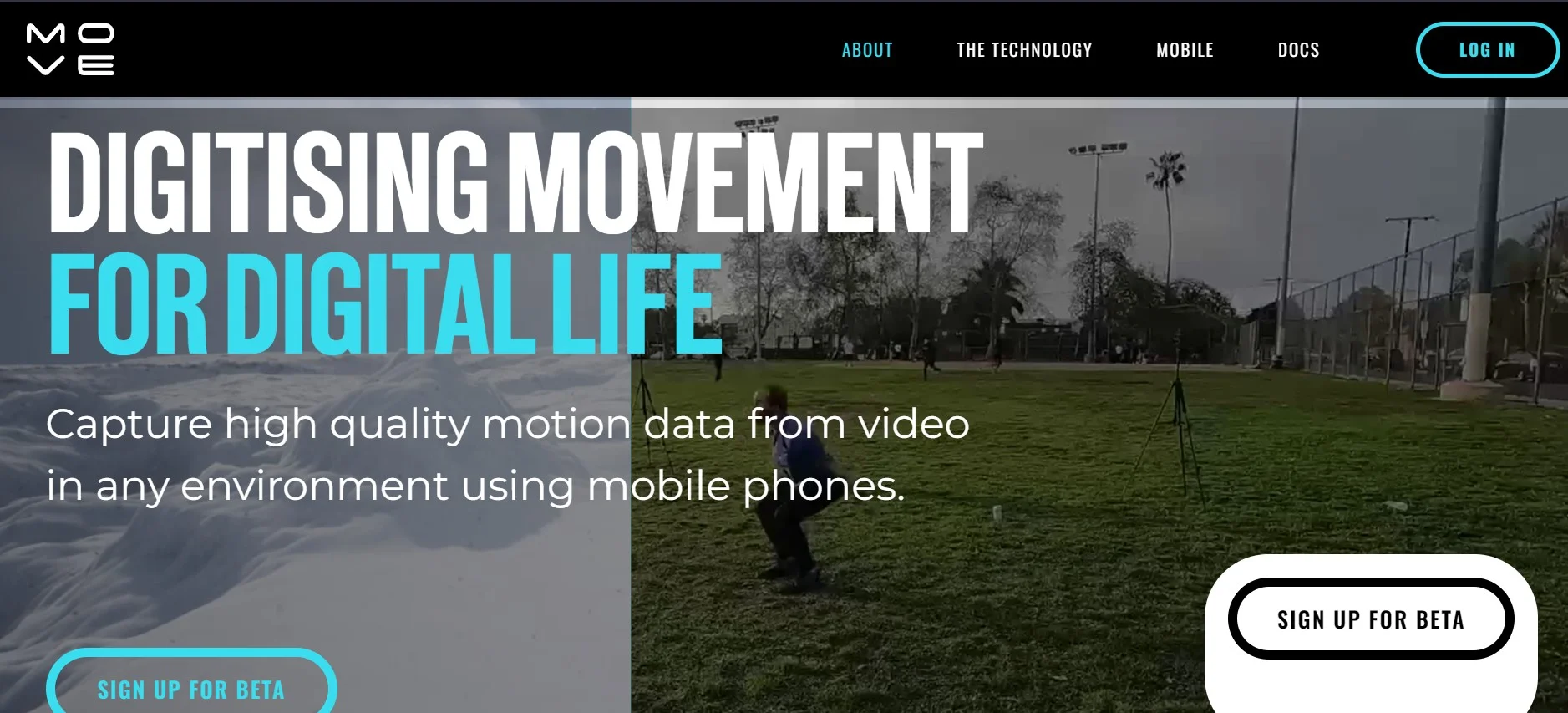
Transforms 2D video to 3D motion data, enabling markerless motion capture.
Watch Move AI in Action
Key Takeaways
- What it is
- Transforms 2D video to 3D motion data, enabling markerless motion capture.
- Best for
- Markerless Motion Capture
- Single and Multi-Camera Support
- Hand and Finger Tracking
- Rating
- 4.6/5
What is Move AI?
In the ever-evolving world of animation and 3D modeling, Move AI has emerged as a groundbreaking tool that significantly simplifies the process of bringing animated characters to life. By transforming 2D video into 3D motion data, Move AI leverages advanced AI, computer vision, biomechanics, and physics to offer a seamless motion capture experience. Designed for a wide range of users, from indie creators to AAA studios, it eliminates the need for cumbersome suits or markers, enabling high-quality motion capture anywhere.
Move AI distinguishes itself with its markerless motion capture technology, removing the barriers traditionally associated with high-quality motion capture. Its ability to capture detailed movements, including hands and fingers, with just standard cameras or phones, sets it apart in the field of animation and game development.
Move AI excels in making high-quality motion capture accessible and straightforward, eliminating traditional barriers and opening up new possibilities for creators across various industries. Its innovative markerless technology, combined with the ability to capture detailed hand and finger movements, positions it as a game-changer in the realm of 3D animation and game development. Whether you're an indie creator, a professional studio, or somewhere in between, Move AI offers an unparalleled toolset to bring your 3D characters to life.
Who is Using Move AI?
3D Animators and Studios
For creating lifelike animations without the logistical challenges of traditional motion capture.
Game Developers
Incorporating realistic human motion into video games to enhance player experience.
Virtual Reality Creators
Crafting immersive VR experiences with realistic character movements.
Educational Institutions
Teaching students about motion capture technology and animation.
Uncommon Use Cases
Filmmakers using it for pre-visualization and choreographers for digitizing dance movements.
Key Features
Rating Breakdown
Pricing Plans
Free Trial
- Move AI offers a demo version to explore its features before committing
Subscription Plans
- Detailed pricing information is available on the Move AI website
- Catering to different needs and scales of operation
Which Move AI plan should you pick?
Start with Free to test short captures, then upgrade to Starter for regular single-camera work or to a higher plan when you need more monthly credits and longer usage.
Free
Good for testing Move One with 30 one-time credits and recordings up to 30 seconds.
Starter
Good for individual creators who need 60 credits per month and recordings up to 60 seconds.
Standard
Good for users who need 180 credits per month for more frequent motion-capture processing.
Plus
Good for heavier production usage requiring 240 credits per month.
Advanced
Good for high-volume users requiring 700 credits per month.
Move AI Use Cases
Character animation
Capture human movement and export it into 3D animation tools and game engines.
Outcome: More lifelike character movement with less manual animation work.
Film and visual effects
Use markerless motion capture for performances, stunts, virtual production, and cinematic animation.
Outcome: Efficient creation of high-fidelity motion data.
Athlete tracking
Analyze movement for training, performance improvement, biomechanics, and injury prevention.
Outcome: More precise movement analysis.
Real-time avatar control
Use captured movement to drive avatars in VR and interactive experiences.
Outcome: Responsive, natural avatar movement.
Custom motion-capture applications
Process video through Move API and retrieve motion data in formats such as FBX, BVH, GLB, USD, JSON, and CSV.
Outcome: Motion capture integrated into custom software and production pipelines.
Workflow Ideas with Move AI
Single-camera capture to animation
- 1Record a single-person performance with an iPhone or upload a supported video file
- 2Process the take through Move One
- 3Export the resulting motion data to a 3D animation tool
API video-processing workflow
- 1Create and upload a video file through the Move API
- 2Create a take and start a single-camera or multi-camera processing job
- 3Poll the job status and download the generated motion-capture outputs
Move One to Blender
- 1Generate an FBX export code in the Move AI iOS app
- 2Install the Move AI Blender plugin
- 3Enter the code in Blender and download the animation
How Move AI fits into your stack
3D Animation Software
Seamlessly exports motion data to popular 3D animation platforms.
Multi-Camera Setup
Offers flexibility in capturing setups for comprehensive coverage.
API Access
Provides developers with the tools to integrate Move AI's capabilities into custom applications.
Pros
- +Accessibility: Enables high-quality motion capture in any environment, without the need for specialized equipment.
- +Versatility: Suitable for a wide range of users, from individual creators to large studios.
- +Ease of Use: Simplifies the motion capture process, making 3D animation more accessible to creators.
- +Quality of Data: Provides high-fidelity motion data that can significantly enhance animation projects.
Cons
- −Learning Curve: New users may need time to fully grasp the tool’s capabilities and best practices for optimal results.
- −Hardware Requirements: While it reduces the need for specialized equipment, high-quality captures still depend on the quality of the camera used.
- −Software Compatibility: Users must ensure compatibility with their 3D animation software for smooth retargeting and integration.
Limitations & when to consider alternatives
Known limitations
- Free recordings are limited to 30 seconds. Free Move One users can record up to 30 seconds; paid users can record up to 60 seconds.
- Single-file uploads are limited to 1GB. The upload feature supports files up to 1GB.
- Single-file upload formats are limited. The documented upload formats are .mp4, .mov, and .avi.
- Blender plugin imports FBX only. The Move One Blender plugin currently supports only .fbx files.
- Monthly credits do not roll over. Credits included in monthly plans expire at the end of each monthly billing period.
How to Use Move AI
- 1
Move AI supports its user base with a variety of tutorials and resources, available on its website and through community forums, covering everything from basic setup to advanced capture techniques.
Who is Move AI For?
Game developers
Move provides character movement capture and motion data for immersive gameplay and production pipelines.
Film and VFX teams
Markerless capture supports lifelike animation, visual effects, and cinematic storytelling.
Sports and athletics professionals
Move supports athlete tracking, performance analysis, training, and injury-prevention applications.
VR and avatar creators
Real-time avatar control enables responsive movement for virtual-reality experiences.
Researchers and developers
The API provides motion data in formats suited to software, game engines, sports, life sciences, and industrial applications.
Frequently Asked Questions
What is Move One?
Move One is a single-camera motion capture iPhone app for capturing and creating 3D animations.
How much does Move One cost?
Plans include Free, Starter at $18 per month, Standard at $48 per month, Plus at $225 per month, and Advanced at $490 per month, plus VAT where applicable.
What video formats can be uploaded?
Single-camera uploads support .mp4, .mov, and .avi files up to 1GB.
How long can free users record?
Free Move One users can record videos up to 30 seconds; paid users can record up to 60 seconds.
Which export formats are available?
Move One supports FBX, USDC, BLEND, USDZ, MP4, and biomechanics output through the platform gallery.
Does Move provide an API?
Move API provides authenticated GraphQL endpoints, Python SDK support, file uploads, motion-capture jobs, and downloadable outputs.
Community reviews
Be the first to share your experience.
Sign in to leave a review for Move AI.
Move AI Alternatives
Looking for alternatives to Move AI? Here are similar tools in the same category:
Learn to Master Move AI
With Skill Leap courses
Get in-depth training on Move AI and 50+ other AI tools with our expert-led video courses.
Start 7-Day Free Trial