MovieToEmoji
Turn movie and TV titles into emoji clues for pop-culture fans.
Key Takeaways
- What it is
- Turn movie and TV titles into emoji clues for pop-culture fans.
- Best for
- Movie title conversion
- TV series title conversion
- Rating
- 3.3/5
What is MovieToEmoji?
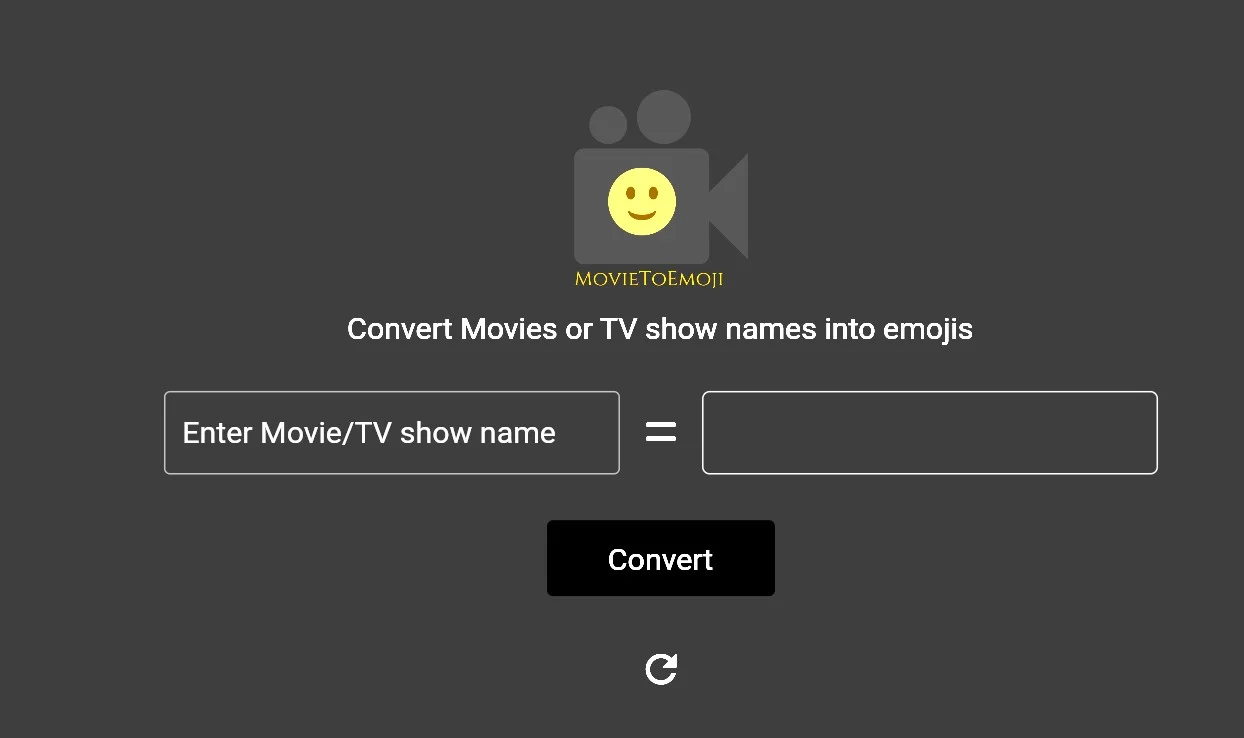
MovieToEmoji turns a movie or TV series title into an emoji representation, giving fans a visual way to refer to a familiar screen story. Its creator describes it as a website for converting favorite film and series names, so the task is narrower than general-purpose AI writing or image tools. It suits playful pop-culture exchanges where symbols can stand in for a title.
The tool’s specific focus is converting both movie and TV series names into emojis, rather than generating general text or images.
Movie and TV fans looking for a playful way to represent titles are the clearest fit. Its scope is limited to this one conversion, so it is not a choice for broader AI work.
Who is Using MovieToEmoji?
Movie Fans
Individuals who enjoy testing their knowledge of movies in a playful manner.
Social Media Users
People looking for fun content to share with followers and friends online.
Educators
Teachers who incorporate pop culture and visual learning into their curriculum.
Event Organizers
Those who use the tool for ice-breaking activities at social events.
Uncommon Use Cases
Used by trivia app developers for generating content; Employed by film study groups to create engaging discussions.
Key Features
Rating Breakdown
Pricing Plans
Free Access
- MovieToEmoji is completely free to use
No Subscription Required
- No hidden fees or subscription models to worry about
MovieToEmoji Use Cases
Movie guessing games
Convert movie names into emoji clues for friends or social groups.
Outcome: A playful visual movie puzzle.
Social sharing
Use emoji representations of movie names in messages or social posts.
Outcome: More playful movie-related communication.
Movie recommendations
Represent a movie visually instead of sharing its title directly.
Outcome: A creative way to recommend films.
Workflow Ideas with MovieToEmoji
Create a movie emoji clue
- 1Open MovieToEmoji in a browser
- 2Enter a movie name
- 3Share the resulting emoji clue
Run a movie guessing round
- 1Generate an emoji representation for a movie
- 2Show the emoji sequence to participants
- 3Ask participants to guess the movie
How MovieToEmoji fits into your stack
Currently, MovieToEmoji does not list specific compatibilities or integrations with other platforms or services. It operates independently as a web-based application.
Pros
- +Focused purpose: Movie and TV titles are the specific input it is built to represent.
- +Visual shorthand: Emoji output offers a playful alternative to writing out a familiar title.
Cons
- −Narrow scope: It handles title-to-emoji conversion rather than a broader set of AI tasks.
- −Limited detail: An emoji representation is a playful shorthand, not a full explanation of a movie or series.
How to Use MovieToEmoji
- 1
The tool is intuitive and does not require tutorials for use. However, users can quickly grasp the concept by visiting the website and diving right into the emoji movie guessing game.
Who is MovieToEmoji For?
Movie fans
Film fans can turn familiar movie names into emoji representations.
TV fans
Viewers can apply the same title-to-emoji idea to TV series.
Frequently Asked Questions
What does MovieToEmoji do?
It converts movie names into corresponding emoji representations.
How do I use MovieToEmoji?
Enter a movie name in the web app to receive an emoji result.
Does MovieToEmoji require an installation?
No installation is presented; the tool is accessed through its website.
Is MovieToEmoji free?
The website presents the tool as a free web app.
Community reviews
2 reviews from people who use MovieToEmoji.
Sign in to leave a review for MovieToEmoji.
calimauve
Vernon Fernandes
MovieToEmoji Alternatives
Looking for alternatives to MovieToEmoji? Here are similar tools in the same category: