My AskAI
Customer support answers grounded in your helpdesk’s tickets and help articles.
Key Takeaways
- What it is
- Customer support answers grounded in your helpdesk’s tickets and help articles.
- Pricing
- $199 per month · $499 per month
- Best for
- Helpdesk Integrations
- Knowledge and Ticket Training
- Self-Learning
- Rating
- 4.2/5
What is My AskAI?
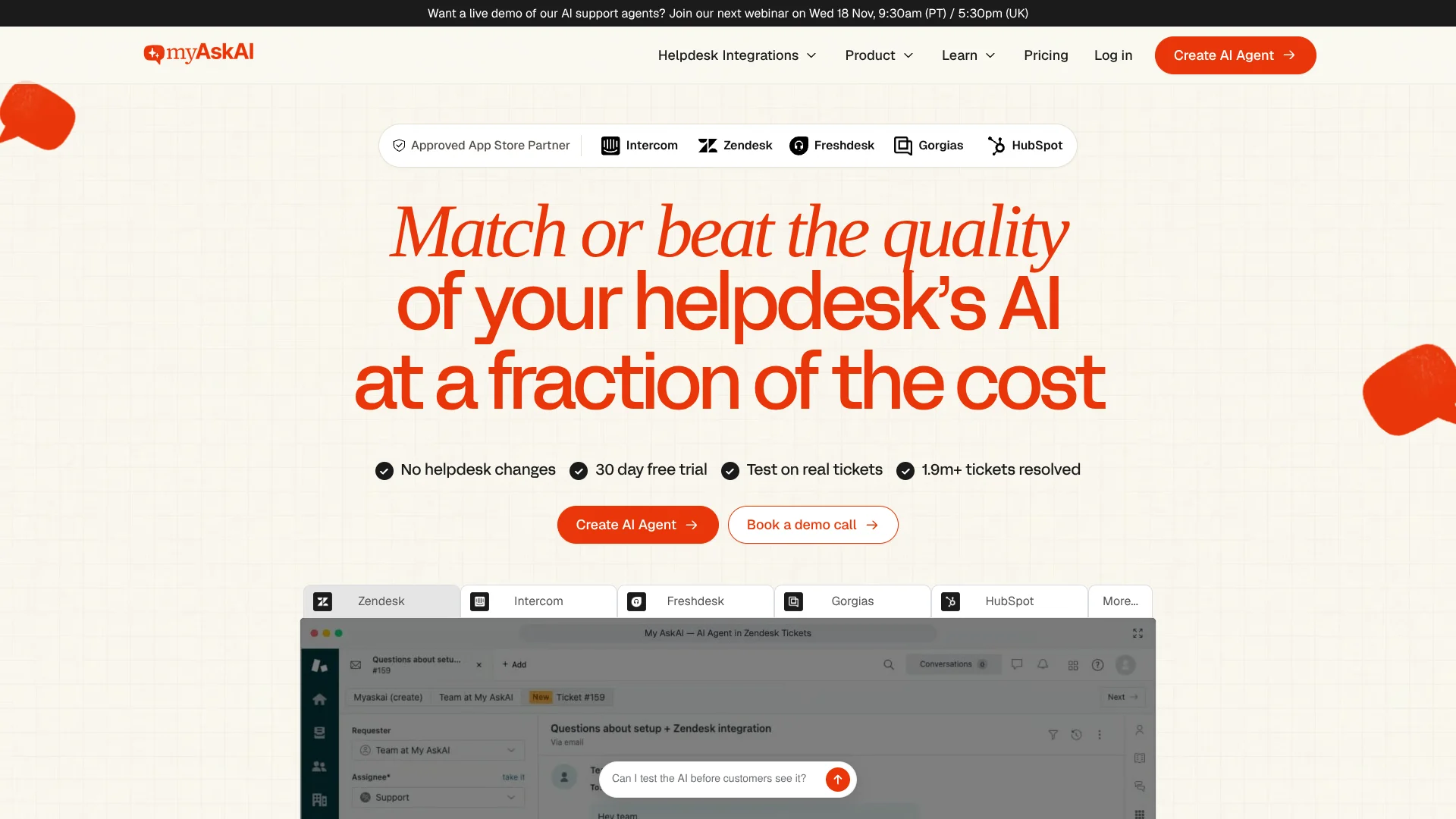
My AskAI answers customer support questions inside helpdesks such as Zendesk, Intercom, Gorgias, Freshdesk, and HubSpot. Support teams can ground its replies in help articles, past tickets, internal documents, and live customer data, then choose whether it drafts replies for staff or answers customers directly. That gives teams a way to automate routine requests while keeping their existing helpdesk and human handoffs.
Its Self-Learning feature compares the AI's reply with a human agent's response after a handoff, then drafts a knowledge article to address the gap. Teams can review those drafts and improve the information the AI uses for later questions.
My AskAI is aimed at SaaS and ecommerce support teams that handle enough repeat questions to benefit from automation. It can also run multi-step tasks, such as processing a refund, when connected systems and rules are configured. The main tradeoff is its $199 monthly starting plan, so it is a better fit for teams with meaningful support volume than for occasional use.
Who is Using My AskAI?
Customer Support Managers
A phased rollout lets managers inspect draft replies and resolution results before enabling direct replies.
Support Agents
Copilot suggestions and image context can help agents answer tickets and pick up escalations.
Customer Experience Leaders
Insights into support topics and escalations can help identify recurring questions and gaps in help content.
Support Operations Specialists
AI Tagging can categorize conversations to support triage and reporting where the integration supports it.
Uncommon Use Cases
Review customer photos as part of a damage or warranty claim; use Tasks & Tools to guide account changes under configured rules.
Key Features
Rating Breakdown
Pricing Plans
Pro
$199 per month
- 1,000 tickets per month included; extra usage is about $0.12 per ticket, up to 5,000 per month.
- Five team seats.
- Annual billing: $130 per month, listed as a 33% discount.
Scale
$499 per month
- 2,000 tickets per month included; extra usage is about $0.10 per ticket.
- Unlimited team seats and multi-agent setup.
- API, Slack, and Teams access and removal of My AskAI branding are included.
- Annual billing: $333 per month, listed as a 33% discount.
Enterprise Plan
- Includes Scale features and discounted volume pricing.
- Includes white-glove setup, a dedicated success manager, and priority support.
- Invoice billing is available monthly, quarterly, or annually.
Which My AskAI plan should you pick?
Try the 30-day trial first, then choose Pro for a smaller support operation, Scale for more included tickets and seats, or Enterprise for custom support and volume needs.
Pro
For teams starting with AI support that need up to five team seats and 1,000 included tickets per month.
Scale
For teams that need 2,000 included tickets, unlimited team seats, multiple agents, and priority technical support.
Enterprise Plan
For large teams, agencies, and platform owners that need volume pricing, rollout assistance, or custom features.
My AskAI Use Cases
Answer Repeated Support Questions
Help articles, websites, and past tickets give the AI material to answer routine customer questions in the helpdesk.
Outcome: Customers can receive answers without waiting for an agent on supported topics.
Test AI Replies Before Launch
Past-ticket testing and internal drafts let a team review answer quality before customers receive direct replies.
Outcome: Staff can assess replies before expanding automation.
Look Up Customer or Order Details
Connections to live business data can give the AI context about accounts, orders, and subscriptions.
Outcome: Replies can reflect relevant customer-specific information.
Handle Multi-Step Support Requests
Configured Tasks & Tools can follow business rules to carry out procedures such as refunds or account upgrades.
Outcome: Some repetitive procedures can be handled by the AI.
Understand Support Trends
Insights help teams review common customer topics and see where support content may need attention.
Outcome: Teams can identify recurring questions and potential content gaps.
Workflow Ideas with My AskAI
Roll Out Replies With Human Review
- 1Connect a helpdesk and add relevant knowledge sources.
- 2Test answers on past tickets and review internal draft replies.
- 3Enable direct replies for selected topics and monitor handoffs.
Automate an Order Refund
- 1Connect the systems that provide order details and process refunds.
- 2Set the task instructions, eligibility rules, and human handoff conditions.
- 3Test the task and review its results before allowing it to run on customer requests.
Improve Answers After Escalations
- 1Let unanswered or uncertain questions pass to a human agent.
- 2Compare the human response with the AI reply through Self-Learning.
- 3Review drafted knowledge articles and add approved information for future answers.
How My AskAI fits into your stack
Helpdesk
My AskAI adds an AI agent to supported helpdesks including Zendesk, Intercom, Gorgias, Freshdesk, and HubSpot. Replies and human handoffs stay in the connected support workflow.
Knowledge Sources
Help center content, websites, documents, past tickets, Google Drive, and Notion can provide material for customer answers.
Business Data and Actions
Tasks & Tools and the User Data API connect the AI to business systems for customer-specific lookups and configured actions.
Agent Workspace
The Chrome extension offers AI Copilot support for agents, while draft replies let staff review suggestions in supported helpdesk workflows.
Team Communication and API
API, Slack, and Microsoft Teams access is listed as a paid add-on on Pro and included on Scale.
Pros
- +Works in existing helpdesks: Adds AI replies to supported inboxes without requiring a helpdesk migration.
- +Review before rollout: Teams can test with past tickets and use internal draft replies before enabling direct customer replies.
- +Useful knowledge sources: Answers can draw on help content, past tickets, documents, and live customer data.
- +Automates support tasks: Configured Tasks & Tools can handle multi-step requests such as refunds or account changes.
- +Broad language support: The pricing page lists support in 95+ languages.
Cons
- −High starting price: The lowest paid plan costs $199 per month before additional usage.
- −Usage affects the bill: Plans include ticket allowances, and extra usage is billed separately.
- −Technical setup for actions: Live customer data and automated tasks require connections to relevant systems and APIs.
Limitations & when to consider alternatives
Known limitations
- Pro ticket allowance. Pro includes 1,000 tickets per month, with extra usage charged separately and a listed limit of up to 5,000 per month.
- Zendesk Messaging draft support. Zendesk Messaging does not support Note replies, so teams cannot use that internal-draft testing method there.
- AI Tagging availability. AI Tagging is not available for Zendesk Messaging or HubSpot.
- No permanent free plan. The product offers a 30-day free trial, but the pricing page does not list a free plan.
Look elsewhere when
- You need a permanent free plan rather than a 30-day trial.
- Your support volume is too low to justify a $199 monthly starting plan.
- Your team needs a native mobile or desktop app.
How to Use My AskAI
- 1
Start a Trial
Create an account for the 30-day trial; the pricing page says it does not require a credit card.
- 2
Connect Your Helpdesk
Link a supported helpdesk so the AI can work with the support channels your team already uses.
- 3
Add Knowledge
Sync help center pages and websites, upload documents, or connect sources such as Google Drive and Notion.
- 4
Test Its Answers
Run tests on past support tickets and inspect draft replies before customers receive AI responses.
- 5
Set Reply and Handoff Rules
Choose which topics can receive direct replies and which should stay with human agents.
- 6
Review Results
Check conversations, escalations, and insights, then update guidance or knowledge where needed.
Who is My AskAI For?
SaaS Support Teams
Teams answering recurring product and account questions can ground replies in help content and customer data.
Ecommerce Support Teams
Store teams can handle common order questions and configure actions such as refund requests.
Large Support Operations
Teams managing multiple brands or high ticket volumes can use multi-agent setup and the Scale or Enterprise features.
Agencies and Platform Owners
The Enterprise plan is listed for agencies and platform owners that need volume pricing or customized setup.
Frequently Asked Questions
Is there a free plan?
My AskAI offers a 30-day free trial with no credit card required, but does not list a permanent free plan.
What does My AskAI cost?
The listed monthly plans are Pro at $199, Scale at $499, and Enterprise from $999. Extra usage and optional features can add to the bill.
Which helpdesks does it connect to?
The site lists Zendesk, Intercom, Gorgias, Freshdesk, and HubSpot, with additional support for Freshchat and other channels.
Can it answer in different languages?
The pricing page lists multilingual support in 95+ languages.
Can it perform actions such as refunds?
Tasks & Tools can carry out configured procedures such as refunds when connected systems, access rules, and task instructions are in place.
Community reviews
Be the first to share your experience.
Sign in to leave a review for My AskAI.
My AskAI Alternatives
Looking for alternatives to My AskAI? Here are similar tools in the same category: