
MyMap AI
AI-driven tool for instant, intuitive diagram creation.
Key Takeaways
- What it is
- AI-driven tool for instant, intuitive diagram creation.
- Pricing
- Freemium
- Best for
- AI-Native
- Multiple Format Upload
- Web Search
- Rating
- 4.6/5
What is MyMap AI?
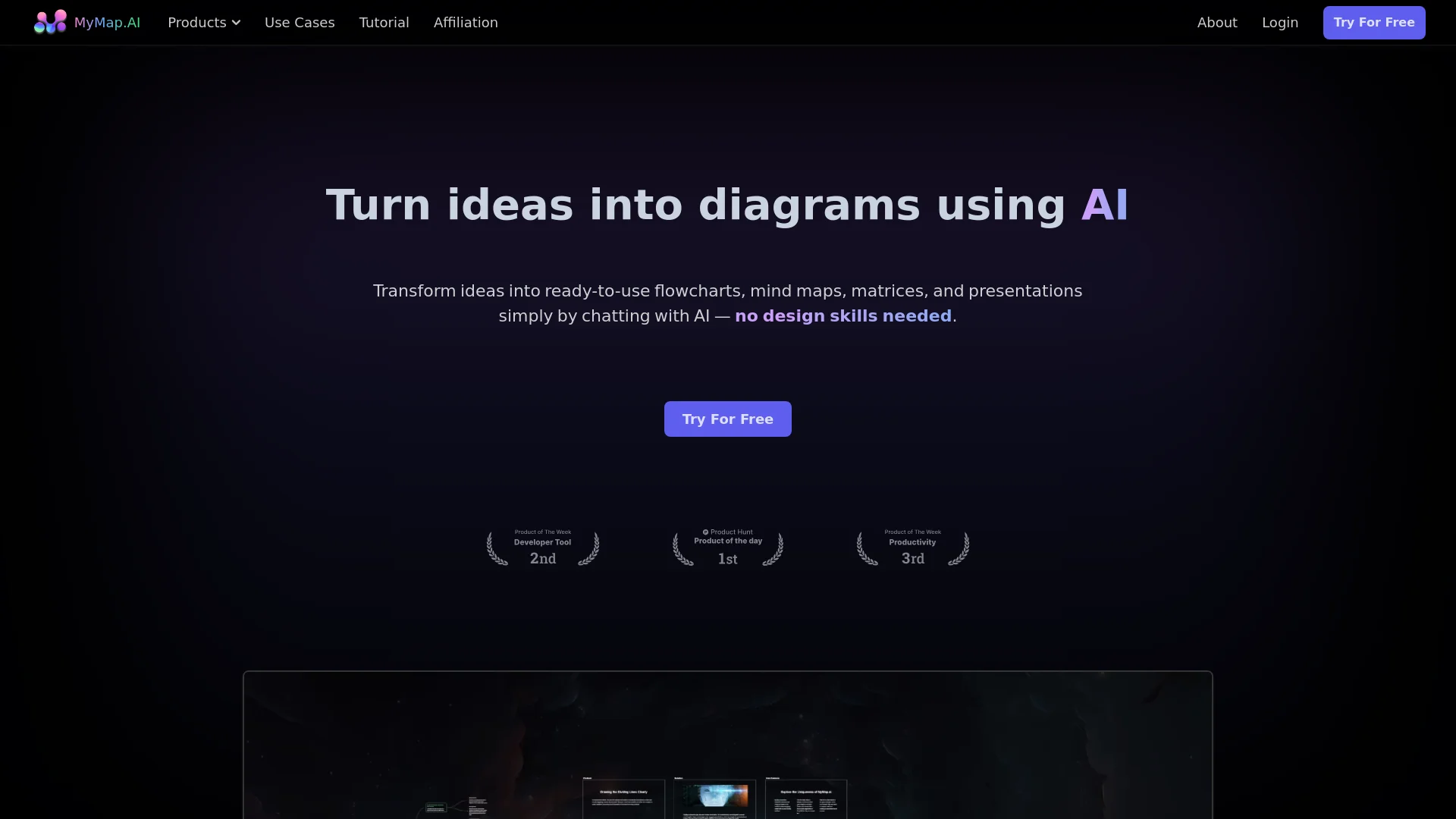
MyMap AI revolutionizes the way we create diagrams, offering an AI-driven solution for turning ideas into visual content. Designed for both individuals and professionals, MyMap AI simplifies the creation of flowcharts, mind maps, matrices, and presentations through an intuitive chat interface. Whether you're a student, researcher, professional, or content creator, MyMap AI enhances productivity by automating the diagram creation process, eliminating the need for design skills.
MyMap AI stands out with its AI-Native approach, allowing users to create diagrams simply by chatting with the AI. This feature is a game-changer for those who prefer a more conversational and less technical approach to diagram creation. Its ability to integrate live web search results and pull relevant information from URLs sets it apart from traditional diagram tools.
MyMap AI excels in providing an efficient and user-friendly platform for creating diagrams, making it an essential tool for students, professionals, and content creators. Its unique AI-driven approach offers an unmatched advantage in turning ideas into visual content quickly and effortlessly.
Who is Using MyMap AI?
Students & Researchers
Utilizing MyMap AI to turn lecture notes and research papers into visual mind maps and flowcharts.
Professionals
Employing the tool to create visual project maps and process flowcharts instantly.
Content Creators
Using MyMap AI to generate visual outlines, storyboards, and content calendars.
Educators
Leveraging the tool to create engaging visual aids for teaching.
Uncommon Use Cases
Freelancers using it for client presentations; event planners mapping out event logistics.
Key Features
Rating Breakdown
Pricing Plans
Free Tier
Free
- Experience MyMap AI with a free trial
Which MyMap AI plan should you pick?
Start with Free to test core visual mapping; upgrade to Pro for unlimited maps and higher monthly usage, or Max for substantially higher credit volume and priority.
Free
Good for individuals who need occasional diagrams, up to three maps, and 20 monthly AI credits.
Pro
Good for regular users who need unlimited canvas maps, 1,000 monthly credits, premium models, and priority generation.
Max
Good for heavy users who need 10,000 monthly credits and the highest AI priority.
MyMap AI Use Cases
Brainstorming
Describe a topic and generate a structured mind map with branches and connected ideas.
Outcome: A visual overview of the topic and its relationships.
Project planning
Describe a project, launch, or workflow and generate milestones, decisions, and dependencies.
Outcome: An actionable visual roadmap.
Document-to-flowchart conversion
Paste a procedure, policy, SOP, or process description for AI to convert into a flowchart.
Outcome: An editable diagram showing steps, decisions, and paths.
Image-to-slide conversion
Upload a screenshot, diagram, infographic, or photo and have MyMap extract its text and structure.
Outcome: An editable slide deck that can be exported or shared.
Project scheduling
Paste task names and dates from a spreadsheet or other source to create a Gantt chart.
Outcome: A visual timeline with phases, milestones, and dependencies.
Workflow Ideas with MyMap AI
Turn a process document into a flowchart
- 1Paste the procedure or describe the process
- 2Let MyMap identify steps, decisions, and conditional logic
- 3Edit the flowchart and share or export it
Convert an image into presentation slides
- 1Upload a photo, screenshot, diagram, or infographic
- 2Have MyMap read the visible text and visual structure
- 3Refine the generated slides and export or share them
Create a project Gantt chart
- 1Paste tasks with start dates and end dates
- 2Let MyMap generate phases, timelines, and dependencies
- 3Adjust milestones and share or export the chart
How MyMap AI fits into your stack
Browser
MyMap is a browser-based visual canvas for generating and editing mind maps, flowcharts, diagrams, slides, and whiteboards.
Docs and writing
Users can paste text, meeting notes, transcripts, documents, or PDF content and convert it into structured visual outputs. Results can be exported or copied into tools such as Google Docs and Notion.
Knowledge and files
MyMap processes uploaded scans, photos, diagrams, screenshots, and PDF documents, turning their contents into notes, maps, or flowcharts.
Team collaboration
Shared canvases support live collaboration, multi-user editing, shareable links, and shared workspaces with team-oriented controls.
Pros
- +Time Efficiency: Significantly reduces the time required to create diagrams.
- +User-Friendly: No design skills needed; simply chat with the AI.
- +Versatile Formats: Supports a wide range of input formats and outputs.
- +Real-Time Collaboration: Enhances team productivity with real-time collaboration features.
Cons
- −Initial Learning Curve: May require some time to get used to the chat-based interface.
- −Limited Offline Capabilities: Requires internet access for full functionality.
- −Customization Limits: Some users might find the customization options limited compared to traditional diagram tools.
Limitations & when to consider alternatives
Known limitations
- Free-plan limits. The free plan provides 20 credits per month and supports up to three canvas maps.
- Internet connection required. AI generation and synchronization require an internet connection; offline editing is not supported.
- Long text may be summarized. For very long pasted texts, MyMap focuses on the most important themes to keep the map readable.
- Image quality affects results. Clear, well-lit scans improve accuracy, although ordinary phone photos are supported.
Look elsewhere when
- You need a native mobile application.
- You need offline editing.
- You need a dedicated desktop installer.
- You need programmatic API access.
How to Use MyMap AI
- 1
Open MyMap
Start from the homepage as a guest or create an account when you want to save and revisit maps.
- 2
Describe what you want to visualize
Enter a natural-language request such as a brainstorm, roadmap, flowchart, comparison, or study guide.
- 3
Choose or refine the visual format
Use the generated mind map, flowchart, diagram, slide deck, timeline, or other canvas format.
- 4
Edit the canvas
Rename nodes, add branches, change colors, rearrange layouts, and reconnect elements.
- 5
Collaborate or export
Share a live link for viewing or editing, or export the result as PNG or PDF.
- 6
Upgrade when limits become restrictive
Move from Free to Pro for unlimited maps and more credits, or to Max for 10,000 monthly credits.
Who is MyMap AI For?
Individuals
Personal planning, brainstorming, and visual thinking without installing software.
Small teams
Shared boards support team collaboration, review, and editing from separate devices.
Educators
Create lesson materials, study guides, diagrams, and structured classroom content.
Facilitators
Run live workshops using AI-generated boards, shared canvases, and visual collaboration.
Frequently Asked Questions
What is MyMap?
MyMap is an AI-powered visual canvas that turns conversations into mind maps, flowcharts, diagrams, and connected ideas.
Is MyMap free to use?
Yes. The free tier includes 20 AI credits per month, up to three canvas maps, and no credit card requirement.
What can I create?
You can create mind maps, flowcharts, SWOT analyses, comparisons, timelines, database schemas, project roadmaps, and study guides.
Do I need to sign up to try it?
No. You can start creating from the homepage as a guest and sign up when you want to save work.
Does MyMap work on mobile?
Yes. It works through iOS and Android browsers with a responsive touch interface.
Is there an offline mode?
No. MyMap requires an internet connection for AI generation and sync, and offline editing is not currently supported.
Community reviews
Be the first to share your experience.
Sign in to leave a review for MyMap AI.
MyMap AI Alternatives
Looking for alternatives to MyMap AI? Here are similar tools in the same category:
Learn to Master MyMap AI
With Skill Leap courses
Get in-depth training on MyMap AI and 50+ other AI tools with our expert-led video courses.
Start 7-Day Free Trial