Nabla
Automated clinical note generation, seamless EHR integration, and HIPAA-compliant documentation streamline healthcare workflows effortlessly."
Key Takeaways
- What it is
- Automated clinical note generation, seamless EHR integration, and HIPAA-compliant documentation streamline healthcare workflows effortlessly."
- Pricing
- Freemium · $119/month
- Best for
- Automatic Clinical Note Generation
- Integration with Electronic Health Records (EHRs)
- HIPAA and GDPR Compliance
- Rating
- 4.6/5
What is Nabla?
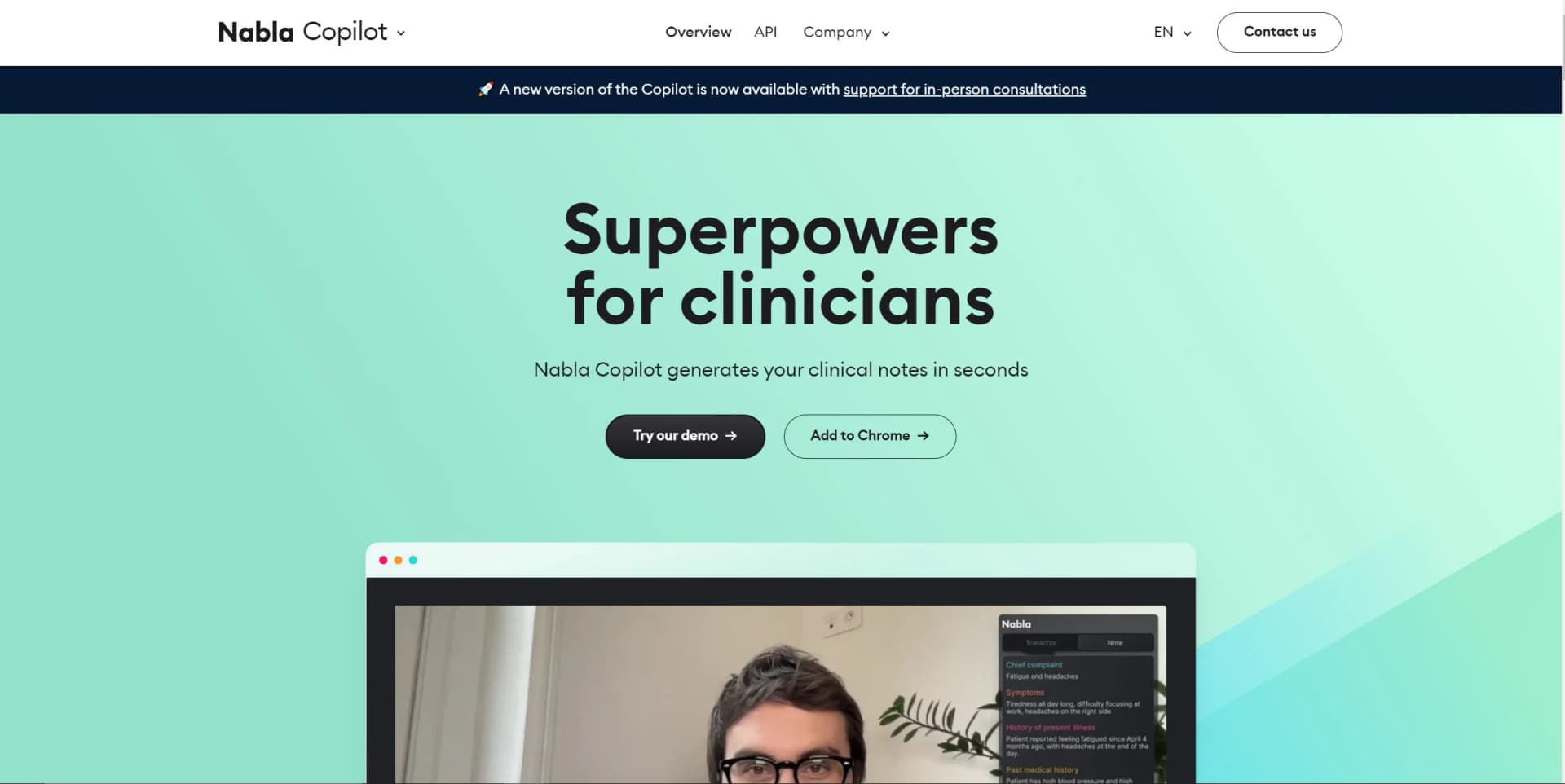
Nabla is a cutting-edge tool designed to revolutionize the way clinicians handle medical documentation. At its core, Nabla's Copilot application automates the generation of clinical notes, thereby reducing stress and enhancing the quality of patient care. Aimed at healthcare professionals, Nabla streamlines the documentation process for both in-person and video consultations without storing any data, ensuring compliance with privacy regulations.
Nabla sets itself apart with its AI-driven ambient intelligence, which not only captures verbal interactions but also intelligently synthesizes them into concise clinical notes. This unique feature is a game-changer for healthcare professionals, enabling them to focus on patient care rather than administrative tasks.
Nabla excels in alleviating the administrative burdens of medical documentation, providing healthcare professionals with a powerful tool that enhances patient interaction and care. Its ability to seamlessly integrate with existing EHR systems and ensure privacy compliance makes it an indispensable asset for modern clinical practice. With its ambient AI technology, Nabla stands out as a leading solution for efficient and accurate note-taking in the healthcare industry.
Who is Using Nabla?
Family Physicians
Utilizing Nabla for efficient note-taking during patient visits.
Psychiatrists and Psychologists
Employing the tool to focus more on patient interaction than documentation.
Nurse Practitioners
Leveraging the tool to streamline their daily workflows.
Paramedics
Using Nabla in primary care settings to quickly document patient encounters.
Uncommon Use Cases
GPs are exploring Nabla to enhance patient communication, while medical residents use it to manage documentation alongside their learning.
Key Features
Rating Breakdown
Pricing Plans
Free Tier
Free
- EHR integration
- Unlimited consultations for interns and residents
Pro Tier
$119/month
Enterprise Tier
- Custom solutions for hospitals and telehealth companies
- Including tailored machine learning models and SAML SSO
Nabla Use Cases
Ambient clinical documentation
Capture patient-clinician conversations and automatically generate structured clinical notes.
Outcome: Less time spent on documentation.
Clinical dictation
Dictate text directly into an EHR, email, Teams, or document-editing application.
Outcome: Faster voice-based documentation.
EHR integration
Embed Nabla in an EHR and export generated notes, patient instructions, and structured data.
Outcome: A more connected documentation workflow.
Patient instructions
Generate patient-friendly instructions from the clinical encounter.
Outcome: Clearer post-visit communication.
Clinical coding support
Review E/M and other coding suggestions grounded in the generated clinical documentation.
Outcome: More informed coding review.
Workflow Ideas with Nabla
Ambient visit to EHR note
- 1Start a new encounter
- 2Capture and transcribe the patient visit
- 3Review and export the generated note to the EHR
Voice dictation workflow
- 1Activate Nabla Dictation with the configured hotkey or voice trigger
- 2Dictate into the active EHR or application
- 3Use custom commands or dot phrases to complete repetitive actions
EHR-integrated deployment
- 1Configure Nabla Connect authentication and integration parameters
- 2Create an encounter through the API
- 3Launch Nabla in the EHR and receive the completed clinical note
How Nabla fits into your stack
EHR Compatibility
Nabla works alongside various Electronic Health Record systems to streamline documentation.
Cross-Device Functionality
Accessible on both mobile devices and desktop computers, fitting into diverse clinical settings.
Chrome Extension
Enhances video consultations with an overlay that does not interfere with patient interaction.
Security Certifications
Nabla is SOC 2 Type 2 and ISO 27001 certified, ensuring data integrity and security.
Pros
- +Time Savings: Clinicians report saving an average of 2 hours per day on documentation.
- +Reduction in Fatigue: 90% of users experience less fatigue when using Nabla's Copilot.
- +Enhanced Patient Engagement: Allows for sharing patient-friendly notes quickly and efficiently.
- +Cross-Platform Accessibility: Available on mobile and desktop, and integrates well with video consultation platforms.
Cons
- −Learning Curve: New users may require time to adjust to the AI-generated notes and integration features.
- −Dependency on Technology: Reliance on Nabla's software could be a concern if system outages occur.
- −Limited Customization: While it offers custom integrations for enterprises, individual clinicians may find customization options limited.
Limitations & when to consider alternatives
Known limitations
- Encounter duration limit. Nabla Ambient supports visits up to three hours long.
- Generated note languages. Encounter audio can use many languages, but generated notes are produced in English, English UK, or French.
- E/M coding scope. E/M coding is currently MDM-based, outpatient-only, and limited to specified specialties.
- Virtual-visit extension compatibility. The Chrome extension is not compatible with external apps such as Zoom, Teams, or WebEx.
- E/M codes require manual submission. Nabla provides a suggestion, but users must copy and enter the code into their EHR.
Look elsewhere when
- You need programming-code generation
- You need downloadable desktop software
How to Use Nabla
- 1
Nabla offers a Help Center and FAQ section for new users to get acquainted with the tool, as well as personalized demos upon request.
Who is Nabla For?
Clinicians
Nabla helps clinicians capture encounters and generate structured clinical notes.
Healthcare organizations
Organizations can deploy Nabla across specialties, care settings, and clinical workflows.
EHR platforms
EHR platforms can embed Nabla through Nabla Connect or integrate through the Core API.
Healthtech builders
Healthtech teams can add ambient AI documentation without building the underlying AI infrastructure.
Frequently Asked Questions
How does Nabla work?
Nabla captures microphone audio, transcribes it live, and generates a clinical note from the encounter.
What languages does Nabla support?
Nabla supports more than 35 encounter languages and can generate notes in English, English UK, or French.
How long can encounters be?
Nabla Ambient supports visits up to three hours long.
Can notes be automatically exported into EHRs?
Nabla integrates with multiple EHRs and supports exporting generated notes into connected systems.
How does Nabla sync across devices?
Encounters automatically synchronize across the web app, mobile apps, and Chrome extension when using the same account.
Does Nabla submit E/M codes automatically?
No. Nabla displays a suggested code, which the clinician reviews and enters into the EHR.
Community reviews
1 review from people who use Nabla.
Sign in to leave a review for Nabla.
Matthew Cross MD
Nabla Alternatives
Looking for alternatives to Nabla? Here are similar tools in the same category:
Learn to Master Nabla
With Skill Leap courses
Get in-depth training on Nabla and 50+ other AI tools with our expert-led video courses.
Start 7-Day Free Trial