
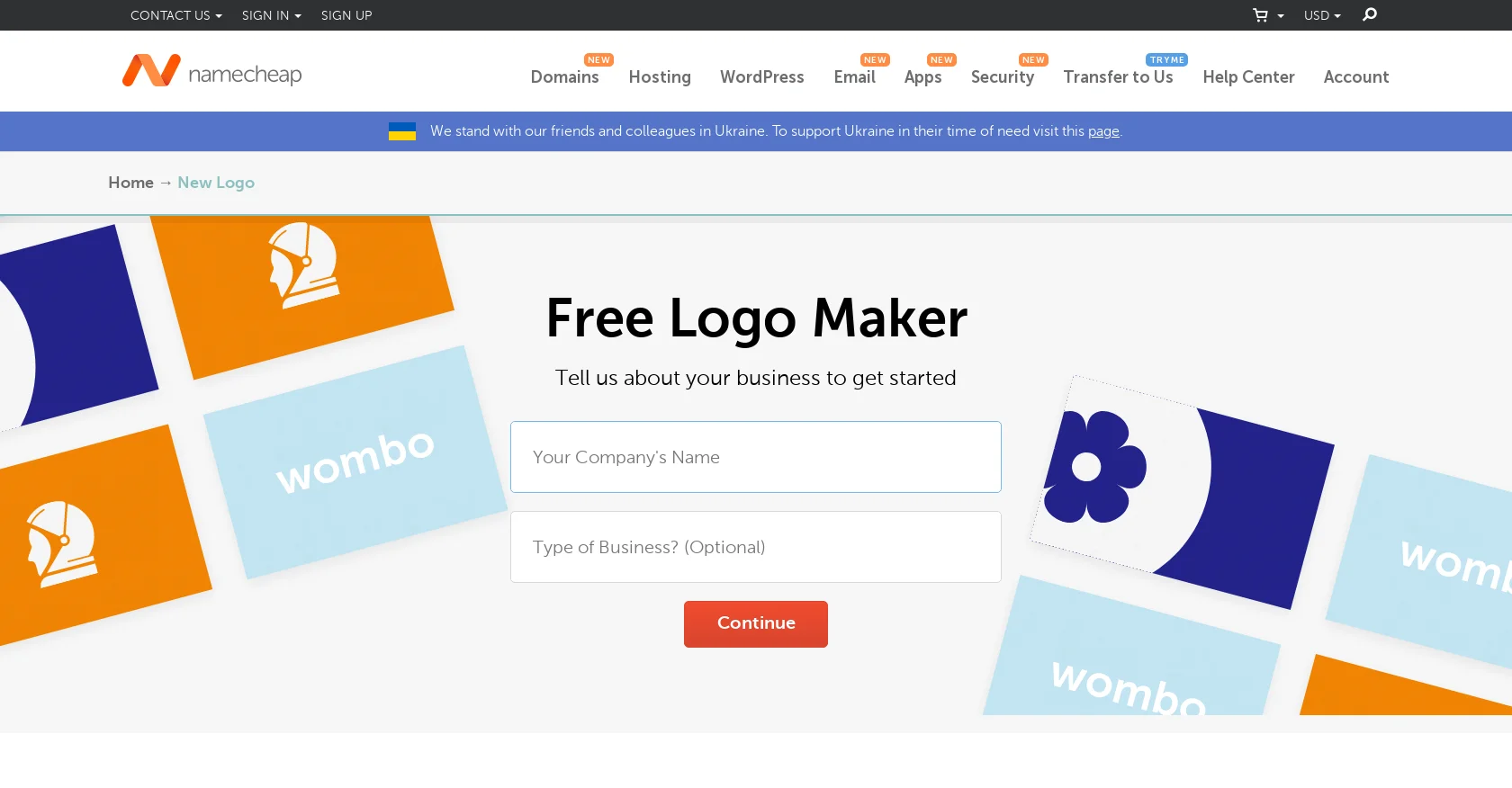
Namecheap Logo Maker
AI-powered logo creation, high-res downloads, intuitive customization.
Watch Namecheap Logo Maker in Action
Key Takeaways
- What it is
- AI-powered logo creation, high-res downloads, intuitive customization.
- Pricing
- Freemium
- Best for
- AI-Driven Design Suggestions
- Customization Tools
- High-Resolution Downloads
- Rating
- 4.6/5
What is Namecheap Logo Maker?
When it comes to branding, a logo is the cornerstone that speaks volumes about a business, and creating one that's both professional and impactful can be a daunting task. Enter Namecheap Logo Maker, an AI-powered tool designed to streamline the logo creation process. With its intuitive interface and rich feature set, it demystifies design for entrepreneurs, bloggers, and small business owners who seek to craft a unique identity without the hefty price tag of professional design services.
Namecheap Logo Maker stands out with its seamless integration into the broader suite of Namecheap's web services, which can be particularly advantageous for users already within the Namecheap ecosystem. Its ability to quickly generate a range of logo ideas based on AI algorithms sets it apart for users seeking efficiency and speed in design.
Namecheap Logo Maker excels in delivering a user-friendly, efficient, and cost-effective solution for logo design. Its integration with Namecheap's suite of services adds convenience for users looking to manage their online presence in one place. While it may not replace the nuanced creativity of a seasoned designer, it offers a solid starting point for those in need of a quick, professional-looking logo, making it an essential tool for entrepreneurs and small businesses looking to establish their brand.
Who is Using Namecheap Logo Maker?
Startups and Entrepreneurs
Crafting their initial brand image with a quick and efficient tool.
Bloggers and Freelancers
Seeking to establish a professional online presence with a distinctive logo.
Small Business Owners
Looking to revamp or create a logo without allocating a large budget for design.
Non-profits and Community Groups
Utilizing the tool to create logos for events, campaigns, or organizational branding.
Uncommon Use Cases
Educational institutions might use it for class projects in marketing; Event planners could use it to design temporary logos for special occasions.
Key Features
Rating Breakdown
Pricing Plans
Free Tier
Free
- Namecheap Logo Maker is available at no cost
- Providing free access to all users
Which Namecheap Logo Maker plan should you pick?
Start with the Free plan because Logo Maker is free forever; there is no documented paid Logo Maker upgrade.
Free
Good for small businesses, entrepreneurs, freelancers, and individuals who need unlimited AI-generated, customizable logos and PNG/SVG downloads.
Namecheap Logo Maker Use Cases
Create a business logo
Enter a brand name, choose fonts and colors, select icons, customize the generated designs, and download the result.
Outcome: A downloadable logo in PNG and SVG formats.
Develop a personal brand logo
Use the logo generator and design library to explore styles for a personal brand or online presence.
Outcome: A customized logo without watermarks.
Preview brand applications
View the logo on websites, T-shirts, and business cards before downloading it.
Outcome: A clearer view of how the logo may look in use.
Import a logo into Namecheap design tools
Use the one-click import option to move a Logo Maker creation into Site Maker or Card Maker.
Outcome: Branding added to a Namecheap website or business card design.
Share logo concepts
Create quick links to show logo ideas to colleagues or share them on social media.
Outcome: A convenient way to collect feedback or showcase designs.
Workflow Ideas with Namecheap Logo Maker
Create and download a business logo
- 1Enter your brand name
- 2Choose fonts, colors, slogan, and icons
- 3Edit a generated design and download it
Review a logo concept with others
- 1Create and save a logo design
- 2Generate a shareable quick link
- 3Send the link to colleagues or share it on social media
Apply a logo across Namecheap tools
- 1Create and download or save a logo in Logo Maker
- 2Open Site Maker or Card Maker
- 3Use the one-click import option to add the logo
How Namecheap Logo Maker fits into your stack
Namecheap Services Integration
Directly integrates with other Namecheap services for domain and hosting solutions.
High-Resolution Export
Compatible with various digital and print formats for versatile use across platforms.
Web and Print Ready
Ensures designs are optimized for both online and physical media.
Downloadable Assets
Provides a comprehensive package of files that can be used across different mediums.
Pros
- +Cost-Effective: A free tool that generates professional logos without additional costs.
- +Time-Saving: Quickly produces a variety of logo concepts saving valuable time for busy entrepreneurs.
- +Flexibility: Allows for easy tweaks and changes, offering a flexible approach to design.
- +Convenience: Accessible online, Namecheap Logo Maker can be used anytime, anywhere, on any device.
Cons
- −Creativity Limitations: AI-generated designs may lack the unique touch of a human designer.
- −Template-Based: Some users might find the designs less original due to the template nature of the tool.
- −Feature Limitations: Advanced designers may miss the intricate editing capabilities found in professional design software.
Limitations & when to consider alternatives
Known limitations
- Account required for downloads and sharing. You may design without an account, but saving, sharing, and downloading require signing in to a Namecheap account.
- No copyright or trademark assistance. Namecheap states that Logo Maker cannot help with copyright or trademark matters; users should consult a qualified lawyer.
- Output is limited to PNG and SVG. The documented logo download formats are PNG and SVG, with multiple sizes provided.
How to Use Namecheap Logo Maker
- 1
While Namecheap Logo Maker's intuitive design often makes a tutorial unnecessary, users can find guidance through Namecheap's support resources, including articles and customer service, to maximize the tool’s capabilities.
Who is Namecheap Logo Maker For?
Small businesses
Create business branding quickly with AI-generated, customizable logos and downloadable PNG and SVG files.
Entrepreneurs
Generate a brand logo in minutes without design experience or a paid subscription.
Freelancers
Create and save multiple logo concepts, then share designs with colleagues or clients.
Users of any skill level
The simple guided workflow helps anyone select fonts, colors, icons, and layouts.
Frequently Asked Questions
Is Namecheap Logo Maker free?
Yes. Logo Maker is free, supports unlimited logo creation and downloads, and does not add watermarks.
Do I need to sign up to use Logo Maker?
You can design logos without signing up, but you must sign in to save, share, or download them.
How do I create a business logo?
Enter your brand name, choose fonts and colors, optionally add a slogan, select icons, edit a design, and download it.
Can I create a vector logo?
Yes. Each designed logo is available in SVG and PNG formats.
Can I preview my logo on marketing materials?
Yes. Logo Maker previews designs on websites, T-shirts, and business cards and provides shareable links.
Can I copyright or trademark a logo?
Namecheap cannot provide copyright or trademark assistance and recommends consulting a lawyer familiar with local law.
Community reviews
7 reviews from people who use Namecheap Logo Maker.
Sign in to leave a review for Namecheap Logo Maker.
Jit Soft
Soumik Bose
tm shen
Mylène V.
Viktor Rozsa (Klavutso)
Sciences Space
Oyeyemi Hamed
Namecheap Logo Maker Alternatives
Looking for alternatives to Namecheap Logo Maker? Here are similar tools in the same category:
Learn to Master Namecheap Logo Maker
With Skill Leap courses
Get in-depth training on Namecheap Logo Maker and 50+ other AI tools with our expert-led video courses.
Start 7-Day Free Trial