Navos
Local-market research for cross-border e-commerce advertising teams.
Key Takeaways
- What it is
- Local-market research for cross-border e-commerce advertising teams.
- Pricing
- Freemium · $19 per month · $49 per month · $199 per month
- Best for
- Industry Consultant
- Creative Director
- Ad Strategist
- Rating
- 4.0/5
What is Navos?
Navos helps marketing teams turn global market questions and campaign data into research, ad concepts, and performance reports. Its named functions cover Industry Consultant research, Creative Director planning, Ad Strategist campaign guidance, and Asset Manager reporting. A marketer can investigate audience behavior in a target country, draft TikTok scripts for that audience, then review ad results in a spreadsheet-based report.
A distinctive strength is the way Navos connects market research, creative planning, campaign monitoring, and reporting through AI agents that share task context. That gives teams a path from a market question to testable ad ideas and performance findings.
Navos is best suited to e-commerce and app marketing teams working across markets, especially people responsible for advertising decisions or creative production. Its market research is a starting point, not a substitute for direct customer research or missing sales data, so treat unsupported findings as questions to validate.
Who is Using Navos?
Performance Marketing Director
Campaign reports and budget forecasts help prioritize where the team should test or adjust spend.
Advertising Optimizer
Ad monitoring and creative performance analysis help identify declining ads and possible next actions.
Advertising Designer
Market and creative insights help shape scripts and variations for campaign testing.
App Growth Marketer
Audience research and campaign analysis support user-acquisition planning across markets.
Uncommon Use Cases
A retail analyst can turn spreadsheet exports into KPI charts and findings; a product marketer can research audience preferences before choosing a launch market.
Key Features
Rating Breakdown
Pricing Plans
Free
Free
- 500 daily bonus credits for text and report generation
- About 50 low-cost Q&As or 20 high-quality Q&As
- About 12 images, 1 720p video, or 1 deep research session
Starter
$19 per month
- 20,000 credits and 500 daily bonus credits
- About 2,000 low-cost Q&As or 800 high-quality Q&As
- About 500 images, 28 720p videos, or 40 deep research sessions
Professional
$49 per month
- 55,000 credits and 500 daily bonus credits
- About 5,500 low-cost Q&As or 2,200 high-quality Q&As
- About 1,375 images, 78 720p videos, or 110 deep research sessions
Enterprise
$199 per month
- 240,000 credits and 500 daily bonus credits
- About 24,000 low-cost Q&As or 9,600 high-quality Q&As
- About 6,000 images, 342 720p videos, or 480 deep research sessions
Which Navos plan should you pick?
Start with Free to test research and reporting, then choose a paid plan if you need more monthly credits for regular work or creative generation.
Free
Good for trying market research and text or report generation with a daily credit allowance.
Starter
Good for individual marketers who need a larger credit pool for recurring market analysis and creative work.
Professional
Good for heavier research and creative-generation use that needs more credits than Starter.
Enterprise
Good for high-volume work that needs the largest listed credit allowance.
Navos Use Cases
Research a new market
A focused brief on a product, country, audience, and channel helps assess whether a market deserves a test.
Outcome: A structured market report with trends, competition, risks, and opportunities.
Develop ad creative
Audience and trend findings can inform TikTok scripts, ad titles, and creative variations.
Outcome: Campaign-ready creative directions and materials to test.
Review campaign performance
Ad spend, GMV, and creative data can be brought together to investigate what is driving results.
Outcome: A performance report with findings and optimization suggestions.
Analyze spreadsheet data
Sales, campaign, survey, or other tabular data can be analyzed without hand-building every chart.
Outcome: Charts, a dashboard, or a written analysis report.
Plan creative tests
Creative ideas can be organized into a test plan that compares variations and their performance.
Outcome: A creative A/B testing structure and winner-loser analysis.
Workflow Ideas with Navos
Market research to creative test
- 1Define the product, target market, channel, and decision.
- 2Run the General Market Insight Skill and review its sources and evidence limits.
- 3Turn supported findings into ad scripts or creative variations to test.
Campaign results to next steps
- 1Prepare campaign data in an Excel or CSV file.
- 2Generate a report or analysis with the AI Data Analyst.
- 3Use the findings to plan budget changes or new creative tests.
Localized campaign planning
- 1Choose a country and audience for the campaign.
- 2Research local audience behavior and relevant content trends.
- 3Draft localized creative directions and a campaign plan.
How Navos fits into your stack
Market research
The Industry Consultant and General Market Insight Skill help shape market-entry and audience research. Use the resulting brief to guide a campaign decision.
Creative planning
The Creative Director turns audience and market findings into advertising concepts and variations for testing.
Campaign analysis
The Ad Strategist supports campaign monitoring and recommendations, while the AI Data Analyst interprets uploaded spreadsheets.
Desktop and web
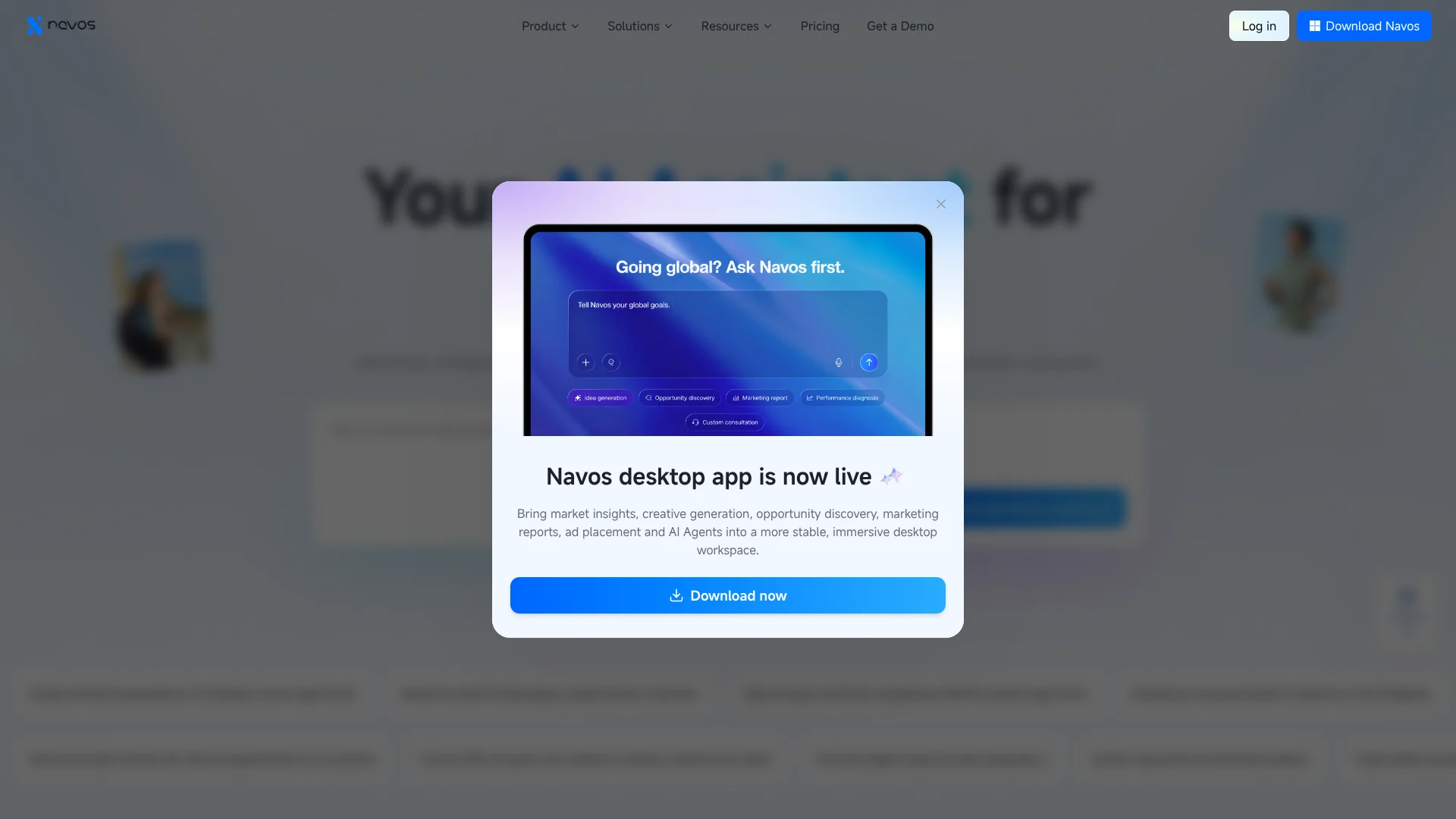
Navos is available as a web app and a downloadable Mac or Windows client. The desktop app is presented for longer analysis and creative tasks.
Advertising platforms
Navos describes workflows involving TikTok, Meta, and Google Ads, along with app measurement tools such as AppsFlyer, Adjust, and Kochava.
Pros
- +Global market research: Prompts can focus on a specific country, audience, and product category.
- +Creative and reporting workflow: Research, ad planning, and performance analysis are covered by named AI functions.
- +Spreadsheet analysis: Excel and CSV uploads can become charts, dashboards, or written reports.
- +Model choice: The pricing page lists several AI models within Navos.
Cons
- −Credit budgeting: Image, video, and research tasks can use credits at different rates.
- −Research verification: Market findings still need checking against direct evidence before important decisions.
- −Desktop focus: A downloadable client is available for Mac and Windows, but a native mobile app is not confirmed.
Limitations & when to consider alternatives
Known limitations
- Daily credits expire. Unused daily bonus credits do not roll over to the next day.
- Task costs vary. Credit use depends on the selected model, content type, and task volume.
- Research depends on available evidence. The market research guide says direct customer feedback or platform data may be unavailable, so some findings may remain hypotheses.
Look elsewhere when
- You need native iOS or Android access to the product.
- You need verified customer interviews or survey results rather than AI-assisted secondary research.
- Your decisions require first-party sales or platform data that Navos cannot access for the task.
How to Use Navos
- 1
Choose how to work
Open Navos in the web app or download the desktop client for Mac or Windows.
- 2
Set a clear research question
For market work, specify the product, geography, channel, period, and decision you need to make.
- 3
Select the relevant skill
The General Market Insight Skill is intended for structured market-entry and opportunity research.
- 4
Check the report evidence
Review sources, dates, estimates, and missing data before relying on a conclusion.
- 5
Analyze your own data
Upload an Excel or CSV file to create charts, a dashboard, or a written analysis.
- 6
Track credit use
Model, content type, and task volume affect credit usage; daily bonus credits expire each day.
Who is Navos For?
E-commerce brands
Cross-border sellers can research market opportunities and plan localized advertising.
Mobile app teams
App marketers can develop user-acquisition creative and review campaign performance across markets.
Marketing leaders
Leaders can use campaign intelligence and reports to guide decisions.
Advertising teams
Optimizers and designers can draw on market insight, creative planning, monitoring, and reporting.
Marketing agencies
Agency teams can use Navos for market research and advertising analysis across client work.
Frequently Asked Questions
Can I use Navos for free?
Yes. The Free plan costs $0 per month and includes 500 daily bonus credits, plus listed estimates for Q&As, image generation, video, and deep research.
How do Navos credits work?
Subscription plans include API credits and daily bonus credits. Bonus credits are mainly for text and report generation, and unused daily credits expire.
What affects credit usage?
Credit costs vary by model, content type, and task volume. Image and video capabilities use API credits first.
Can Navos analyze Excel or CSV files?
Yes. Its AI data tools accept Excel and CSV files for reports, charts, dashboards, and statistical analysis.
Can I install Navos on my computer?
Yes. The desktop download page lists versions for Mac and Windows, as well as a web version.
Community reviews
Be the first to share your experience.
Sign in to leave a review for Navos.
Navos Alternatives
Looking for alternatives to Navos? Here are similar tools in the same category: