NightCafe Studio
Unleash AI-driven art creation, no skills required, endless styles.
Watch NightCafe Studio in Action
Key Takeaways
- What it is
- Unleash AI-driven art creation, no skills required, endless styles.
- Pricing
- Freemium
- Best for
- AI-Powered Art Generation
- Variety of Art Styles
- Easy-to-Use Interface
- Rating
- 4.5/5
What is NightCafe Studio?
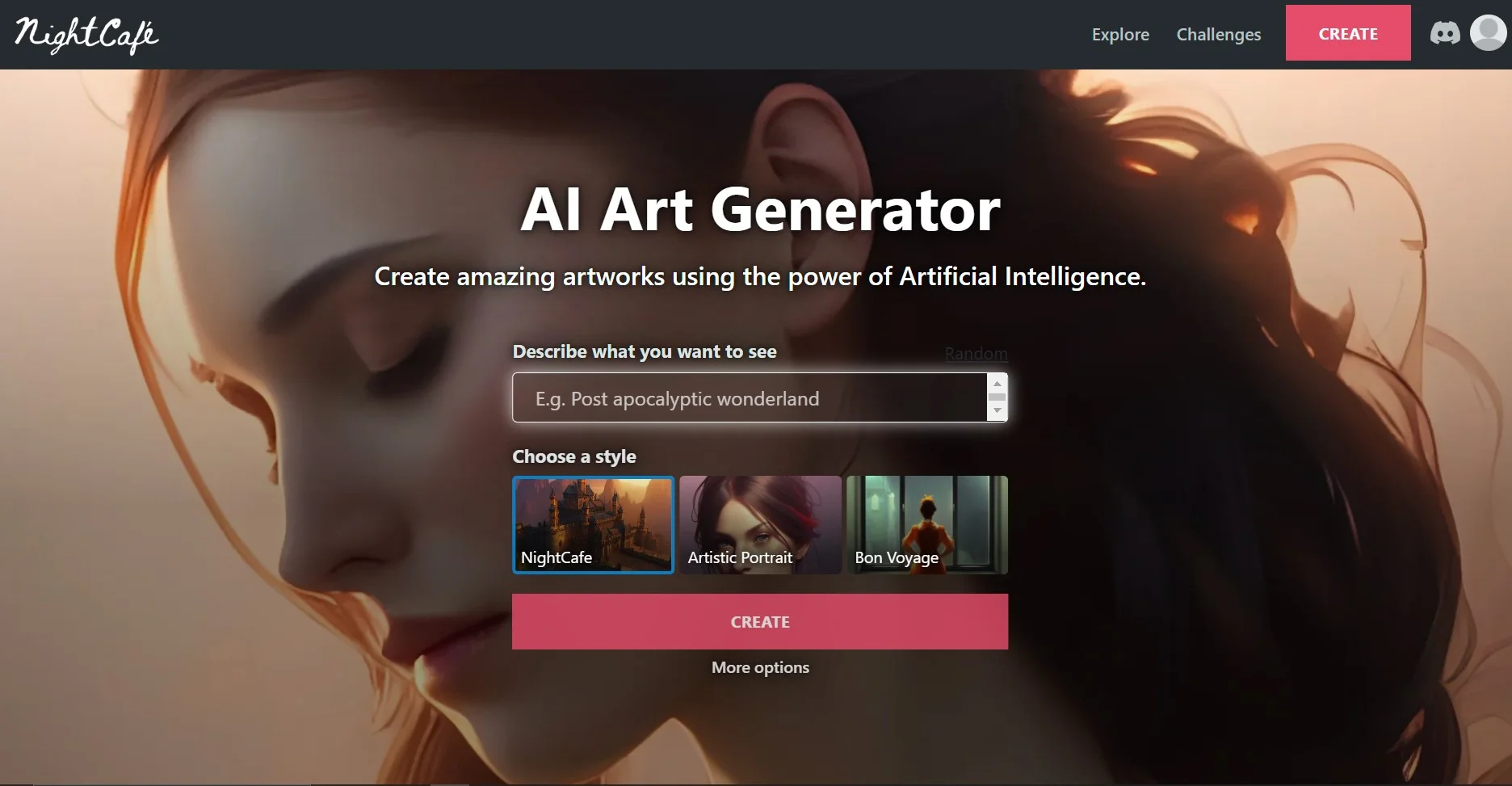
NightCafe Studio is an innovative AI-powered platform that specializes in transforming your ideas into stunning visual art. Leveraging cutting-edge technology, NightCafe Studio allows users to create unique and personalized artworks through the power of AI algorithms. Designed for artists, designers, and creatives of all levels, it simplifies the process of generating art, offering an intuitive and accessible approach to digital creativity.
NightCafe Studio stands out with its accessibility to both novices and professionals, democratizing the art creation process. Its ability to generate art from simple text prompts or images sets it apart, making it easy for anyone to bring their visions to life.
NightCafe Studio excels in providing an accessible and versatile platform for AI-generated art, making it an essential tool for anyone looking to dive into the world of digital creativity. Its standout feature of converting text prompts into visual art offers an unmatched advantage for personalized and unique creations. Whether for professional use or personal enjoyment, NightCafe Studio is a remarkable tool that fosters innovation in the art space.
Who is Using NightCafe Studio?
Digital Artists
Utilizing the tool to explore new artistic horizons and generate unique pieces.
Content Creators
Employing the platform to design eye-catching graphics for social media and websites.
Interior Designers
Leveraging the tool to create custom art for spaces.
Educators
Using NightCafe Studio to introduce students to the intersection of art and technology.
Uncommon Use Cases
Utilized by therapists for art therapy exercises; Adopted by hobbyists for creating personalized gifts.
Key Features
Rating Breakdown
Pricing Plans
Free Tier
Free
- Users can start with a free account that provides limited daily credits
Subscription Plans
- NightCafe Studio offers subscription plans with additional credits and features
- Starting at a reasonable monthly fee
Which NightCafe Studio plan should you pick?
Start with AI Beginner or AI Hobbyist for occasional experimentation, upgrade to AI Enthusiast for frequent creation or full video access, and choose AI Creator or AI Artist for high-volume or higher-end model use.
AI Beginner
Good for users dipping their toes into AI creativity who need a small monthly credit allowance and basic video models.
AI Hobbyist
Good for casual creators and explorers who want unlimited access to the entry-level unlimited model set.
AI Enthusiast
Good for daily creators and enthusiasts who need all video models plus broader unlimited-model access.
AI Creator
Good for content creators and prolific artists who need 850 monthly Fast Credits and a larger Fast-mode quota.
AI Artist
Good for serious content creators and power users who need higher-end unlimited models and the largest listed monthly credit allowance.
NightCafe Studio Use Cases
Text-to-image creation
Describe a scene or concept in a text prompt and generate an image with a selected AI model.
Outcome: A generated image matching the requested concept and style.
Editing existing images
Upload or select a start image and apply natural-language edits using prompt-to-edit models.
Outcome: A revised image based on the source image and edit instruction.
Image fusion and references
Combine multiple reference or start images into one generated result.
Outcome: A composite image that incorporates elements from several inputs.
Consistent characters
Create a character from one to four reference images, then reference that character in later prompts.
Outcome: More consistent character appearance across scenes.
Short video generation
Provide a text prompt and optionally a start image, then choose camera-motion options where supported.
Outcome: A short AI-generated video clip.
Workflow Ideas with NightCafe Studio
Create and refine an image
- 1Write a text prompt
- 2Choose a model and optional style or advanced settings
- 3Generate, review, and iterate using prompt or image-editing controls
Build a consistent character series
- 1Upload or select one to four reference images
- 2Create and name the character in Character Creator
- 3Reference the character token in prompts for new scenes
Make a start-image video
- 1Upload or choose a start image
- 2Add a descriptive motion prompt
- 3Select camera movement and generate a short video
How NightCafe Studio fits into your stack
Web-Based Platform
NightCafe Studio is accessible from any modern web browser, requiring no software installation.
Social Media Sharing
Easily share created artworks directly to social media platforms.
High-Resolution Downloads
Artworks can be downloaded in high resolution for personal or commercial use.
Print-On-Demand Service
Users can order physical prints of their AI-generated art directly through the platform.
Pros
- +Creative Freedom: Offers a vast array of customization options for users to express their creativity without limitations.
- +Accessibility: No prior art or technical skills are required to start creating masterpieces.
- +High-Quality Outputs: The AI generates high-resolution images suitable for various uses, from digital displays to physical prints.
- +Regular Updates: The platform is continuously updated with new features and styles, keeping the creative possibilities fresh.
Cons
- −Resource Intensity: High-quality art generation may require significant computational resources, which can lead to longer processing times.
- −Learning Curve: While user-friendly, mastering the full potential of the tool's features may take some time for new users.
- −Output Unpredictability: AI-generated art can sometimes be unpredictable, which might require several attempts to achieve the desired result.
Limitations & when to consider alternatives
Known limitations
- Video output is less predictable. NightCafe describes video generation as early-stage and less predictable than image generation, so multiple attempts may be needed.
- Unlimited models have restrictions. Unlimited access applies only to base generations; start images, ControlNet, and other cost-increasing settings can consume credits.
- Fast unlimited quotas reset monthly. Each PRO plan has a monthly Fast-mode quota for unlimited models, and unused quota does not roll over.
- Fine-tuning has geographic restrictions. NightCafe cannot offer fine-tuning to residents of Illinois, United States, because of biometric privacy requirements.
- Generated text is not always reliable. NightCafe does not provide a manual text tool and warns that AI-generated lettering may require several attempts.
Look elsewhere when
- You need a native iOS or Android app.
- Your team needs a shared PRO workspace with multiple accounts.
- You need manual Photoshop- or Canva-style text editing.
How to Use NightCafe Studio
- 1
NightCafe Studio provides a range of tutorials and guides on its website, helping users get started and explore advanced features.
Who is NightCafe Studio For?
Casual creators and explorers
AI Hobbyist is positioned for users who create occasionally and want accessible image-generation models.
Daily creators and enthusiasts
AI Enthusiast is designed for people creating most days, especially users who want the complete video library.
Content creators and prolific artists
AI Creator is aimed at high-volume image production with more monthly credits and a larger unlimited-generation quota.
Serious content creators
AI Artist targets power users who need access to higher-end models such as Seedream, Nano Banana, Flux 2 Pro, and GPT Image.
Comics, storyboard, and game-design creators
Consistent Characters is documented as useful for comics, storyboards, AI influencers, and game design.
Frequently Asked Questions
Can I use NightCafe without paying?
Yes. NightCafe is free to use, with free Relax Credits, daily rewards, and a free first creation each day.
Which PRO plan should I choose?
AI Beginner or AI Hobbyist suit occasional experimentation; AI Enthusiast is recommended for frequent creators and full video access; AI Creator and AI Artist target heavier content production.
Can NightCafe create videos?
Yes. NightCafe can turn a text prompt and optionally a start image into a short video.
Can I train my own model?
Yes. Fine-tuning can train a model on your own face, object, animal, or style. Fine-tuning is PRO-only, although free users receive one free face-model tune.
Can I use NightCafe for commercial work?
Yes, provided you own or have permission to use input images and comply with applicable copyright law.
Can I share one PRO account with a team?
No. PRO is for a single account; NightCafe says there is no family or team plan.
Community reviews
1 review from people who use NightCafe Studio.
Sign in to leave a review for NightCafe Studio.
Peter Williams
NightCafe Studio Alternatives
Looking for alternatives to NightCafe Studio? Here are similar tools in the same category:
Learn to Master NightCafe Studio
With Skill Leap courses
Get in-depth training on NightCafe Studio and 50+ other AI tools with our expert-led video courses.
Start 7-Day Free Trial