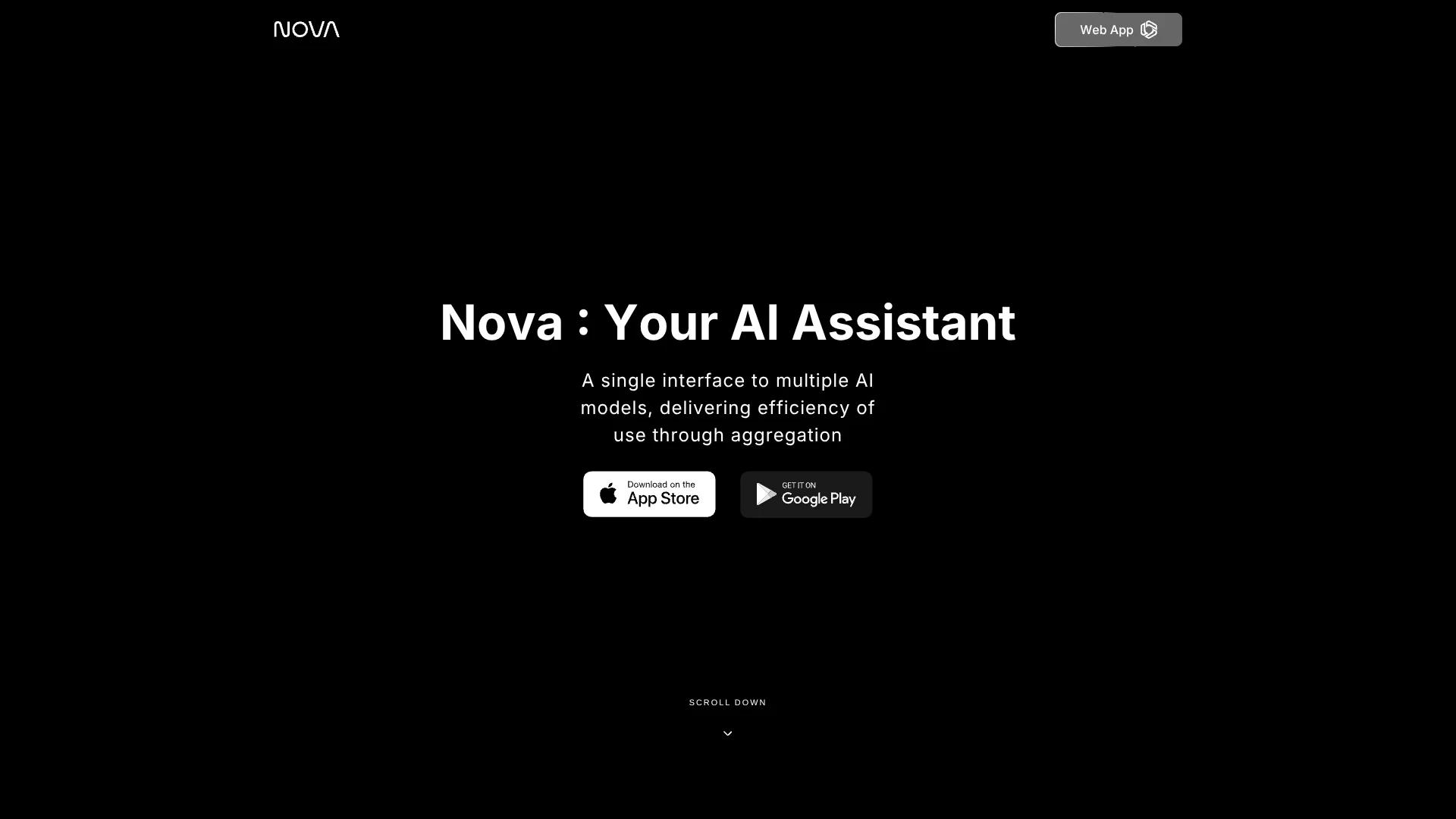
Nova AI App
Everyday AI help from multiple models in one chat.
Key Takeaways
- What it is
- Everyday AI help from multiple models in one chat.
- Pricing
- Freemium · $29.99 per month
- Best for
- AI Chat
- AI Writing and Proofreading
- File and Image Chat
- Rating
- 3.7/5
What is Nova AI App?
Nova answers questions and helps with writing, homework, proofreading, and everyday planning through its web and mobile apps. It is aimed at people who want AI help with a mix of everyday tasks rather than a tool focused on one job. Free access starts with a limited number of credits.
Nova brings several AI models into one chat interface, so you can get help with tasks such as drafting text, checking a document, or asking about an image. Its mobile app also offers voice mode and image generation, giving users options beyond typing questions and reading replies.
Students, writers, and people looking for quick answers are among the clearest fits. Nova can also summarize PDFs and web pages, but its own terms warn that AI responses may be incomplete or inaccurate and should not be relied on for professional advice. Treat it as a handy everyday aid, not an authority.
Who is Using Nova AI App?
Students
Homework questions and explanations can help them work through essays and math problems.
Writers and editors
Proofreading suggestions and rewriting support help polish drafts and social media posts.
Travel planners
Question-based planning can help turn travel ideas into a starting itinerary.
Everyday researchers
Web search and page summaries help them find information without reading every page in full.
Uncommon Use Cases
Getting book or movie recommendations; asking questions about an uploaded image
Key Features
Rating Breakdown
Pricing Plans
Free
Free
- New users receive free credits to try chat.
- Free access is limited.
Pro
$29.99 per month
- Billed monthly.
Max
- Billed monthly.
Which Nova AI App plan should you pick?
Start with free credits for occasional questions, and consider PRO if you want premium models and other paid features.
Free
Good for trying basic chat and exploring Nova with limited free credits.
Pro
Good for people who want premium features such as access to advanced models, image generation, and summaries.
Nova AI App Use Cases
Proofread a draft
A rough essay or work document can get suggestions for clearer writing and fewer errors.
Outcome: A more polished draft with suggested edits.
Understand a document
Questions about a PDF, Word file, or Excel file can help surface the parts that matter.
Outcome: A quicker grasp of information in a file.
Find information online
Web search and URL summaries help gather useful context on a topic.
Outcome: A concise overview with web information.
Get homework support
Explanations and help with essays or math questions can make a difficult assignment easier to approach.
Outcome: Help understanding a question or shaping an assignment.
Create an image
A text prompt can become an AI-generated image for a creative project.
Outcome: An image generated from a prompt.
Workflow Ideas with Nova AI App
Polish a piece of writing
- 1Open Nova and start a chat.
- 2Share a draft or writing passage.
- 3Ask for proofreading suggestions, then review the changes.
Get the gist of a document
- 1Add a supported document to the chat.
- 2Ask for a summary or an explanation of a specific section.
- 3Check the original file before relying on important details.
Research a topic
- 1Ask Nova to search the web for the topic.
- 2Request a short summary of the most relevant information.
- 3Check the sources and verify details that matter.
How Nova AI App fits into your stack
Web and mobile chat
Nova is available through its web app and mobile apps, making it a place for everyday AI questions and writing help.
Documents and images
File chat supports common documents such as PDFs, Word files, and Excel files, along with image questions.
Web research
Web search and URL summaries help Nova fit into early-stage research and information gathering.
Apple devices
The vendor lists Nova for iPhone, iPad, Apple Watch, and Mac.
Pros
- +Everyday range: The same app can help with questions, proofreading, homework, and planning.
- +File support: You can ask about PDFs, Word files, and Excel files.
- +Multiple ways to interact: Voice mode and image input add options beyond typed chat.
- +Free access: New users receive credits to try chat without a subscription.
Cons
- −Limited free use: Free access comes with a limited number of credits.
- −Many-purpose interface: People who want a focused tool for one specialized task may find the broad chat format less suited to their workflow.
- −Changing model selection: Nova's privacy policy says the available third-party models may change.
Limitations & when to consider alternatives
Known limitations
- Free credits are limited. Free access lets new users try Nova, but the help center says it comes with free credits rather than full premium access.
- AI answers can be wrong. Nova's privacy policy says generated outputs may be incomplete or inaccurate and should not be treated as authoritative.
- Model availability can change. Nova's privacy policy says the third-party models available through the service may change.
- Not for critical professional use. Nova's terms say commercial, medical, legal, and other critical use is prohibited or undertaken at the user's own risk.
Look elsewhere when
- You need a tool intended for legal, medical, or other critical professional work.
- You need a shared workspace with named teammates and collaboration controls.
- You need a documented developer API or third-party integrations.
How to Use Nova AI App
- 1
Start with a question
Open Nova on the web or in its app and describe the task you want help with.
- 2
Add context
For writing, homework, or file questions, include the text or relevant document so Nova has something specific to work from.
- 3
Choose a different way to interact
Try voice mode for hands-free chat, or share an image when your question is about visual content.
- 4
Check the answer
Review important claims and source details, since Nova says AI responses may be incomplete or inaccurate.
- 5
Consider PRO for more access
Free access uses limited credits; the PRO subscription unlocks premium features, subject to the plan shown when subscribing.
Who is Nova AI App For?
Students
Homework help, explanations, and document questions make Nova useful for everyday study support.
Writers
Drafting and proofreading tools can help with essays, social posts, and other writing.
Everyday users
Question answering and personalized recommendations fit quick, general-purpose requests.
People working with documents
File chat and summaries help readers get information from PDFs and other common files.
Frequently Asked Questions
Can I use Nova for free?
Yes. New users receive free credits to try chat without a subscription, but premium features require Nova PRO or a trial.
What does Nova PRO cost?
The US App Store lists a one-week Chatbot Pro purchase for $4.99. Other subscription options may appear depending on where you subscribe.
Can Nova read files and images?
Yes. Nova supports file chat for documents such as PDFs, Word files, and Excel files, and the app listing describes chatting with images.
Which devices can I use Nova on?
Nova's website lists web, iPhone, iPad, Apple Watch, Mac, and Android versions.
Can Nova help with writing and coding?
Yes. Its app listing describes writing and proofreading support, plus help generating, explaining, and debugging code.
Community reviews
Be the first to share your experience.
Sign in to leave a review for Nova AI App.
Nova AI App Alternatives
Looking for alternatives to Nova AI App? Here are similar tools in the same category: