
One AI
Boost website engagement and sales with adaptive AI-driven interactions.
Key Takeaways
- What it is
- Boost website engagement and sales with adaptive AI-driven interactions.
- Best for
- GPT Agent Integration
- Agent Studio
- Conversation Analytics
- Rating
- 4.1/5
What is One AI?
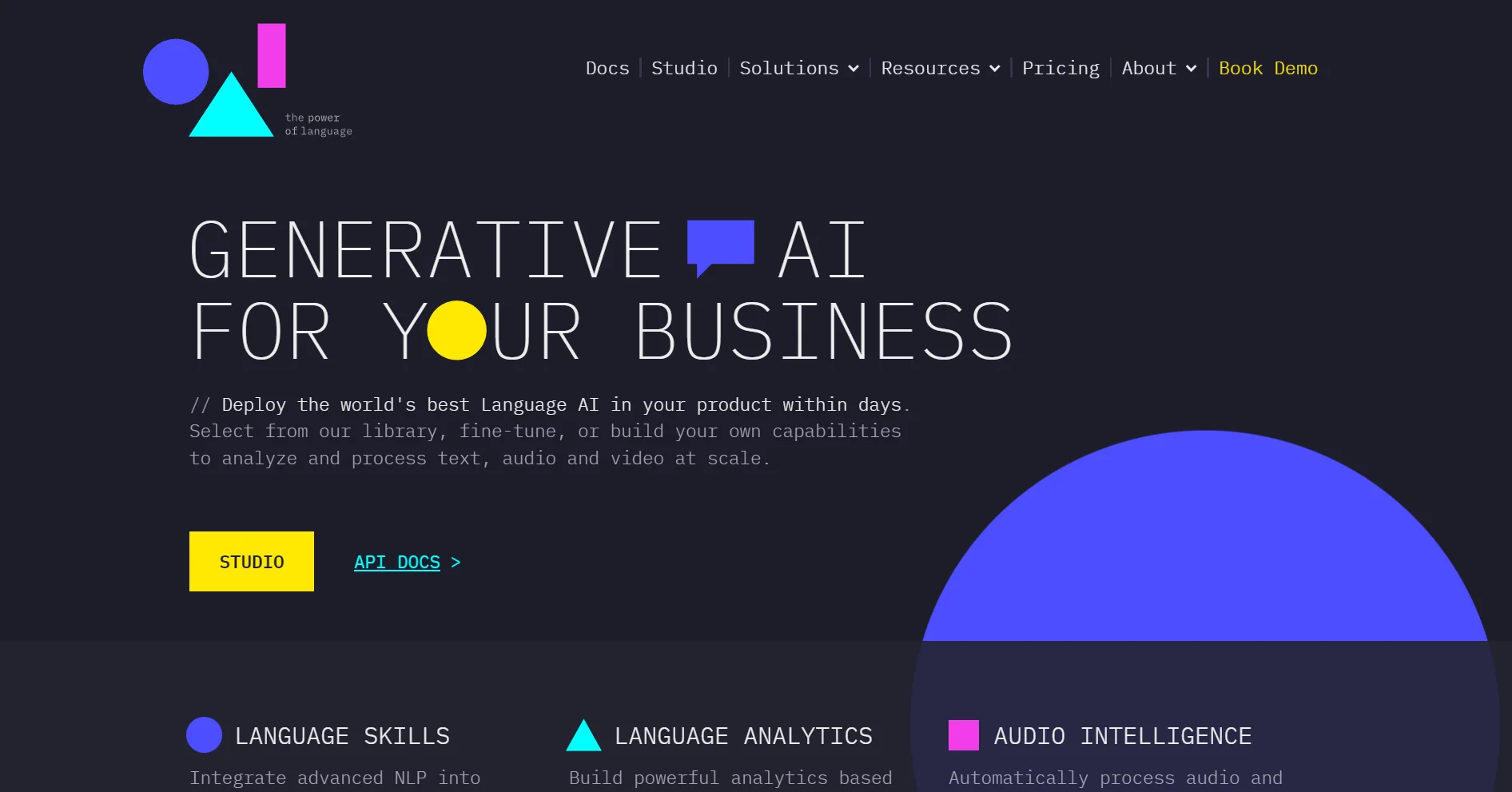
One AI is a cutting-edge tool designed to enhance website engagement and sales through the power of GPT (Generative Pretrained Transformer) technology. With a focus on creating a proactive GPT agent, One AI allows users to turn their websites into dynamic platforms that interact with visitors in real-time. This AI-driven approach is not only aimed at boosting user interaction but also at driving business growth by providing personalized experiences and insights.
One AI distinguishes itself with its proprietary language models that operate independently of third-party processors. This autonomy ensures that interactions are tailored to the brand's content and goals, providing a unique blend of trust, control, and brand alignment in customer interactions.
One AI excels at transforming websites into proactive GPT agents that drive engagement and sales. Its ability to learn and adapt to a brand's specific content and goals makes it an indispensable tool for businesses looking to leverage AI for growth. With its commitment to customization, security, and privacy, One AI is positioned as a valuable asset for any enterprise aiming to enhance their digital presence and customer interaction.
Who is Using One AI?
E-commerce Businesses
Enhancing the online shopping experience with personalized product insights.
SaaS Companies
Guiding users from discovery to product usage with contextual information.
Enterprises
Generating and qualifying leads with tailored solutions for a robust lead pipeline.
Digital Marketers
Creating more engaging content and campaigns based on user intent insights.
Uncommon Use Cases
Non-profits using the tool to better engage with their communities; Educational platforms employing the agent to facilitate learning processes.
Key Features
Rating Breakdown
Pricing Plans
Custom Quote
- Pricing is tailored to the specific needs of businesses and is available upon request
Free Trial
- Potential users can explore the features of One AI through a demo session
Which One AI plan should you pick?
Start with Pro for a small production deployment; upgrade to Enterprise when you need scale, advanced integrations, or API access.
PRO
Good for teams starting revenue calls with up to three agents, ten concurrent calls, and 100 calls per day.
Enterprise
Good for scaling organizations that need unlimited agents, custom capacity, advanced insights, API and MCP access, and white-glove implementation.
One AI Use Cases
Instant lead callbacks
Call new inbound leads within seconds, qualify them, and route high-intent prospects.
Outcome: Faster response and improved lead conversion.
Appointment scheduling and reminders
Contact clients, find calendar availability, confirm appointments, and follow up on no-shows.
Outcome: Fewer missed appointments and fuller calendars.
Outbound lead qualification
Call an existing prospect backlog, handle objections, and transfer qualified leads to representatives.
Outcome: More sales conversations without proportional hiring.
User activation
Call new or stalled users with onboarding, setup, adoption, or funding guidance.
Outcome: Higher activation and engagement.
Customer support and troubleshooting
Identify the customer’s issue, guide troubleshooting, and record the resolution status.
Outcome: Automated support interactions with documented outcomes.
Workflow Ideas with One AI
Inbound lead-to-meeting workflow
- 1Receive a new lead from a website or CRM
- 2Call the lead within five seconds and qualify intent
- 3Warm-transfer the lead or book an available calendar slot
Appointment reminder and backfill workflow
- 1Import scheduled contacts or sync the scheduling system
- 2Call clients to confirm appointments and retry unanswered contacts
- 3Contact interested prospects when cancellations create open slots
User activation workflow
- 1Sync stalled or newly registered users from a CRM or engagement platform
- 2Call users with the relevant activation script and handle objections
- 3Write outcomes, transcripts, and conversion data back to connected systems
How One AI fits into your stack
Content Versatility
Integrates with various content types like websites, documents, and multimedia.
Brand Personalization
Allows for brand-specific customization including logos and custom responses.
Private Cloud Hosting
Supports private cloud options for enhanced data security.
OpenAI Collaboration
Works in tandem with OpenAI to enhance AI capabilities and features.
Pros
- +Improved User Engagement: Personalizes interactions to keep visitors engaged, leading to increased time on site.
- +Lead Generation and Conversion: Guides prospects through the sales funnel, enhancing lead qualification and conversion rates.
- +Scalable Learning: The AI agent can learn from various content types including HTML, documents, videos, and audio.
- +Customizability: Offers a high degree of customization to match the brand identity and specific business needs.
Cons
- −Complex Setup: May require a detailed setup process to fully personalize the AI agent.
- −Content Dependency: The effectiveness of the agent is heavily reliant on the quality and comprehensiveness of the website’s content.
- −Learning Curve: Users may need time to fully understand and utilize the analytics and customization features.
Limitations & when to consider alternatives
Known limitations
- TCPA and consent requirements. Marketing calls using artificial or prerecorded voices generally require appropriate prior express written consent and compliance controls.
- Do-not-call and opt-out obligations. Campaigns must suppress national and internal DNC contacts and honor natural-language opt-out requests.
- Quiet-hour restrictions. Telemarketing calls must respect local calling hours, including the documented 8 a.m. to 9 p.m. window.
- Complex conversations can remain difficult. OneAI’s own guidance notes that AI agents can still struggle with complicated, high-stakes conversations.
- Configuration is required. Agents depend on defined scripts, rules, goals, contact data, schedules, and connected business systems.
Look elsewhere when
- You need a native iOS or Android app.
- You need a desktop installer for Windows, Mac, or Linux.
- You need image-understanding or image-analysis features.
How to Use One AI
- 1
One AI provides extensive documentation and how-to guides, ensuring users can easily set up and optimize their AI agents for their websites.
Who is One AI For?
Sales and lead-generation teams
OneAI automates outreach, qualifies leads, handles objections, and transfers or schedules sales-ready prospects.
Growth and lifecycle marketers
The platform calls users at behavioral milestones to improve onboarding, activation, funding, and retention.
Fintech and banking apps
OneAI supports account-activation calls, appointment reminders, renewals, and customer engagement.
Consumer apps and marketplaces
Behavior-triggered voice outreach can encourage setup, payment-method addition, adoption, and re-engagement.
Spa owners, managers, and CTOs
OneAI targets appointment scheduling, reservation reminders, cancellation backfill, and occupancy improvement.
Frequently Asked Questions
How does OneAI charge?
OneAI says it charges only for active conversation time, excluding dialing, waiting, and holding.
Can OneAI schedule appointments?
Yes. Its agents connect to calendars, suggest available slots, and book qualified appointments.
Can OneAI integrate with business systems?
Yes. OneAI lists CRM, scheduler, telephony, messaging, ad-network, and API integrations.
Can OneAI make outbound calls?
Yes. It can call lead backlogs, qualify prospects, retry contacts, and warm-transfer qualified leads.
How does OneAI address calling compliance?
OneAI documents consent-aware calling, DNC suppression, quiet-hour handling, opt-out recognition, and call logging.
Community reviews
Be the first to share your experience.
Sign in to leave a review for One AI.
One AI Alternatives
Looking for alternatives to One AI? Here are similar tools in the same category:
Learn to Master One AI
With Skill Leap courses
Get in-depth training on One AI and 50+ other AI tools with our expert-led video courses.
Start 7-Day Free Trial