OnlyDoc
Turn lengthy PDFs into quick, organized summaries for faster reading.
Key Takeaways
- What it is
- Turn lengthy PDFs into quick, organized summaries for faster reading.
- Pricing
- Freemium
- Best for
- AI PDF summaries
- Follow-up prompts
- Copy or download
- Rating
- 4.1/5
What is OnlyDoc?
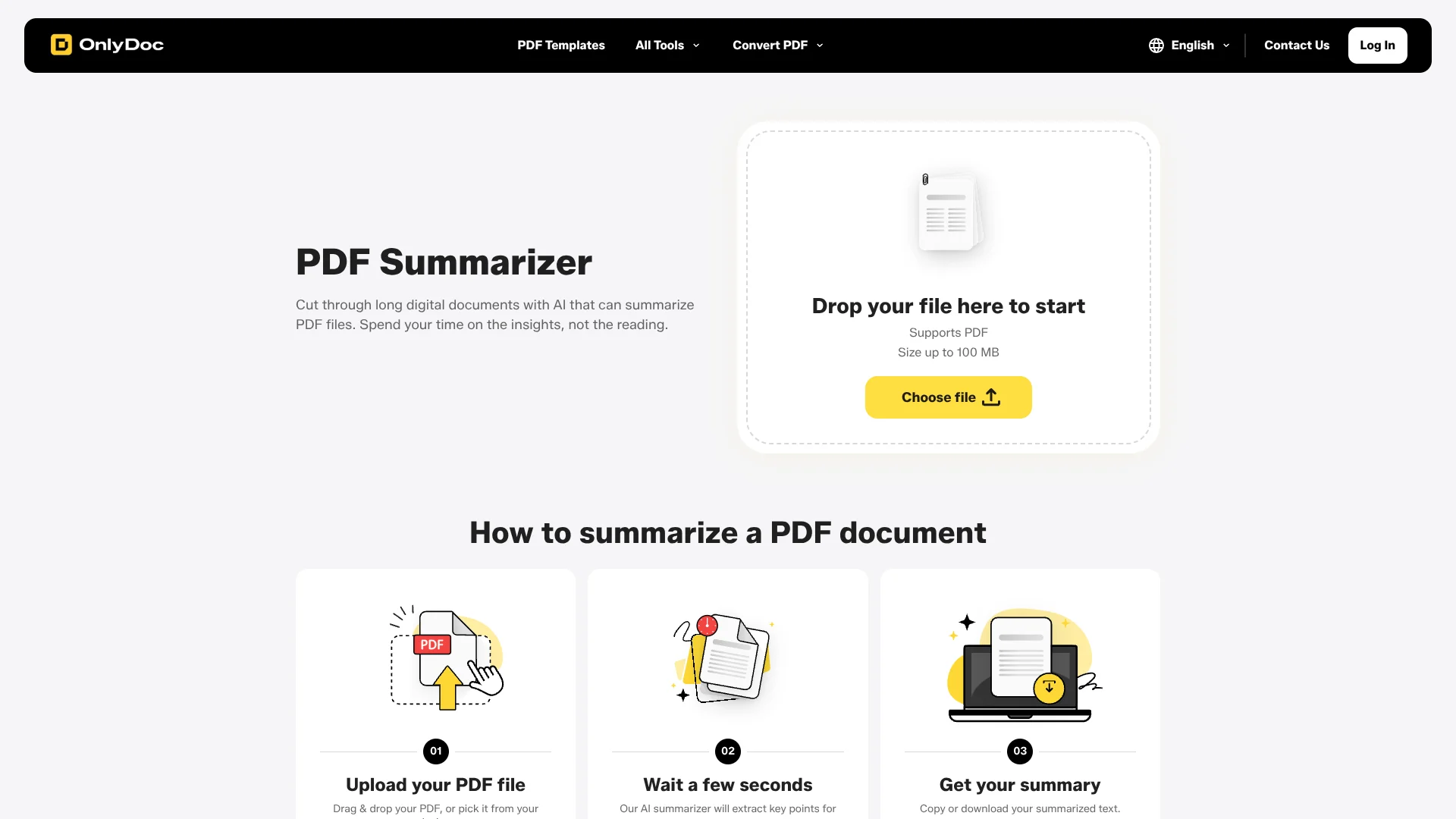
OnlyDoc’s AI PDF Summarizer turns a long PDF into organized paragraphs of key points, helping research, legal, education, and business professionals get to the substance faster. It accepts PDFs up to 100 MB, and the site says most summaries are ready in under 30 seconds. You can copy the result or download it for notes and references.
After summarizing a PDF, follow-up prompts can reshape the summary into a mind map or outline, giving you another way to organize the same document’s ideas.
It suits people who need a quick first pass through articles, reports, or book chapters. The tool focuses on PDF summaries rather than broader document work, so it is best when your goal is to understand a PDF and carry its key points into your next task.
Who is Using OnlyDoc?
Researchers
A first-pass summary helps identify key points in articles and reports.
Attorneys
A summary can help surface the main ideas in lengthy PDF documents before a closer review.
Educators
Outlines made from summaries can help organize ideas from reading materials.
Business analysts
Scannable summaries make it easier to pull key points from business reports into working notes.
Uncommon Use Cases
Turn a book chapter summary into an outline; reshape summary points into a mind map.
Key Features
Rating Breakdown
Pricing Plans
Free Version
Free
- Includes limited access to the product’s functionality, features, or resources. Availability and limits may change over time
Premium Version
- Includes extended functionality, additional features, and benefits beyond the Free Version. Available through a subscription or one-time payment
Which OnlyDoc plan should you pick?
Start with Free Version for PDF summaries; OnlyDoc does not publish a confirmed price or plan details for this specific summarizer beyond its free access.
OnlyDoc Use Cases
Review a research paper
A quick summary gives you the main points before a detailed read.
Outcome: A concise summary for notes or references.
Scan a business report
Key points from a long report are presented in organized paragraphs.
Outcome: A summary you can copy or download.
Organize a book chapter
Follow-up prompts can turn the summary into an outline or mind map.
Outcome: A different structure for reviewing the chapter’s ideas.
Workflow Ideas with OnlyDoc
Review a PDF before reading closely
- 1Upload a PDF up to 100 MB.
- 2Review the generated summary.
- 3Copy or download the text for your notes.
Make a study outline
- 1Generate a summary from a PDF reading.
- 2Use a follow-up prompt to request an outline.
- 3Save the result for study notes.
Map a report’s ideas
- 1Upload the report as a PDF.
- 2Review the summary’s key points.
- 3Use a follow-up prompt to turn the summary into a mind map.
How OnlyDoc fits into your stack
Browser-based PDF work
The summarizer runs online and accepts PDFs from your device, with no desktop installation described on the page.
Notes and references
Copy or download the generated text to carry key points into notes or reference material.
Other OnlyDoc tools
OnlyDoc also lists separate PDF tools such as PDF OCR and Translate PDF for other document tasks.
Pros
- +Quick first pass: most summaries take under 30 seconds, according to OnlyDoc.
- +Large PDF allowance: accepts files up to 100 MB.
- +Useful study formats: follow-up prompts can make a mind map or outline from a summary.
- +Easy to keep: copy or download the summary for later reference.
Cons
- −PDF-only input: you cannot submit another file format to this summarizer.
- −Text-focused results: the main output is organized summary text, not a redesigned document.
Limitations & when to consider alternatives
Known limitations
- 100 MB file-size cap. The summarizer lists a maximum upload size of 100 MB.
- PDF input only. The supported upload format listed for this summarizer is PDF.
Look elsewhere when
- You need to summarize files in formats other than PDF.
- You need a native mobile or desktop app rather than a browser-based tool.
How to Use OnlyDoc
- 1
Open the PDF Summarizer
Start in OnlyDoc’s browser-based summarizer; the site says no subscription is needed for this tool.
- 2
Choose a PDF
Select a file from your device or drag it into the upload area; the listed maximum file size is 100 MB.
- 3
Review the summary
Read the organized paragraphs of key points, which OnlyDoc says usually take under 30 seconds to generate.
- 4
Keep or reshape the result
Copy or download the summary, or use a follow-up prompt to make a mind map or outline.
Who is OnlyDoc For?
Research professionals
A quick summary can help you review articles and reports before deciding what to read closely.
Legal professionals
The tool is aimed at professionals who need to get through lengthy PDFs without reading every page first.
Education professionals
Summaries and follow-up outlines can support work with course readings and book chapters.
Business professionals
Key points from business reports are easier to scan and carry into notes or references.
Frequently Asked Questions
Is OnlyDoc’s PDF Summarizer free?
Yes. The summarizer page describes it as free and says no subscription is needed to use it.
How large a PDF can I upload?
The page lists a maximum file size of 100 MB.
How do I keep the summary?
You can copy the summary text or download it.
Can it turn a summary into a mind map?
Yes. The page says follow-up prompts can turn a summary into a mind map or outline.
Can I use it on a phone?
Yes. OnlyDoc says the online summarizer works on iPhone and Android devices, as well as desktop computers.
Community reviews
Be the first to share your experience.
Sign in to leave a review for OnlyDoc.
OnlyDoc Alternatives
Looking for alternatives to OnlyDoc? Here are similar tools in the same category: