
OpenClaw
Control your computer and apps from any chat.
Key Takeaways
- What it is
- Control your computer and apps from any chat.
- Best for
- On-device runtime and model choice
- Multi-channel chat interface
- Persistent long-term memory
- Rating
- 4.2/5
What is OpenClaw?
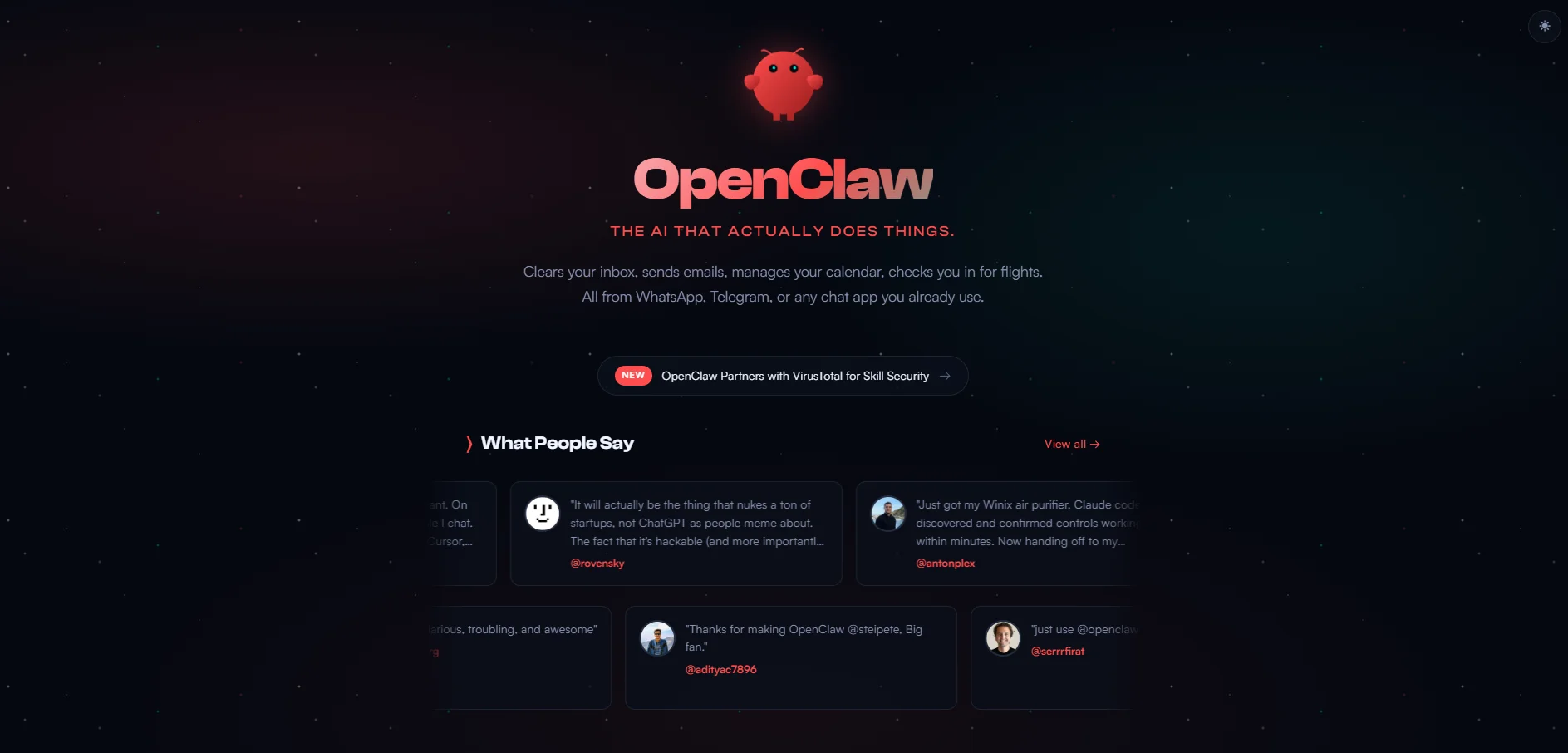
OpenClaw is an open source personal AI assistant that runs on the user’s own computer and connects chat apps to automation on that machine. Large language models from providers such as Anthropic and OpenAI, or local models, act as the brain while browser control, file access, and system commands give it hands. From WhatsApp or Telegram, users can clear inboxes, manage calendars, check in for flights, and trigger complex workflows.
OpenClaw stands apart by giving an AI assistant its own machine, full system access, and a chat front-end. Instead of living inside a browser tab, it drives the browser, file system, and apps, remembers context across channels, and even writes new skills. Open source code and local hosting keep power users firmly in control.
OpenClaw fits technical users and small teams who want a chat-first assistant on hardware they control, trading some setup for real automation. It can drive the browser, access files, and run commands to handle workflows like inbox and calendar cleanup, research, and repeatable tasks across your chat apps, as long as you’re comfortable managing permissions and model costs.
Who is Using OpenClaw?
Indie Developers and Builders
Using OpenClaw to automate coding chores, manage deployments, and prototype new products from chat.
Solo Founders and Small Teams
Running outreach, content pipelines, documentation, and light support without hiring full-time virtual assistants.
Knowledge Workers and Creators
Offloading research, email triage, drafting, and publishing across Gmail, browsers, note apps, and publishing tools.
Technical Students and Educators
Turning OpenClaw into a teaching assistant for coding exercises, project scaffolding, and course logistics.
Uncommon Use Cases
Adopted by quantified-self enthusiasts to connect wearables and home devices; used by hobbyists to build sites or quirky projects from their phones.
Key Features
Rating Breakdown
Pricing Plans
Open source core
- OpenClaw’s codebase is free to install and run on macOS
- Windows
- Or Linux
Bring-your-own models
- Users typically pay separately for Claude
- ChatGPT
- Or other APIs
- So spending scales with usage
Infrastructure and extras
- Persistent agents on dedicated machines or cloud servers create additional hardware and hosting costs
OpenClaw Use Cases
Personal messaging assistant
Connect WhatsApp, Telegram, Signal, Slack, or another channel and interact with an always-on assistant.
Outcome: A persistent assistant available through the messaging surfaces you already use.
Coding and repository work
Give an agent access to a workspace and use coding modes or external coding harnesses to inspect and modify projects.
Outcome: Automated coding tasks, test runs, and repository changes.
Scheduled reports and reminders
Create one-shot or recurring automations that run instructions and deliver results to a chat channel or webhook.
Outcome: Recurring briefs, reminders, and operational reports.
Browser and computer automation
Pair a browser node or Chrome extension so the agent can operate selected tabs, pages, and supported desktop environments.
Outcome: Automated interaction with authenticated browser sessions and connected machines.
Mobile device workflows
Pair official iOS or Android nodes and selectively expose camera, screen, location, voice, notifications, or sharing capabilities.
Outcome: Phone-assisted chat, approvals, voice, and device-aware automation.
Workflow Ideas with OpenClaw
Scheduled morning brief
- 1Create a recurring automation with a cron expression.
- 2Instruct the agent to summarize overnight updates or project activity.
- 3Deliver the result to Slack, Telegram, or a webhook.
Inbound webhook task flow
- 1Configure an authenticated OpenClaw webhook route.
- 2Receive an event from Zapier, n8n, CI, or an internal service.
- 3Create or advance a managed multi-step TaskFlow record.
Browser-assisted research
- 1Install and pair the official Chrome extension or managed browser.
- 2Share the required tab and provide the research instruction.
- 3Return findings to the main conversation or a configured channel.
How OpenClaw fits into your stack
Browser
Use the browser Control UI for chat, configuration, sessions, web search, and browser automation; the Chrome extension connects eligible signed-in tabs.
Team chat and tickets
Run OpenClaw inside Slack, Discord, Google Chat, Microsoft Teams, Telegram, and other channels, with shared sessions, roles, presence, and takeover.
Automation and APIs
Schedule recurring jobs, trigger agents through authenticated webhooks, orchestrate multi-step Task Flows, or connect external clients through the Gateway API.
Desktop / IDE
Run the Gateway and native companion apps on macOS, Windows, or Linux; use shell, file, browser, and code-execution tools from the desktop host.
Knowledge and files
OpenClaw reads and writes local files, processes document attachments, maintains memory, and connects to tools such as Gmail, GitHub, Obsidian, Notion, and Apple Notes.
Pros
- +Serious automation from chat: Lets users clear inboxes, coordinate calendars, and run code or tests just by sending messages.
- +Privacy and control: Open source and local-first design appeals to privacy-conscious users who dislike handing SaaS full account access.
- +Extensible for power users: Highly extensible via plugins, skills, and scripts, so power users can shape the assistant around niche workflows.
- +Broad life coverage: Works across personal, academic, and business contexts, replacing many small tools and even some virtual assistants.
Cons
- −Technical setup expectations: Installer helps, but advanced configuration still expects comfort with terminals, APIs, and debugging integrations.
- −Model and API dependence: Quality and latency depend heavily on chosen models and cloud providers, which may change pricing or limits.
- −High-privilege risk: Granting file system and browser control carries risk if prompts, skills, or permissions are not carefully reviewed.
Limitations & when to consider alternatives
Known limitations
- Model-provider access is separate. OpenClaw is a gateway and agent runtime; users must configure a supported provider, API key, OAuth flow, CLI login, or local model.
- Mobile apps require a Gateway. The official iOS and Android apps are companion nodes and require a running OpenClaw Gateway elsewhere.
- A shared Gateway is one trust domain. The FAQ warns that mutually adversarial users should use separate gateways rather than sharing one trust domain.
- Browser automation requires local setup. The Chrome extension requires OpenClaw on the same machine or an OpenClaw browser node, plus pairing and browser permissions.
- Media handling has provider and size constraints. Attachments depend on channel support and provider limits; images may be resized to a maximum side of 2048 pixels.
Look elsewhere when
- You need enterprise SSO or SAML.
- You need model fine-tuning or training jobs.
- You need a hosted, vendor-managed AI subscription.
How to Use OpenClaw
- 1
Install the Gateway
Install OpenClaw on macOS, Linux, Windows via the Hub or WSL2, then run onboarding to create the Gateway and configure authentication.
- 2
Choose a model provider
Configure Anthropic, OpenAI, Google, local models, or another supported provider and verify the selected model.
- 3
Connect a channel or device
Pair a messaging channel, official mobile app, browser node, or desktop node so you can reach the agent and expose only needed capabilities.
- 4
Set up the workspace and permissions
Define the agent workspace, bootstrap instructions, allowed senders, tool policy, sandboxing, and operator roles before granting access.
- 5
Create automations and integrations
Add scheduled jobs, webhooks, plugins, or external app routes for recurring work and event-driven workflows.
- 6
Monitor and secure the deployment
Use status, security audit, pairing, logs, and session controls to review access, credentials, automation runs, and connected devices.
Who is OpenClaw For?
Personal assistant users
Run an always-on assistant on personal infrastructure and access it through messaging apps, voice, or mobile nodes.
Teams
Use shared gateways with multi-user sessions, named roles, separate agents, and workspace or sandbox boundaries.
Developers
Connect coding agents, tools, plugins, custom providers, APIs, browser automation, and local models.
Self-hosting and privacy-conscious users
Keep gateway state, workspaces, credentials, and session history on infrastructure you control.
Frequently Asked Questions
What is OpenClaw?
OpenClaw is a self-hosted gateway connecting messaging apps and devices to AI agents on your own hardware.
Does OpenClaw require a hosted subscription?
No. The project states that it has no paid tier and no hosted service in the middle. You supply and pay for any model-provider access you configure.
Can a team share one OpenClaw Gateway?
Yes. Shared gateways support multi-user sessions, real-time viewers, named operator roles, and per-user access boundaries.
Which messaging platforms can OpenClaw connect to?
Official integrations include Discord, Google Chat, iMessage, Matrix, Microsoft Teams, Signal, Slack, Telegram, WhatsApp, and additional plugins.
Can OpenClaw automate scheduled work?
Yes. Automations support one-shot reminders, recurring intervals, cron expressions, inbound webhooks, task flows, and channel or webhook delivery.
Does OpenClaw need a model-provider API key?
The getting-started documentation says users need an API key from a chosen model provider, although local and OAuth-based provider setups are also documented.
Community reviews
Be the first to share your experience.
Sign in to leave a review for OpenClaw.
OpenClaw Alternatives
Looking for alternatives to OpenClaw? Here are similar tools in the same category:
Learn to Master OpenClaw
With Skill Leap courses
Get in-depth training on OpenClaw and 50+ other AI tools with our expert-led video courses.
Start 7-Day Free Trial