OpenDialog AI
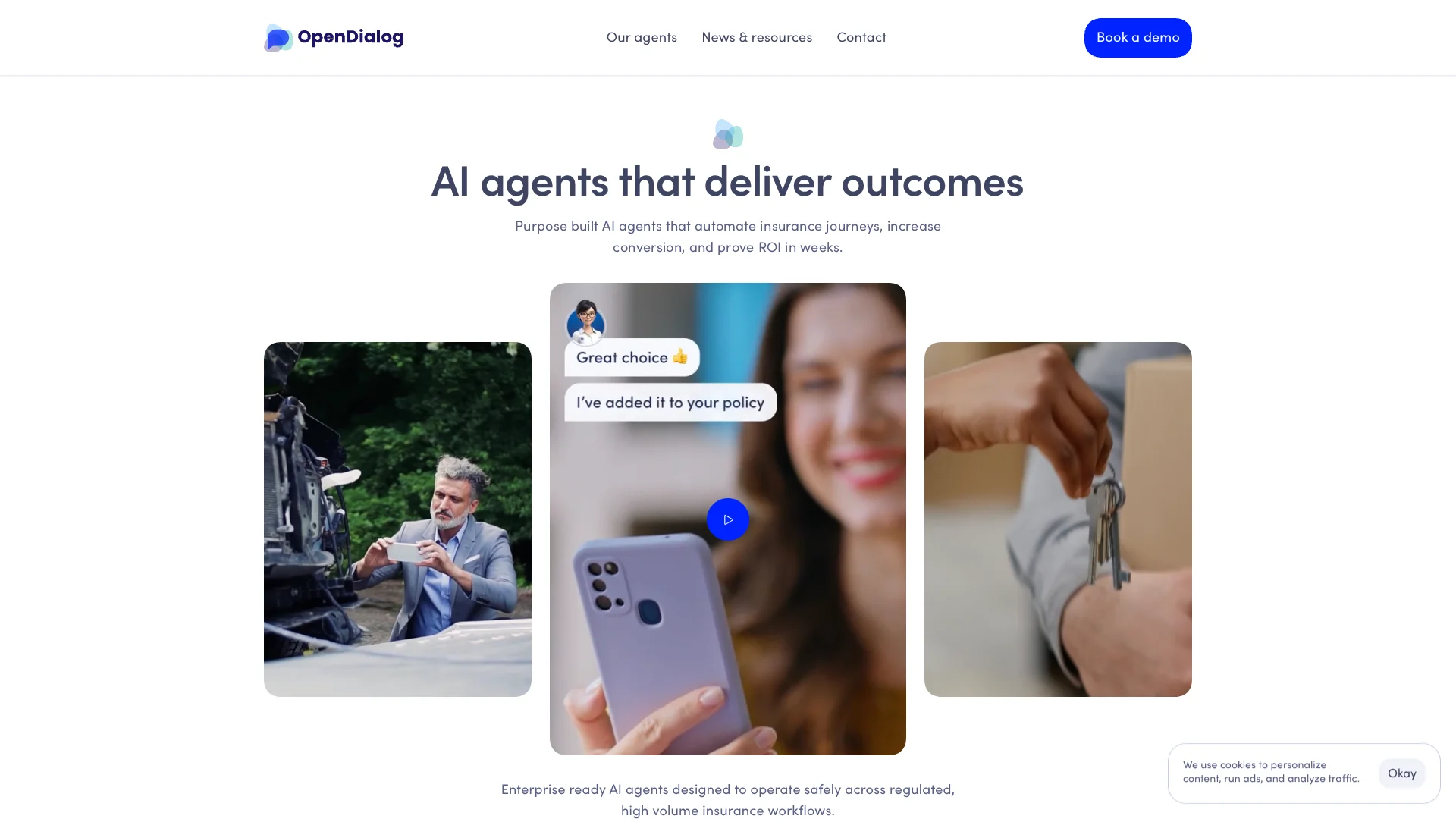
AI agents guide insurance customers through quotes and policy service.
Key Takeaways
- What it is
- AI agents guide insurance customers through quotes and policy service.
- Best for
- Selma, AI Sales Agent
- Jamie, AI Policy Query Agent
- Rhea, AI Re-engagement Agent
- Rating
- 4.0/5
What is OpenDialog AI?
OpenDialog builds and deploys AI agents for insurance journeys such as getting a quote, asking a policy question, changing coverage, or returning to an unfinished quote. Insurers, brokers, and MGAs can use its ready-made agents or work with OpenDialog to shape an agent for a specific customer process. The goal is to handle routine conversations while keeping them aligned with business rules and regulatory needs.
Its insurance agents are presented as working products, not only tools for designing chatbots: Selma supports sales, Jamie answers policy questions, and Rhea follows up on lost quote journeys. OpenDialog also describes a delivery process that includes discovery, design, deployment, and ongoing review of customer interactions.
OpenDialog is most suited to insurance organizations with high-volume customer journeys and internal teams able to provide journey data and approved knowledge sources. It is less suited to someone seeking a self-serve, low-cost chatbot builder, since the public site emphasizes demos and hands-on deployment rather than a public self-serve plan.
Who is Using OpenDialog AI?
Insurance operations leaders
Customer-service and sales goals guide their choice of journeys to automate.
Insurance product owners
Journey requirements and regulatory expectations shape how they scope an agent.
Conversation designers
OpenDialog's no-code builder lets them design customer conversations and manage prompts.
Integration engineers
Webhook actions and APIs connect agent conversations to policy, customer, or decision systems.
Compliance and analytics reviewers
Interaction records and analytics help them inspect how agents handle customer conversations.
Uncommon Use Cases
Reviewing uploaded images or documents in an LLM action; translating conversation content for additional locales
Key Features
Rating Breakdown
Pricing Plans
Custom Pricing Model
- Since OpenDialog AI serves highly specialized sectors
- Pricing is typically customized based on specific business needs and scale of deployment
Which OpenDialog AI plan should you pick?
Request a demo to discuss an insurance journey, deployment needs, and pricing with OpenDialog.
OpenDialog AI Use Cases
Quote completion
Selma supports customers during an insurance quote journey, including when questions might otherwise stall a purchase.
Outcome: OpenDialog says Selma is designed to increase quote conversions.
Policy question self-service
Jamie answers policy-specific questions so customers can resolve routine queries without waiting for an employee.
Outcome: OpenDialog reports that 70% of policy queries are self-served.
Lost quote follow-up
Rhea re-engages customers who left a quote journey before completing it.
Outcome: OpenDialog says Rhea is designed to recover lost quote journeys.
Policy changes
An agent can guide customers through changes such as updating address details, vehicle information, or coverage.
Policy and claims conversations
Insurance organizations can explore customer-facing agents for policy questions and claims journeys.
Workflow Ideas with OpenDialog AI
Help a shopper complete a quote
- 1Map where customers pause or leave the existing quote journey.
- 2Provide approved product information and the relevant business rules.
- 3Deploy Selma in the customer journey and review interaction data.
Answer policy questions from approved material
- 1Select the policy documents and knowledge sources the agent may use.
- 2Configure Jamie to answer common policy questions.
- 3Review conversations to find questions that need clearer answers.
Reconnect with unfinished quotes
- 1Identify the point where a customer abandons a quote.
- 2Configure Rhea to support follow-up conversations.
- 3Track interactions and refine the journey based on customer behavior.
How OpenDialog AI fits into your stack
Customer-facing web journeys
OpenDialog WebChat can be embedded in a website or application. Its Chat API can also support a custom chat interface.
Insurance and business systems
Webhook actions can call external APIs to retrieve information or send customer details to another system.
Knowledge and language models
Knowledge Services use organization-provided documents, and LLM actions can be configured with supported model providers.
Analytics and review
Teams can inspect interactions and export analytics data for reporting and continued journey review.
Pros
- +Insurance-specific agents: Selma, Jamie, and Rhea address recognizable sales, service, and follow-up journeys.
- +Human review built into delivery: Discovery and ongoing interaction review help align an agent with the customer journey.
- +Connects to business systems: Webhook actions and APIs can bring outside information into a conversation or send collected details to another system.
- +Role-based workspace access: Admin, Editor, and guest roles give teams different levels of access to scenarios and analytics.
Cons
- −Insurance is the clear focus: Organizations outside insurance may need a custom agent rather than a ready-made journey.
- −Not a quick self-serve purchase: The current site directs prospective customers to request a demo and discuss their needs.
- −Configuration takes planning: Teams need to map a customer journey and provide relevant knowledge sources before deployment.
Limitations & when to consider alternatives
Known limitations
- LLM file analysis needs enablement. The documentation says file upload in LLM actions must be enabled by OpenDialog on request.
- Translation is in alpha. OpenDialog Translate is documented as an alpha feature, and target languages must be provisioned for a workspace.
- Integrations require configuration. Connecting an external service involves configuring an action or working with an engineering team.
Look elsewhere when
- You need a public self-serve subscription with a published monthly price.
- You need a native mobile app, desktop installer, or browser extension.
- Your main use case is outside customer-facing insurance journeys.
How to Use OpenDialog AI
- 1
Choose a customer journey
Start with a specific insurance process, such as quote completion or policy questions, and define the customer and business goals.
- 2
Share journey information
Bring current journey data and approved knowledge sources to the discovery process so the agent can be scoped to your requirements.
- 3
Design the agent experience
Work with OpenDialog to align the conversation with the customer experience and regulatory requirements.
- 4
Connect relevant systems
Configure webhook actions or APIs when the agent needs information from, or must send information to, another system.
- 5
Test before launch
Preview and test the conversational application before making its WebChat available on a website or application.
- 6
Review and improve
Use interaction data and analytics to identify changes that could improve the customer journey.
Who is OpenDialog AI For?
Insurers
Insurance teams can automate customer-facing quote, policy, and claims conversations.
Brokers and brokerages
Brokerage teams can use agents to support customer sales and service journeys.
Managing general agents
MGAs can explore agents for policy queries, quote follow-up, and other high-volume interactions.
Third-party administrators
TPAs can consider agents for routine customer conversations tied to insurance workflows.
Frequently Asked Questions
Does OpenDialog have a free plan?
The public site does not list a free plan or self-serve signup. It directs prospective customers to request a demo.
How much does OpenDialog cost?
The current public site does not show a US list price. Contact OpenDialog to discuss pricing for your needs.
Can OpenDialog connect to our systems?
Yes. Its documentation describes webhook actions for external APIs and a WebChat API for custom interfaces.
Can OpenDialog handle uploaded files or images?
LLM actions can pass uploaded files to a model for analysis, including images, but this feature must be enabled for the workspace.
Can we use OpenDialog in multiple languages?
OpenDialog Translate supports multilingual conversation content, but the documentation identifies it as an alpha feature.
Community reviews
Be the first to share your experience.
Sign in to leave a review for OpenDialog AI.
OpenDialog AI Alternatives
Looking for alternatives to OpenDialog AI? Here are similar tools in the same category: