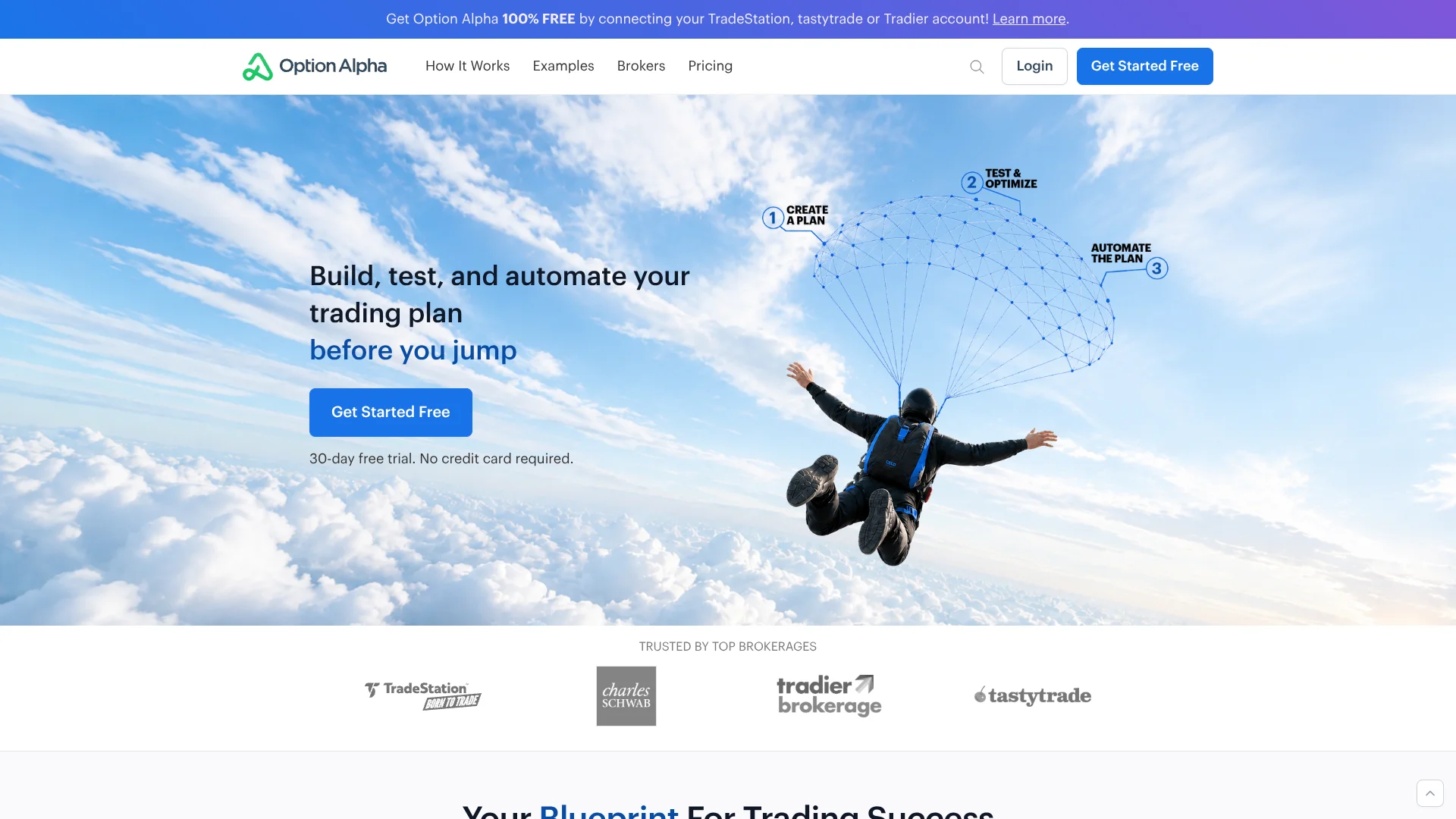
Option Alpha
Options traders turn backtested strategies into automated trading bots.
Key Takeaways
- What it is
- Options traders turn backtested strategies into automated trading bots.
- Pricing
- $149 per month · Freemium
- Best for
- Backtesting
- Bots and automations
- Paper trading
- Rating
- 4.0/5
What is Option Alpha?
Option Alpha lets retail traders test options strategies against historical market data, then turn their entry and exit rules into bots that can place and manage trades through a connected brokerage account. Its visual, no-code automation tools are built for traders who want to follow a repeatable plan instead of monitoring every position by hand. Bots can also run in paper trading with live market data.
A distinctive part of the workflow is that a backtest can be used to generate a bot, carrying the tested strategy into automation rather than requiring you to rebuild its rules from scratch.
It suits self-directed stock and options traders who are comfortable deciding which strategies to trade and want software to carry out their rules. It is not a broker or investment adviser, and its supported options strategies exclude calendars, diagonals, straddles, and strangles. Option Alpha is most useful when your plan fits its supported strategies and broker connections.
Who is Using Option Alpha?
Options trader
A repeatable entry-and-exit plan becomes a bot that can monitor and manage positions.
Active stock trader
Scheduled automations scan for opportunities and place trades that match selected rules.
Strategy tester
Historical backtests help compare supported strategy variations before choosing one to paper trade.
Trading educator
Bot templates and shared strategies offer concrete examples for explaining rules-based trading.
Uncommon Use Cases
Paper trading a strategy without linking a brokerage account; exporting position data for analysis with other tools
Key Features
Rating Breakdown
Pricing Plans
Pro
$149 per month
- $99.00 per month with annual billing
- Trade with any broker
- 50 bots and a $100,000 limit per bot
- Unlimited backtesting
TradeStation
Free
- Requires an active TradeStation integration and a $10,000 minimum account balance
- 50 bots, a $100,000 limit per bot, and unlimited backtesting
Tradier
Free
- Requires an active Tradier integration and at least $5,000 funded; the pricing FAQ states a $3,000 minimum maintained balance
- 50 bots, a $100,000 limit per bot, and unlimited backtesting
tastytrade
Free
- Requires a qualifying tastytrade account with at least a $5,000 minimum balance
- 50 bots, a $100,000 limit per bot, and unlimited backtesting
Which Option Alpha plan should you pick?
Try the 30-day free trial or qualifying broker-linked access first; choose Pro if you need to trade through any supported broker without the qualifying-account balance requirements.
Pro
For traders who want access through any supported broker, 50 bots, and unlimited backtesting.
TradeStation
For traders with a qualifying TradeStation account who meet its stated account balance requirements.
Tradier
For traders with a qualifying Tradier account who meet its stated account balance requirements.
tastytrade
For traders with a qualifying tastytrade account who meet its stated account balance requirements.
Option Alpha Use Cases
Test an options strategy
Historical results make it easier to compare strategy settings before putting capital at risk.
Outcome: Backtest results and performance metrics for supported strategies.
Automate trade entry
A scanner bot looks for positions that meet chosen market and strategy conditions.
Outcome: Trades can be submitted through a connected brokerage account.
Manage open positions
Monitor automations check open trades and respond when selected exit conditions are met.
Outcome: Positions can be managed according to preset rules.
Practice before live trading
Paper trading lets a trader observe bot behavior using live market data without sending live orders.
Outcome: A way to test a strategy without risking live capital.
Find trade candidates
Trade Ideas ranks potential positions using filters such as expiration, reward-to-risk, and expected value.
Outcome: Ranked trade ideas to review before placing an order.
Workflow Ideas with Option Alpha
Test, paper trade, then automate
- 1Choose a supported strategy and set its entry and exit rules.
- 2Backtest variations and review the results.
- 3Run the selected strategy in a paper trading bot before connecting a live broker.
Automate position management
- 1Connect a supported brokerage or paper trading account.
- 2Create a bot with position limits and a monitor automation.
- 3Set exit conditions and review bot logs as positions change.
Build from a shared strategy
- 1Browse community templates or sample bots.
- 2Clone a bot and adjust its rules to match your strategy.
- 3Test the bot actions, then run it in paper trading or through a connected broker.
How Option Alpha fits into your stack
Web trading platform
Option Alpha runs in a web browser and its bots operate in the cloud, so the browser does not need to stay open for bots to run.
Brokerage accounts
Connected broker integrations route orders to supported brokerage accounts, where trades remain visible.
Strategy research
Backtesting and Trade Ideas help evaluate strategies and find potential trades before an order is placed.
Paper trading
The built-in paper trading account lets you test bots with live market data without connecting a broker.
Pros
- +Backtest-to-bot workflow: Turn a tested strategy into an automated bot without rebuilding its rules.
- +No-code controls: Build trade rules with visual decisions and recipes instead of programming.
- +Paper trading with live data: Try a strategy without risking money or connecting a broker.
- +Broker choices: Connect supported brokerages including TradeStation, Tradier, tastytrade, and Charles Schwab.
- +Bot visibility: Review bot logs, open positions, and the data behind bot decisions.
Cons
- −Trading-specific learning curve: Understanding options strategies and bot rules takes time, even without coding.
- −Broker-dependent free access: The $0 broker offers require a qualifying connected account and balance.
- −Limited strategy coverage: The supported options strategies do not include calendars, diagonals, straddles, or strangles.
Limitations & when to consider alternatives
Known limitations
- Unsupported options strategies. Calendars, diagonals, straddles, and strangles are not supported.
- No futures or forex. The platform does not support futures, futures options, or forex trading.
- Broker access varies. Live trading requires a supported broker connection, and broker account requirements can apply.
- Bots are not directly backtested. The FAQ says supported strategy types and symbols can be backtested, but bots themselves have too many variables to backtest every combination.
- Not for professional subscribers. The pricing FAQ says the platform is intended for retail, nonprofessional investors.
Look elsewhere when
- You need to trade futures, futures options, or forex.
- You need calendars, diagonals, straddles, or strangles.
- You need an integrated live-trading broker that Option Alpha does not support.
How to Use Option Alpha
- 1
Start with a strategy
Choose a supported stock or options approach, or begin with a sample bot or community template.
- 2
Set up a bot
Name the bot, choose a paper trading or connected brokerage account, and set its allocation and position limits.
- 3
Add automations
Build scanner rules for finding trades and monitor rules for managing open positions.
- 4
Test the rules
Backtest supported strategy variations and validate bot actions before relying on them.
- 5
Practice or connect a broker
Paper trade with live data first, or connect an eligible supported brokerage account for live order routing.
- 6
Review activity
Check bot logs and positions to see what the bot did and which data informed its decisions.
Who is Option Alpha For?
Options traders
Self-directed traders can test supported strategies and automate their own entry and exit rules.
Stock traders
Traders can automate supported stock strategies through a connected brokerage account.
Retail investors learning automation
Paper trading and educational resources let new bot users practice before sending live orders.
Frequently Asked Questions
Is Option Alpha free?
Option Alpha offers a 30-day free trial. Ongoing $0 access is also available through qualifying TradeStation, Tradier, or tastytrade accounts, subject to broker requirements.
How much does Option Alpha Pro cost?
The pricing page lists Pro at $149 per month with monthly billing, or $99 per month with annual billing.
Do I need to know how to code?
No. The platform uses no-code bot and automation tools.
Can I paper trade without connecting a broker?
Yes. Option Alpha's paper trading uses live market data and does not require a brokerage connection.
Does Option Alpha have a mobile or desktop app?
Option Alpha describes its platform as web-based and says no local desktop software is needed.
Which brokers can I connect?
The site lists active integrations including TradeStation, Tradier, tastytrade, and Charles Schwab. Supported brokers and account eligibility can vary.
Community reviews
1 review from people who use Option Alpha.
Sign in to leave a review for Option Alpha.
Thibault BM
Option Alpha Alternatives
Looking for alternatives to Option Alpha? Here are similar tools in the same category: