
Orkes
Orchestrate workflows, integrate AI, scale applications effortlessly.
Key Takeaways
- What it is
- Orchestrate workflows, integrate AI, scale applications effortlessly.
- Pricing
- Freemium
- Best for
- Durable Execution
- Modern Application Integration
- Development Acceleration
- Rating
- 4.5/5
What is Orkes?
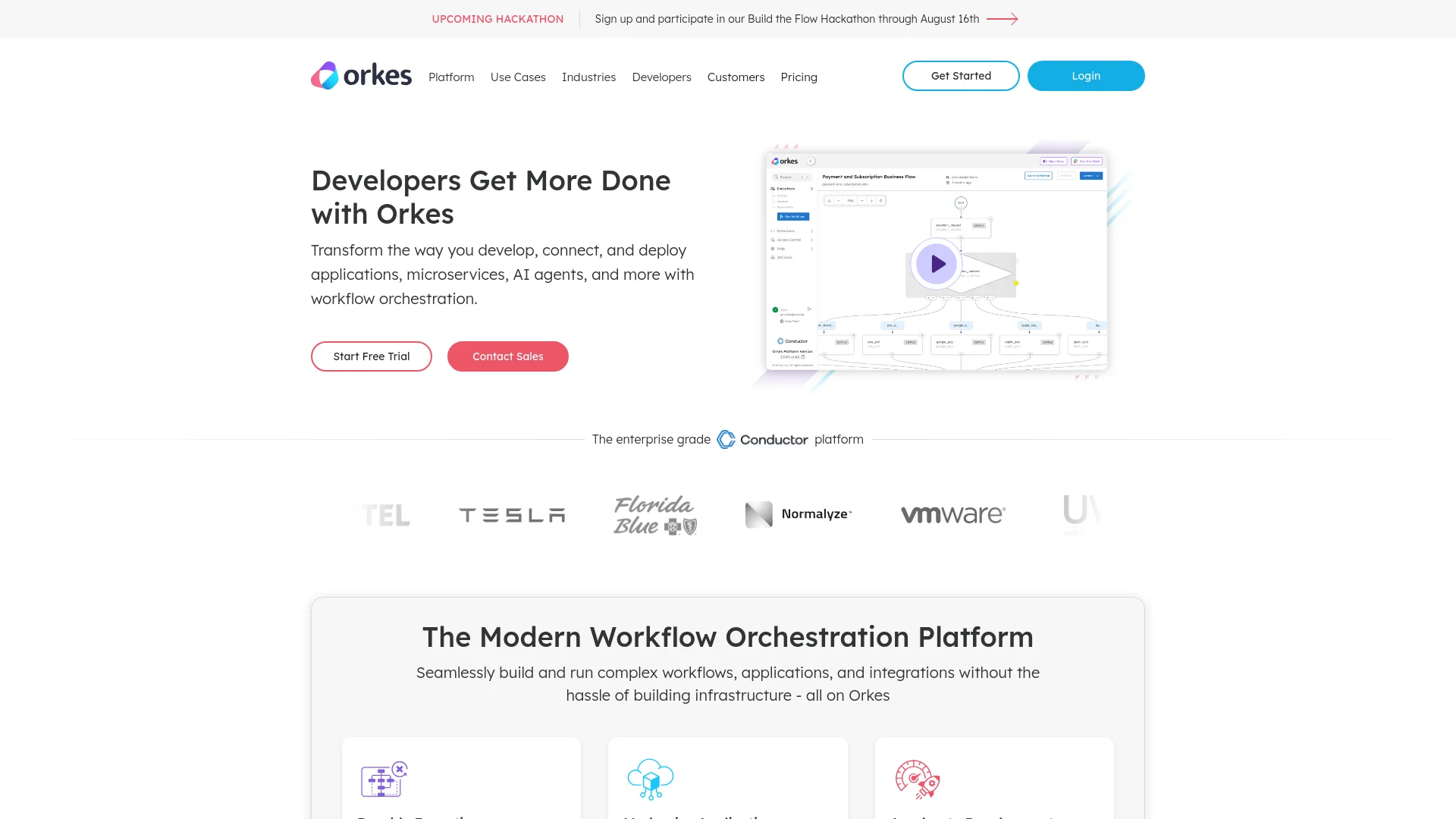
Orkes is a modern workflow orchestration platform designed to enhance how developers create, connect, and deploy applications across various environments. It's particularly powerful in coding distributed systems that span microservices, APIs, AI models, and event-driven architectures. Orkes offers tools that cater to any language, framework, and complexity, making it an invaluable asset for enterprises looking to streamline their development processes and enhance operational efficiency.
Orkes stands out by offering a combination of robust scalability, advanced security features, and a flexible, developer-friendly environment. Its ability to seamlessly integrate with existing systems and support a wide range of programming languages makes it a versatile choice for businesses looking to leverage workflow orchestration.
Orkes excels in providing robust, scalable solutions for managing complex workflows and applications. Its comprehensive feature set, coupled with enterprise-grade security and a wide range of integrations, makes it an essential tool for businesses aiming to enhance their operational efficiency and innovation capacity. The platform's ability to support diverse programming environments further enhances its appeal, offering unmatched flexibility and control.
Who is Using Orkes?
Large Enterprises
Employing Orkes to handle complex, large-scale application deployments.
Tech Startups
Utilizing the platform to rapidly develop and deploy innovative products.
Healthcare Providers
Integrating AI and data analysis tools to improve patient care systems.
Financial Institutions
Using Orkes for secure transactions and real-time data processing.
Uncommon Use Cases
Academic institutions use Orkes for research data management; Non-profits utilize it for managing volunteer coordination and event planning.
Key Features
Rating Breakdown
Pricing Plans
Free Tier
Free
- Start with Orkes at no cost to explore its capabilities
Enterprise Plans
- Custom pricing based on the specific needs and scale of the business
Which Orkes plan should you pick?
Start with Developer Edition for individual prototyping, then upgrade to Enterprise when you need production deployment, multiple users, collaboration, support, or enterprise controls.
Developer Edition
Good for individual developers who need a free sandbox to prototype and test workflows.
Enterprise
Good for teams and organizations that need production-grade hosting, collaboration, access controls, SSO, security, SLAs, and support.
Orkes Use Cases
Agentic research assistant
Build a workflow that uses multiple prompts and AI tasks to perform research-oriented processing.
Outcome: A durable research workflow with inspectable execution.
Document approval
Route submitted documents through sequential human reviewers and send approval or revision emails.
Outcome: Automated review and sign-off with escalation and resubmission handling.
RAG pipeline
Parse documents, generate embeddings, index content, search a vector database, and produce an answer.
Outcome: A retrieval-augmented generation workflow.
Coding agent
Use an AI workflow to plan, generate, and review code as part of a durable process.
Outcome: A governed coding workflow with durable execution.
Slack automation
Create workflows that send messages, manage channels, upload files, and wait for responses in Slack.
Outcome: Cross-system Slack operations orchestrated through workflows.
Workflow Ideas with Orkes
Document approval workflow
- 1Receive a submitted document and metadata
- 2Assign approval tasks to reviewers
- 3Send approval or revision notifications based on decisions
Document RAG workflow
- 1Parse and chunk a document
- 2Generate and store embeddings in a vector database
- 3Search relevant content and generate an answer
Slack incident workflow
- 1Receive an event or webhook
- 2Send a Slack message and wait for a response
- 3Update the workflow based on the response
How Orkes fits into your stack
Cloud Platform Support
Compatible with major cloud providers like AWS, Azure, and GCP.
Programming Languages
Offers SDKs for Java, Python, C#, Typescript, Clojure, and more.
Security Features
Advanced access controls and audit logs ensure high security and compliance.
Visualization Tools
Provides tools for both code and visual workflow modeling, enhancing collaboration and clarity.
Pros
- +Increased Developer Productivity: Simplifies the creation and scaling of distributed workflows and microservices.
- +Cost Efficiency: Reduces operational costs by modernizing existing applications and infrastructure.
- +Enhanced Security Features: Offers built-in access controls and advanced security protocols to protect sensitive data.
- +High Customizability: Adaptable to various business needs with SDKs in multiple languages and flexible deployment options.
Cons
- −Complexity for Beginners: The wide array of features and customization options might overwhelm new users.
- −Resource Intensity: May require significant resources to manage and maintain at scale.
- −Dependency on Technical Expertise: Optimal use requires a good grasp of technical concepts and orchestration strategies.
Limitations & when to consider alternatives
Known limitations
- Developer Edition is not production-grade. It has no SLA, limited scalability, variable performance, and potentially changing rate limits and resources.
- Developer Edition is optimized for individual use. Multiple users, collaboration, and detailed access control require Enterprise.
- Some capabilities require configuration. AI tasks require model integrations, and vector tasks require a configured vector database.
- File storage must be enabled and configured. File APIs are unavailable when file storage is disabled, and storage backends require deployment configuration.
- Private document sources require integrations. Parsing non-public documents requires configured Git repository or cloud-provider credentials.
Look elsewhere when
- You need a native mobile app.
- You need production use on a free plan.
How to Use Orkes
- 1
Explore a variety of tutorials on the Orkes platform, from basic setup guides to advanced features, available on their official website and YouTube channel.
Who is Orkes For?
Individual developers
Developer Edition provides a free browser-based sandbox for exploring Conductor and prototyping workflows.
Engineering teams
Orkes Select is designed for engineering teams that want managed infrastructure, governance, collaboration, and operational support.
Teams and organizations
Enterprise supports multiple user accounts, collaborative features, detailed access control, and production deployments.
AI application builders
Native AI tasks, Conductor Agents, model integrations, vector databases, MCP, and durable execution support AI applications.
Frequently Asked Questions
What is the difference between Developer Edition and Orkes Cloud?
Developer Edition is a free browser-based sandbox for prototyping. Orkes Cloud provides dedicated, fully managed Conductor clusters for production workloads.
Is the Developer Edition suitable for production?
No. It is intended for exploration and prototyping and lacks an SLA, production scalability, and predictable performance.
How many users can be added to Developer Edition?
Developer Edition is optimized for individual developers. Teams needing multiple accounts, collaboration, and detailed access control should use Enterprise.
Which programming languages are supported?
Official SDKs support Java, TypeScript, Python, Go, C#, Ruby, Rust, and other supported development paths.
Does Orkes support enterprise deployment?
Yes. Orkes Cloud can be Orkes-hosted or customer-hosted in AWS, Azure, or Google Cloud environments.
What support is included?
Developer Edition includes community support and online documentation. Enterprise includes dedicated support with response-time commitments.
Community reviews
Be the first to share your experience.
Sign in to leave a review for Orkes.
Orkes Alternatives
Looking for alternatives to Orkes? Here are similar tools in the same category:
Learn to Master Orkes
With Skill Leap courses
Get in-depth training on Orkes and 50+ other AI tools with our expert-led video courses.
Start 7-Day Free Trial