Outboundly
Boost sales with AI-driven, hyper-personalized outreach.
Key Takeaways
- What it is
- Boost sales with AI-driven, hyper-personalized outreach.
- Best for
- AI-Powered Personalization
- Chrome Extension Interface
- Multi-Platform Compatibility
- Rating
- 4.4/5
What is Outboundly?
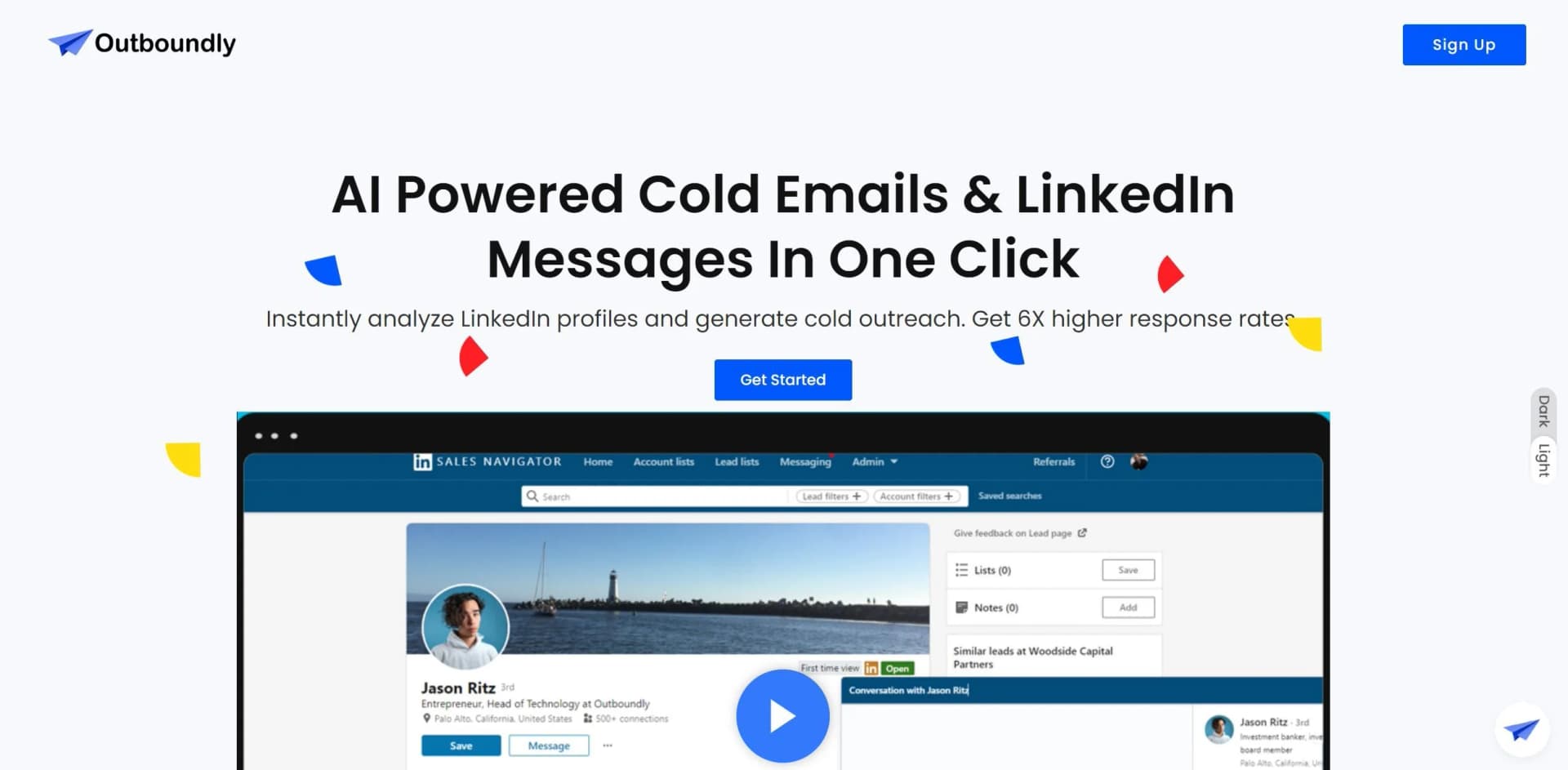
Outboundly is an innovative Chrome extension designed to revolutionize the way professionals conduct sales outreach. By harnessing the power of artificial intelligence, Outboundly simplifies the creation of hyper-personalized cold emails and LinkedIn messages. This tool is particularly crafted for sales professionals and marketers who aim to increase their response rates significantly. With Outboundly, users can instantly generate personalized messages tailored to each prospect's specific online content, such as website details, blog posts, and social media profiles.
Outboundly stands out due to its ability to integrate deeply personalized content into outreach messages based on a comprehensive analysis of a prospect's online presence. This level of customization is unparalleled and significantly boosts engagement rates.
Outboundly excels in transforming the landscape of digital sales outreach through its advanced AI-driven personalization capabilities. This tool is indispensable for professionals seeking to enhance their engagement rates and streamline their outreach strategies. Its unique feature of creating tailored messages based on extensive data analysis sets it apart, providing users with a powerful tool to connect effectively with their prospects.
Who is Using Outboundly?
Sales Teams
Enhancing their outreach efficiency by sending personalized messages at scale.
Marketing Professionals
Crafting tailored messages for diverse audience segments.
Recruiters
Connecting with potential candidates through personalized LinkedIn messages.
Small Business Owners
Engaging potential clients with tailored communications.
Uncommon Use Cases
Utilized by academic researchers for gathering data through personalized outreach; non-profits using it for volunteer recruitment efforts.
Key Features
Rating Breakdown
Pricing Plans
Free Trial
- Start with a free trial to explore features without any commitment
Subscription Plans
- Offers various pricing tiers to accommodate different user needs
Which Outboundly plan should you pick?
Start with the Lifetime Deal if you are a single user who wants unlimited credits; upgrade only if Outboundly publishes a larger-user plan.
Lifetime Deal
Good for one user who needs unlimited credits for personalized LinkedIn and cold-outreach messaging.
Outboundly Use Cases
LinkedIn prospecting
Generate personalized LinkedIn messages and connection requests from prospect profiles.
Outcome: Faster, more relevant outreach.
Cold email personalization
Use information from a prospect's website, blog, and social profiles to create personalized emails.
Outcome: More tailored prospect communication.
Recruiting outreach
Use Recruiter Mode to write messages aligned with candidates' experience and aspirations.
Outcome: Candidate-specific recruiting messages.
Sales Navigator outreach
Fetch and analyze Sales Navigator information to create messages based on recent prospect activity.
Outcome: Outreach informed by current prospect insights.
Message template personalization
Upload a sample message and personalize it for individual recipients.
Outcome: Reusable messaging with recipient-specific details.
Workflow Ideas with Outboundly
LinkedIn connection outreach
- 1Open a LinkedIn prospect profile
- 2Open the message or connection-request window
- 3Generate and send a personalized message
Website-based cold email
- 1Open a prospect's website
- 2Provide product context and a call to action
- 3Generate a personalized outreach email
Template-driven recruiting outreach
- 1Upload a sample recruiting message
- 2Open a candidate's LinkedIn profile
- 3Generate a personalized version for the candidate
How Outboundly fits into your stack
LinkedIn Integration
Directly integrates with LinkedIn for smooth prospecting.
Email Platforms Compatibility
Works with major email platforms to streamline the outreach process.
API Access
Offers API for custom integrations, enhancing its adaptability.
Browser-Based
As a Chrome extension, it is readily usable within the web browser environment.
Pros
- +Increased Engagement: Personalized messages lead to up to 12X higher response rates.
- +Time-Saving: Reduces the time spent on crafting individual messages.
- +Scalability: Allows users to manage large-scale outreach campaigns with ease.
- +User-Friendly: Easy to install and integrate within existing sales workflows.
Cons
- −Platform Dependency: Limited to Chrome, which may not suit all users.
- −Learning Curve: Initial setup and understanding of features might require some time.
- −Internet Requirement: Dependent on internet connectivity for real-time data fetching and processing.
Limitations & when to consider alternatives
Known limitations
- Chrome extension delivery. Outboundly is delivered as a Chrome extension, so the documented setup depends on Chrome and the Chrome Web Store.
- Single-user lifetime offer. The published lifetime deal includes one user and unlimited credits.
- Internet access required. The terms state that using the Outboundly AI requires Internet access.
- Paid membership requirement. The terms state that the AI is available to members who subscribe to the monthly membership.
Look elsewhere when
- You need a native mobile app.
- You need a desktop installer.
- You need shared team workspaces.
- You need developer API access.
How to Use Outboundly
- 1
Explore the range of tutorials available on the Outboundly website, covering everything from basic setup to advanced features utilization.
Who is Outboundly For?
Salespeople
Pitch Mode creates targeted pitches based on a prospect's profile, pain points, and interests.
Entrepreneurs
Outboundly supports personalized prospecting and sales outreach for entrepreneurs.
Recruiters
Recruiter Mode creates messages addressing candidates' experience and aspirations.
B2B businesses
The site positions Outboundly for B2B cold outreach, prospecting, and growth.
Outreach beginners
Starter Mode creates conversation starters tailored to a prospect's professional background and interests.
Frequently Asked Questions
What is Outboundly?
Outboundly is a Chrome extension that uses AI to generate personalized prospecting messages for cold outreach.
How do I get started?
Sign up, install the Chrome extension, open a LinkedIn profile or website, and generate a personalized message.
What sources can Outboundly use?
Outboundly can use LinkedIn profiles, company websites, blog posts, Facebook profiles, tweets, social media feeds, and Sales Navigator insights.
Can Outboundly personalize an existing message?
Yes. Template Mode lets users upload a sample message that Outboundly personalizes for each recipient.
Does Outboundly offer a free trial?
The terms state that a membership may start with a free trial, with eligibility and duration determined during sign-up.
How is membership billed?
Membership is billed monthly until canceled, and cancellation can be completed from the My Account page.
Community reviews
Be the first to share your experience.
Sign in to leave a review for Outboundly.
Outboundly Alternatives
Looking for alternatives to Outboundly? Here are similar tools in the same category: