Outread
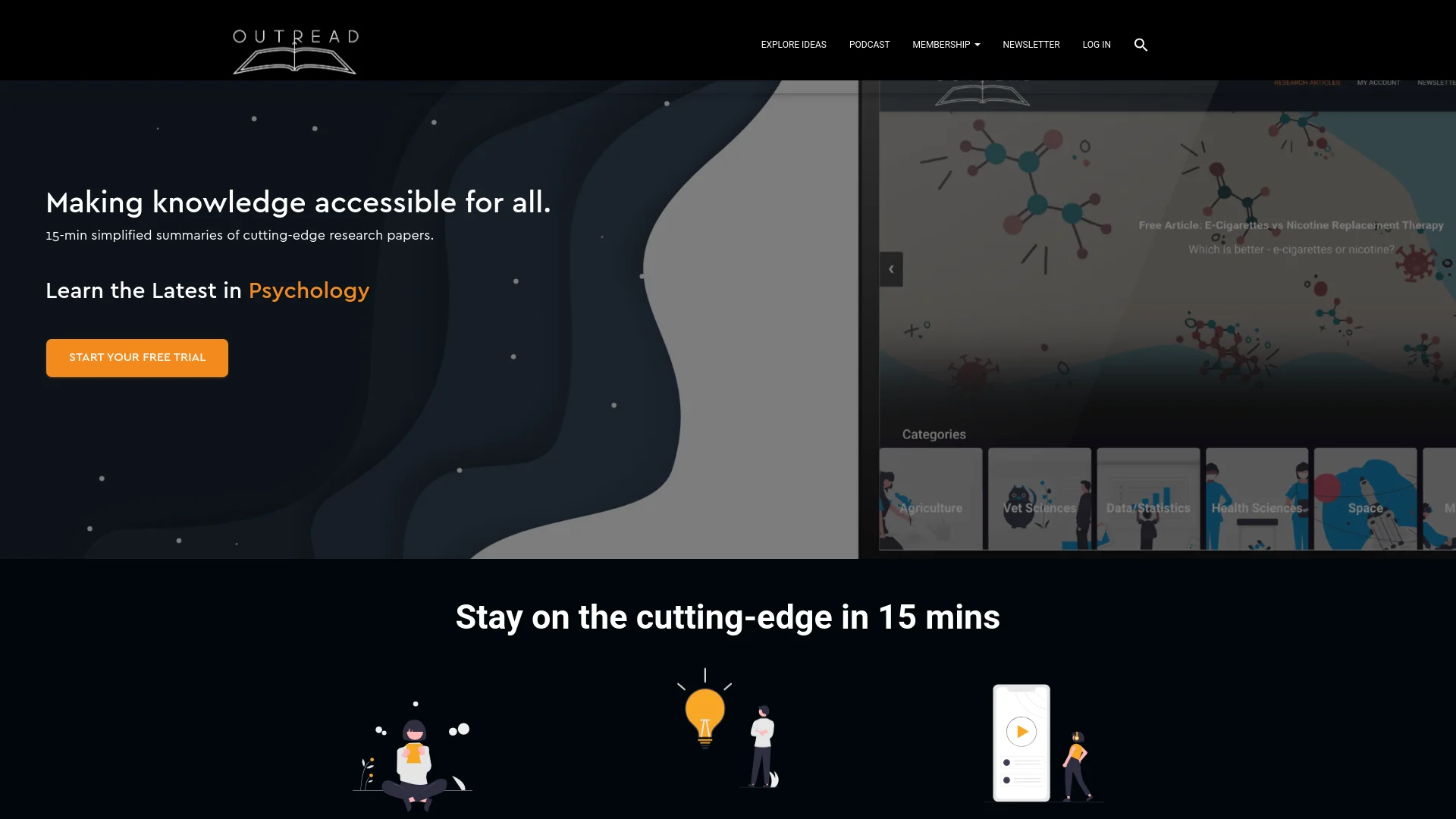
Access top research quickly: summaries, multimedia, and podcast options.
Key Takeaways
- What it is
- Access top research quickly: summaries, multimedia, and podcast options.
- Best for
- Simplified Summaries
- Multimedia Learning
- Audio Options
- Rating
- 4.6/5
What is Outread?
Outread is a platform designed to make cutting-edge research accessible and comprehensible. It addresses the challenge of staying updated with the latest developments by offering 15-minute summarized versions of research papers from prestigious journals. Covering a diverse range of disciplines, including Psychology, Economics, Space, Technology, and Health, Outread is particularly beneficial for those who need to stay informed but struggle with the time and cost associated with accessing scholarly articles.
Outread democratizes access to scholarly research by providing summaries that make complex studies accessible without the high costs of journal subscriptions. Its integration of multimedia learning aids and audio summaries offers flexible and engaging ways to stay informed.
Outread excels in making scholarly research more accessible and understandable. Its unique combination of concise summaries, multimedia learning aids, and audio options provides a flexible and engaging way to stay updated on the latest developments in various fields. Whether for academic purposes or general curiosity, Outread offers a valuable resource for staying informed efficiently.
Who is Using Outread?
Academics and Students
Stay updated with the latest research without reading full papers.
Professionals
Keep abreast of developments relevant to their industries.
Researchers
Scout for relevant studies and expand their research horizon.
General Enthusiasts
Satisfy curiosity about new discoveries in science and technology.
Uncommon Use Cases
Corporate trainers use it to quickly bring teams up-to-speed; hobbyists in science clubs utilize it for educational purposes.
Key Features
Rating Breakdown
Pricing Plans
Free Trial
- Start with a 7-day free trial to explore the features
Subscription Options
- Details on subscription costs are available on the Outread website
Which Outread plan should you pick?
Start with the free version to test speed-reading features, then choose Outread+ when you need document imports, higher speeds, unlimited annotations, or expanded reading features.
Outread+ Weekly
Good for short-term users who want to test the full feature set before committing longer term.
Outread+ Monthly
Good for regular readers who need premium features without an annual commitment.
Outread+ Annual
Good for frequent readers who want ongoing access to the complete premium feature set.
Outread+ Lifetime
Good for long-term users who prefer a one-time purchase instead of recurring subscription payments.
Outread+ Family
Good for households that want family subscription options where available.
Outread Use Cases
Speed-read web articles
Add webpages from Safari, other apps or URLs, then read them with Guide or Flash mode.
Outcome: Faster, more focused reading.
Read ebooks and documents
Import DRM-free ePub, PDF, DOC, RTF and TXT files into the reading library.
Outcome: Read personal documents using speed-reading controls.
Train reading skills
Complete exercises targeting peripheral vision, eidetic memory, short-term memory and chunking.
Outcome: Practice reading-related skills.
Sync reading across Apple devices
Use an optional Outread account to synchronize content, reading history and preferences.
Outcome: Keep the reading library consistent between devices.
Read saved Pocket or Instapaper content
Connect supported reading-list services and view their content in Outread.
Outcome: Bring saved reading into one list.
Workflow Ideas with Outread
Import and speed-read an article
- 1Share a webpage from Safari or another app
- 2Open it in Outread
- 3Read using Guide or Flash mode
Process a personal document
- 1Add a supported PDF, DOC, RTF, TXT or DRM-free ePub file
- 2Adjust speed, chunk length, font and theme
- 3Read the document and save bookmarks or notes
Practice and measure reading progress
- 1Complete reading exercises
- 2Read content at a selected words-per-minute speed
- 3Review reading statistics and comprehension results
How Outread fits into your stack
Cross-Platform Accessibility
Usable via web browsers on various devices.
Educational Tools Integration
Can be used alongside other learning management systems.
API Access
Provides APIs for developers to integrate its functionalities into other applications.
Pros
- +Time-Efficient Learning: Allows users to quickly grasp complex topics, ideal for busy professionals.
- +Cost-Effective: Offers a more affordable alternative to expensive research journals.
- +Educational Diversity: Summarizes articles from top journals like Nature, Science, and the Journal of Business Research.
- +Flexible Learning Modes: Supports both text and audio formats to cater to different learning preferences.
Cons
- −Depth of Information: Summaries may omit details that some researchers or professionals might need.
- −Subject Limitations: May not cover every niche or emerging topic with the same frequency.
- −Dependency on Original Research: The quality of summaries relies on the source material, which can vary.
Limitations & when to consider alternatives
Known limitations
- DRM-protected ebooks are unsupported. The App Store listing says DRM-protected ebooks, including Kindle and most iBooks ebooks, are not supported.
- Apple-platform availability. The official site describes Outread as a native app for iOS, iPadOS and macOS.
- Some web content may import incorrectly. The Help center includes troubleshooting for PDFs and articles that do not display properly.
- AI features require supported Apple hardware. The App Store listing says AI-based features require devices supporting Apple Intelligence and the newest operating system.
- Free trials apply to subscriptions. The terms define a free trial as a limited period that may be offered when purchasing a subscription.
Look elsewhere when
- You need Android support.
- You need a browser-based reading workflow.
- You need to read DRM-protected Kindle or iBooks ebooks.
How to Use Outread
- 1
Visit the 'Help' section on the Outread website for tutorials on basic navigation and advanced features, including multimedia learning tools.
Who is Outread For?
People with dyslexia
Outread provides customizable reading controls intended to enhance the reading experience for people with dyslexia.
People with low vision
Customizable contrast, themes, fonts and other reading settings support people with low vision.
People with reading challenges
Guide and Flash reading modes help users focus on smaller chunks of text.
People with ADD
Outread is positioned as an accessibility and focus aid for users with ADD.
Frequently Asked Questions
What is Outread?
Outread is a speed-reading app for iPhone, iPad, and Mac that helps users read websites, ebooks, and documents faster.
How does the free trial work?
The company may offer a limited free trial for a subscription. If billing information is provided, the subscription is charged after the trial unless it is canceled.
Can I cancel my subscription?
Subscriptions can be canceled through Apple ID settings. Access continues until the end of the current subscription period.
How do I sync my Outread library between devices?
An optional Outread account syncs content, reading history, and preferences between devices.
How to add files (ebooks and documents) from other apps?
Outread supports importing documents and ebooks, including DRM-free ePub, PDF, DOC, RTF, and TXT files.
How can I contact the Outread team?
The Help center provides a contact-support option for questions about Outread.
Community reviews
Be the first to share your experience.
Sign in to leave a review for Outread.
Outread Alternatives
Looking for alternatives to Outread? Here are similar tools in the same category: