
Pabbly Connect
Automate workflows seamlessly across 1,500+ apps, no coding needed.
Key Takeaways
- What it is
- Automate workflows seamlessly across 1,500+ apps, no coding needed.
- Pricing
- $14/month · $29/month · $59/month
- Best for
- 1,500+ Integrations
- No-Code Automation
- Advanced Multi-Step Workflows
- Rating
- 4.7/5
What is Pabbly Connect?
Exploring the dynamic world of automation, Pabbly Connect is a robust tool designed to streamline and automate workflows by integrating various applications. The core purpose of Pabbly Connect is to facilitate seamless data transfer between different platforms without the need for coding skills. This makes it an invaluable asset for businesses looking to enhance efficiency and minimize manual intervention.
Pabbly Connect stands out due to its no-code automation capabilities combined with a one-time payment option, which is quite rare in the automation tool space. This not only makes it accessible to a wider range of businesses but also offers a cost-effective solution for ongoing operational needs.
Pabbly Connect excels in providing robust automation solutions that are both cost-effective and user-friendly. Its unique offering of a lifetime access deal and the ability to handle unlimited internal tasks without additional costs make it an essential tool for businesses looking to automate their operations. The extensive support resources and a vibrant community further enhance its value, making it a top contender in the automation platform market.
Who is Using Pabbly Connect?
Small to Medium-Sized Businesses
Utilizing the tool to automate repetitive tasks and save time.
E-commerce Platforms
For syncing data across various sales and marketing platforms.
Marketing Agencies
Automating client reports and data integration.
Freelancers
Managing multiple clients or projects efficiently.
Uncommon Use Cases
Non-profits using it to manage donor information and communications; educational institutions automating administrative tasks.
Key Features
Rating Breakdown
Pricing Plans
Forever Free Plan
- Get started with no costs
- Limited to 100 tasks per month
Standard Plan
$14/month
- 12,000 tasks per month
Pro Plan
$29/month
- 24,000 tasks per month
Ultimate Plan
$59/month
- 50,000 tasks per month
Which Pabbly Connect plan should you pick?
Start with FREE for light automation and testing; upgrade to Standard or PRO for higher monthly task limits, or Unlimited when task volume is unpredictable.
FREE
Good for users testing Pabbly Connect or running small workflows who need 100 tasks per month.
Standard
Good for users who need 10,000 tasks per month and unlimited workflows.
PRO
Good for users who need 20,000 tasks per month and the same broad automation feature set.
Unlimited
Good for high-volume users who need unlimited tasks and access to all listed features.
Pabbly Connect Use Cases
WooCommerce sales to Google Sheets
When a new sale occurs on WooCommerce, add the customer or order information to Google Sheets.
Outcome: Sales data is synchronized automatically.
Facebook lead follow-up
Trigger a workflow when a new Facebook lead is generated and send the lead to connected business applications.
Outcome: Lead handling requires less manual data entry.
Google Forms response processing
Use a new Google Forms response as a trigger and transfer the submitted information to downstream applications.
Outcome: Form submissions move automatically through the workflow.
Calendly appointment automation
Trigger actions when a new Calendly appointment is booked.
Outcome: Appointment-related follow-up can run automatically.
Payment notification workflow
When a payment occurs through Stripe or WooCommerce, send customer details to Mailchimp, a CRM, and an SMS service.
Outcome: Multiple follow-up actions occur from one payment event.
Workflow Ideas with Pabbly Connect
WooCommerce order synchronization
- 1Trigger when a new order is created in WooCommerce
- 2Transfer the order or customer data
- 3Add the information to Google Sheets
Payment-to-customer follow-up
- 1Trigger when a new payment occurs in Stripe or WooCommerce
- 2Send customer details to Mailchimp
- 3Add the customer to a CRM and send an SMS notification
Conditional customer routing
- 1Receive purchase data through a trigger or webhook
- 2Use a filter or path router based on purchase value
- 3Send high-value and lower-value customers to different lists
How Pabbly Connect fits into your stack
Wide Range of Integrations
Supports over 1,500 applications.
Custom API Integration
Enables connection to any application with an API.
Built-in Tools
Offers advanced tools like routers, iterators, and data formatters to enhance workflow automation.
Real-Time Data Transfer
Ensures that data syncing is immediate and accurate across integrated platforms.
Pros
- +Ease of Use: The intuitive interface makes it simple for users to set up and manage automations.
- +Cost Efficiency: With a one-time payment option, it provides significant savings over time.
- +Robust Community Support: Access to a large community of users and extensive video tutorials.
- +Unlimited Internal Tasks: Users can perform unlimited internal tasks without consuming their task count, which is a unique offering not seen in many other platforms.
Cons
- −Learning Curve: New users may initially find it challenging to navigate through the advanced features.
- −Limited Customization: While it offers many integrations, the customization options for each integration are not as extensive as some might need.
- −Dependency on Third-Party Apps: The effectiveness of Pabbly Connect heavily relies on the third-party apps it supports, which can be a limitation if certain apps are not supported.
Limitations & when to consider alternatives
Known limitations
- Free plan task allowance. The free plan provides 100 tasks per month.
- Free plan workflow depth. The pricing page states that the free plan supports workflows with up to two steps.
- Task counting. Actions performed on external applications consume tasks, while triggers and internal Pabbly tools do not.
- Team-member permissions. Shared-folder documentation says team members cannot create folders, delete shared workflows, or move workflows between folders.
- No webhook authentication. Pabbly support states that authentication cannot currently be added directly to a Pabbly Connect webhook URL.
How to Use Pabbly Connect
- 1
For those looking to master Pabbly Connect, over 6,096 video tutorials are available, guiding users from basic setups to complex integrations and automation strategies.
Who is Pabbly Connect For?
Businesses
Pabbly Connect is positioned for businesses that want to automate repetitive work and synchronize data across applications.
CRM and marketing teams
The platform names CRM and marketing as supported integration categories and connects lead and subscriber workflows.
E-commerce teams
E-commerce users can automate events such as WooCommerce orders, payments, and customer-data transfers.
Helpdesk and payment teams
Pabbly specifically lists helpdesk and payment applications among its supported integration categories.
No-code users
Pabbly promotes a no-code workflow builder intended to make automation accessible without technical skills.
Frequently Asked Questions
What is Pabbly Connect?
Pabbly Connect connects multiple applications so data can be transferred and synchronized automatically.
What are tasks?
Actions performed on external applications count as tasks. Triggers and internal tools such as filters, routers, and formatters are not counted.
Does Pabbly Connect support multi-step integrations?
Yes. A workflow can trigger actions across multiple applications, such as sending payment data to Mailchimp, a CRM, and an SMS service.
Does Pabbly Connect support filters and path routers?
Yes. Filters conditionally run workflows, while path routers send data through different action paths.
Are operations charged?
Pabbly says operations are unlimited and are not charged, although checks against external applications count as operations.
Does Pabbly Connect provide security certifications?
Pabbly states that it is SOC 2 Type 2 compliant and ISO 27001:2022 certified.
Community reviews
Be the first to share your experience.
Sign in to leave a review for Pabbly Connect.
Pabbly Connect Alternatives
Looking for alternatives to Pabbly Connect? Here are similar tools in the same category:
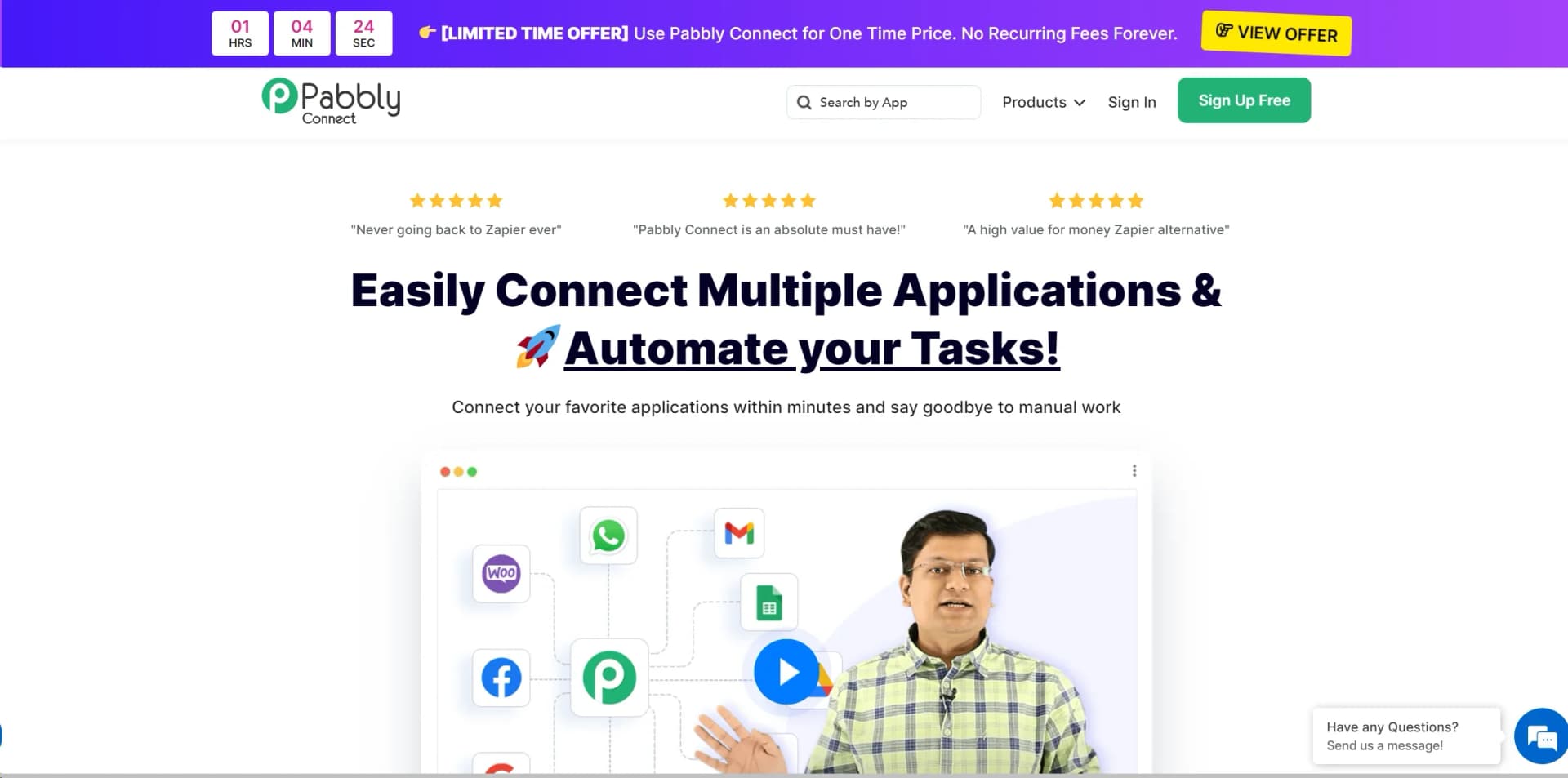
Learn to Master Pabbly Connect
With Skill Leap courses
Get in-depth training on Pabbly Connect and 50+ other AI tools with our expert-led video courses.
Start 7-Day Free Trial