
PaioClaw
Hosts secure, always-on OpenClaw agents.
Key Takeaways
- What it is
- Hosts secure, always-on OpenClaw agents.
- Pricing
- Freemium · $19 per month (discounted from $29 per month) · $29 per month (discounted from $39 per month)
- Best for
- 60‑Second OpenClaw Deployment
- Prebuilt Claws and Skills Library
- Always‑On Operation With Scheduling
- Rating
- 4.2/5
What is PaioClaw?
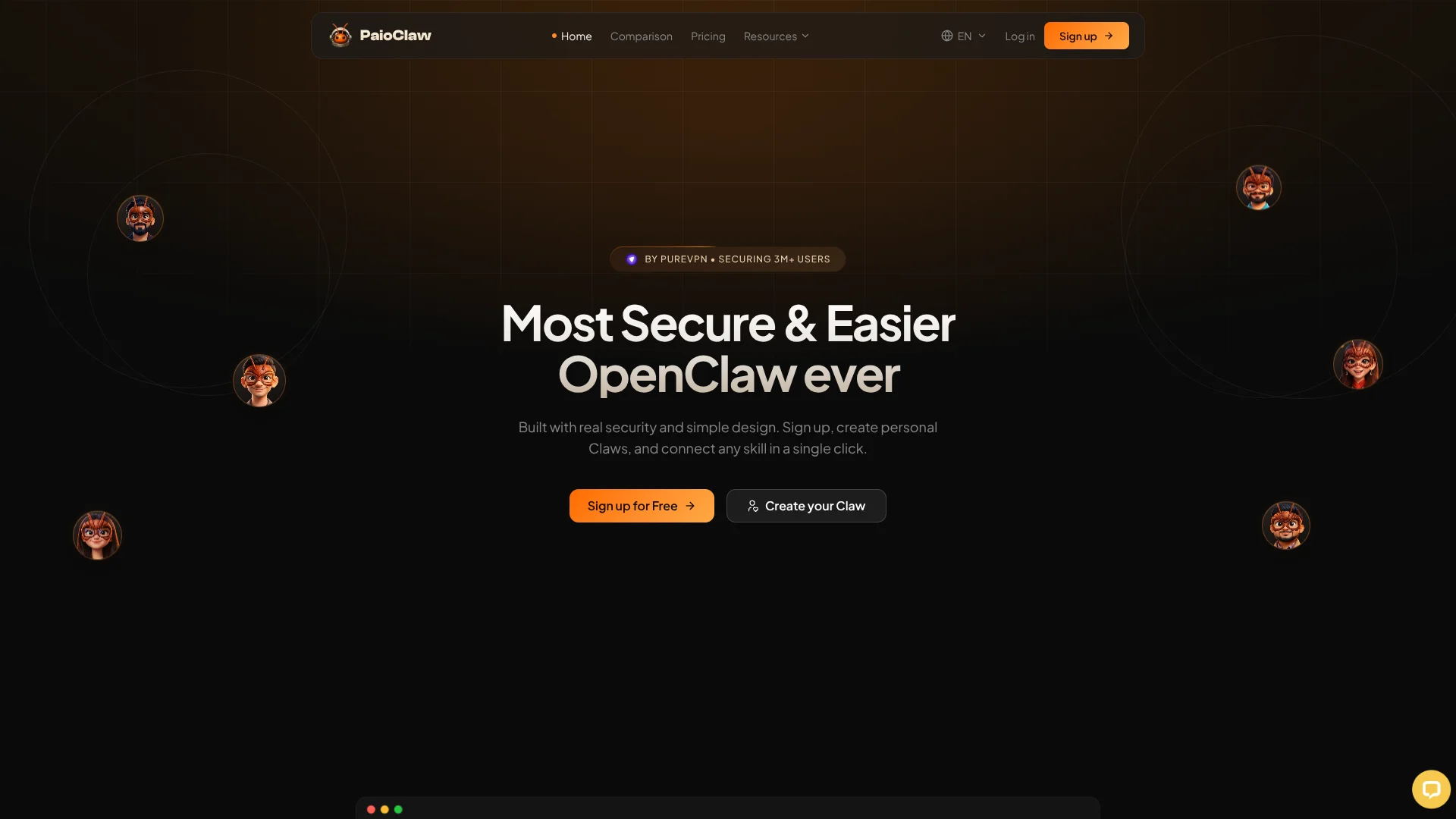
PaioClaw is a managed hosting service for OpenClaw that spins up secure, always-on AI agents in under 60 seconds without Docker, terminals, or VPS setup. It targets founders, marketers, operators, and technical teams that want OpenClaw’s autonomous “Claws” but do not want to run their own infrastructure. The product wraps OpenClaw with prebuilt agents, skill libraries, messaging integrations, and cost controls so agents stay online, observable, and safer by default.
PaioClaw focuses narrowly on being a managed OpenClaw layer that combines security-hardened hosting from the PureSquare team with one-click skills, messaging channels, and cost controls. Instead of offering yet another generic agent builder, it turns the open-source OpenClaw stack into a practical, production-style environment that non-technical users can operate while still keeping keys and data under tighter control.
PaioClaw gives teams a practical way to run OpenClaw agents as always-on assistants with serious security, skills, and cost controls, without touching infrastructure. It will not suit organizations that want deep DevOps control or that are not all-in on OpenClaw, but for founders, marketers, and operators who want production-style agents in minutes, it offers a focused and capable managed environment.
Who is Using PaioClaw?
Founders and operators
Stand up always-on assistants for customer support, reporting, and task routing without touching servers.
Marketing teams
Use specialist Claws to run social calendars, create content, and watch competitors in the background.
Customer support leaders
Build ticket-handling Claws that triage inboxes, reply on messaging apps, and escalate edge cases to humans.
Developers and tech leads
Prototype and host OpenClaw agents quickly, then connect them to engineering tools through skills.
Uncommon Use Cases
Research leads creating Claws that monitor niche communities and summarize weekly insights; security-conscious users running private, persistent assistants with BYOK instead of sharing data with SaaS copilots.
Key Features
Rating Breakdown
Pricing Plans
Curious
Free
- 60 AI credits per month, 3 hours of daily usage, 100+ one-click skills, WhatsApp & Telegram integration, private and encrypted operation, and always-on uptime
Smart
$19 per month (discounted from $29 per month)
- 200 AI credits per month, 4× smart memory, 1,000+ one-click skills, 40% token savings per task, activity logs, unlimited usage, auto-updates, daily backups, Mac Agent & Relay Extension, and priority support
Genius
$29 per month (discounted from $39 per month)
- 500 AI credits per month, 8× smart memory, 2,000+ one-click skills, 50% token savings per task, activity logs, early access to new models and skills, unlimited usage, auto-updates, daily backups, Mac Agent & Relay Extension, and priority support
Which PaioClaw plan should you pick?
Start with Curious to evaluate PaioClaw free, then upgrade to Smart for daily unlimited usage or Genius for higher memory and early access.
Curious
Good for trying PaioClaw with 60 monthly AI credits, 100+ skills, and three hours of daily usage.
Smart
Good for daily users who need unlimited daily usage, more memory, activity logs, and the Mac Agent and Relay Extension.
Genius
Good for power users who need eight-times Smart memory, 500 monthly credits, 50% token savings, and early access.
PaioClaw Use Cases
Automated flight check-in
The assistant finds a flight, completes check-in, and selects a preferred seat.
Outcome: Travel check-in is handled automatically.
Meeting notes and action items
The assistant records, transcribes, summarizes meetings, and extracts assigned action items.
Outcome: Meeting decisions become trackable tasks.
CRM data synchronization
The assistant keeps Salesforce, HubSpot, and Notion records synchronized.
Outcome: Connected CRM databases stay aligned.
Smart email triage
The assistant filters spam, identifies important messages, sends reminders, and creates GitHub issues.
Outcome: Inbox processing and follow-up become automated.
Code automation
The assistant reviews code, generates tests, and refactors code continuously.
Outcome: Development maintenance runs around the clock.
Workflow Ideas with PaioClaw
Meeting transcript to CRM follow-up
- 1Paste an Otter.ai or Fireflies transcript into the Clawspace
- 2Extract contact details, deal stage, pain points, and next steps
- 3Update HubSpot and draft a follow-up email
Automated morning briefing
- 1Read Gmail, Calendar, weather, news, and task sources
- 2Summarize the relevant information
- 3Deliver one consolidated briefing through Telegram
Scheduled code documentation
- 1Enable the Docs Gen skill
- 2Configure thresholds, schedules, and output format in natural language
- 3Generate documentation from code comments, types, and function signatures
How PaioClaw fits into your stack
Browser
PaioClaw is managed through a browser dashboard for creating Claws, connecting skills, configuring models, and scheduling tasks. Its Chrome Browser Relay can attach an agent to an existing tab for browser automation.
Team chat and tickets
Agents can operate through Slack, WhatsApp, Telegram, Discord, and SMS, allowing users to send tasks and receive automated results in existing communication channels.
Automation and APIs
Cron jobs, triggers, skills, and natural-language configuration let agents run recurring, multi-step workflows across connected services. PaioClaw also supports BYOK connections to external AI providers.
Knowledge and files
File Reader and file-management skills let agents process uploaded text and PDF documents, organize files, summarize research, and work with connected services such as Google Drive, Docs, Sheets, and Slides.
Pros
- +Very low setup friction: Turns OpenClaw from a self-hosted project into a guided, minute-long signup and configuration flow.
- +Strong security posture: Builds on the PureVPN team’s infrastructure with isolation, encryption, and a bring-your-own-key model.
- +Rich skills ecosystem: Large skills catalog and messaging integrations let a single Claw act across many tools and channels.
Cons
- −OpenClaw-dependent: Only useful if a team is committed to OpenClaw as its agent stack.
- −Cloud-only hosting: Suits online deployment; organizations needing strict on-prem OpenClaw still have to manage that themselves.
- −Young ecosystem: Public reviews and community resources are still limited compared with older agent platforms.
Limitations & when to consider alternatives
Known limitations
- Curious plan usage cap. The free Curious plan allows up to three hours of active usage per day, followed by a 24-hour cooldown.
- Monthly AI-credit limits. Curious, Smart, and Genius include 60, 200, and 500 AI credits per month respectively.
- Signal is not yet available. The tutorial labels Signal support as coming soon and says it remains on the roadmap.
- Mac-only native desktop agent. The documented native desktop agent supports macOS 13 or later and Apple Silicon or Intel Macs.
- Third-party provider costs. When using BYOK, prompts and responses are governed by the selected AI provider's pricing and policies.
Look elsewhere when
- You need a native iOS or Android app.
- You need SSO or SAML administration.
- You need uploaded-image understanding.
- You need fine-tuning or model training on your data.
How to Use PaioClaw
- 1
Create an account
Sign up through the PaioClaw dashboard using email, Google, or X authentication.
- 2
Choose an AI provider
Select managed AI or connect a BYOK provider such as OpenAI, Anthropic, Google, MiniMax, Kimi Coding, or OpenRouter.
- 3
Configure your assistant
Set the assistant's personality, name, behavior, and role-specific goal.
- 4
Connect channels
Link messaging channels such as Telegram or WhatsApp so the assistant can receive and send messages.
- 5
Install skills
Browse the skills catalog and connect tools such as Gmail, Notion, Slack, Google Calendar, HubSpot, or Stripe.
- 6
Add schedules and automations
Use cron jobs, triggers, and composable skills to run recurring workflows automatically.
Who is PaioClaw For?
Founders
The onboarding flow names Founders as a target role and supports assistants for research, operations, and growth workflows.
Developers
Developer skills cover code review, testing, refactoring, Git operations, documentation, and monitoring.
Marketers
Marketing-oriented goals include lead generation, outbound work, advertising, content, and competitor research.
Influencers
The onboarding flow names Influencers as a role and provides creative, social-post, and content automation skills.
Parents
Parents are included among the onboarding roles for personal-assistant and household automation use cases.
Frequently Asked Questions
Is there a free plan?
Yes. Curious is free forever, includes 60 AI credits per month, and requires no credit card.
What happens when free-plan usage runs out?
Curious users have a three-hour daily usage cap and enter a 24-hour cooldown afterward.
Do I need my own AI API key?
No. PaioClaw provides managed AI, though users can optionally bring keys from providers such as OpenAI, Claude, or Gemini.
Which messaging channels are supported?
The tutorial documents connections for Telegram and WhatsApp, and also lists Slack and Discord as available channels.
Is there a browser extension?
Yes. The PAIO Browser Agent is a Chrome extension that connects an assistant to websites.
Is there a desktop application?
Yes. The PAIO Mac Agent is a native macOS menu-bar application requiring macOS 13 or later.
Community reviews
Be the first to share your experience.
Sign in to leave a review for PaioClaw.
PaioClaw Alternatives
Looking for alternatives to PaioClaw? Here are similar tools in the same category:
Learn to Master PaioClaw
With Skill Leap courses
Get in-depth training on PaioClaw and 50+ other AI tools with our expert-led video courses.
Start 7-Day Free Trial