
Paradox
Automate hiring, streamline communication, integrate seamlessly.
Key Takeaways
- What it is
- Automate hiring, streamline communication, integrate seamlessly.
- Best for
- Conversational ATS
- Conversational Scheduling
- Traitify Assessments
- Rating
- 4.4/5
What is Paradox?
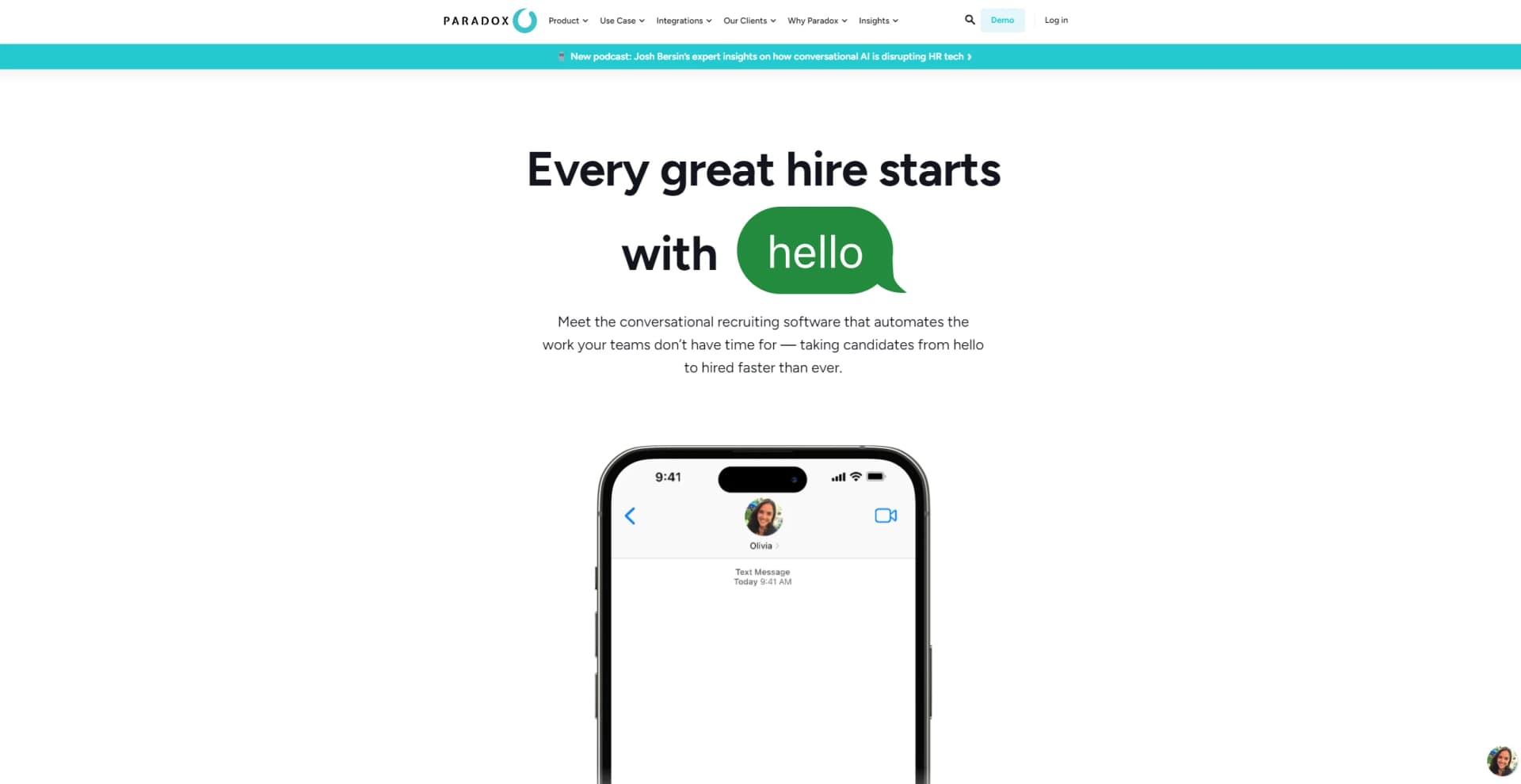
Paradox is a groundbreaking conversational AI tool that revolutionizes the hiring process by automating tasks that traditionally consume a significant amount of time. Designed primarily for HR departments and recruitment teams, it simplifies the journey from attracting candidates to hiring them efficiently. The tool's core functionalities include automating communication with candidates via texting and chat, scheduling interviews, and even hosting virtual hiring events. By integrating seamlessly with major HR systems like Workday and SAP SuccessFactors, Paradox is tailored to enhance the recruitment experience in various industries including retail, healthcare, and hospitality.
Paradox stands out with its robust integration capabilities and conversational interface, which are game-changers for the recruitment industry. Its ability to automate significant portions of the recruitment process sets it apart, particularly in high-volume hiring scenarios.
Paradox excels in transforming the recruitment landscape by automating and personalizing the hiring process, making it an indispensable tool for modern businesses. Its robust integration with major HR platforms and its conversational interface provide unmatched efficiency and user experience, setting a high standard in the recruitment technology space.
Who is Using Paradox?
Retail Businesses
Companies like Tractor Supply and Sobeys use Paradox for streamlining their massive hiring needs.
Healthcare Facilities
Organizations such as Pfizer and Houston Methodist employ it to improve recruitment processes.
Hospitality Groups
Great Wolf Lodge and other hospitality entities leverage it to enhance their hiring quality and efficiency.
Logistics Companies
Firms like U.S. Xpress utilize Paradox to simplify the complexities involved in hiring for logistics roles.
Uncommon Use Cases
Educational institutions adopt it for administrative staff recruitment; non-profits use it for volunteer engagement.
Key Features
Rating Breakdown
Pricing Plans
Custom Pricing Model
- Paradox offers tailored pricing depending on the company's size
- Usage
- Specific needs
Which Paradox plan should you pick?
Start with a demo because Paradox publishes custom pricing rather than named self-serve plans; upgrade scope through a tailored enterprise deployment as hiring volume and integrations grow.
Custom pricing
Good for organizations that need recruiting automation configured around their hiring workflows, integrations, languages, users, and candidate volume.
Paradox Use Cases
Conversational applications
Candidates search for jobs, answer screening questions, upload resumes, and apply through conversational experiences.
Outcome: A simpler application process with less manual data entry.
Interview scheduling
Olivia coordinates one-to-one, panel, group, multi-person, and multi-location interviews, including reminders and rescheduling.
Outcome: Interviews are scheduled faster and recruiter workload is reduced.
Candidate screening
The assistant asks configurable screening questions and progresses candidates based on collected information and hiring criteria.
Outcome: Recruiters can focus on qualified applicants.
Candidate communications
Paradox sends automated messages, reminders, updates, and answers to common candidate questions across supported channels.
Outcome: Candidates receive faster and more consistent communication.
Hiring events
Teams configure hiring events, event conversations, interview sessions, candidate registration, and scheduling.
Outcome: Organizations can manage high-volume hiring events in one system.
Workflow Ideas with Paradox
Automated application-to-interview workflow
- 1Candidate starts a conversation through a career site, text, or QR code
- 2Olivia collects application data and screens for qualifications
- 3Qualified candidates receive interview scheduling options and reminders
Resume intake and candidate creation
- 1User adds a candidate manually or requests a resume upload
- 2Paradox accepts supported resume and image file formats
- 3The candidate profile is created and the resume can be parsed into candidate data
Hiring event workflow
- 1Create an event with sessions and interview availability
- 2Invite candidates and collect RSVPs through event conversations
- 3Track schedules, attendance, candidate engagement, and team participation
How Paradox fits into your stack
Workday Integration
Streamlines communication and interview scheduling directly through Workday.
SAP SuccessFactors Integration
Enhances manual hiring tasks automation with SAPSuccessFactors.
Indeed Integration
Boosts candidate pipeline and conversion rates effectively.
General Integration
Supports a broad range of third-party tools and systems, improving workflow efficiencies.
Pros
- +Efficiency in Communication: Enables 24/7 dynamic interactions with candidates, ensuring no communication delays.
- +Reduction in Administrative Tasks: Automates up to 90% of the hiring process, significantly freeing up recruiter's time.
- +Enhanced Candidate Experience: Offers a more engaging, interactive candidate journey, which can boost application rates and candidate satisfaction.
- +Scalability: Equally effective for large-scale recruitment needs, capable of handling high-volume hiring without compromising the quality of engagement.
Cons
- −Initial Setup Complexity: Might require a structured setup and integration period, especially for companies with existing complex systems.
- −Dependency on Tech Infrastructure: Relies heavily on the organization’s technological readiness and integration capabilities.
- −Learning Curve: Some users may require time to adapt to the full range of functionalities and maximize the tool's potential.
Limitations & when to consider alternatives
Known limitations
- Custom pricing only. Paradox does not publish standard self-serve plan prices; pricing is tailored through a demo process.
- Subscription required for mobile apps. The mobile applications are free to download, but using them requires a Paradox subscription.
- Browser extension is English-only. The documented browser extension interface currently displays only in English.
- Mobile app form limitations. Users cannot create, view, or edit candidate forms from the mobile app.
- Some languages require configuration. Additional candidate and platform languages may require enablement by a customer success representative.
Look elsewhere when
- You need a published self-serve free plan.
- You need a desktop installer for Windows, Mac, or Linux.
- You need image analysis or computer vision.
- You need programming-code generation.
How to Use Paradox
- 1
Explore the extensive tutorial series available on their website, covering everything from setup to advanced utilization of the tool.
Who is Paradox For?
Talent acquisition teams
Paradox automates repetitive recruiting work such as candidate engagement, screening, scheduling, and communications.
Recruiters
Recruiters can use conversational workflows, candidate inboxes, integrations, and automated scheduling to manage applicants.
Hiring managers
Hiring managers can screen candidates, manage jobs, schedule interviews, and communicate through mobile and web tools.
High-volume employers
Paradox is designed for organizations hiring frontline, hourly, professional, and other high-volume roles.
Global employers
Multilingual candidate conversations and translation capabilities support international recruiting operations.
Frequently Asked Questions
What does Paradox do?
Paradox provides conversational AI for recruiting, including candidate screening, interview scheduling, job search, applications, and candidate questions.
Which languages does Paradox support?
The assistant supports candidate conversations in more than 36 languages, with additional validated and available language options.
Does Paradox offer a mobile app?
Yes. Paradox CEM is available for iOS and Android, although a Paradox subscription is required.
Does Paradox integrate with existing recruiting systems?
Yes. Paradox offers integrations with ATS, CRM, HCM, video, messaging, email, calendar, and other recruiting systems.
Does Paradox provide an API?
Yes. Paradox publishes public API documentation using OAuth 2.0 or basic authentication.
Community reviews
Be the first to share your experience.
Sign in to leave a review for Paradox.
Paradox Alternatives
Looking for alternatives to Paradox? Here are similar tools in the same category:
Learn to Master Paradox
With Skill Leap courses
Get in-depth training on Paradox and 50+ other AI tools with our expert-led video courses.
Start 7-Day Free Trial