
Paraflow
Automates design tasks, enhances creativity, boosts collaboration.
Key Takeaways
- What it is
- Automates design tasks, enhances creativity, boosts collaboration.
- Pricing
- Freemium · $25 per month
- Best for
- AI-Driven Design Suggestions
- Automated Workflow Management
- Real-Time Collaboration Tools
- Rating
- 4.3/5
What is Paraflow?
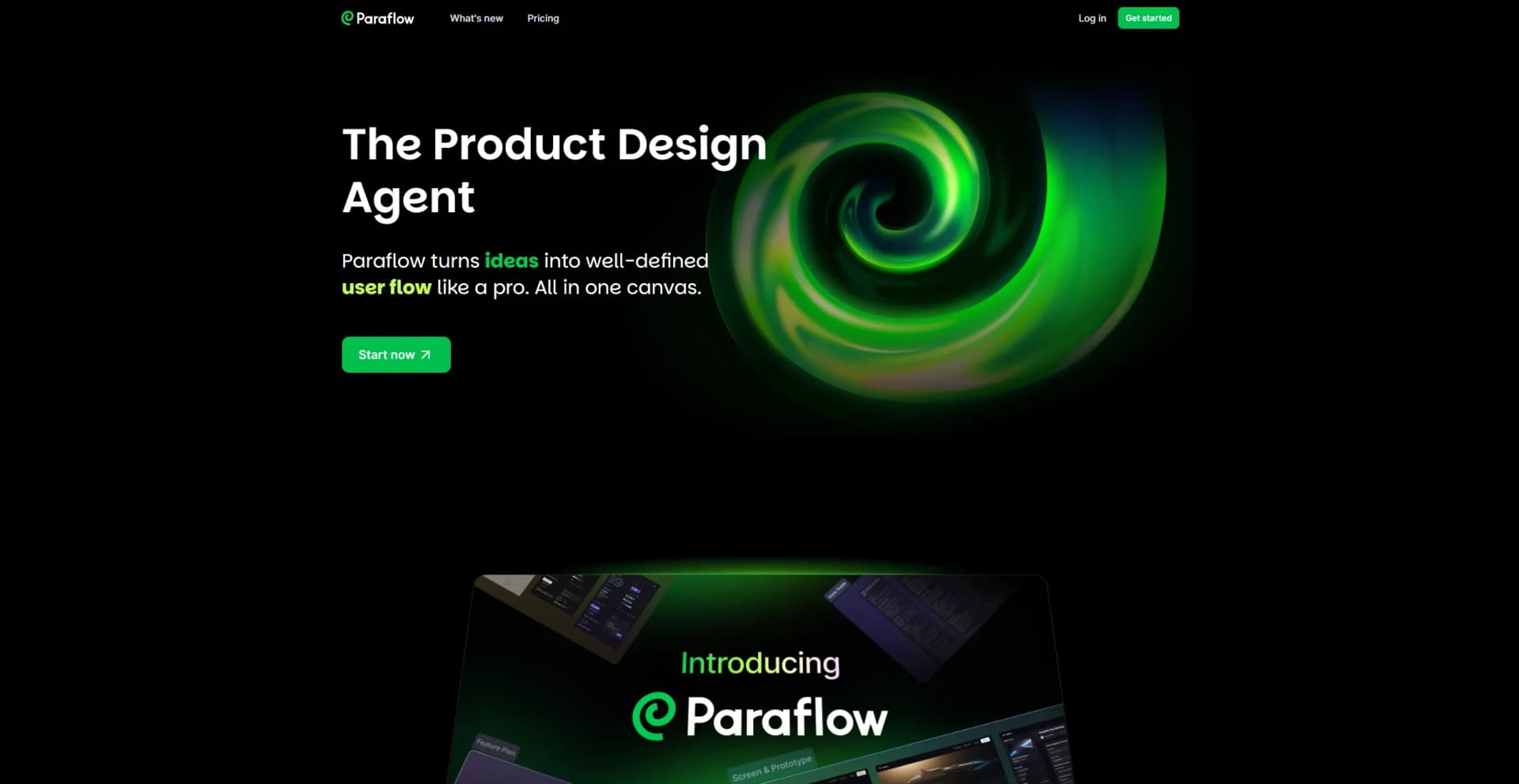
Paraflow is a cutting-edge AI tool designed to transform the way product design is approached, particularly when dealing with well-defined specifications. It caters to designers and engineers, offering an intelligent agent that simplifies the process by automating repetitive tasks and providing insightful suggestions. Paraflow is your go-to solution for enhancing creativity while maintaining precision in product design.
Paraflow stands out with its AI-driven design suggestions, offering a unique blend of creativity and precision tailored to well-defined product specifications. Its ability to automate routine tasks while providing insightful design alternatives sets it apart in the product design industry.
Paraflow offers a compelling solution for those involved in product design, particularly when specifications are well-defined. By automating repetitive tasks and providing innovative design suggestions, it enhances both creativity and efficiency. While there is a learning curve, the benefits of improved collaboration and time-saving features make it a valuable tool for designers and engineers alike. For anyone looking to streamline their design processes while maintaining high standards of precision, Paraflow is a smart choice.
Who is Using Paraflow?
Product Designers
Leveraging Paraflow for innovative design processes and enhanced creativity.
Engineering Teams
Utilizing the tool to ensure precision in product specifications and design.
Manufacturing Companies
Employing Paraflow to streamline the transition from design to production.
Tech Startups
Adopting the tool for agile and efficient product development cycles.
Uncommon Use Cases
Used by educational institutions for teaching AI-driven design processes; Adopted by freelance designers for managing multiple projects efficiently.
Key Features
Rating Breakdown
Pricing Plans
Free
Free
- Includes 400 free monthly credits and access to all Paraflow features for discovery and testing
Pro
$25 per month
- Includes 2,500 monthly credits plus 400 bonus credits, offering flexible credit use for any project size
Which Paraflow plan should you pick?
Start with Free to evaluate Paraflow using daily credits; upgrade to Pro when you need more monthly credits for larger or repeated design workflows.
Free
Good for individuals evaluating Paraflow or creating occasional designs with 200 daily credits, capped at 500 per month.
Pro
Good for users with ongoing or higher-volume design work who need 2,500 or more monthly credits.
Paraflow Use Cases
Create a new product concept
Describe an idea in natural language and let the agent generate structured product specifications.
Outcome: A defined product concept with context, users, goals, and constraints.
Import an existing website
Use the Import Design path to work from an existing website or product.
Outcome: An existing design becomes the starting point for refinement.
Generate an MVP design
Move from idea through user flows, PRD content, UI design, and prototype creation.
Outcome: A more complete MVP-ready product design.
Hand off a design to developers
Export project work to Figma, GitHub, HTML, or ZIP.
Outcome: Designer-friendly and developer-ready handoff files.
Sync a project with GitHub
Connect GitHub, create a repository, and manually sync project updates.
Outcome: A linked GitHub repository containing the Paraflow project.
Workflow Ideas with Paraflow
Idea to product design
- 1Create a New Project
- 2Describe the product idea in natural language
- 3Review the generated todo list and Specs
- 4Generate the UI and prototype
Design to developer handoff
- 1Complete the Paraflow project
- 2Choose Figma, GitHub, HTML, or ZIP export
- 3Review the generated design or code files
- 4Share the handoff with designers or developers
Paraflow to GitHub
- 1Connect the GitHub account from the project editor
- 2Create a project repository
- 3Make changes in Paraflow
- 4Manually click Sync to GitHub
How Paraflow fits into your stack
Browser
Paraflow operates through a web dashboard and project editor where users describe product ideas, review agent-generated specs, and create designs.
Knowledge and files
Users can provide project context through reference images, markdown files, and linked Notion documents. The agent uses those materials while developing product specs and designs.
Pros
- +Enhanced Creativity: Frees designers from mundane tasks, fostering a more creative workspace.
- +Time-Saving: Reduces the time spent on design iterations with its automated workflow capabilities.
- +Improved Collaboration: Facilitates better teamwork with real-time collaboration features.
- +Precision and Accuracy: Ensures designs meet specifications accurately with advanced data integration.
Cons
- −Learning Curve: New users may require some time to adapt to the AI-driven suggestions and workflow changes.
- −Integration Limitations: May not seamlessly connect with all third-party tools currently used by design teams.
Limitations & when to consider alternatives
Known limitations
- Credit limits. The Free plan provides 200 daily credits with a maximum of 500 credits per month; AI interactions consume credits.
- Credits are personal. Credits are tied to individual accounts, including when people collaborate on shared projects.
- GitHub sync is manual. Paraflow does not automatically synchronize project changes to GitHub.
- Existing repository sync is unsupported. Each Paraflow project creates a new independent GitHub repository; syncing to an existing repository is not supported.
- GitHub sync can overwrite repository files. Syncing can overwrite files in the linked repository, so existing changes should be backed up first.
Look elsewhere when
- You need fine-tuning or model training on your own data.
- You need a documented developer API with endpoints and API keys.
- You need a native mobile app rather than the web service.
How to Use Paraflow
- 1
Start a project
Choose New Project for a new idea or Import Design for an existing website.
- 2
Describe the product
Use the chat interface and natural language to explain the product, users, goals, and constraints.
- 3
Add context
Upload reference images or markdown files, or link to Notion documents, to give the agent more project information.
- 4
Review the Specs
Confirm the agent’s proposed todo list, then review the generated global context, requirements, and product specifications.
- 5
Create and refine the design
Use the agent to generate product interfaces, user flows, prototypes, and implementation-ready outputs.
- 6
Export or sync the result
Export to Figma, HTML, or ZIP, or connect GitHub to create and manually synchronize a repository.
Who is Paraflow For?
Startups
Paraflow helps startups create and validate MVP designs with limited time and budget.
Solopreneurs
It helps solo founders turn product ideas into structured designs and MVPs without dedicated design support.
Designers
Designers can use Paraflow to move from product ideas and specs to interfaces, prototypes, and handoff files.
Developers
Developers can receive generated code and export projects to GitHub for development workflows.
Frequently Asked Questions
Is Paraflow free?
Yes. The Free plan costs $0 per month and includes 200 daily credits, capped at 500 per month.
What paid plan does Paraflow offer?
The Pro plan starts at $25 per month and includes 2,500 monthly credits plus free daily credits.
What are credits used for?
Every interaction with Paraflow’s AI design agent consumes credits based on task complexity.
Can I collaborate on shared projects?
Yes. Collaborators can work on shared projects, and AI usage is deducted from each person’s individual credit balance.
Can Paraflow export to GitHub?
Yes. Paraflow can create a GitHub repository and manually sync project updates to it.
Does GitHub sync automatically?
No. Project changes must be manually pushed using the Sync to GitHub action.
Community reviews
Be the first to share your experience.
Sign in to leave a review for Paraflow.
Paraflow Alternatives
Looking for alternatives to Paraflow? Here are similar tools in the same category:
Learn to Master Paraflow
With Skill Leap courses
Get in-depth training on Paraflow and 50+ other AI tools with our expert-led video courses.
Start 7-Day Free Trial