Parky.AI
Check confusing parking-sign stacks before leaving your car.
Key Takeaways
- What it is
- Check confusing parking-sign stacks before leaving your car.
- Best for
- Multiple-sign analysis
- Rule applicability
- Yes, No, or Not sure
- Rating
- 4.0/5
What is Parky.AI?
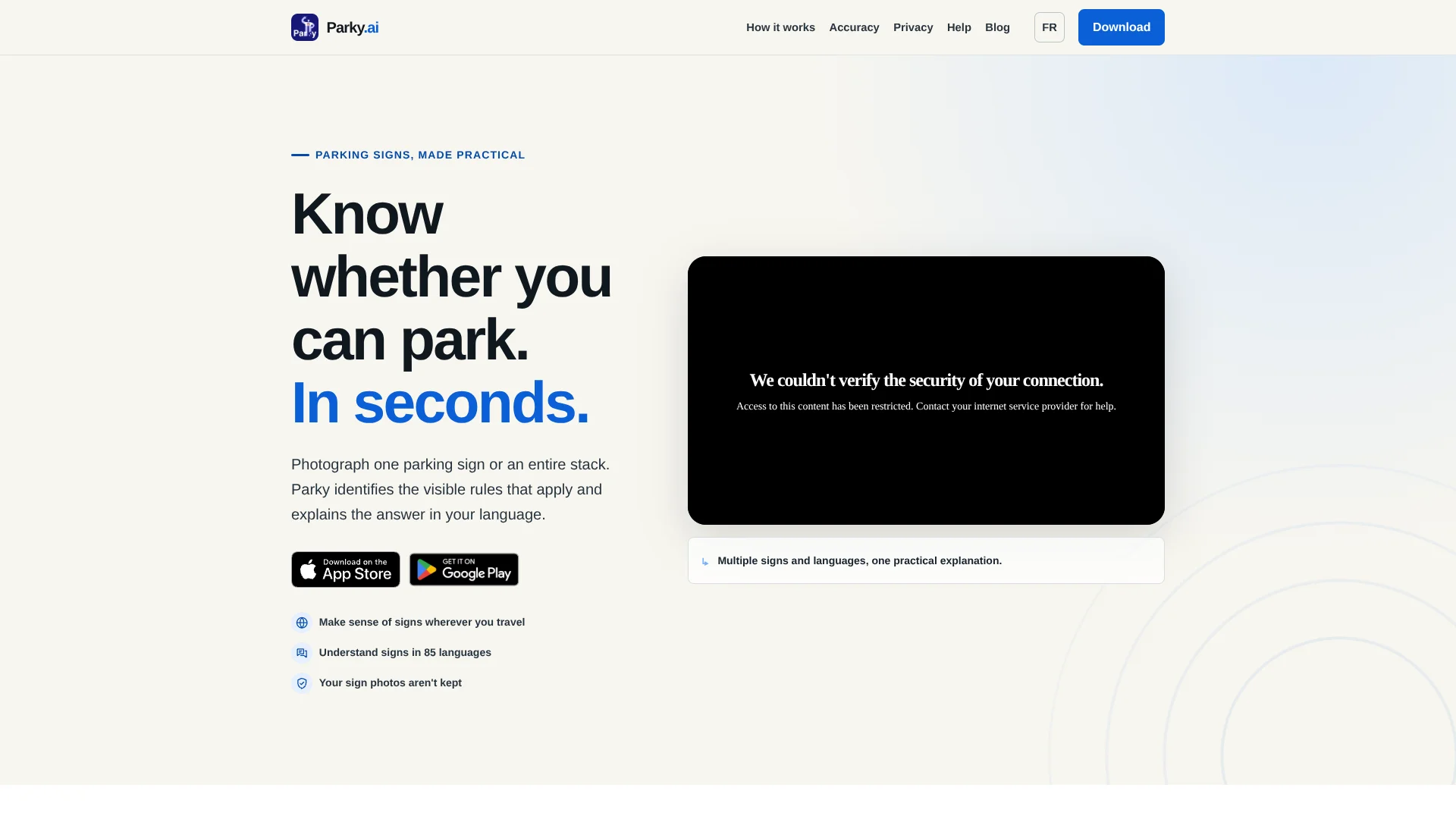
Parky.AI reads parking-sign photos and explains whether the visible rules allow you to park. It can interpret one sign or a full stack, account for arrows, dates, time windows, permits, and seasonal restrictions, and return Yes, No, or Not sure in your language. It is aimed at drivers dealing with unfamiliar streets, confusing sign clusters, or foreign-language parking rules.
Parky focuses on the final parking decision rather than translating each sign separately. Its AI combines the visible rules and explains which ones apply to the space and time shown, including cases where one restriction overrides another.
Parky is best for curbside decisions when the full sign stack and nearby context are visible. It cannot see restrictions outside the photo, guarantee that parking is lawful, or account for every temporary notice, curb marking, hydrant, driveway, or local condition. Treat its answer as a reading aid, not permission to ignore the street.
Who is Using Parky.AI?
Commuters
A quick photo helps them check whether a complicated curb rule applies before leaving the car.
Road-trippers
Foreign-language sign support reduces uncertainty when parking in unfamiliar cities and countries.
Delivery drivers
A full-pole image can clarify arrows, time windows, and loading or permit restrictions visible at the stop.
Visitors attending events
The Yes, No, or Not sure result helps them spot visible restrictions before parking near busy venues.
Uncommon Use Cases
Checking whether a seasonal restriction is active on a specific date; comparing a wide context photo with a closer image of small sign text
Key Features
Rating Breakdown
Which Parky.AI plan should you pick?
Start with the free app experience or trial, then choose Unlimited Yearly for frequent use or Unlimited Quarterly for shorter commitments.
Unlimited (Quarterly)
Good for occasional or seasonal users who need unlimited parking-sign analyses for a shorter commitment; listed at $3.99 in the App Store.
Unlimited (Yearly)
Good for regular drivers and travelers who want unlimited use at the lowest listed annual cost; listed at $12.99 in the App Store.
Parky.AI Use Cases
Checking a crowded sign pole
A full-stack photo shows the arrows, time windows, permits, and exceptions that may apply together.
Outcome: A single parking conclusion with an explanation of the active rules.
Parking while traveling abroad
Foreign-language signs become easier to interpret when Parky explains the visible rule in your own language.
Outcome: A translated parking decision for the signs shown.
Testing a time-based restriction
The current day, time, date, or season can change whether a visible restriction is active.
Outcome: A Yes, No, or Not sure result based on the visible timing rules.
Reviewing an unclear photo
Not sure flags missing, contradictory, or ambiguous information instead of presenting uncertainty as permission to park.
Outcome: A prompt to retake the photo or inspect the street more closely.
Tracking remaining parking time
The iPhone app's reminder features help you remember when a limited parking period is ending.
Outcome: A reminder to move the car before the parking time expires.
Workflow Ideas with Parky.AI
Curbside sign check
- 1Stand where the entire sign pole and parking space are visible.
- 2Photograph the signs, arrows, curb, and nearby temporary notices.
- 3Review the Yes, No, or Not sure result and inspect anything outside the frame.
Foreign-city parking routine
- 1Photograph the full sign stack in the local language.
- 2Check the conclusion and explanation in your preferred language.
- 3Confirm nearby markings, permits, construction notices, and other signs before parking.
How Parky.AI fits into your stack
Mobile camera
Parky fits at the point where you need to understand a physical parking sign. The phone camera supplies the image that the AI interprets.
Travel and navigation
The app supports parking decisions in unfamiliar areas and can explain signs written in another supported language.
Parking-time reminders
On iPhone, reminders, widgets, and Live Activities help connect the sign interpretation with the time you need to move the car.
Pros
- +Full-stack reading: Handles several visible signs, arrows, and overlapping restrictions together.
- +Language coverage: Reads signs in 85 languages and explains the result in the user's language.
- +Privacy focus: Parky says submitted parking photos are not retained or used for model training.
- +Clear uncertainty: Not sure distinguishes incomplete or ambiguous images from a confident Yes or No.
- +Mobile access: Available on iPhone and Android for curbside use.
Cons
- −Photo-dependent: A cropped, dark, blocked, or distant image can leave out the rule that changes the answer.
- −Not a legal authority: You still need to inspect the curb, markings, temporary notices, and local conditions.
- −Narrow scope: Parky interprets visible parking signs rather than managing parking payments or finding available spaces.
Limitations & when to consider alternatives
Known limitations
- Outside-frame conditions are invisible. Parky cannot interpret a sign, curb marking, temporary notice, construction change, hydrant, driveway, or other restriction that is not shown in the submitted image.
- Results can be wrong or incomplete. The service uses automated AI and machine-learning systems, so results may be incorrect, outdated, inconsistent, delayed, or unavailable.
- No location-based verification. Parky does not use the device's location, so it cannot independently confirm the municipality, street, or local rules.
- Not legal advice. Parky does not determine whether parking is lawful and does not guarantee that you will avoid a ticket, tow, or penalty.
Look elsewhere when
- You need parking availability, payment, or navigation to an open space.
- You need an official local ruling rather than an image-based interpretation.
- Your parking decision depends on signs or markings outside the photo.
How to Use Parky.AI
- 1
Install the mobile app
Get Parky.AI from the Apple App Store or Google Play before you need to make a curbside decision.
- 2
Frame the whole situation
Include every sign on the pole, directional arrows, dates, nearby notices, and enough curb context to show the intended space.
- 3
Keep the text readable
Move closer, reduce glare, and retake the image if a panel is blurry, dark, distant, or blocked.
- 4
Read the conclusion
Check whether Parky returns Yes, No, or Not sure, then read which visible rules affected the answer.
- 5
Verify the street
Inspect road markings, curbs, hydrants, driveways, construction signs, and restrictions outside the image before leaving the vehicle.
Who is Parky.AI For?
Drivers in unfamiliar neighborhoods
Parky helps decode stacked signs when the parking rules are hard to read at the curb.
International travelers
The app can interpret foreign-language parking signs and return the explanation in a familiar language.
Urban drivers
People parking on streets with timed restrictions, permit exceptions, arrows, and seasonal rules get a clearer reading of the sign stack.
iPhone users tracking parking time
The iPhone version adds a reminder, widget, and Live Activities for keeping an eye on remaining parking time.
Frequently Asked Questions
Is Parky.AI free?
The iPhone App Store lists Parky.AI as free with in-app purchases, and Google Play lists in-app purchases. The official pages reviewed did not expose a confirmed U.S. subscription price.
What platforms support Parky.AI?
Parky.AI is available for iPhone through the App Store and for Android through Google Play.
How many languages can Parky read?
Parky says it supports parking signs written in 85 languages and can explain the result in the user's language.
Does Parky keep uploaded photos?
Parky says submitted parking-sign images are processed for the requested analysis and are not retained afterward.
Can Parky guarantee that I will not get a ticket?
No. Parky interprets visible signs, but you remain responsible for checking the full street context, current local conditions, and applicable rules.
What does Not sure mean?
Not sure means the visible information is incomplete, contradictory, unclear, or ambiguous enough that Parky cannot give a confident Yes or No.
Community reviews
Be the first to share your experience.
Sign in to leave a review for Parky.AI.
Parky.AI Alternatives
Looking for alternatives to Parky.AI? Here are similar tools in the same category: