
Parseur
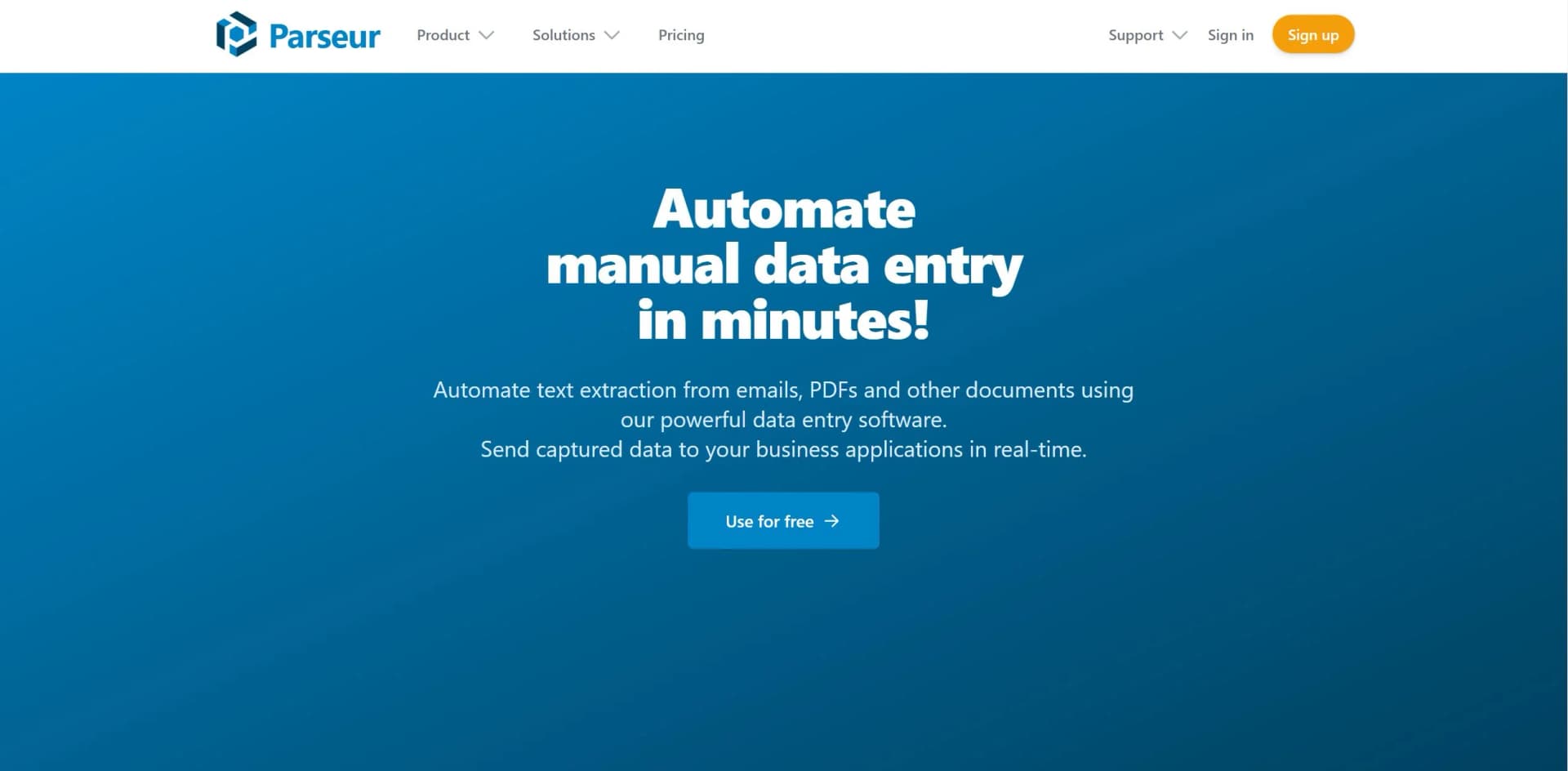
Maximize data extraction efficiency with AI-powered precision, OCR, and customizable templates.
Key Takeaways
- What it is
- Maximize data extraction efficiency with AI-powered precision, OCR, and customizable templates.
- Pricing
- Freemium
- Best for
- AI-Based Data Extraction
- Template-Based Data Extraction
- OCR Software
- Rating
- 4.6/5
What is Parseur?
When it comes to harnessing the power of AI to streamline data extraction from documents, Parseur stands out as a beacon of efficiency. This AI tool is designed to automate the tedious task of pulling information from emails, PDFs, spreadsheets, and other unstructured data sources. With its sophisticated AI-based data extraction capabilities, Parseur is a game-changer for businesses and individuals who need to convert a barrage of documents into structured, actionable data with minimal effort.
What sets Parseur apart is its blend of AI and template-based data extraction, providing a versatile solution that caters to a wide range of document types and industries. The Dynamic OCR feature is particularly innovative, offering flexibility for documents with variable layouts.
Parseur is a robust tool that excels in transforming unstructured data into a structured format, making it indispensable for businesses looking to automate data entry. Its unique combination of AI and OCR technologies, coupled with a user-friendly interface, offers an unmatched advantage in data extraction accuracy and efficiency. Whether you're in finance, real estate, logistics, or any industry dealing with vast amounts of paperwork, Parseur simplifies the process and frees up valuable time for growth-focused activities.
Who is Using Parseur?
Financial Institutions
Automating data extraction from financial documents for analysis and reporting.
Healthcare Providers
Streamlining patient information management by extracting data from various forms.
Real Estate Agencies
Processing leads and inquiries from various platforms into a centralized CRM.
Logistics Companies
Parsing shipping and delivery documents for efficient supply chain management.
Uncommon Use Cases
Academic researchers extracting data for analysis; Non-profits managing donor information.
Key Features
Rating Breakdown
Pricing Plans
Free Tier
Free
- Start with a robust free plan to experience the capabilities of Parseur
Premium Plans
- As your needs grow
- Premium plans offer expanded features and capacity
Which Parseur plan should you pick?
Start with the Free plan to test document extraction; upgrade to Base for regular usage, Scale for high volume and collaboration, or Enterprise for custom requirements.
Free plan
Good for evaluating Parseur with up to 20 pages per month and one user.
Base tier
Good for regular workloads up to 3,000 pages per month with the core parsing engines.
Scale tier
Good for high-volume workloads up to 1 million pages per month and up to 100 users.
Enterprise tier
Good for large organizations needing custom volume, unlimited users, purchase orders, or custom terms.
Parseur Use Cases
Invoice and purchase-order extraction
Extract vendor, totals, due dates, purchase orders, and line items from invoices and related documents.
Outcome: Structured accounting data is sent to downstream systems.
Shipping and delivery document processing
Read logistics documents and convert shipment information into structured fields.
Outcome: Logistics tools receive normalized delivery data.
Resume and HR document parsing
Extract candidate and employment information from resumes and HR documents.
Outcome: HR systems receive clean, structured records.
Lead capture from emails
Parse incoming lead or property emails and extract the fields needed for CRM records.
Outcome: New leads can be routed automatically into CRM systems.
Email-to-spreadsheet automation
Forward emails to a Parseur mailbox and export extracted fields to Google Sheets or Excel.
Outcome: Manual copy-paste into spreadsheets is eliminated.
Workflow Ideas with Parseur
Invoice-to-accounting workflow
- 1Forward supplier invoice emails to a Parseur mailbox
- 2Extract vendor, amount, due date, and line items
- 3Send the parsed record to QuickBooks or another accounting application
Lead-email-to-CRM workflow
- 1Forward contact or property notification emails to Parseur
- 2Extract the lead name, contact details, and property information
- 3Create or update a CRM record through Zapier, Make, or a webhook
Document-upload-to-API workflow
- 1Upload documents through the Parseur REST API
- 2Wait for Parseur to process the document and trigger a webhook
- 3Receive structured JSON in the destination application
How Parseur fits into your stack
Browser
Parseur is a web app where teams create mailboxes, configure extraction fields, review documents, and monitor processing.
Knowledge and files
It ingests PDFs, scans, emails, spreadsheets, presentations, images, and 25+ other document formats through uploads, email, APIs, and connected storage workflows.
Automation and APIs
The REST API, webhooks, Zapier, Make, Power Automate, and n8n connect parsed data to downstream systems and automate multi-step document workflows.
Team chat and tickets
Parseur can route extracted data through integrations to tools including Slack and other workplace applications.
Pros
- +Time-Saving: Significantly reduces the time spent on manual data entry.
- +Accuracy: AI and OCR technologies work together to provide high precision in data extraction.
- +Scalability: Capable of handling a high volume of documents, scaling with business growth.
- +User-Friendly: Designed to be easy to use without requiring technical skills or complex setup.
Cons
- −Learning Curve: New users may need some time to familiarize themselves with all features.
- −Template Creation: While powerful, creating templates for new document types may require initial effort.
- −Integration Learning: Users might need to learn how to set up integrations with other applications.
Limitations & when to consider alternatives
Known limitations
- Free-plan volume limit. The Free plan includes up to 20 pages per month.
- AI table-processing limit. The AI engine can process tables in documents up to 25 pages.
- Templates cannot be created or updated through the API. Template creation and updates must be performed in the visual editor.
- Parseur is cloud-only. Parseur does not offer an on-premise or offline version.
- Credits are usage-based. One credit generally equals one processed page; emails and spreadsheets count as one page regardless of length.
Look elsewhere when
- You need an offline or on-premise deployment.
- You need native desktop or mobile software.
- You need API-based template authoring.
How to Use Parseur
- 1
Create a mailbox
Set up a mailbox for a document workflow and define the fields you want Parseur to extract.
- 2
Send or upload documents
Forward emails, drag and drop files into the web app, or upload documents through the REST API.
- 3
Choose the extraction method
Use AI extraction for varied layouts, templates for fixed layouts, or Vision AI for visual documents and scans.
- 4
Review and refine results
Inspect extracted fields, adjust AI instructions or templates, and reprocess documents when needed.
- 5
Configure an export
Send structured data to Google Sheets, Excel, Zapier, Make, Power Automate, n8n, or a webhook.
- 6
Monitor delivery
Review document and webhook logs and resolve processing or export failures.
Who is Parseur For?
Accounts Payable teams
Extract invoice and purchase-order data automatically and send it to accounting systems.
Logistics and Supply Chain teams
Convert shipping and delivery documents into structured data for logistics tools.
Human Resources teams
Parse resumes and HR documents into clean, structured data for HR systems.
Real Estate and Lead teams
Turn incoming emails and property data into structured CRM records.
Operations, Finance, Product, and IT teams
Replace manual document handling with automated capture, extraction, validation, and export workflows.
Frequently Asked Questions
Does Parseur offer a free plan?
Yes. The Free plan includes 20 pages per month and does not require a credit card.
What documents can Parseur process?
Parseur processes emails, PDFs, scans, images, spreadsheets, presentations, Word files, XML, calendar files, and more than 25 formats.
Does Parseur have an API?
Yes. Its REST API supports document uploads, parsed-data retrieval, mailbox management, webhooks, and exports.
Can Parseur send extracted data to other applications?
Yes. Data can be exported through Google Sheets, Zapier, Make, Power Automate, n8n, webhooks, and other integrations.
Does Parseur require model training?
No. Parseur uses fields and plain-English instructions, so users do not need to prepare a dataset or train a model.
Can Parseur be used offline or on-premise?
No. Parseur is available only as a cloud application.
Community reviews
Be the first to share your experience.
Sign in to leave a review for Parseur.
Parseur Alternatives
Looking for alternatives to Parseur? Here are similar tools in the same category:
Learn to Master Parseur
With Skill Leap courses
Get in-depth training on Parseur and 50+ other AI tools with our expert-led video courses.
Start 7-Day Free Trial