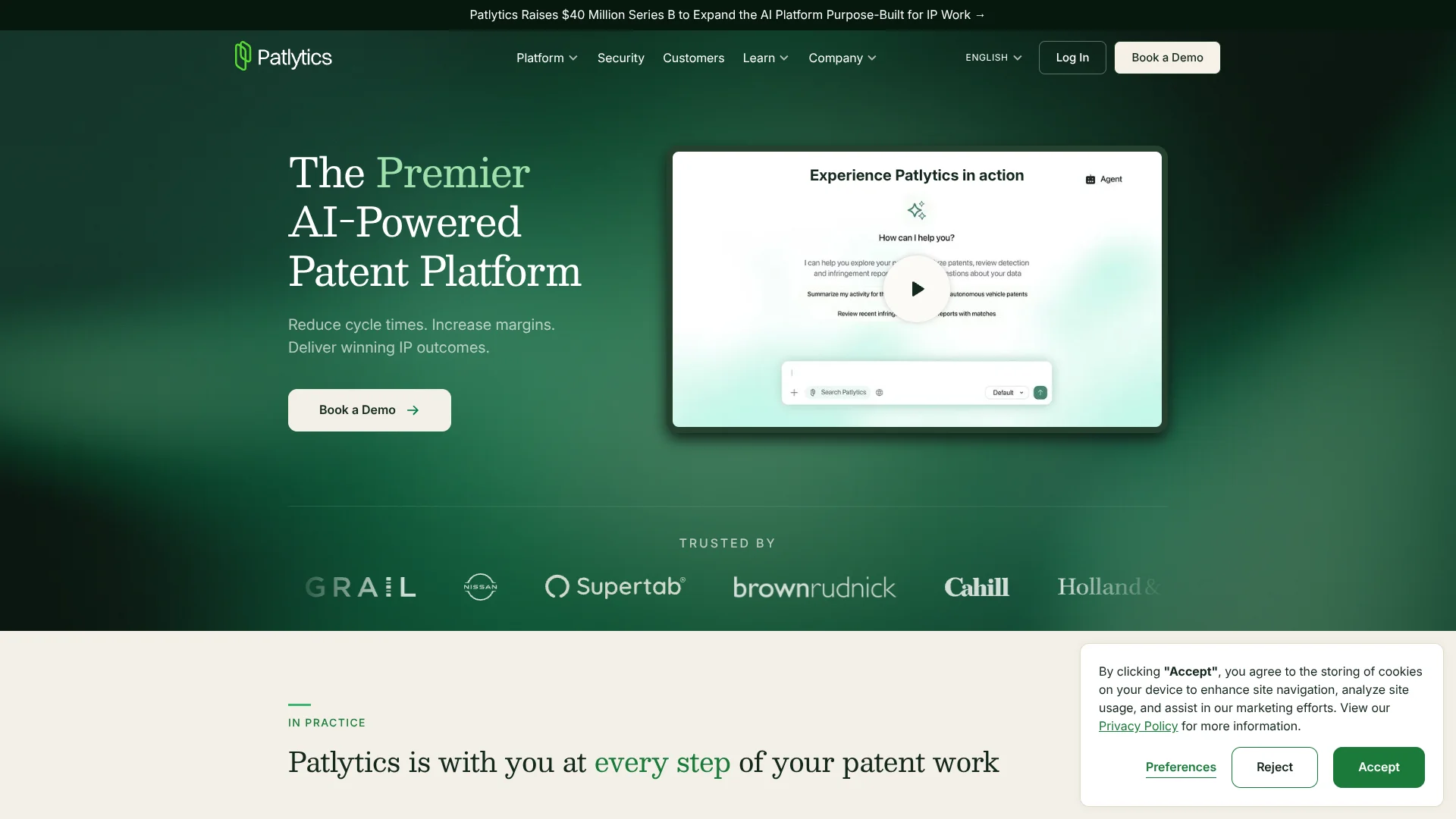
Patlytics
Patent research and legal analysis built for patent attorneys and IP teams.
Key Takeaways
- What it is
- Patent research and legal analysis built for patent attorneys and IP teams.
- Best for
- Patlytics Agent
- Infringement and invalidity analysis
- Patent and NPL Search
- Rating
- 4.1/5
What is Patlytics?
Patlytics helps patent attorneys and in-house IP teams investigate inventions, patents, and products with AI built for patent work. Its workflows cover prior-art searches, infringement and invalidity analysis, freedom-to-operate reviews, patent drafting, and office-action responses. The goal is to cut research and drafting time while giving practitioners citations they can check against the source.
Patlytics Agent can route work into specialized patent modules, then reason across their results and help prepare a client-ready deliverable. That means a team can move from a claim chart or draft to follow-up analysis in the same patent-focused workflow, with suggested edits left for a person to review.
Patlytics is best suited to law firms and corporate IP teams handling substantial patent research, prosecution, or litigation work. It is a poor fit for casual patent questions or people seeking a self-serve, low-cost tool: pricing is not publicly listed, and its outputs still need professional review.
Who is Using Patlytics?
Patent litigation attorneys
Claim charts and cited evidence help them examine infringement positions and prior-art arguments.
Patent prosecutors
Drafting and office-action workflows help them shape applications and prepare responses to examiner rejections.
In-house IP counsel
Portfolio analysis and freedom-to-operate reviews help counsel prioritize assets and assess product-related patent risk.
Patent search analysts
Semantic patent and literature search helps them find relevant references for invention and validity research.
Uncommon Use Cases
R&D teams can turn inventor notes into structured invention disclosures; IP teams can use Agent Skills to consolidate duplicate disclosures.
Key Features
Rating Breakdown
Pricing Plans
Subscription Plans
- Custom pricing based on specific needs and scale of the organization
Which Patlytics plan should you pick?
Start by requesting a demo to see which Patlytics access fits your patent workflows; the official site does not publish plan names or prices.
Patlytics Use Cases
Prior-art research
A technical concept can be searched semantically across patents and non-patent literature to find references for further review.
Outcome: Ranked references that can feed into invalidity analysis.
Infringement investigation
Product evidence can be mapped against patent claim elements in a citation-backed chart.
Outcome: A reviewable claim chart with cited evidence.
Freedom-to-operate review
Product materials can be assessed against potentially relevant patents and applications before launch.
Outcome: A cited analysis to help identify patent-related launch risks.
Patent application drafting
An invention disclosure can serve as the starting material for a draft application and supporting checks.
Outcome: A draft for practitioner review.
Office-action response planning
Examiner rejections and cited art can be analyzed to help shape a response strategy.
Outcome: A response approach and generated draft language for review.
Workflow Ideas with Patlytics
From invention disclosure to draft
- 1Add the invention materials to Patlytics.
- 2Run a patent or literature search to find relevant prior art.
- 3Use the drafting workflow to prepare a draft for attorney review.
From product evidence to infringement chart
- 1Identify the patent and product evidence for review.
- 2Run the infringement workflow to map evidence to claim elements.
- 3Review the citations and refine the chart before sharing it.
From office action to response
- 1Provide the office action and relevant application materials.
- 2Review the rejection analysis and response strategies.
- 3Edit and check generated response language before use.
How Patlytics fits into your stack
Patent analysis
Patlytics modules support patent search, infringement and invalidity analysis, claim construction, freedom-to-operate reviews, and portfolio analysis.
Drafting and prosecution
Drafting, invention disclosure, and office-action workflows support work from early invention materials through prosecution.
Firm documents
My Drive stores files for use across sessions and modules. The NetDocuments integration can import firm documents when an organization enables it.
Claude and ChatGPT
Patlytics MCP connects patent search and selected patent data to Claude and ChatGPT for existing customers; the documented connection is read-only.
Pros
- +Patent-specific workflows: Covers research, prosecution, infringement, invalidity, and portfolio analysis.
- +Traceable analysis: Citation-backed outputs help attorneys check findings against source documents.
- +Reusable Skills: Repeatable patent workflows can be run again with relevant documents and inputs.
- +Protected customer data: Patlytics says customer data is encrypted at rest and in transit and is not used to train or tune models.
Cons
- −Pricing is opaque: The website directs prospective customers to request a demo rather than showing plan prices.
- −Narrow focus: Its workflows are built for patent work, not general legal or everyday AI tasks.
- −Attorney review remains necessary: AI-generated analysis and drafts are starting points, not final legal decisions.
Limitations & when to consider alternatives
Known limitations
- My Drive storage. My Drive supports up to 2GB of central file storage.
- Restricted content. Patlytics' terms say not to submit personally identifiable information or content subject to heightened legal, regulatory, or contractual security requirements.
- Output review. Patlytics' terms place responsibility on the customer to review outputs and judge whether they are suitable for use.
Look elsewhere when
- You need a self-serve patent tool with publicly listed subscription prices.
- You need an AI tool for general legal work beyond patent workflows.
- Your work requires submitting personally identifiable or specially protected information.
How to Use Patlytics
- 1
Start with a patent task
Choose a module such as Patent & NPL Search, Infringement, Invalidity, or Drafting to match the work you need to do.
- 2
Add relevant context
Provide the patent, product information, disclosure, or other documents the workflow needs to analyze.
- 3
Run the workflow
Review the module's cited findings, claim charts, or draft output and follow up with Agent when you need further analysis.
- 4
Check and prepare the result
Verify the source citations and suggested edits, then prepare the material for your intended audience.
- 5
Connect firm documents if available
If your organization has enabled the NetDocuments integration, browse or search its folders and import needed files into My Drive.
Who is Patlytics For?
IP law firms
Patent practices can use the analysis and drafting workflows to speed up research and prepare work for attorney review.
Corporate IP teams
In-house teams can assess inventions, products, and patent portfolios within workflows focused on patent decisions.
Patent litigators
Infringement and invalidity modules help organize evidence and prior art into cited claim charts.
Patent prosecutors
Drafting and office-action workflows support application preparation and response strategy.
R&D and invention teams
Structured invention disclosures can help capture ideas and send them on for patent review.
Frequently Asked Questions
Does Patlytics have a free plan?
The official site does not list a free plan. It invites prospective customers to request a demo.
How much does Patlytics cost?
The official site does not publish plan prices. Contact Patlytics through its demo request to discuss access.
Can Patlytics read uploaded files?
Yes. Agent supports uploaded documents for additional context, and My Drive supports PDFs, spreadsheets, images, and other documents.
Does Patlytics connect to other tools?
Officially documented connections include NetDocuments and Patlytics MCP for Claude and ChatGPT. The NetDocuments integration must be enabled by an organization's administrator.
Does Patlytics use customer data to train AI models?
Patlytics says customer data is not used to train or tune models.
Community reviews
Be the first to share your experience.
Sign in to leave a review for Patlytics.
Patlytics Alternatives
Looking for alternatives to Patlytics? Here are similar tools in the same category: