
PDNob Image Translator
Translate text from images securely with AI-powered precision.
Key Takeaways
- What it is
- Translate text from images securely with AI-powered precision.
- Pricing
- $4.95/week · $9.95/month (38% off). supporting 3 PCs · $49.95/year (50% off)
- Best for
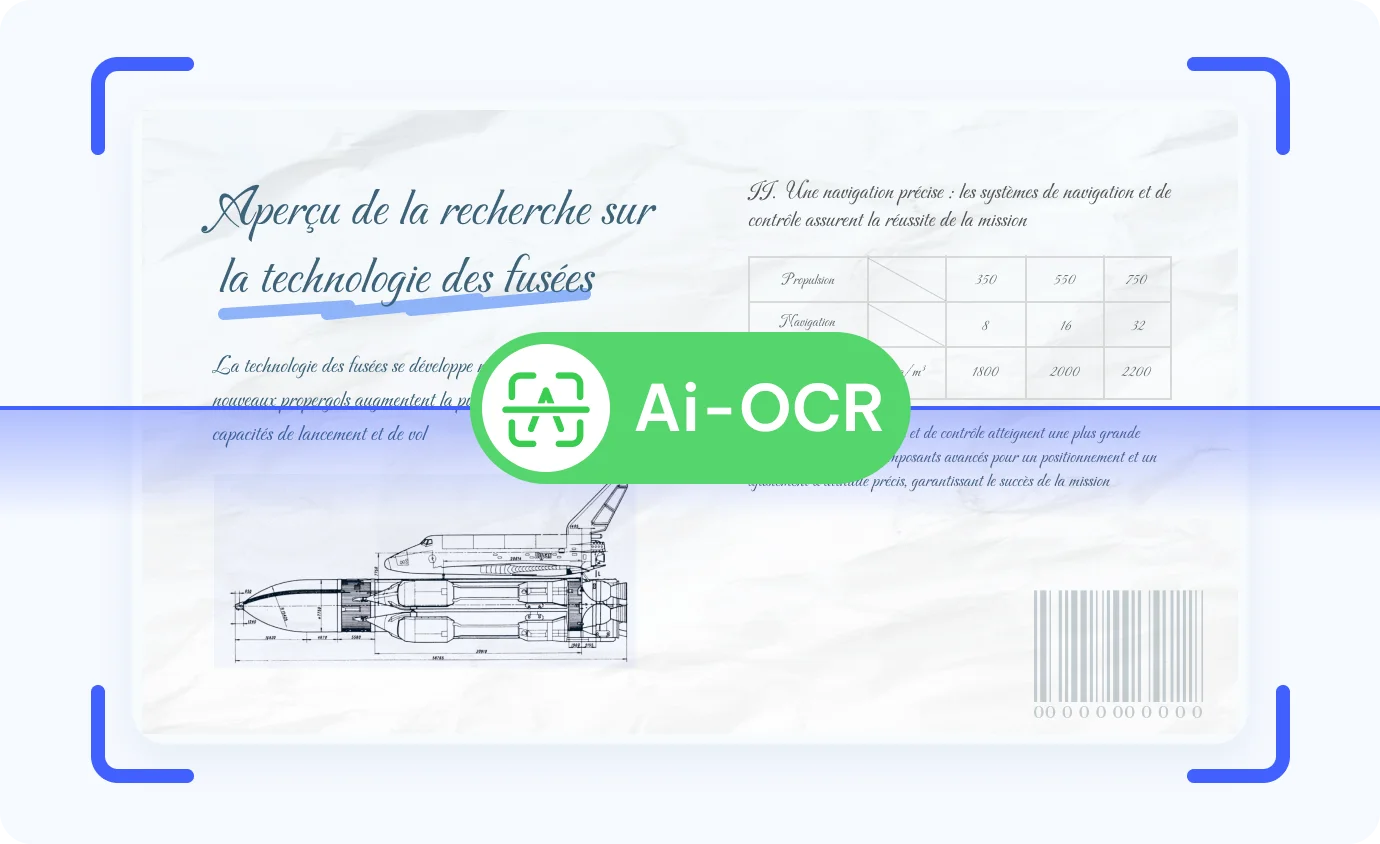
- AI-OCR Technology
- Wide Language Support
- Local Processing
- Rating
- 4.6/5
What is PDNob Image Translator?
PDNob Image Translator is an innovative AI-powered tool designed to make image translation seamless and efficient. By leveraging advanced AI-OCR (Optical Character Recognition) technology, this tool allows users to translate text from images in over 100 languages. It's particularly beneficial for professionals, students, and anyone needing quick translations from various image formats without compromising privacy, as it processes translations locally on your device.
PDNob Image Translator stands out with its on-premises AI-OCR integration, ensuring secure and private translations. Its ability to process large volumes of images quickly and accurately makes it a game-changer for users requiring reliable and fast image-to-text translation.
PDNob Image Translator excels in providing fast, accurate, and secure image-to-text translations, making it an essential tool for students, professionals, and enthusiasts alike. Its unique on-premises processing capability ensures user privacy while delivering high-quality translations across a wide range of languages.
Who is Using PDNob Image Translator?
Students and Educators
Ideal for translating educational materials and handwritten notes.
Marketing Professionals
Utilized for translating multilingual advertisements efficiently.
Archivists and Librarians
Employed to handle large volumes of scanned documents.
Comic Book Enthusiasts
Used for translating manga and comics with handwritten styles.
Uncommon Use Cases
Adopted by legal professionals for translating legal documents; Used by researchers for translating historical texts.
Key Features
Rating Breakdown
Pricing Plans
Free Tier
$4.95/week
- After the trial
1-Month License
$9.95/month (38% off). supporting 3 PCs
- Free upgrades
- No ads. Auto-renews monthly
1-Year License
$49.95/year (50% off)
- Includes all features, 3-PC access, and free upgrades. Auto-renews yearly
Which PDNob Image Translator plan should you pick?
Start with the free download for basic testing; choose the 1 Week License for a short project, the 1 Month License for recurring monthly work, or the 1 Year License for regular use.
1 Week License
Good for short-term projects needing all features, unlimited image uploads, and 25 AI credits per week.
1 Month License
Good for monthly translation work needing all features, unlimited image uploads, and 100 AI credits per month.
1 Year License
Good for frequent or professional use needing all features, unlimited image uploads, and 1,200 AI credits per year.
PDNob Image Translator Use Cases
Translate screenshots
Capture or add screenshots containing non-selectable text, run OCR, and translate the recognized content.
Outcome: Readable translated text and exportable translated images.
Translate scanned documents
Import scanned pages or PDFs and use OCR to extract and translate their text.
Outcome: Translated document content with preserved visual context.
Translate comics and manga
Process comic or manga images, recognize handwritten or complex text, and translate it.
Outcome: Translated comic imagery that can be reviewed and edited.
Translate multilingual advertisements
Import advertising images, translate the embedded text, and edit the placement and formatting.
Outcome: Localized advertising images that retain the original design.
Translate handwriting
Use AI OCR to recognize handwritten text in images and translate it into a selected language.
Outcome: Editable translated text from handwritten image content.
Workflow Ideas with PDNob Image Translator
Screenshot translation workflow
- 1Capture the on-screen text with PDNob's screenshot shortcut
- 2Select the source and target languages
- 3Review and export the translated image or text
Batch image translation workflow
- 1Add multiple images by upload, clipboard paste, drag-and-drop, or batch selection
- 2Run OCR and translation on the selected images
- 3Edit translated text and export the results
Scanned document workflow
- 1Import scanned images or PDF pages
- 2Use OCR to recognize the document text
- 3Translate, review, and export the translated content
How PDNob Image Translator fits into your stack
Desktop / IDE
PDNob Image Translator is a downloadable Windows and macOS application with customizable hotkeys for capturing screen regions and translating them.
Knowledge and files
Users import screenshots, images, scans, and PDFs for OCR, translation, text editing, and export. Batch processing supports more than 50 images at once.
Pros
- +High Accuracy: Offers reliable document extraction with minimal format loss.
- +Fast Processing: Local processing ensures quick and stable performance without internet dependency.
- +Privacy Assurance: No data uploads required, safeguarding user privacy.
- +User-Friendly: Customizable hotkeys and easy-to-use interface enhance the user experience.
Cons
- −Limited to Local Devices: Requires installation on a local device, which may not suit users preferring cloud-based solutions.
- −Initial Setup: Might require initial configuration for optimal use.
Limitations & when to consider alternatives
Known limitations
- Image size limit. The product page specifies support for images up to 100 MB.
- OCR language coverage. AI OCR supports 16 major languages, even though translation supports more than 100 languages.
- Device limit. A purchased license can be used on up to three computers simultaneously.
- Desktop operating systems. The documented Image Translator application supports Windows and macOS.
- Translation review may be needed. The vendor recommends reviewing and editing translations because machine translation can miss context or nuance.
Look elsewhere when
- You need a native iOS or Android Image Translator app.
- You need a developer API for automated integrations.
- You need shared team workspaces or user roles.
How to Use PDNob Image Translator
- 1
Download and install
Install PDNob Image Translator on Windows or Mac, then open the desktop application.
- 2
Sign in
Use the profile button to register or log in so operations and images can be saved.
- 3
Add images
Upload images, take screenshots, paste from the clipboard, or drag images into the application.
- 4
Choose languages
Select the source language and the desired translation language in the right panel.
- 5
Translate and edit
Run OCR and translation, then adjust translated text, font, size, color, and other formatting.
- 6
Export results
Choose the export form, file format, and destination, then export the translated image or text.
Who is PDNob Image Translator For?
Students
Translate foreign-language study materials, screenshots, scans, and manga while researching.
Freelance translators
Extract text from non-selectable images and translate it into more than 100 languages.
Marketing managers
Translate multilingual advertisements and preserve the original visual design.
Archivists
Process large volumes of scanned files with OCR and translated-image export.
Business consultants
Translate sensitive image-based documents locally without uploading files.
Frequently Asked Questions
How does PDNob Image Translator work?
Capture screenshots or upload images, let PDNob extract the text with OCR, select the target language, and export the translated result.
How many languages does PDNob Image Translator support?
AI OCR supports 16 major languages, while AI translation supports more than 100 languages.
Can the same account be used on Mac and Windows?
Yes. The account works on both Mac and Windows, with a maximum of three devices used simultaneously.
What image formats can be imported and exported?
Supported imports include BMP, GIF, JPG, JPEG, PNG, PBM, PGM, PPM, XBM, and XPM. Export formats include BMP, JPG, JPEG, PNG, PPM, XBM, XPM, and PDF.
Can translated text be edited inside the image?
Yes. Users can edit translated text, including font, font size, color, and other formatting options.
Is a paid license recurring?
The one-week, one-month, and one-year licenses are auto-recurring by default, while a lifetime license is a one-time payment where offered.
Community reviews
Be the first to share your experience.
Sign in to leave a review for PDNob Image Translator.
PDNob Image Translator Alternatives
Looking for alternatives to PDNob Image Translator? Here are similar tools in the same category:
Learn to Master PDNob Image Translator
With Skill Leap courses
Get in-depth training on PDNob Image Translator and 50+ other AI tools with our expert-led video courses.
Start 7-Day Free Trial