Pebblely
Turn plain product photos into lifestyle scenes for online stores.
Watch Pebblely in Action
Key Takeaways
- What it is
- Turn plain product photos into lifestyle scenes for online stores.
- Pricing
- $9 per month · $19 per month · $39 per month
- Best for
- Custom prompts and templates
- Packaging text extraction
- Style images and brand colors
- Rating
- 4.1/5
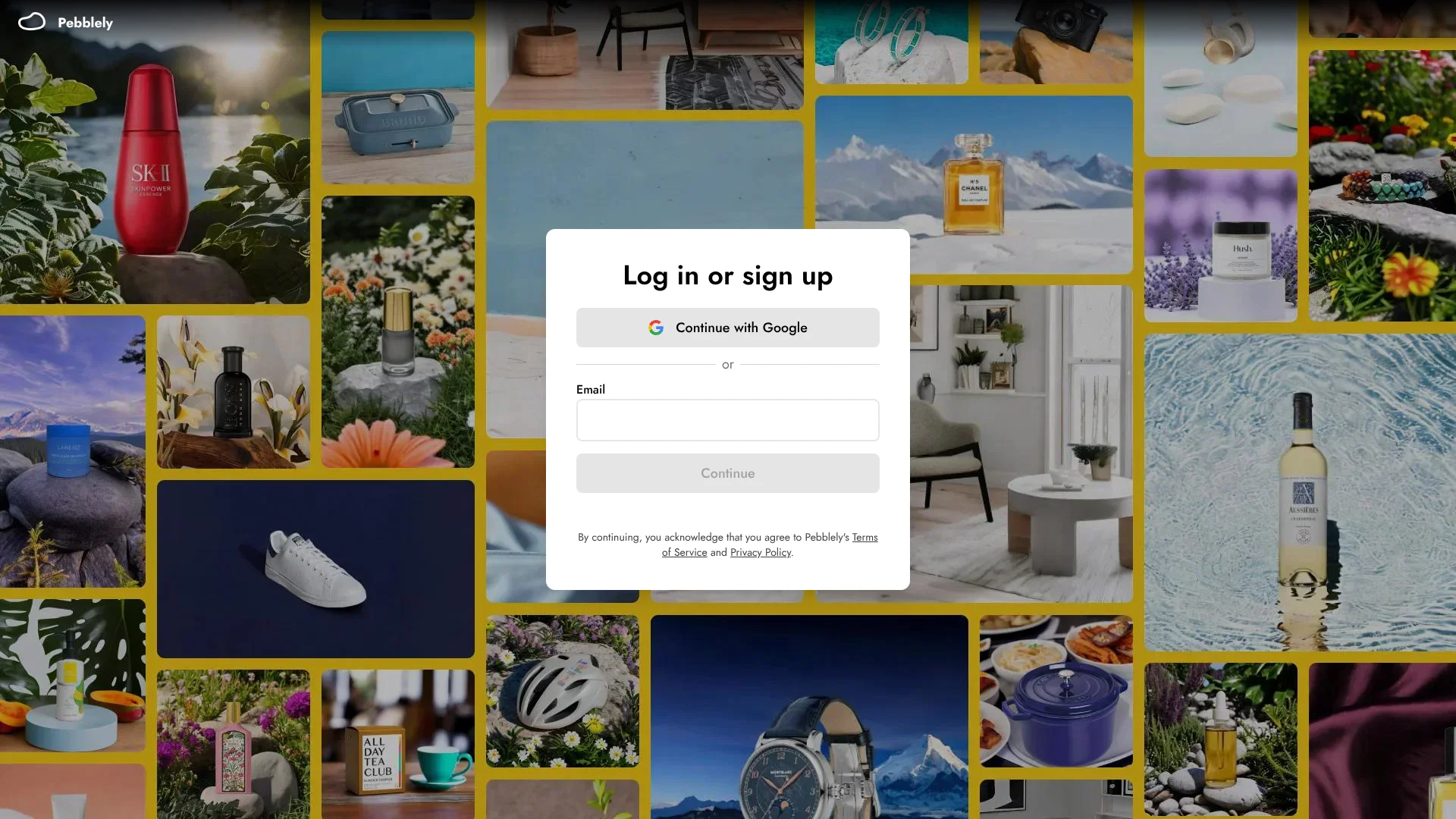
What is Pebblely?
Pebblely turns a product photo into new marketing images with AI-generated scenes, so sellers can create product listings and campaign visuals without staging a separate photo shoot for every setting. Start with a product image, then choose a ready-made theme or describe a custom scene. Pebblely also offers image sizes for social posts, ads, and website banners.
When you add a product, Pebblely reads visible text on its packaging and uses it during image generation to help keep labels and brand names accurate. You can review and edit the extracted text before generating, a useful step for products where packaging copy matters.
Pebblely is best suited to ecommerce sellers and marketing teams that need more product imagery from a small set of product photos. Generated images still need a human check, especially for fine label details, and higher-resolution results use extra credits. Reach for Pebblely when the product needs to stay recognizable while its setting changes.
Who is Using Pebblely?
Ecommerce store owner
A larger set of listing images can come from a clear photo of each product.
Product photographer
Custom scenes and templates provide alternative settings for client product shots.
Social media marketer
Portrait and story formats make product visuals ready for social campaigns.
Brand designer
Reference images and brand colors help steer product imagery toward a chosen look.
Uncommon Use Cases
A jewelry seller can preview pieces on a model; a retailer can create group shots for gift sets.
Key Features
Rating Breakdown
Pricing Plans
Lite
$9 per month
- 30 images every month
- 40+ background themes
- Custom prompts
- Yearly billing offers 2+ months free.
Basic
$19 per month
- 200 images every month
- 40+ background themes
- Custom prompts
- Bulk generation
- Yearly billing offers 2+ months free.
Pro
$39 per month
- 500 images every month
- 40+ background themes
- Custom prompts
- Bulk generation
- Yearly billing offers 2+ months free.
Which Pebblely plan should you pick?
Start with Lite for occasional product visuals, choose Basic for regular catalog work, and move to Pro when you need up to 500 images each month.
Lite
Good for sellers who need up to 30 images per month, templates, and custom prompts.
Basic
Good for regular product marketing that needs up to 200 images per month and bulk generation.
Pro
Good for higher-volume image creation, with up to 500 images per month and bulk generation.
Pebblely Use Cases
Marketplace listing images
A single product photo can become several listing visuals with different backgrounds.
Outcome: More product images for a listing.
Social campaign assets
Choose a platform size and scene to prepare product images for social posts or stories.
Outcome: Images in preset social formats.
On-brand product scenes
A reference image or brand color can guide the look of generated product imagery.
Outcome: Product images guided by a chosen visual style.
Product bundle imagery
Group up to five products in one scene to present a collection or gift set.
Outcome: A generated image featuring multiple products.
Product image updates at scale
Bulk generation applies the same settings across selected products in a catalog.
Outcome: Images generated for multiple products at once.
Workflow Ideas with Pebblely
Create a product listing set
- 1Add a clear product photo and crop it to the product.
- 2Choose a template or describe the scene you want.
- 3Generate images in the sizes needed for the listing.
Prepare a social campaign
- 1Select the product and set a brand color or style reference.
- 2Choose the social image size and generate variations.
- 3Review the results and download the images you want to publish.
Make a bundle image
- 1Select up to five products.
- 2Choose Group shot and set the scene with a template or custom prompt.
- 3Review and download the generated bundle image.
How Pebblely fits into your stack
Product image creation
Pebblely starts with a product photo and generates a new scene around it. Background removal is not required.
Marketing asset preparation
Preset sizes produce images for social posts, ads, website banners, and product listings.
Catalog production
Bulk generation and downloads fit workflows that need visuals for several products.
Final review and publishing
Download the generated images for review and use in your own store or marketing channels.
Pros
- +Product-first scenes: Build new settings around an uploaded product photo.
- +Packaging text support: Extracted text can be checked and corrected before generation.
- +Ready-made themes: More than 40 templates offer starting points without writing a prompt.
- +Catalog workflow: Bulk generation and downloads help when several products need new images.
Cons
- −Credit-based generation: Monthly image allowances may feel restrictive for large catalogs.
- −Manual quality checks: Generated packaging and fine details should be reviewed before publishing.
Limitations & when to consider alternatives
Known limitations
- Monthly image allowances. The Lite, Basic, and Pro plans include 30, 200, and 500 images per month, respectively.
- High-resolution credit cost. High-resolution images use two credits each instead of one and take about 30 seconds to generate.
- Group shot size. A single group shot can include up to five products.
- Generated image rights. Pebblely says you own generated images, but its terms do not guarantee that they avoid other parties' intellectual property rights.
Look elsewhere when
- You need a documented API or a native mobile or desktop app.
- Your workflow depends on named third-party integrations or multi-step automation.
- You need shared workspace controls, roles, or single sign-on.
How to Use Pebblely
- 1
Add a product
Upload a clear product photo, crop it, and save it to your product list.
- 2
Check the packaging text
Review the text Pebblely extracted and correct it if needed before generating.
- 3
Set the scene
Pick a template or write a custom prompt, then add a style image or brand color if useful.
- 4
Choose image settings
Select the output size and number of images; high-resolution mode costs two credits per image.
- 5
Review and download
Check the generated image in Recent Images, then download the results you want to use.
Who is Pebblely For?
Ecommerce sellers
Product listings can get new backgrounds and formats from existing product photos.
Product-based businesses
Small brands can make marketing imagery without staging every scene themselves.
Creative teams
Custom prompts, colors, and reference images help shape a consistent visual direction.
Marketing teams
Preset sizes and bulk generation support creating visuals for multiple channels and products.
Frequently Asked Questions
Does Pebblely have a free option?
Pebblely's terms describe a free version to try the service. The pricing page lists paid Lite, Basic, and Pro plans.
How much does Pebblely cost?
The monthly plans are Lite at $9, Basic at $19, and Pro at $39. The pricing page says yearly billing gives 2+ months free.
Can I use generated images for my business?
Pebblely's terms say you own the images you generate and can use them as you want.
Can I cancel a subscription?
Yes. Pebblely says subscriptions can be canceled in the app under Profile > Manage billing.
Do high-resolution images use more credits?
Yes. Each high-resolution image costs two credits instead of one.
Community reviews
Be the first to share your experience.
Sign in to leave a review for Pebblely.
Pebblely Alternatives
Looking for alternatives to Pebblely? Here are similar tools in the same category: