Perfect Wiki
Turn SharePoint folders into searchable team knowledge inside Microsoft Teams.
Key Takeaways
- What it is
- Turn SharePoint folders into searchable team knowledge inside Microsoft Teams.
- Pricing
- $12 per editor per month
- Best for
- AI Knowledge Bot
- SharePoint Synchronization
- Microsoft Teams Integration
- Rating
- 4.3/5
What is Perfect Wiki?
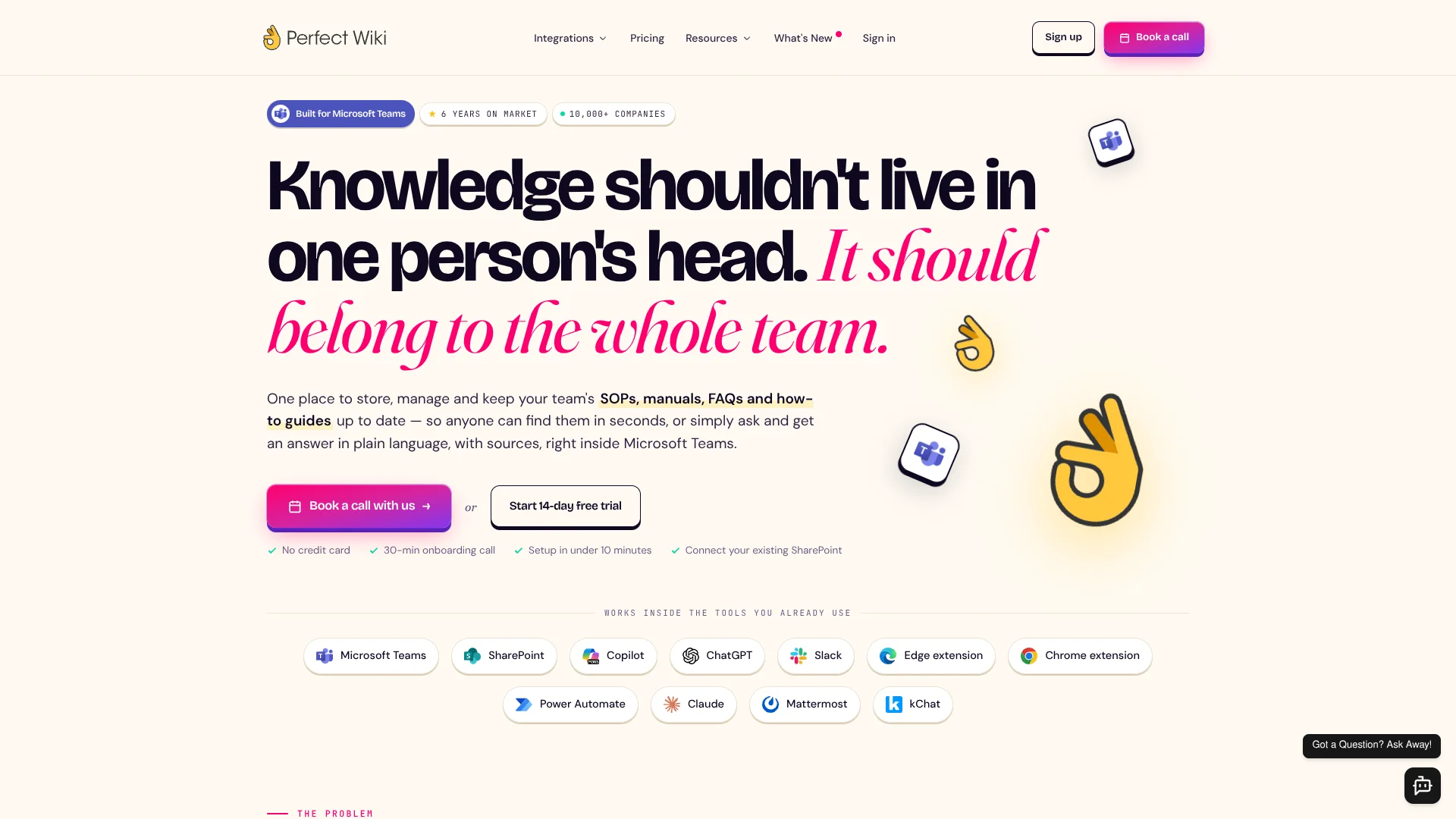
Perfect Wiki gives teams a searchable home for SOPs, manuals, FAQs, and internal process knowledge, with an AI Knowledge Bot that answers questions from those sources. It lives inside Microsoft Teams and can also connect to SharePoint folders, so employees can find guidance without digging through scattered documents or interrupting subject-matter experts.
Its clearest edge is the way it turns existing SharePoint folders into an AI-searchable knowledge base without requiring teams to move the original files.
Perfect Wiki fits Microsoft Teams organizations that need internal documentation, onboarding material, or support answers available in the flow of work. The Basic plan limits AI requests and indexed files, and the service is not designed for HIPAA workloads, so it is strongest for operational knowledge rather than regulated medical or federal data.
Who is Using Perfect Wiki?
Operations managers
Standardize SOPs and make process guidance easier for employees to find.
IT and knowledge managers
Maintain pages, permissions, owners, verification dates, and documentation structure across teams.
Customer support leads
Give agents AI answers grounded in internal manuals, FAQs, and approved support content.
HR and onboarding managers
Keep employee guidance and training material available through Teams and mobile browsers.
Developers and automation specialists
Connect external systems through the public API, Zapier, webhooks, or Power Automate.
Uncommon Use Cases
Capture useful answers from browser pages or chat threads as new wiki content; power a custom chatbot or search interface from the public API.
Key Features
Rating Breakdown
Pricing Plans
Basic
$12 per editor per month
- Billed annually
- One editor to start, with unlimited readers
- Unlimited knowledge bases and channels
- Unlimited page translations
- Custom domain and branding
- 100 AI chatbot requests per editor per month, pooled
- 100 indexed files per editor, pooled
- Professional email support
Enterprise
- For teams with 100 or more editors
- Volume pricing discounts
- Everything in Basic
- Scheduled backups
- Unlimited indexed files
- Unlimited AI chatbot requests
- 90 days of analytics
- Training and onboarding
- Dedicated success manager
Which Perfect Wiki plan should you pick?
Start with the 14-day trial to test your documentation, then choose Basic for smaller editor groups or Enterprise when you need higher limits, scheduled backups, and dedicated onboarding.
Basic
Good for teams that need unlimited readers, shared knowledge bases, branded public documentation, and a defined monthly allowance for AI requests and indexed files.
Enterprise
Good for organizations with 100 or more editors that need volume pricing, unlimited AI chatbot requests, unlimited indexed files, scheduled backups, training, and a dedicated success manager.
Perfect Wiki Use Cases
Internal SOP search
A central home for procedures, manuals, FAQs, and how-to guides replaces scattered files and repeated questions.
Outcome: Employees get source-linked answers from approved internal content.
SharePoint knowledge access
Selected SharePoint folders become searchable through Perfect Wiki without moving the original files.
Outcome: Teams can query existing documents in natural language.
Teams-based support
Employees can ask the AI Knowledge Bot in a Teams channel, chat, or personal tab.
Outcome: Answers appear where the question is already being discussed.
Documentation gap tracking
Weekly reports surface unanswered questions, common searches, and popular pages.
Outcome: Editors can prioritize the documentation people are actively missing.
Browser knowledge capture
The Chrome or Edge extension turns selected web pages, emails, or chat content into wiki material and answers questions about the current page.
Outcome: Useful information can move into the knowledge base while work is happening.
Workflow Ideas with Perfect Wiki
Turn SharePoint files into an AI help desk
- 1Select the SharePoint folder that contains approved manuals and FAQs.
- 2Let Perfect Wiki synchronize and index the folder.
- 3Have employees ask the AI Knowledge Bot for source-linked answers in Teams.
Convert recurring chat answers into documentation
- 1Identify a useful answer in a Teams conversation.
- 2Save the answer as a Perfect Wiki page.
- 3Review the page, add tags or an owner, and publish it for future searches.
Automate support knowledge workflows
- 1Connect Perfect Wiki to Zapier or Power Automate.
- 2Send incoming email, ticket, or webhook content to the knowledge bot.
- 3Post the answer or save the result into the appropriate workflow.
How Perfect Wiki fits into your stack
Microsoft Teams
Perfect Wiki fits directly into Teams channels, chats, and personal tabs, making the knowledge base available beside daily conversations.
SharePoint and files
Selected SharePoint folders and uploaded documents provide the source material for search and AI answers while the originals remain in place.
Browser work
Chrome and Edge extensions let people capture content, search internal pages, and ask questions without leaving the current browser tab.
Automation and APIs
Zapier, Power Automate, and the public API connect Perfect Wiki to email, tickets, webhooks, custom apps, and content management workflows.
AI workspaces
Integrations with Copilot, ChatGPT, Claude, Slack, Mattermost, and kChat extend access to the same internal knowledge across supported tools.
Pros
- +Teams-native access: Employees can read and ask questions where Microsoft Teams work already happens.
- +SharePoint continuity: Existing folders can become searchable without relocating the source documents.
- +Reader-friendly pricing: Readers are unlimited and free, so only users who write or maintain content count as editors.
- +Source-linked answers: AI responses point users back to the relevant page or document.
- +Broad connections: Microsoft Teams, SharePoint, Slack, Copilot, ChatGPT, Chrome, Edge, Zapier, and Power Automate are supported.
Cons
- −No native mobile download: iPhone, iPad, and Android access uses an installable browser version rather than an App Store or Google Play app.
- −Basic usage caps: The Basic plan includes pooled limits for AI chatbot requests and indexed files.
- −Limited compliance scope: Perfect Wiki says it is not designed for HIPAA, PCI DSS, or FedRAMP workloads.
Limitations & when to consider alternatives
Known limitations
- Basic plan AI allowance. Basic includes 100 AI chatbot requests per editor per month on a pooled basis.
- Basic plan file allowance. Basic includes 100 indexed files per editor on a pooled basis.
- API rate limits. The public API allows up to 10 requests per second and 60 requests per minute per token.
- Enterprise threshold. Enterprise is listed for teams with 100 or more editors and uses volume pricing.
- Compliance boundaries. Perfect Wiki states that SOC 2 and ISO 27001 certification is not yet available and that HIPAA, PCI DSS, and FedRAMP are out of scope.
Look elsewhere when
- You need a native iOS or Android app distributed through an app store.
- Your organization requires HIPAA, PCI DSS, or FedRAMP support.
- Your team needs a certified SOC 2 or ISO 27001 vendor.
- Your workload needs unlimited AI queries and indexed files without an Enterprise agreement.
How to Use Perfect Wiki
- 1
Start the trial
Begin the 14-day trial with full feature access and no credit card so you can test the tool on real team documentation.
- 2
Add your first knowledge base
Create a knowledge base for a team, project, client, or department and decide who can edit or read it.
- 3
Connect existing content
Choose a SharePoint folder or import supported documents such as Word, PDF, Excel, PowerPoint, HTML, CSV, or ZIP files.
- 4
Install it in Teams
Add Perfect Wiki as a Teams channel tab or use the personal tab so employees can reach the knowledge base from their normal workspace.
- 5
Test AI answers
Ask questions in natural language and check the linked source pages before publishing the workflow to a wider group.
- 6
Review knowledge gaps
Use search activity and unanswered-query reports to decide which pages need to be added or updated.
Who is Perfect Wiki For?
Microsoft Teams organizations
Teams that want shared procedures and FAQs available inside their existing collaboration workspace.
Operations teams
Operations groups can centralize repeatable processes, manuals, and training guidance.
Customer support and contact centers
Support staff can query internal answers instead of searching through long document folders.
SharePoint-heavy companies
Organizations with useful information already stored in SharePoint can add AI search without moving the files.
Teams with public knowledge bases
Companies can publish selected documentation through a custom domain with their own branding.
Frequently Asked Questions
Does Perfect Wiki have a free plan?
It offers a 14-day free trial with full feature access, no credit card, and no payment upfront. The official pricing page does not list a permanent free plan.
How does Perfect Wiki charge for users?
You pay for editors, meaning users who write or maintain content. Readers are unlimited and free.
What does the Basic plan cost?
Basic costs $12 per editor per month when billed annually. The official pricing page lists all prices in USD before applicable taxes.
Can Perfect Wiki connect to SharePoint?
Yes. You can synchronize selected SharePoint folders and make their contents searchable through Perfect Wiki and its AI Knowledge Bot.
Does Perfect Wiki have an API?
Yes. The public API can list, read, create, update, delete, and AI-query knowledge base pages.
Is Perfect Wiki encrypted?
Yes. The service states that data is encrypted in transit with TLS 1.2 or higher and at rest with AES-256.
Community reviews
1 review from people who use Perfect Wiki.
Sign in to leave a review for Perfect Wiki.
Ilia Pirozhenko
Perfect Wiki Alternatives
Looking for alternatives to Perfect Wiki? Here are similar tools in the same category: