
Photomath
Transforms smartphones into instant math problem solvers.
Key Takeaways
- What it is
- Transforms smartphones into instant math problem solvers.
- Pricing
- $69.99/year · $9.99/month
- Best for
- Smart Scanning Technology
- Step-by-Step Solutions
- Multiple Solving Methods
- Rating
- 4.7/5
What is Photomath?
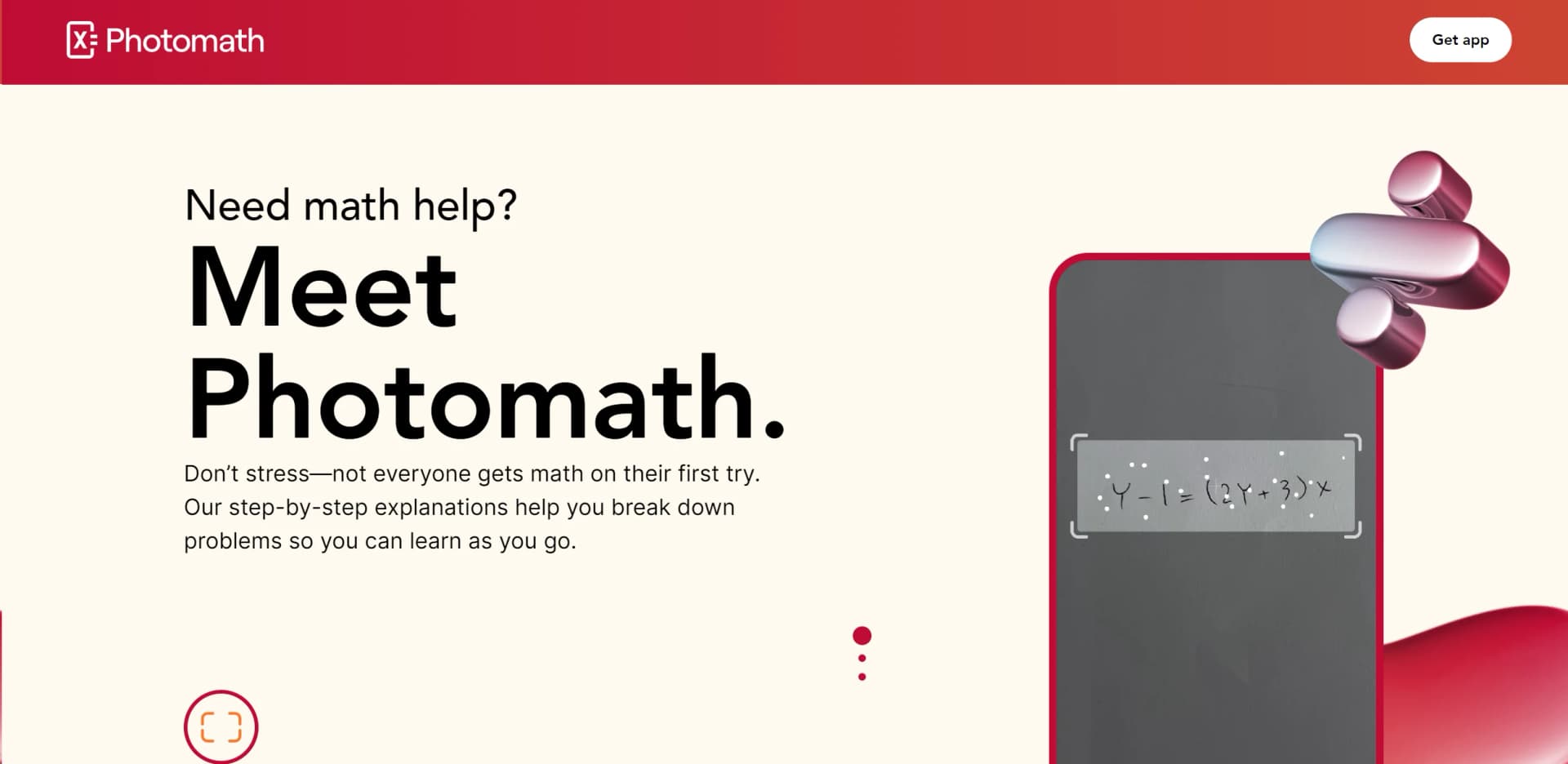
Photomath is a revolutionary educational app designed to demystify complex math problems for students and learners of all ages. With its ability to provide step-by-step solutions to a wide array of mathematical problems, from elementary arithmetic to advanced calculus and statistics, Photomath stands out as a powerful tool in the realm of educational technology. Whether you're struggling with geometry or trigonometry, Photomath offers clear, concise, and interactive explanations that enhance understanding and learning efficiency.
Photomath is unparalleled in its ability to transform mobile devices into powerful mathematical problem-solving tools. Its unique selling point lies in its smart scanning technology, which allows users to simply point their camera at a math problem for instant assistance. This feature, combined with the comprehensive educational approach of showing detailed steps and multiple methods, sets Photomath apart from other educational apps.
Photomath excels in making math more approachable and less stressful, proving to be an indispensable tool for a wide range of users. Its ability to provide instant, step-by-step solutions and explanations, particularly through its innovative camera functionality, offers an unmatched advantage in educational technology. Whether for quick homework help or in-depth study sessions, Photomath ensures that everyone can build their math confidence and skills effectively.
Who is Using Photomath?
Students
From elementary school to college, students use Photomath to help with homework and exam preparation.
Educators
Teachers incorporate it into lessons to demonstrate problem-solving techniques.
Parents
Help their children understand math concepts and assist with homework.
Lifelong Learners
Adults looking to refresh their math skills or learn new concepts.
Uncommon Use Cases
Used by educational content developers for creating engaging learning materials; adopted by tutors for enhancing their teaching methods.
Key Features
Rating Breakdown
Pricing Plans
Basic Tier
- Free access to step-by-step explanations and custom visual aids
Photomath Plus
Annual Plan
$69.99/year
- Deep-dive solutions for hundreds of textbooks and advanced problem-solving features
Monthly Plan
$9.99/month
- Same features as the annual plan but with monthly billing
Which Photomath plan should you pick?
Start with Basic for free step-by-step solutions; upgrade to Annually for the lowest listed effective price or Monthly for flexible payment.
Basic
Good for learners who need free step-by-step explanations and core problem-solving functionality.
Annually
Good for regular learners who need custom visual aids and extra how-and-why tips at the listed annual price.
Monthly
Good for learners who want Photomath Plus features while paying month to month.
Photomath Use Cases
Scan a math problem
Point the mobile camera at a printed or handwritten problem.
Outcome: Photomath recognizes the problem and displays a solution.
Study solving steps
Review the detailed steps and available solution methods.
Outcome: Learners can understand how the answer was obtained.
Check homework
Compare a completed solution with Photomath's result and explanations.
Outcome: Students can identify calculation mistakes and verify answers.
Enter a problem manually
Use the in-app math keyboard or calculator to enter an equation.
Outcome: Photomath provides available solving methods and steps.
Teach or assign practice
Teachers can use Photomath during class or assign practice for home.
Outcome: Students can work through examples and prepare for tests.
Workflow Ideas with Photomath
Solve a photographed problem
- 1Open Photomath on a smartphone or tablet
- 2Point the camera at a printed or handwritten math problem
- 3Review the solution and step-by-step explanation
Correct a recognition result
- 1Scan the math problem
- 2Tap the edit icon beside the solution
- 3Modify the expression with the math calculator
Practice before a test
- 1Enter or scan practice problems
- 2Compare the result with your own work
- 3Review explanations, hints, or animated tutorials
How Photomath fits into your stack
Device Compatibility
Works across a wide range of smartphones and tablets, ensuring accessibility.
Educational Tools Integration
Can be used alongside other educational apps and platforms to enhance learning.
Language Support
Offers solutions in multiple languages, broadening its usability globally.
Textbook Solutions
Integrates with several leading textbooks, providing tailored solutions.
Pros
- +Enhanced Learning Experience: Makes math learning more accessible and less intimidating for everyone.
- +Time-Saving: Quickly provides solutions and explanations, saving users from hours of frustration.
- +Cost-Effective: Offers a free version that is robust enough for most users, with an affordable premium option for more in-depth help.
- +User-Friendly Interface: Designed with simplicity in mind, making it easy for anyone to navigate and use.
Cons
- −Internet Dependency: Requires an internet connection to access some features and the full range of its capabilities.
- −Limited to Mathematical Content: Primarily focused on math, lacking support for other subjects.
- −Ad-Based Model in Free Version: The free version includes advertisements, which might be distracting for some users.
Limitations & when to consider alternatives
Known limitations
- Requires internet access. Photomath requires a stable internet connection to download and use the app and access solutions.
- Camera quality affects recognition. Scanning may fail with blurry images, poor lighting, dirty lenses, or cameras without adequate autofocus.
- Some math content is unsupported. The help center distinguishes supported and unsupported content, and coverage is still expanding.
- Solutions can contain mistakes. Photomath advises users to verify the recognized problem and report incorrect solutions or missing steps.
- Mobile-only distribution. The official download page describes Photomath as an app for smartphones and tablets.
Look elsewhere when
- You need a dedicated desktop application.
- You need a documented developer API.
- You need automated workflows across other tools.
How to Use Photomath
- 1
Explore the extensive range of tutorials available on the Photomath app and website, covering everything from basic operations to advanced mathematical concepts.
Who is Photomath For?
Students
Students can scan problems, receive detailed explanations, practice, and check their progress.
Teachers
Teachers can use Photomath for classroom support, homework assignments, and explaining calculation processes.
Parents
Parents can help learners understand arithmetic through calculus with step-by-step explanations and practice.
Frequently Asked Questions
What is Photomath?
Photomath uses a mobile-device camera to recognize math problems and provide step-by-step solutions.
Does Photomath require an internet connection?
Yes. Photomath requires a stable internet connection because its solving technology is cloud-based.
What does Photomath Plus include?
Photomath Plus adds AI-powered animated tutorials, deeper explanations, and contextual hints.
Can Photomath solve handwritten problems?
Yes. Students can get help with printed or handwritten math problems.
What math subjects does Photomath support?
Supported areas include arithmetic, algebra, geometry, trigonometry, sequences, and calculus.
Can Photomath be used in class and at home?
Students, teachers, and parents can use Photomath for practice, assignments, explanations, and checking progress.
Community reviews
Be the first to share your experience.
Sign in to leave a review for Photomath.
Photomath Alternatives
Looking for alternatives to Photomath? Here are similar tools in the same category:
Learn to Master Photomath
With Skill Leap courses
Get in-depth training on Photomath and 50+ other AI tools with our expert-led video courses.
Start 7-Day Free Trial