
PicMa Studio
Enhance photos with AI-driven editing tools.
Key Takeaways
- What it is
- Enhance photos with AI-driven editing tools.
- Pricing
- Freemium · $14.99 per month · $24.99 per month
- Best for
- AI Photo Enhancer
- Background and Object Removal
- Color Master
- Rating
- 4.4/5
What is PicMa Studio?
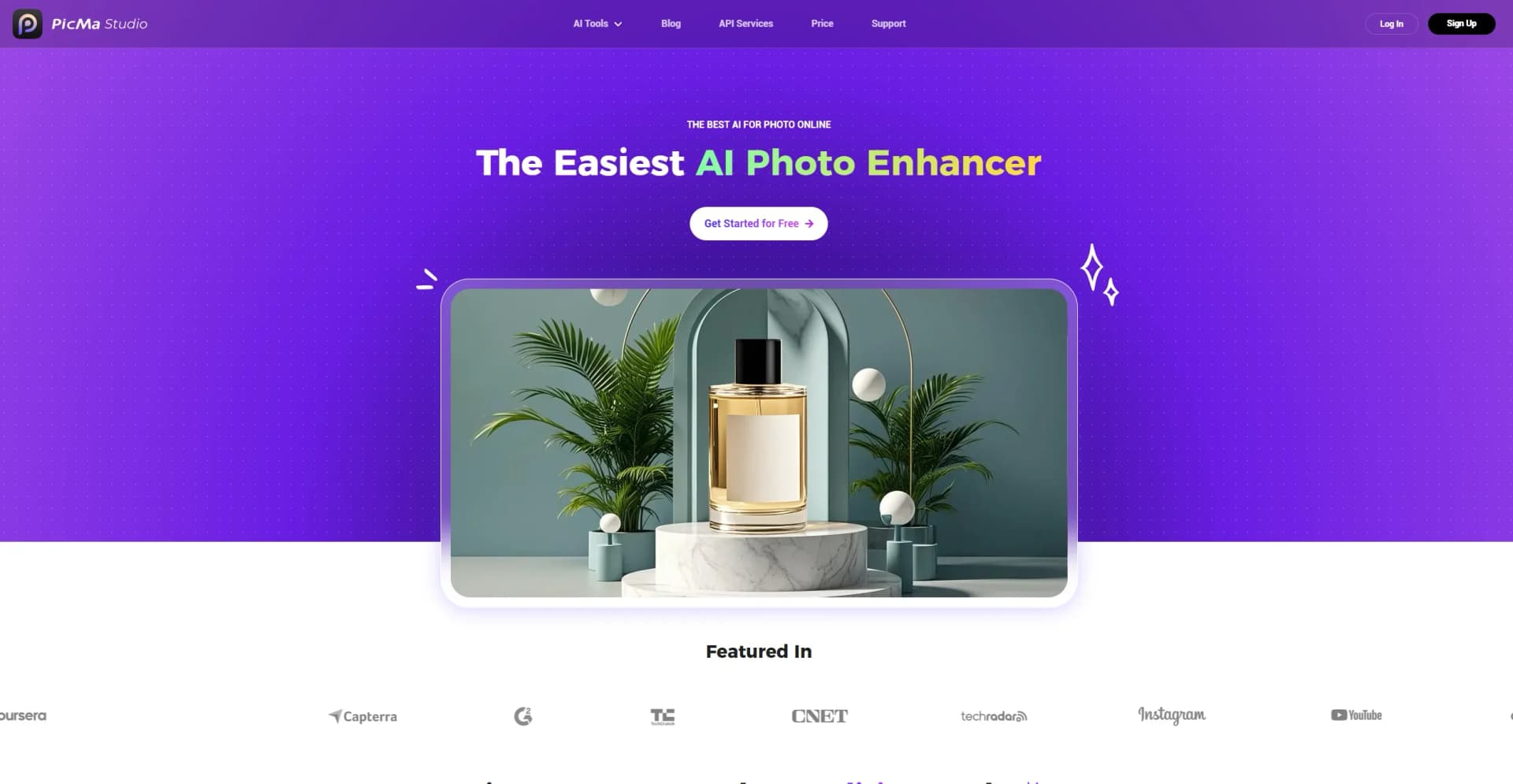
PicMa Studio revolutionizes photo enhancement and editing, offering a suite of AI-powered tools designed to simplify the photo enhancement process. Whether you're a professional photographer or a casual user, PicMa Studio provides an array of features like image enhancement, background removal, and object removal to bring your images to life. It's designed to cater to anyone looking to improve photo quality with minimal effort, making it an ideal choice for both hobbyists and professionals.
PicMa Studio stands out with its AI-driven photo enhancement capabilities, which not only improve image resolution but also repair old photos, bringing clarity and vibrancy to cherished memories. Its ability to automate complex photo editing tasks with precision sets it apart in the photo editing industry.
PicMa Studio offers a powerful suite of AI tools that make photo enhancement and editing not only accessible but also highly effective. Its comprehensive feature set and user-friendly interface ensure that users can achieve professional-quality results with ease. Whether you're looking to enhance personal photos or professional imagery, PicMa Studio provides the tools you need to elevate your visual content.
Who is Using PicMa Studio?
E-commerce Businesses
Utilizing the tool for enhancing online product imagery.
Digital Marketing Agencies
Employing the tool for creating visually appealing campaign content.
Social Media Managers
Using the tool to create engaging social media posts.
Graphic Designers
Leveraging the tool for efficient design workflows.
Uncommon Use Cases
Adopted by educational institutions for teaching digital art courses; Used by freelance photographers for streamlining editing processes.
Key Features
Rating Breakdown
Pricing Plans
Free Plan
Free
- Includes 10 credits and access to all image features—great for getting started at no cost
Basic Plan
$14.99 per month
- Includes 40 credits per week, no watermark, and all image features. Cancel anytime
Pro Plan
$24.99 per month
- Includes unlimited image features, 5 video enhancements per week, no watermark, cancel-anytime flexibility, and bulk upload/download
Which PicMa Studio plan should you pick?
Start with the Free Plan to test the image tools, choose Basic for recurring credit-based work, and upgrade to Pro for larger usage and batch processing.
Free Plan
Good for users who need a no-cost trial with 5 free credits.
Basic Plan
Good for regular users who need paid credits and core image features at $14.99 per month.
Pro Plan
Good for heavier users who need 455 monthly credits, expanded AI image usage, and batch upload/download at $24.99 per month.
PicMa Studio Use Cases
Create AI product images
Upload a reference image, enter a prompt, and generate product-oriented visuals with multiple image models.
Outcome: New e-commerce-ready visual variations.
Restore old photos
Use Smart Restore, Photo Enhancer, Color Master, Stable Motion AI, or Descratch to improve damaged or faded images.
Outcome: Cleaner, sharper, or colorized photos.
Remove unwanted elements
Use Background Remover, Object Remover, Magic Brush, or Face Cutout to isolate subjects and clean up images.
Outcome: More focused images with cleaner backgrounds.
Prepare web assets
Compress images or convert them to required formats for websites, storage, and sharing.
Outcome: Smaller or correctly formatted image files.
Generate motion content
Convert images to video or enhance existing video with PicMa's AI video tools.
Outcome: Dynamic or improved video assets.
Workflow Ideas with PicMa Studio
Generate and refine a product visual
- 1Upload a product reference image and enter a prompt
- 2Generate and compare image outputs
- 3Send the selected result to enhancement or background-removal tools
Restore and colorize an old photograph
- 1Upload the damaged or faded photo
- 2Apply Smart Restore, Photo Enhancer, or Descratch
- 3Use Color Master and download the result
Create a web-ready image
- 1Upload an image to Image Compressor
- 2Run one-click compression
- 3Preview and download the processed file
How PicMa Studio fits into your stack
Browser
PicMa Studio is a browser-based AI photo and video workspace. Users upload images, select enhancement or generation tools, process results, and download or pass them to subsequent PicMa tools.
Pros
- +User-Friendly Interface: Intuitive design makes it accessible for users of all skill levels.
- +Versatile Toolset: Offers a wide array of tools for various photo editing needs.
- +Time-Saving: Automates complex photo editing tasks, reducing time spent on manual adjustments.
- +High-Quality Output: Maintains image quality even after significant enhancements.
Cons
- −Initial Learning Curve: Some users might need time to explore the full range of features.
- −Limited Free Features: While there's a free tier, advanced features may require a subscription.
Limitations & when to consider alternatives
Known limitations
- Free usage is credit-limited. The Free Plan provides a limited number of credits, while paid plans provide larger credit allowances or expanded usage.
- Watermark removal requires payment. The help center states that removing the watermark requires a PicMa Studio subscription.
- Batch processing is plan-dependent. Batch upload/download or bulk processing is presented as a paid-plan benefit.
- API access requires business credentials. The API documentation requires a token and API key obtained through the business service.
- Commercial-use rights depend on the applicable agreement. PicMa directs users to review the current User Agreement and package-specific copyright terms for commercial use.
Look elsewhere when
- You need a native mobile app specifically named PicMa Studio.
- You need a desktop installer rather than a browser service.
- You need SSO, SAML, or enterprise identity management.
- You need custom model fine-tuning on your own data.
How to Use PicMa Studio
- 1
Create an account
Register for PicMa Studio to receive free credits and access the online tools.
- 2
Choose a tool
Select an image, video, restoration, enhancement, or e-commerce tool from the PicMa Studio catalog.
- 3
Upload an image
Upload or drag in an image; image-to-image generation also supports an optional reference image.
- 4
Configure the task
Enter a prompt or select the available model, aspect ratio, resolution, or editing settings.
- 5
Process and review
Run the selected operation, then compare or preview the generated or enhanced result.
- 6
Download or continue editing
Download the result or send it to subsequent PicMa tools when the workflow supports chaining.
Who is PicMa Studio For?
Creators
The platform provides AI image generation, enhancement, restoration, and video tools for visual content creation.
E-commerce sellers
Product image enhancement, background removal, virtual models, accessory try-on, and AI poster tools support online selling.
Photographers and image editors
Enhancement, colorization, sharpening, object removal, descratch, and face cutout tools support photo-editing workflows.
Businesses
PicMa highlights business use and provides tools for product visuals, bulk processing, and API-based image enhancement.
Frequently Asked Questions
Can I use PicMa Studio without paying?
Yes. Registration provides free credits, while paid access removes watermarks and unlocks subscription benefits.
What is PicMa Studio?
It is an online AI photo-enhancement service for image enhancement, coloring, portrait processing, restoration, generation, and related editing.
What is the difference between PicMa Studio and the mobile PicMa app?
They are separately developed products. PicMa Studio runs in the browser and on desktop, while the mobile app targets iOS and Android.
Do subscription credits expire?
Subscription credits roll over indefinitely while the subscription remains active.
Can I cancel my subscription?
Yes. Cancellation is available from account settings, and benefits remain available through the current billing cycle.
Does PicMa Studio provide an API?
Yes. PicMa publishes developer documentation for image-enhancement APIs using token and key authentication.
Community reviews
Be the first to share your experience.
Sign in to leave a review for PicMa Studio.
PicMa Studio Alternatives
Looking for alternatives to PicMa Studio? Here are similar tools in the same category:
Learn to Master PicMa Studio
With Skill Leap courses
Get in-depth training on PicMa Studio and 50+ other AI tools with our expert-led video courses.
Start 7-Day Free Trial