
Pictory
Transform text into polished videos effortlessly; edit with ease.
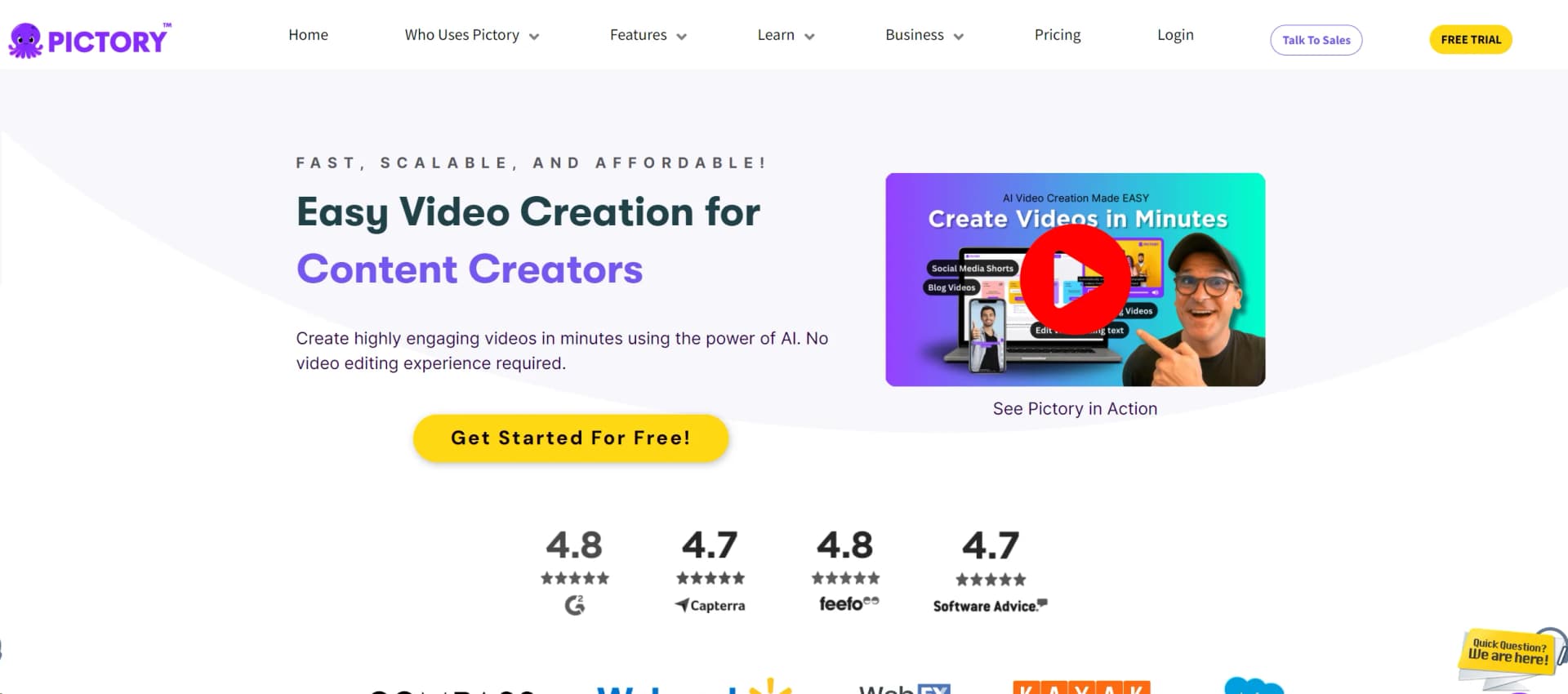
Watch Pictory in Action
Key Takeaways
- What it is
- Transform text into polished videos effortlessly; edit with ease.
- Pricing
- Freemium · $19 per month
- Best for
- Text-to-Video Conversion
- Scripted Video Editing
- AI Voice Over
- Rating
- 4.6/5
What is Pictory?
Pictory is a cutting-edge AI tool designed to transform the way we create and edit video content. At its core, Pictory harnesses the power of artificial intelligence to automate the tedious aspects of video editing and production. This tool is particularly tailored for content creators, marketers, and businesses looking to streamline their video creation processes without compromising on quality. With Pictory, users can generate polished videos from text or edit long-form content into engaging, shareable clips with ease.
Pictory sets itself apart by offering an exceptionally user-friendly platform that democratizes video production. Its ability to convert large volumes of text into concise, visually appealing videos is a game-changer for content creation. This unique feature not only saves time but also makes video marketing more accessible to businesses and individuals with limited technical skills.
Pictory excels in making video production not only more efficient but also more accessible to a wider audience. Its standout feature, the text-to-video conversion, offers an unmatched advantage for rapid content creation. For anyone from digital marketers to educational creators, Pictory is an invaluable tool that brings professional video editing capabilities right to your fingertips.
Who is Using Pictory?
Content Marketers
Utilizing the tool to quickly produce engaging promotional videos.
Educational Institutions
Enhancing online learning materials with easily created video content.
Social Media Influencers
Creating regular video content to engage with followers.
Small Business Owners
Producing cost-effective video advertisements and informational content.
Uncommon Use Cases
Used by bloggers to convert articles into video blogs; Utilized by non-profits for impactful storytelling in campaigns.
Key Features
Rating Breakdown
Pricing Plans
Free Tier
Free
- Explore Pictory with basic features at no cost
Standard Plan
$19 per month
- Offering additional features and capabilities
Which Pictory plan should you pick?
Start with Free to evaluate the workflow, choose Starter for individual creators, upgrade to Professional for higher usage, and choose Team or Enterprise for collaboration and organization-wide controls.
Free
Good for evaluating Pictory with a limited number of video minutes.
Starter
Good for individual creators who need basic video production, storage, branding, and AI voices.
Professional
Good for video creators who need higher quotas, more storage, additional brand kits, and expanded voice access.
Team
Good for teams who need shared workspaces, asset sharing, and collaborative projects.
Enterprise
Good for organizations needing custom usage, SSO, custom templates, dedicated support, and enterprise controls.
Pictory Use Cases
Document-to-video
Upload a structured PDF and let Pictory extract text, sections, charts, tables, and embedded visuals.
Outcome: An editable storyboard-style video project.
Blog-to-video
Provide a blog or article URL for Pictory to extract its content and create a video draft.
Outcome: A video version of written web content.
Training and onboarding
Convert training manuals, compliance documents, SOPs, and onboarding materials into narrated videos.
Outcome: Scalable training and enablement content.
Marketing content production
Turn campaign assets, blogs, webinars, and product content into branded videos for multiple channels.
Outcome: More campaign and social video variants.
Long-video repurposing
Upload or record long-form video and use summarization and highlights tools to identify shorter segments.
Outcome: Short-form clips suitable for social and microlearning.
Workflow Ideas with Pictory
Create a training video from a PDF
- 1Open the Doc-to-Video workflow
- 2Upload a structured PDF
- 3Review the generated script, scenes, visuals, voiceover, and subtitles
Automate lead-triggered videos
- 1Connect Pictory with Zapier or Make
- 2Configure a CRM, form, signup, or purchase trigger
- 3Generate and deliver a branded follow-up video automatically
Turn an idea into a social video
- 1Enter an idea and choose the video type, platform, tone, and duration
- 2Refine the generated script with Ask AI
- 3Send the script to the storyboard and export the finished video
How Pictory fits into your stack
Social Media Platforms
Directly publish videos to platforms like YouTube, Facebook, and Instagram.
Cloud Storage Services
Seamlessly integrates with services like Dropbox and Google Drive for easy access and storage.
Content Management Systems
Offers plugins for popular CMS platforms to streamline video content integration.
API Access
Provides API for custom integrations, allowing greater flexibility for developers.
Pros
- +Efficiency in Production: Reduces video production time significantly by automating editing and formatting tasks.
- +Cost-Effective: Minimizes the need for expensive video editing software or professional editing services.
- +Accessibility: Simplifies video creation, making it accessible to non-professionals without a steep learning curve.
- +Versatility: Suitable for various types of video content, from marketing videos to educational tutorials.
Cons
- −Dependency on Internet: Requires a stable internet connection for all functionalities.
- −Limited Creative Control: While efficient, the automated nature might restrict creative flexibility compared to traditional video editing.
- −Voice Over Limitations: The AI voices, though diverse, may lack the emotional depth of a human narrator.
Limitations & when to consider alternatives
Known limitations
- DOC and DOCX uploads are not yet supported. The documented Doc-to-Video workflow currently supports PDF uploads; DOC and DOCX support are coming soon.
- Large PDFs may process more slowly. Pictory notes that large PDFs can take longer to process.
- Complex charts may need refinement. Extracted charts and visuals may require repositioning or additional editing after generation.
- Mobile editing is limited. Pictory recommends using desktop for detailed scene editing, brand-kit application, avatar production, and final watermark-free downloads.
- Custom captions disable automatic scene breaks. When using custom captions, scene-break settings must be disabled and multiple scenes may need to be created manually.
Look elsewhere when
- You need a native iOS or Android application.
- You need a downloadable Windows or Mac application.
- You need DOC or DOCX document-to-video support today.
- You need model fine-tuning on your own training data.
How to Use Pictory
- 1
Explore a range of tutorials on the Pictory website, covering everything from basic setup to advanced features, ensuring users can fully leverage the tool's capabilities.
Who is Pictory For?
Content creators
Create videos from scripts, ideas, articles, images, and existing footage without advanced editing skills.
Marketers
Repurpose blogs, campaigns, webinars, and other marketing assets into branded videos and social content.
Educators
Turn lessons, research, presentations, and educational documents into narrated video explainers.
Business teams
Produce internal communications, promotional videos, training content, and enablement materials.
Learning and development teams
Convert training manuals, compliance documents, SOPs, and onboarding materials into video lessons.
Frequently Asked Questions
Does Pictory offer a free plan?
Yes. The pricing comparison lists a Free plan with 15 video minutes.
Does Pictory have an official mobile app?
No. Pictory is browser-based and explicitly says it has no official iOS or Android app.
What file types can Pictory process?
Pictory supports PDF document uploads, PowerPoint presentations, images, and video files. DOC and DOCX support are coming soon.
Does Pictory support multilingual video content?
Yes. Pictory supports multilingual captions and narration, with documented caption language codes including English, Spanish, French, Hindi, Dutch, Portuguese, Russian, and Chinese.
Does Pictory provide an API?
Yes. The Pictory API provides authenticated endpoints for programmatic video creation, captions, summaries, visuals, and related workflows.
Does Pictory support team collaboration?
Yes. Team workspaces allow users to share assets, templates, brands, and collaborate on projects.
Community reviews
1 review from people who use Pictory.
Sign in to leave a review for Pictory.
Thibault BM
Pictory Alternatives
Looking for alternatives to Pictory? Here are similar tools in the same category:
Learn to Master Pictory
With Skill Leap courses
Get in-depth training on Pictory and 50+ other AI tools with our expert-led video courses.
Start 7-Day Free Trial