
PicWish
Transform images effortlessly with AI: background removal, enhancement, art creation.
Key Takeaways
- What it is
- Transform images effortlessly with AI: background removal, enhancement, art creation.
- Pricing
- Freemium
- Best for
- Background Remover
- Photo Enhancer
- AI Art Generator
- Rating
- 4.6/5
What is PicWish?
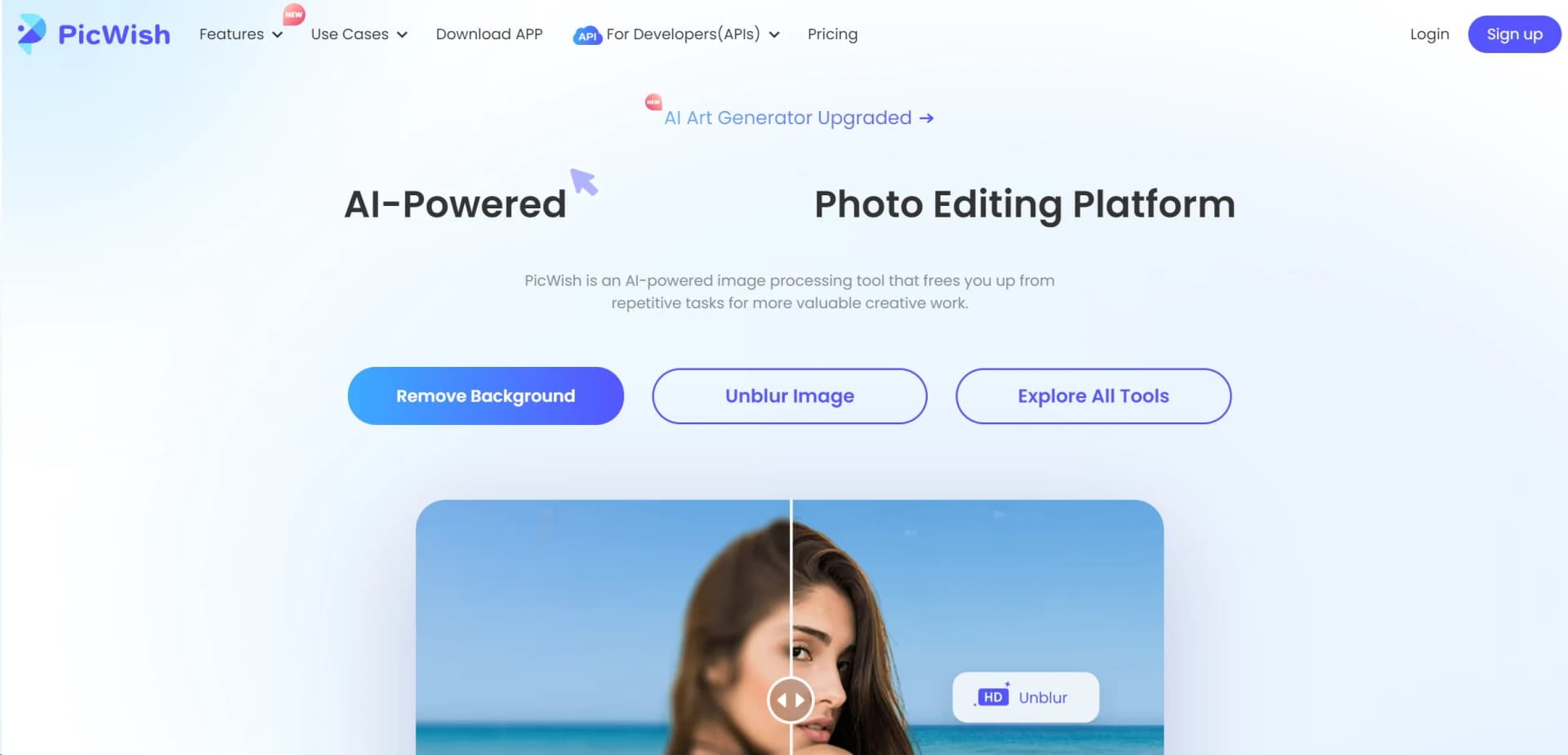
In the ever-evolving landscape of digital imagery, PicWish emerges as a beacon for both novices and professionals seeking to refine their visual content. At its core, PicWish is an AI-powered image processing tool designed to liberate users from the monotony of repetitive tasks, thereby unlocking more time for creative endeavors. From removing backgrounds with precision to enhancing photo quality and beyond, PicWish stands out as the ultimate companion for photo editing. As someone who has dabbled in various photo editing tools, I found PicWish's offerings particularly compelling for their simplicity, efficiency, and the sheer quality of output.
PicWish distinguishes itself with a robust AI that simplifies complex editing tasks into straightforward, quick actions. Its ability to deliver professional-quality results with minimal effort sets it apart, making high-level photo editing accessible to a broader audience.
PicWish stands as a pivotal tool in the realm of digital photo editing, blending ease of use with powerful AI capabilities. It caters to a wide range of users, from individuals enhancing personal photos to professionals refining images for commercial use. Its unique selling points, such as the AI Art Generator and Photo Colorizer, offer users the ability to explore their creativity in new and exciting ways. Despite minor limitations, PicWish's comprehensive feature set and intuitive interface make it an invaluable asset for anyone looking to elevate their visual content.
Who is Using PicWish?
E-commerce Businesses
Enhancing product images for online listings.
Digital Marketing Agencies
Creating visually appealing content for campaigns.
Social Media Managers
Crafting engaging posts for platforms like Instagram and Facebook.
Graphic Designers
Streamlining their design process with efficient editing tools.
Uncommon Use Cases
Educators incorporating it into marketing courses and freelance photographers optimizing their editing workflow.
Key Features
Rating Breakdown
Pricing Plans
Free Tier
Free
- Users can start with a free trial
- Experiencing the basic functionalities of PicWish
Pro Tier
- Access to advanced features
- The Pro Tier pricing begins at a competitive rate
Which PicWish plan should you pick?
Start with Free Plan for occasional editing and previews, upgrade to Pro for regular high-quality work, or choose Pay as you go for lifetime credits and team seats.
Free Plan
Good for trying PicWish with free previews, free tools, and limited non-HD downloads.
Pro plan
Good for regular users who need HD downloads, bulk editing, all AI tools, and monthly credits.
Pay as you go
Good for variable or team usage requiring lifetime credits and additional seats.
PicWish Use Cases
E-commerce product images
Remove backgrounds, improve lighting and detail, generate scenes, and prepare marketplace-ready product visuals.
Outcome: Cleaner, more consistent listing images.
Old photo restoration
Repair scratches, creases, blur, fading, and black-and-white photos with restoration and colorization tools.
Outcome: Restored and enhanced family or archive photos.
Image text editing
Detect text in an uploaded image, replace or add text, and adjust fonts, colors, sizes, and layout.
Outcome: Updated image-based marketing or informational graphics.
Image translation
Translate text inside photos while preserving the original visual format and enabling manual layout adjustments.
Outcome: Localized product, educational, or marketing images.
Bulk product retouching
Retouch large groups of product photos by improving texture, lighting, color, and imperfections.
Outcome: More consistent commercial product imagery.
Workflow Ideas with PicWish
Bulk e-commerce image preparation
- 1Organize and prepare product images
- 2Upload and batch edit backgrounds, crops, sizes, or enhancements
- 3Review results and export channel-ready visuals
Automated product-image pipeline
- 1Send product photos to the background-removal API
- 2Enhance lighting and detail through the photo-enhancement API
- 3Generate white-background or lifestyle visuals and publish the outputs
Old photo restoration
- 1Upload damaged or faded photos
- 2Select the damage level and apply restoration
- 3Refine details with prompts, then download the restored image
How PicWish fits into your stack
PicWish's API suite allows for seamless integration into various platforms, enhancing productivity and creativity across different applications. This makes it a versatile tool for developers and businesses looking to incorporate advanced image editing into their services.
Pros
- +Ease of Use: Intuitive interface that requires no learning curve, making it accessible for users of all skill levels.
- +Boost Productivity: The AI delivers professional-quality results swiftly, regardless of task complexity.
- +Unleash Creativity: Rich toolset encourages creative photo editing without the need for extensive technical knowledge.
- +Free Trial Available: Users can explore the functionalities before committing to a subscription, offering a taste of its capabilities without upfront costs.
Cons
- −Feature Overload for Beginners: New users might find the array of features overwhelming at first glance.
- −Limited Advanced Editing Tools: While excellent for basic to intermediate tasks, professionals might seek more in-depth editing options.
- −Subscription Model: Access to premium features requires a subscription, which might not suit all budgets.
Limitations & when to consider alternatives
Known limitations
- Free usage is limited. The Free Plan provides limited non-HD downloads per day, while full access requires Pro or credits.
- Pro credits do not work on Windows and Mac. Pro credits are available on Android, iOS, and web, but not Windows or Mac.
- API result URLs expire. API result image URLs are retained for approximately one hour and should be downloaded promptly.
- API rate limits apply. The default API rate limit is 2 requests per second unless increased by support.
- AI results may contain flaws. PicWish states that AI-generated content may have accuracy, completeness, functionality, or rights-related issues.
Look elsewhere when
- You need a browser extension rather than a web app or desktop/mobile application.
- You need SSO or SAML identity management.
- You need named third-party integrations such as Slack, Zapier, or Google Workspace.
- You need model fine-tuning on your own training data.
How to Use PicWish
- 1
For those looking to dive deeper into its capabilities, PicWish offers a range of tutorials. These resources are designed to help users maximize the tool's potential, covering everything from basic setup to advanced features.
Who is PicWish For?
E-commerce sellers
PicWish provides product-image background removal, enhancement, retouching, generation, and bulk workflows.
Designers
The official app description names graphics designers as users who can save time and effort.
Resellers and merchants
PicWish positions its background, enhancement, and product-photo tools for resellers, merchants, and online sellers.
Photographers
PicWish supports batch enhancement, restoration, retouching, and other photo-processing workflows.
Agencies, freelancers, and developers
PicWish names agencies, freelancers, and developers among eligible audiences for its affiliate and API ecosystem.
Frequently Asked Questions
Does PicWish have a free plan?
Yes. The Free Plan includes free previews, free tools, and limited non-HD downloads per day.
What image formats does PicWish support?
The pricing FAQ lists PNG, JPG, JPEG, JFIF, and WEBP, with requirements varying by feature.
Can PicWish process images in batches?
Several tools support batch processing, including up to 30 images for HD photo conversion.
Does PicWish offer APIs?
Yes. PicWish provides APIs for background removal, enhancement, object removal, background generation, colorization, compression, ID photos, OCR, and more.
Are uploaded pictures retained?
PicWish says uploaded pictures are permanently deleted from its website server after processing.
Does PicWish support teams?
Pay-as-you-go supports team collaboration, shared credits, and additional seats; the Pro plan supports one seat.
Community reviews
2 reviews from people who use PicWish.
Sign in to leave a review for PicWish.
Una Ding
Paulline N
PicWish Alternatives
Looking for alternatives to PicWish? Here are similar tools in the same category:
Learn to Master PicWish
With Skill Leap courses
Get in-depth training on PicWish and 50+ other AI tools with our expert-led video courses.
Start 7-Day Free Trial