
Pineapple Builder
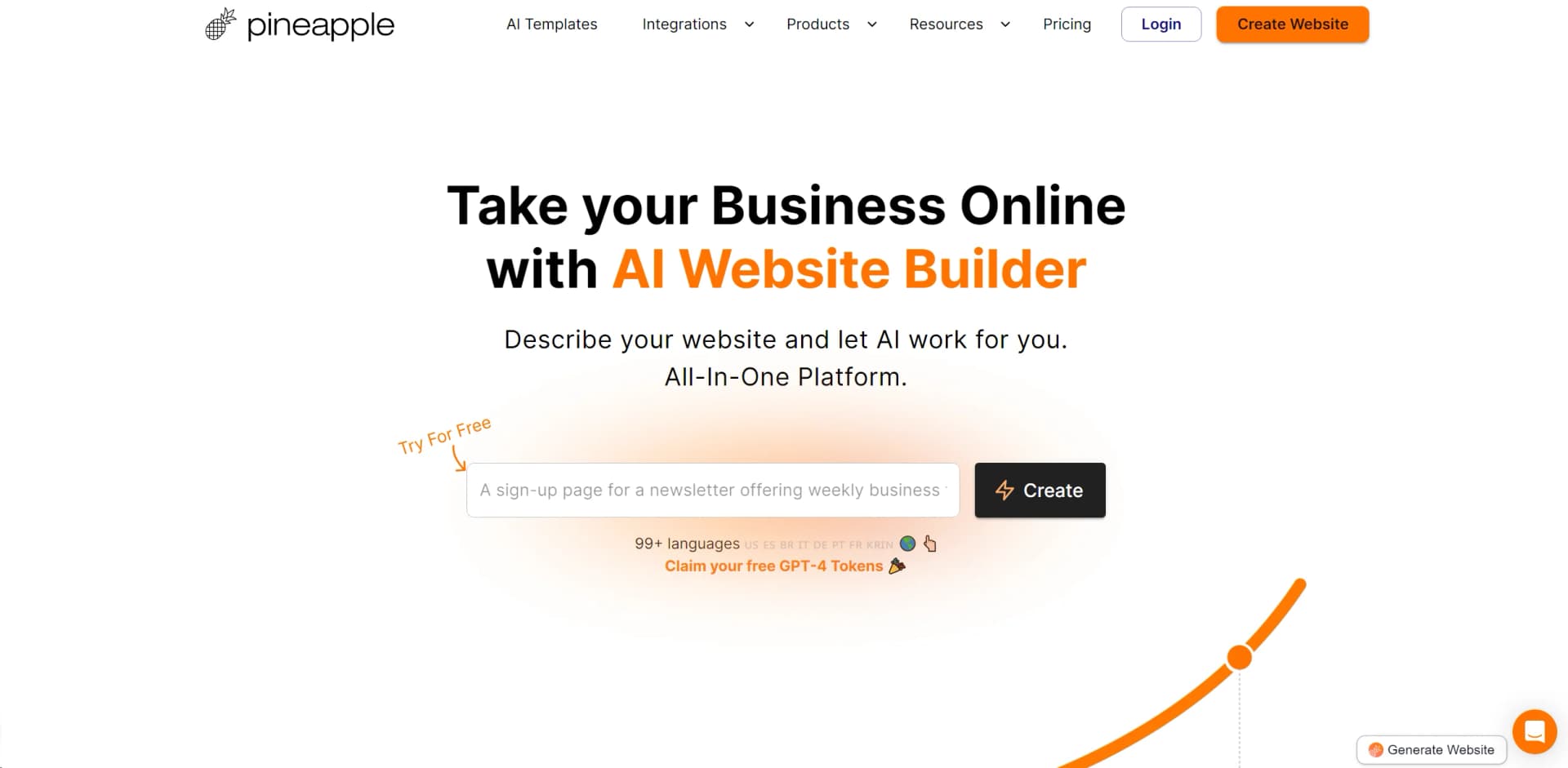
AI-driven, multilingual website creation in seconds.
Watch Pineapple Builder in Action
Key Takeaways
- What it is
- AI-driven, multilingual website creation in seconds.
- Pricing
- Freemium
- Best for
- AI-Driven Website Creation
- Multilingual Support
- AI SEO
- Rating
- 4.6/5
What is Pineapple Builder?
Pineapple Builder is an AI-powered website builder designed specifically for busy business owners who need to get online quickly and efficiently. With its promise to build your website in under five minutes, Pineapple Builder leverages advanced AI technology to handle everything from web design to SEO optimization. This tool is particularly appealing for those looking to train an AI "employee" to take over various aspects of their digital presence, making it an excellent choice for entrepreneurs, small businesses, and freelancers who want to maximize their online impact without investing excessive time or resources.
Pineapple Builder stands out by offering a robust, AI-driven solution that caters specifically to the needs of busy business owners. Its ability to rapidly deploy fully functional websites across multiple languages and integrate various business services is particularly noteworthy.
Pineapple Builder excels in providing a user-friendly, efficient, and innovative platform for website creation, making it an essential tool for business owners looking to establish or enhance their online presence. Its quick setup, combined with powerful AI tools, offers an unmatched advantage for users needing to launch a professional-looking website with minimal effort and maximum impact.
Who is Using Pineapple Builder?
Small Business Owners
Utilizing the tool to quickly establish an online presence.
Freelancers
Building professional portfolios or services websites with minimal hassle.
E-commerce Startups
Leveraging the tool for fast and efficient online store setup.
Non-Profits
Creating cost-effective websites to promote their causes.
Uncommon Use Cases
Used by event planners for quick event websites; adopted by pop-up shops for temporary online presence.
Key Features
Rating Breakdown
Pricing Plans
Free Tier
Free
- Start with Pineapple Builder at no cost with free AI tokens
Pro Tier
- Advanced features and capabilities start at a competitive price point
Which Pineapple Builder plan should you pick?
Start with Starter for a basic free page, choose Basic for an AI-powered business or landing page, and upgrade to Grow when you need blogging and larger content capacity.
STARTER
Good for ideas or a personal CV that needs one free page with the Simple Editor.
BASIC
Good for landing pages and businesses needing AI editing, custom domains, forms, widgets, SEO, analytics, and unlimited pages.
GROW
Good for bloggers and growing businesses needing unlimited blog posts, more AI tokens, CMS features, and larger email or video capacity.
Pineapple Builder Use Cases
Service business website
Showcase services, introduce the team, and provide contact information.
Outcome: A professional online presence for attracting customers.
Startup landing page
Explain a startup idea, attract early adopters, and collect email addresses.
Outcome: A landing page for validating and promoting an idea.
Blogging website
Publish categorized blog posts, allow comments, and monetize the blog.
Outcome: A content site for sharing expertise and growing search traffic.
Digital product shop
List digital products, set prices, and manage orders from the dashboard.
Outcome: An online shop for selling digital products.
Portfolio website
Showcase work and skills for freelance, artistic, or professional projects.
Outcome: A portfolio that presents work to prospective clients.
Workflow Ideas with Pineapple Builder
Launch a business website
- 1Describe your business, customers, and goals
- 2Let AI create pages, copy, forms, and images
- 3Review and publish the website
Improve an existing website
- 1Ask AI for a change in plain English
- 2Review the proposed plan
- 3Approve the plan so AI updates and checks the website
Grow traffic with content
- 1Use website data to identify search and visitor opportunities
- 2Create SEO fixes, pages, or blog posts
- 3Schedule approved tasks to run again
How Pineapple Builder fits into your stack
CMS Integration
Beta feature integrating with Airtable or internal CMS for comprehensive data management.
Analytics Tools
Supports integration with Google Analytics and other platforms for in-depth visitor insights.
Custom Widgets
Easily integrate bookings, forms, email marketing, and chat functionalities.
API Access
Developers can connect Pineapple Builder with other tools and services for enhanced functionality.
Pros
- +Efficiency: Streamlines the process of website building, drastically reducing the time and effort required.
- +Cost-Effective: Offers a powerful set of tools without the hefty price tag, including a free trial with GPT-4 tokens.
- +User-Friendly Interface: Simple and intuitive design makes it easy for anyone to create and manage their website.
- +Versatile Language Options: Makes your business accessible on a global scale with extensive multilingual capabilities.
Cons
- −Limited Customization: While it offers various design options, the scope for customization might be restrictive for some advanced users.
- −Dependency on AI: Reliance on AI might limit personal touch some brands may want to express through their website.
- −Learning Curve: New users may need time to fully grasp the extent of the AI capabilities and how to best utilize them.
Limitations & when to consider alternatives
Known limitations
- No website export or download. Pineapple Builder does not provide an export/download option; websites remain hosted on its platform.
- Free plan has limited functionality. The free Starter plan includes one page and excludes AI features, SEO, analytics, contact forms, widgets, and code embeds.
- Documentation websites are not generally available. The getting-started documentation describes documentation websites as coming soon.
- AI chatbot is presented as beta or waitlist access. The AI chatbot page asks users to join a waiting list for beta access.
Look elsewhere when
- You need a downloadable website or offline desktop workflow.
- You need native image analysis rather than text-to-image generation.
- You need documentation hosting immediately.
How to Use Pineapple Builder
- 1
Discover a range of tutorials and resources on the Pineapple Builder website to help you get started and maximize the tool's potential.
Who is Pineapple Builder For?
Service businesses
Create professional websites that showcase services, teams, contact details, and lead forms.
Startup founders
Build landing pages for ideas, attract early adopters, and collect email addresses.
Bloggers
Create blogging websites with categorized posts, comments, SEO features, and monetization options.
Freelancers and artists
Use portfolio websites to display work, skills, and creative projects.
Event organizers
Build event or conference websites with event details, speaker information, and ticket sales.
Frequently Asked Questions
Can I connect a custom domain?
Yes. You can connect any custom domain through the website domain settings.
Does Pineapple Builder provide web hosting?
Yes. Pineapple Builder hosts websites and manages SSL certificates.
Can I use Pineapple Builder for free?
Yes. The free tier lets users build and publish a website at no cost.
Can I add custom code?
Yes. Paid plans support custom code across the website or on individual pages.
Can I collect email addresses?
Yes. Membership forms can collect emails and organize contacts using categories.
Can I upgrade or downgrade my plan?
Yes. Plan changes can be managed from website billing, with prorated upgrades and scheduled downgrades.
Community reviews
1 review from people who use Pineapple Builder.
Sign in to leave a review for Pineapple Builder.
Thibault BM
Pineapple Builder Alternatives
Looking for alternatives to Pineapple Builder? Here are similar tools in the same category:
Learn to Master Pineapple Builder
With Skill Leap courses
Get in-depth training on Pineapple Builder and 50+ other AI tools with our expert-led video courses.
Start 7-Day Free Trial