
PixelMotion
Transform web images into polished, publish-ready marketing videos.
Key Takeaways
- What it is
- Transform web images into polished, publish-ready marketing videos.
- Pricing
- $29 per month · $79 per month · $199 per month
- Best for
- Website Scraping and Business Search
- AI Quality Scoring and Tagging
- Photo Enhancement Suite
- Rating
- 4.4/5
What is PixelMotion?
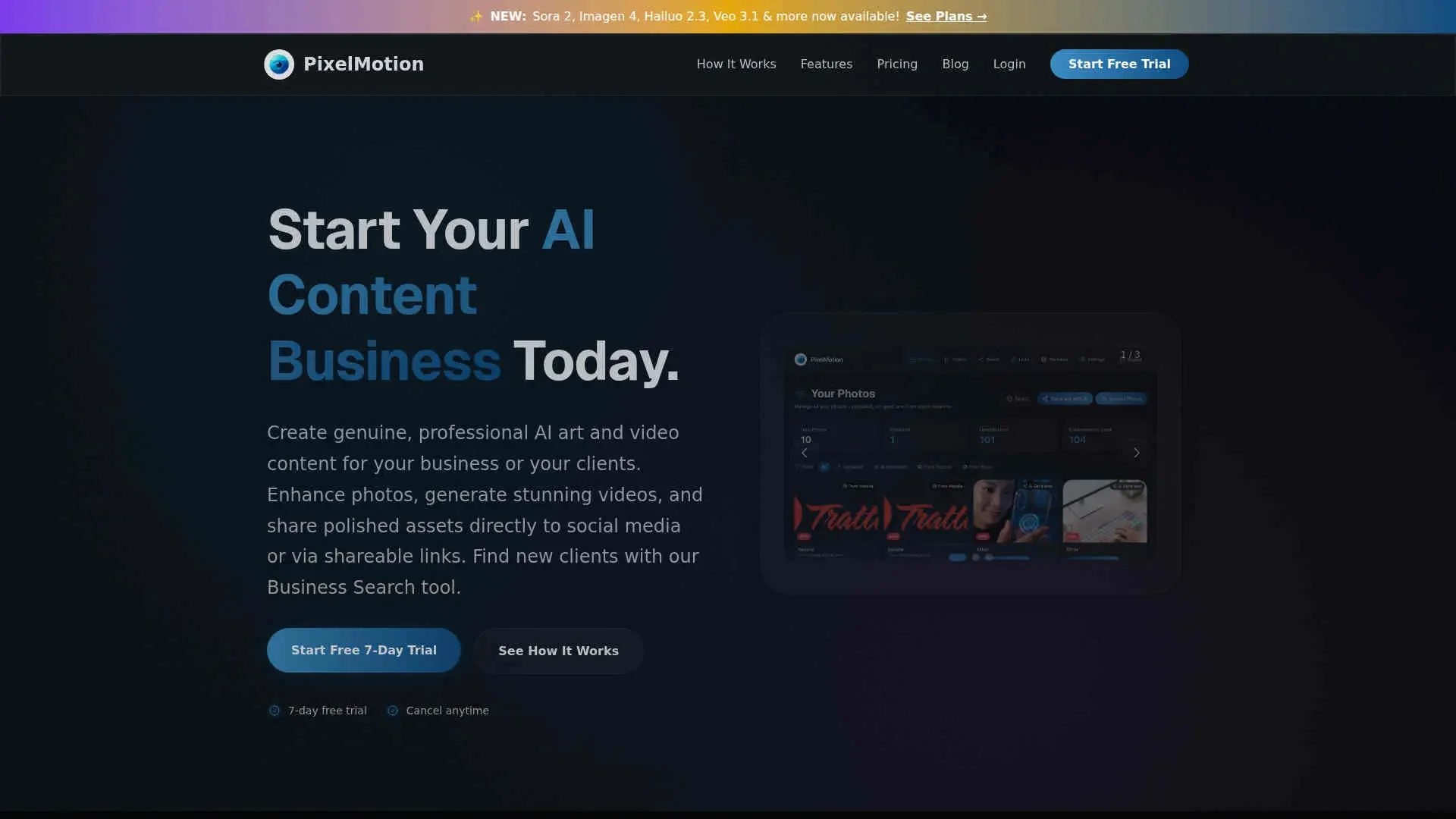
PixelMotion focuses on turning existing photos and website imagery into polished marketing videos and enhanced assets using multiple AI models. It serves freelancers, agencies, and small businesses that want to create social and ad content in minutes, from URL or upload through to posting on YouTube and TikTok.
PixelMotion stands out by tying prospecting and production together: users can discover businesses, scrape their sites, score and enhance images, then generate and deliver sample videos from the same dashboard. The focus on running a content business, not just creating assets, shows up in features like Business Search, contact extraction, client portfolios, and a single credit pool shared across photo and video work.
PixelMotion gives creators and small teams a focused way to turn existing photos and websites into publish ready marketing videos. Its mix of high end AI models, quality scoring, scraping, and business search makes it particularly appealing for freelancers and agencies that care about both output volume and client acquisition. The credit system, tiered access to models, and lack of deep timeline editing mean it will not replace every creative tool, but for users prioritizing speed, repeatable workflows, and client friendly delivery, it offers strong value as a central hub for AI driven content production.
Who is Using PixelMotion?
Freelance Content Creators
Producing promo videos, shorts, and upgraded imagery for local businesses and personal brands.
Marketing and Growth Teams
Turning website and product photos into ads for social platforms and performance campaigns.
Creative and Media Agencies
Standardizing scraping, enhancement, and delivery workflows across many client accounts.
Small and Mid Sized Businesses
Converting product or service photos into regular social content without hiring in house editors.
Uncommon Use Cases
Used by real estate photographers for quick property highlight reels, and by B2B consultants to scrape prospect sites and attach personalized AI generated intro videos to proposals.
Key Features
Rating Breakdown
Pricing Plans
Free Trial
- 7 day free trial with no credit card required
Starter
$29 per month
- 300 credits per month (~100 enhancements or ~60 videos), 2 video models, 2 photo enhancement models, 1 website to scrape, 30-day file storage, posting to YouTube and TikTok, shareable links with analytics, and watermark on outputs
Professional
$79 per month
- 800 credits per month (~270 enhancements or ~65 premium videos), 6 video models, 5 photo models, 5 websites with organization, 90-day file storage, no watermark, priority processing, and creative profiles for brand consistency
Premium
$199 per month
- 2,500 credits per month (~830 enhancements or ~70 ultra videos), all 11 video models, all 9 photo models, unlimited websites, 180-day file storage, no watermark, highest priority processing, and creative profiles for brand consistency
Which PixelMotion plan should you pick?
Start with Starter for low-volume experimentation, upgrade to Professional for batch campaigns and brand consistency, and choose Premium for maximum model access and capacity.
Starter
Good for solo creators and small businesses that need basic photo enhancement, video generation, website scraping, and social posting.
Professional
Good for marketing teams and agencies that need more models, batch campaigns, variations, longer storage, custom music, and no watermarks.
Premium
Good for high-volume production teams that need all models, unlimited campaigns and websites, scheduled YouTube posts, and maximum storage.
PixelMotion Use Cases
Product photography enhancement
Upload product photos and apply upscaling, restoration, background removal, and color improvements.
Outcome: Higher-quality product images for stores and marketing.
Photo-to-video marketing
Convert product photos into short videos using AI motion, templates, prompts, and music.
Outcome: Marketing videos for ads, product pages, and social media.
Batch catalog production
Upload large groups of product images and process them with consistent AI settings.
Outcome: Faster creation of complete product content libraries.
Social media content creation
Generate platform-specific videos, captions, music, and multiple creative variations.
Outcome: Ready-to-publish TikTok, Instagram, YouTube, and other social content.
Website-to-content workflow
Scrape product images from a website, score and enhance them, then generate videos and export assets.
Outcome: A streamlined workflow from product URL to marketing content.
Workflow Ideas with PixelMotion
Product URL to marketplace video
- 1Paste a product or website URL to scrape images
- 2Enhance and organize the imported product photos
- 3Generate videos and export marketplace-specific versions
Catalog batch production
- 1Upload a product-photo folder
- 2Apply consistent enhancement or video settings
- 3Review, download, and publish the processed batch
Social ad variation workflow
- 1Upload a product image or video
- 2Choose a template, model, platform, and prompt
- 3Generate multiple variations and post or export the best version
How PixelMotion fits into your stack
Browser
PixelMotion is used through its online dashboard to upload photos, scrape websites, enhance images, generate videos, and publish or export content.
Knowledge and files
Teams upload product photos and image libraries, organize assets, apply AI enhancement, and retain files for 30, 90, or 180 days depending on plan.
Team chat and tickets
PixelMotion can publish generated videos directly to YouTube and TikTok, supporting social-content distribution from the product workflow.
Pros
- +End to End Workflow: Covers the path from URL or photo upload through enhancement, video generation, and distribution in a single tool.
- +Model Choice for Quality vs Cost: Lets users pick between lighter and premium models so they can balance quality and credit usage.
- +Strong Fit for Client Work: Portfolio pages, view tracked links, and watermark free exports on higher tiers suit freelancers and agencies.
- +Scales Batch Production: Website scraping, AI scoring, and batch runs help handle large sets of product or brand images efficiently.
Cons
- −Credit Model Complexity: Different credit costs per model and feature can make budgeting less intuitive for new users.
- −Limited Direct Integrations: Native posting is centered on YouTube and TikTok, so other channels still require manual or third party tools.
- −No Full Timeline Editor: Power users who want detailed cuts, multi track audio, or advanced grading still need a separate editor.
Limitations & when to consider alternatives
Known limitations
- No dedicated mobile app. PixelMotion is web-based and mobile-responsive but does not provide native mobile app features such as camera integration.
- Starter outputs include watermarks. The Starter plan applies watermarks to generated outputs.
- Plan-based storage limits. File storage is limited to 30 days on Starter, 90 days on Professional, and 180 days on Premium.
- Limited campaign volume on Professional. The Professional plan supports up to 10 campaigns for batch content generation.
- No documented developer API. PixelMotion provides unified access through its web platform and states that separate API keys are not required.
Look elsewhere when
- You need a native iOS or Android editing app
- You need a documented developer API with API keys
How to Use PixelMotion
- 1
Import your assets
Upload photos or videos directly, or paste a website URL to scrape product images.
- 2
Enhance and organize photos
Use AI upscaling, restoration, background removal, quality scoring, descriptions, and categorization to prepare source assets.
- 3
Generate content
Choose an image or video model, template, prompt, music, platform, and output settings, then generate one or more variations.
- 4
Review and export
Compare versions, merge videos when needed, export platform-specific formats, or create shareable links with analytics.
- 5
Publish or schedule
Post directly to YouTube or TikTok, schedule YouTube posts on Premium, or download files for other platforms.
Who is PixelMotion For?
Freelance creators
Create professional client content quickly without a production team.
Marketing teams
Scale platform-optimized content production without increasing headcount.
Small business owners
Turn product photos into marketing videos and publish or share them with customers.
E-commerce sellers
Enhance product images, generate listing videos, and export content for marketplaces.
Marketing agencies
Process client assets in batches and produce campaign variations at scale.
Frequently Asked Questions
What does PixelMotion do?
PixelMotion enhances photos, generates AI images and videos, creates UGC-style content, and exports content for marketplaces and social platforms.
Can I upload photos directly?
Yes. Users can upload photos directly, upload in bulk, or scrape images from websites.
Can PixelMotion generate videos from photos?
Yes. PixelMotion converts photos into marketing videos using multiple AI video models, templates, prompts, and platform-specific formats.
Can PixelMotion post to social media?
PixelMotion supports posting to YouTube and TikTok, including scheduled YouTube posts on the Premium plan.
What file formats are supported?
Photo enhancement supports JPG, PNG, WebP, and HEIC files up to 50MB per file. Video editing supports MP4, MOV, AVI, and WebM.
Does PixelMotion have a native mobile app?
No. PixelMotion describes itself as web-based and mobile-responsive rather than offering a dedicated native app.
Community reviews
Be the first to share your experience.
Sign in to leave a review for PixelMotion.
PixelMotion Alternatives
Looking for alternatives to PixelMotion? Here are similar tools in the same category:
Learn to Master PixelMotion
With Skill Leap courses
Get in-depth training on PixelMotion and 50+ other AI tools with our expert-led video courses.
Start 7-Day Free Trial