
Pixlr: AI-Powered Editor
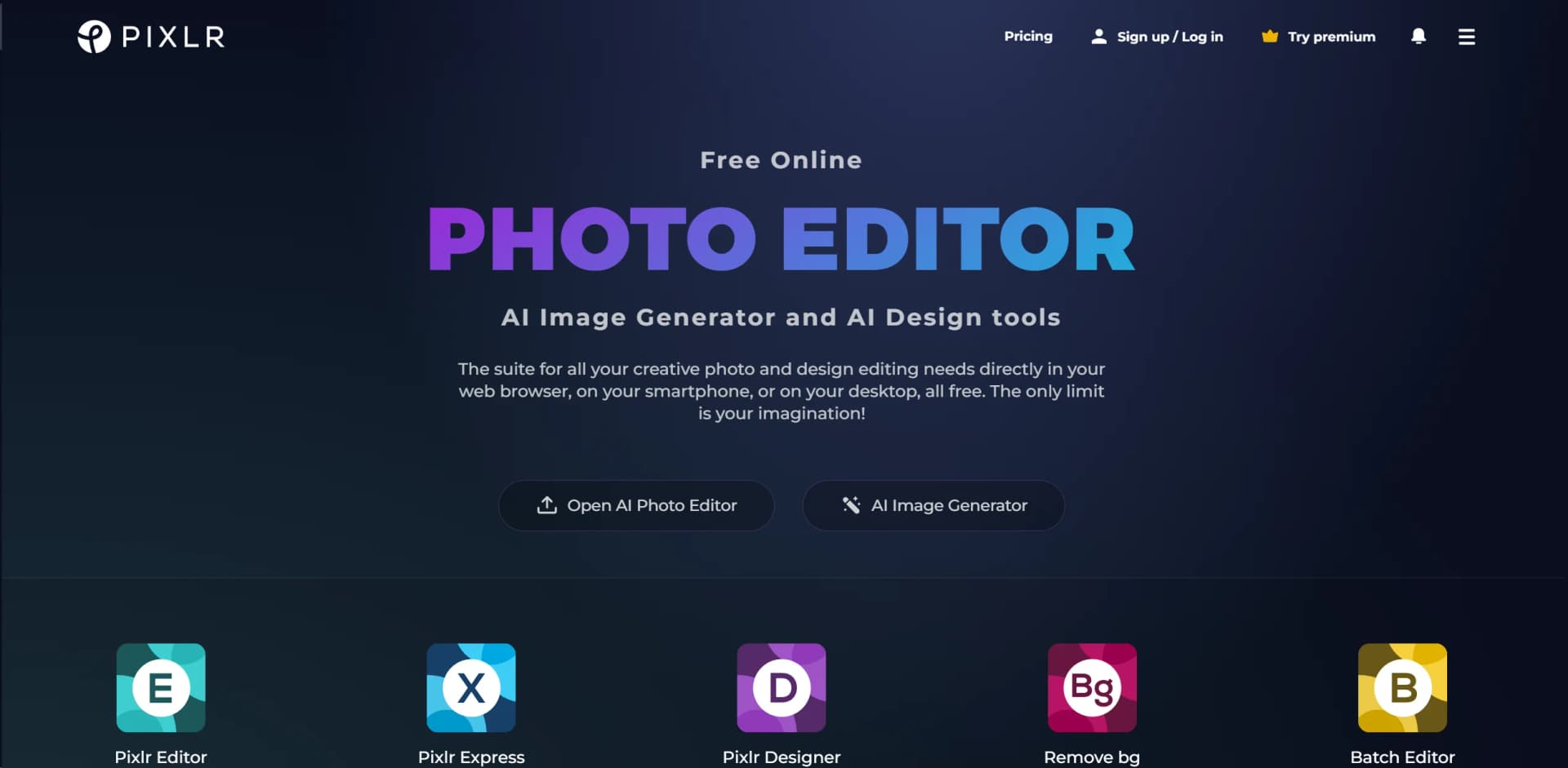
Unleash creativity with AI-enhanced photo editing and design, anywhere, free.
Key Takeaways
- What it is
- Unleash creativity with AI-enhanced photo editing and design, anywhere, free.
- Best for
- AI-Powered Generative Tools
- Comprehensive Photo Editing
- Cross-Platform Accessibility
- Rating
- 4.6/5
What is Pixlr: AI-Powered Editor?
Pixlr is an innovative suite of online photo editing and design tools that caters to a wide array of creative needs. From intricate photo manipulations to straightforward image enhancements, Pixlr stands out for its accessibility and ease of use. Designed to serve both novices and professionals alike, it simplifies the creative process, allowing users to achieve high-quality visual content directly from their web browser, smartphone, or desktop—completely free of charge. With its integration of AI-powered generative tools, Pixlr is redefining the boundaries of digital artistry, making it a go-to platform for anyone looking to unleash their creativity without the constraints of traditional software.
Pixlr sets itself apart with its seamless blend of user-friendliness and powerful functionality. The platform’s AI-powered generative tools, such as the AI Image Generator and Generative Fill, offer users an innovative way to bring their creative visions to life with minimal effort. Additionally, its accessibility across various devices and operating systems ensures that users can work on their projects whenever inspiration strikes, making it an indispensable tool in the modern creator's toolkit.
Pixlr excels as a comprehensive photo editing and design platform that marries ease of use with powerful, innovative features. Its unique selling point lies in its AI-powered generative tools, which open up new avenues for creative expression. Suitable for individuals and professionals alike, Pixlr offers an accessible, versatile, and cost-effective solution for a wide range of visual content creation needs. Whether you're looking to quickly touch up a photo or dive into the world of digital art, Pixlr provides the tools and resources to bring your vision to life.
Who is Using Pixlr: AI-Powered Editor?
Digital Marketers
For creating compelling visuals for campaigns and social media.
Graphic Designers
For quick edits and designs when traditional software isn’t accessible.
Photographers
For enhancing photos with advanced editing tools.
Educators and Students
As a learning tool in digital artistry and design courses.
Uncommon Use Cases
Non-profits utilizing the platform for creating impactful visual content; hobbyists exploring digital art.
Key Features
Rating Breakdown
Pricing Plans
Free Version
- Access to a wide array of editing tools and features at no cost
Premium Subscription
- Enhanced features and content
- Starting from a competitive monthly fee
Which Pixlr: AI-Powered Editor plan should you pick?
Start with the free version or Plus for basic editing and limited AI use, then upgrade to Premium or Ultra for broader models, higher credits, privacy, and priority generation.
Plus
Good for users who need ad-free editing, unlimited saves, one concurrent AI generation, and 80 monthly AI credits.
Premium
Good for users who need all premium features, all image, video, and audio models, private AI generations, and 1,000 monthly AI credits.
Ultra
Good for professionals who need high AI usage limits, unlimited fast image generations subject to fair use, private and mature content, and priority generation.
Ultra MAX
Good for heavy users who need double the standard Ultra credit allocation.
Pixlr: AI-Powered Editor Use Cases
Remove unwanted objects
Upload a photo, select an unwanted object, and let Pixlr's AI remove it while blending the surrounding area.
Outcome: A cleaner image without distracting objects.
Generate or replace image content
Select an area, enter a text prompt, and use Generative Fill to add, remove, or modify elements.
Outcome: Localized AI edits that blend with the original image.
Extend cropped images
Upload an image and use Generative Expand to extend its borders for banners, headers, or new aspect ratios.
Outcome: A larger image with AI-generated surrounding content.
Create marketing and social videos
Generate short videos from text prompts or photos using Pixlr's AI Video Generator.
Outcome: Downloadable HD clips for ads, social media, tutorials, and product showcases.
Enhance low-quality photos
Use Super Sharp and Super Scale to reduce blur and increase image resolution.
Outcome: Sharper, higher-resolution images suitable for sharing or printing.
Workflow Ideas with Pixlr: AI-Powered Editor
AI generative fill workflow
- 1Upload an image or drag it into the editor
- 2Select the area to modify with the lasso or square tool
- 3Enter a text prompt, generate variations, and save the result
AI image enhancement workflow
- 1Upload a photo to Pixlr Express
- 2Open AI Tools and choose Super Sharp or Super Scale
- 3Compare the result and download the enhanced image
AI video creation workflow
- 1Choose Text to Video or Image to Video
- 2Enter a scene description or upload a photo
- 3Select a model and aspect ratio, then generate and download the video
How Pixlr: AI-Powered Editor fits into your stack
Cross-Platform Support
Works on web, desktop, and mobile devices.
File Compatibility
Supports a wide range of image formats for editing and exporting.
Educational Integration
Offers resources and plans tailored for educational use, promoting learning and creativity.
Pros
- +Versatility: Caters to a wide range of creative tasks, from simple edits to complex designs.
- +User-Friendly Interface: Intuitive and easy to navigate, making it accessible for users of all skill levels.
- +No Installation Required: Being web-based, it eliminates the need for software downloads, offering convenience and flexibility.
- +Free Access: Offers robust features for free, with additional premium options for advanced needs.
Cons
- −Internet Dependency: Requires a stable internet connection for access, which might limit usability in offline scenarios.
- −Feature Limitations in Free Version: While comprehensive, the free version has limitations that can be unlocked with a subscription.
- −Learning Curve for Advanced Features: Some of the more sophisticated tools may require a learning period, especially for those new to photo editing.
Limitations & when to consider alternatives
Known limitations
- No real-time collaboration. Pixlr does not currently provide shared real-time editing; projects must be shared as files.
- AI credits are usage-based. AI features consume credits, with different monthly allocations depending on the subscription plan.
- AI availability can vary. Pixlr states that AI service availability is not guaranteed and may vary with demand and system capacity.
- Generative expansion may vary on complex images. Pixlr notes that results may vary when images contain complex patterns or abstract designs.
- Some AI tools require credits. The AI Image Extender requires AI credits for each expansion.
Look elsewhere when
- You need real-time collaborative editing.
- You need a dedicated coding tool.
- You need a browser extension.
How to Use Pixlr: AI-Powered Editor
- 1
Pixlr offers an extensive collection of video tutorials and guides, covering everything from basic setup to advanced features, ensuring users can fully leverage the platform's capabilities.
Who is Pixlr: AI-Powered Editor For?
Professional designers
Pixlr provides advanced editing, layers, customizable brushes, effects, and AI-powered tools.
Photographers
Photographers can enhance, retouch, upscale, sharpen, and transform images.
Marketers
Marketers can create visual content, social media graphics, ads, product showcases, and branded designs.
Beginners
User-friendly interfaces and guided AI tools make photo editing accessible to people with limited experience.
Bloggers and social media influencers
Pixlr supports quick photo edits, collages, videos, image resizing, and platform-ready visual content.
Frequently Asked Questions
Is Pixlr free to use?
Pixlr offers a free version with a robust set of features, while Plus and Premium plans add advanced tools, AI features, and ad-free editing.
Can I use Pixlr on different devices?
Pixlr is available through web browsers, iOS, Android, and desktop applications.
Can I use Pixlr for professional photo editing?
Yes. Pixlr Editor includes advanced features for professional photographers and designers.
Can Pixlr collaborate with others on a project?
Pixlr does not support real-time collaboration, but users can share project files in compatible formats such as PSD.
What file formats does Pixlr support?
Pixlr supports formats including JPEG, PNG, GIF, TIFF, BMP, WebP, PSD, and its own layered project formats.
Can I use custom fonts and brushes?
Pixlr allows users to import custom fonts and brushes for personalized designs.
Community reviews
Be the first to share your experience.
Sign in to leave a review for Pixlr: AI-Powered Editor.
Pixlr: AI-Powered Editor Alternatives
Looking for alternatives to Pixlr: AI-Powered Editor? Here are similar tools in the same category:
Learn to Master Pixlr: AI-Powered Editor
With Skill Leap courses
Get in-depth training on Pixlr: AI-Powered Editor and 50+ other AI tools with our expert-led video courses.
Start 7-Day Free Trial