
PixMaker AI
AI-driven tool transforms design with seamless image editing.
Key Takeaways
- What it is
- AI-driven tool transforms design with seamless image editing.
- Pricing
- Freemium · $19.99 per month
- Best for
- AI-Powered Image Editing
- Template Library
- Real-Time Collaboration
- Rating
- 4.6/5
What is PixMaker AI?
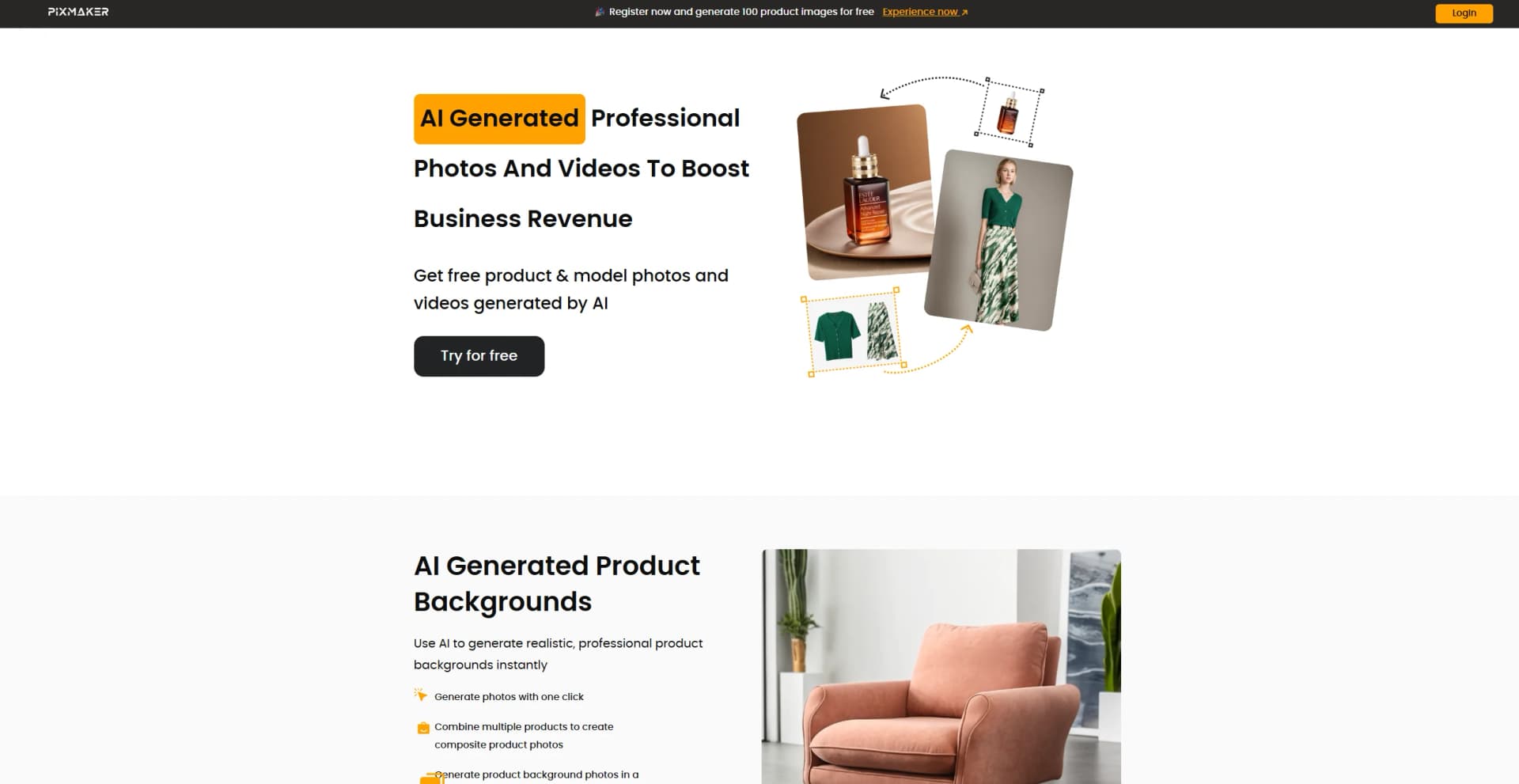
PixMaker AI revolutionizes digital image creation and editing, offering state-of-the-art AI-powered tools for seamless design experiences. Tailored for graphic designers, marketers, and content creators, it simplifies complex design tasks by automating and enhancing the creative process. PixMaker AI is your go-to solution for transforming ideas into visually stunning graphics with minimal effort.
PixMaker AI stands out with its AI-Powered Image Editing, a game-changer for digital content creation. Its ability to provide smart design suggestions and real-time collaboration sets it apart, offering users an unparalleled creative experience.
PixMaker AI excels in providing innovative design solutions, making it an essential tool for creative professionals and businesses. Its AI-Powered Image Editing feature, in particular, offers an unmatched advantage in enhancing productivity and creativity.
Who is Using PixMaker AI?
E-commerce Businesses
Utilizing the tool for enhancing online product imagery.
Digital Marketing Agencies
Employing the tool for creating visually appealing campaign content.
Social Media Managers
Leveraging the tool to create engaging social media posts.
Graphic Designers
Using the tool for efficient design workflows.
Uncommon Use Cases
Utilized by educational institutions for teaching marketing courses; Adopted by freelance photographers for streamlining editing processes.
Key Features
Rating Breakdown
Pricing Plans
Free Tier
Free
- Experience PixMaker AI with a 14-day free trial
Pro Tier
$19.99 per month
Which PixMaker AI plan should you pick?
Start with Shoplazza-free to test the workflow, move to Shoplazza-Basic for recurring usage, and choose Shoplazza-Team for higher concurrency and team-account support.
Shoplazza-free
Good for testing Pixmaker with 100 credits and one concurrent task.
Shoplazza-Basic
Good for regular individual use with 800 credits per month, three concurrent tasks, and up to 4K resolution.
Shoplazza-Team
Good for higher-volume use with 1500 credits per month, eight concurrent tasks, and team-account support.
PixMaker AI Use Cases
Generate product backgrounds
Upload product images, remove the background, and apply a preset or described scene.
Outcome: Professional product images without a traditional photo set.
Create AI model photos
Upload a model or product image, choose a model and scene, and generate realistic product imagery.
Outcome: New model-based product visuals in up to 4K resolution.
Create virtual try-on images
Apply clothing styles to selected AI models and generate different poses.
Outcome: Fashion imagery without photographing every garment on real models.
Generate product videos
Convert product or model images into videos with multiple camera views.
Outcome: Dynamic content that displays product details for marketing and commerce.
Batch background removal and resizing
Automatically cut out products or models, choose a background color, and resize images for different channels.
Outcome: Channel-ready visual assets with less manual editing.
Workflow Ideas with PixMaker AI
Create a product listing image
- 1Upload one or more product images
- 2Choose a template or describe the desired background
- 3Generate and download the product image
Create model-based fashion imagery
- 1Upload a model or clothing image
- 2Choose a model, background, and pose
- 3Generate and download the model images
Prepare multi-channel product assets
- 1Batch-remove backgrounds from product images
- 2Set a background color or transparent background
- 3Resize images to the required channel dimensions
How PixMaker AI fits into your stack
Browser
Pixmaker is used as a web-based visual-content workspace: upload product or model images, choose templates or scenes, generate images or videos, edit results, and download finished assets.
Pros
- +Time Efficiency: Streamlines the design process, significantly reducing task completion time.
- +User-Friendly Interface: Intuitive design facilitates easy navigation and use, even for beginners.
- +Cost-Effective: Offers affordable plans that deliver high value through automation and advanced features.
- +Versatile Applications: Suitable for a wide range of industries and creative projects.
Cons
- −Initial Learning Curve: Some users may require time to fully utilize advanced features.
- −Limited Offline Functionality: Requires an internet connection for optimal performance.
Limitations & when to consider alternatives
Known limitations
- Free usage is credit-limited. The website provides 50 free credits for new registrations; additional generation requires paid credits or a paid plan.
- Free plan concurrency is limited. The Shoplazza Free plan lists 100 credits and one concurrent task.
- Basic plan has a monthly credit allowance. The Shoplazza Basic plan lists 800 credits per month.
- Team plan has a monthly credit allowance. The Shoplazza Team plan lists 1500 credits per month.
- Maximum listed output resolution is 4K. The model-image workflow documents downloads of up to 4K resolution.
Look elsewhere when
- You need a documented developer API.
- You need native mobile apps from the Pixmaker.ai vendor.
- You need browser extensions or a downloadable desktop application.
- You need fine-tuning or custom model training.
How to Use PixMaker AI
- 1
Open Pixmaker
Use the official website and select Try for free to create an account and receive free credits.
- 2
Choose a creation tool
Select AI Backgrounds, AI Model, Remove BG, or another available workflow based on the asset you need.
- 3
Upload source images
Upload product, clothing, or model images for Pixmaker to analyze and process.
- 4
Configure the result
Choose a template, model, scene, background color, pose, style, or target size.
- 5
Generate and review
Generate the visual, then modify or regenerate it if the result needs improvement.
- 6
Download or reuse the asset
Download the generated image or video for product listings, marketing, branding, or social media.
Who is PixMaker AI For?
E-commerce businesses
Pixmaker is designed for e-commerce product imagery, model imagery, and product videos.
Clothing businesses
Clothing sellers can use virtual try-on, model selection, poses, and background switching.
Marketing teams
Teams can create product visuals and videos for store listings, social media, and promotional campaigns.
Brand and product teams
Brands can create consistent product scenes, custom models, and multiple visual variations.
Frequently Asked Questions
What is Pixmaker?
Pixmaker converts product and clothing pictures into high-quality product images, model images, and videos.
What materials do I need to provide?
You provide original product or clothing pictures, which Pixmaker processes into visual content.
Can Pixmaker generate product images?
Yes. Upload product images, choose a template or describe a background, then generate and download the result.
Can Pixmaker generate model images?
Yes. Upload a model image, choose a model and background, and generate images in up to 4K resolution.
Can Pixmaker generate videos?
Yes. Pixmaker converts product images into videos that show product details through multiple camera views.
Can generated images or videos be modified?
Yes. Pixmaker documents modification and regeneration when the initial result is unsatisfactory.
Community reviews
Be the first to share your experience.
Sign in to leave a review for PixMaker AI.
PixMaker AI Alternatives
Looking for alternatives to PixMaker AI? Here are similar tools in the same category:
Learn to Master PixMaker AI
With Skill Leap courses
Get in-depth training on PixMaker AI and 50+ other AI tools with our expert-led video courses.
Start 7-Day Free Trial