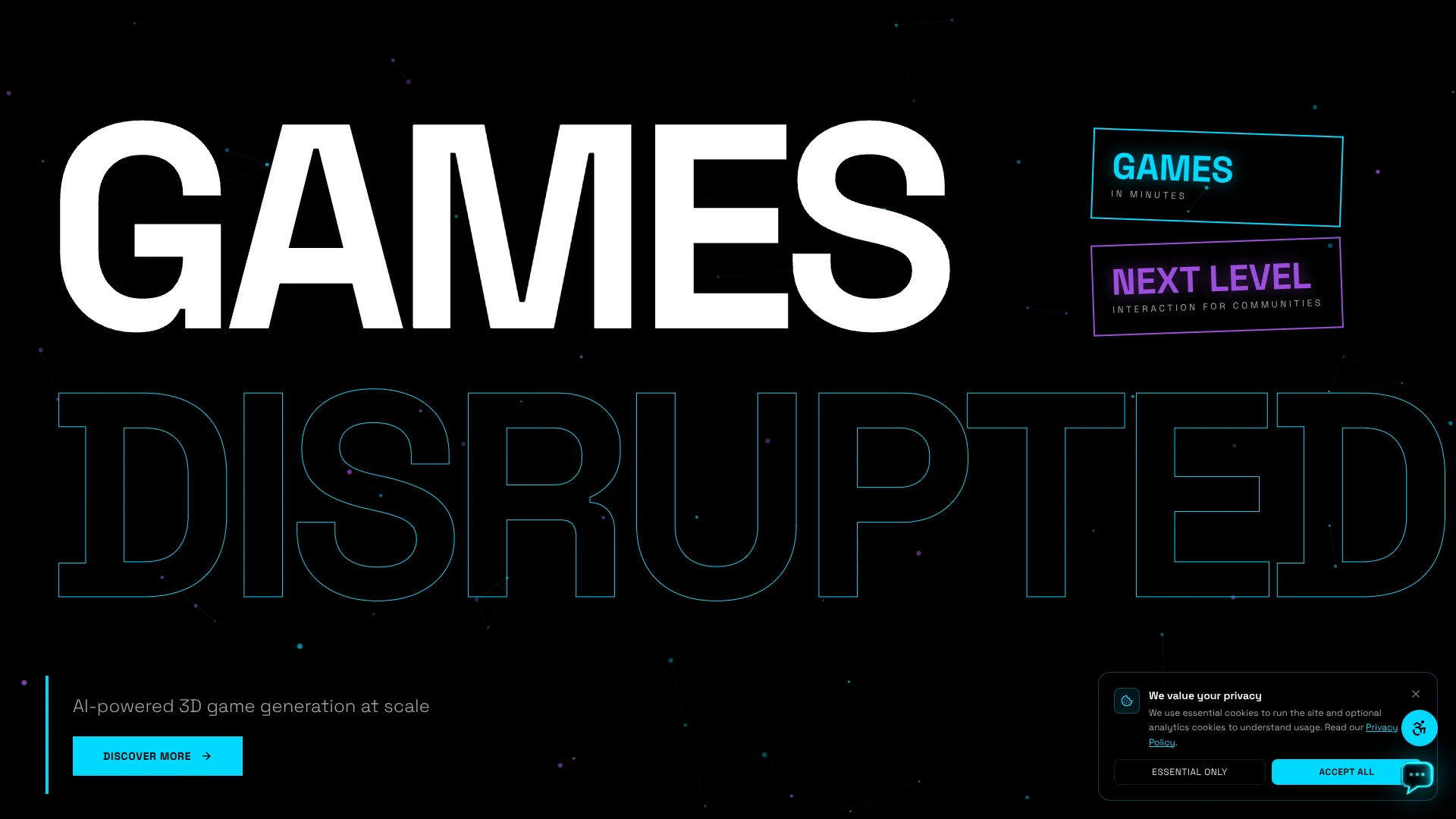
Playo
Turn written game ideas into playable 3D worlds.
Key Takeaways
- What it is
- Turn written game ideas into playable 3D worlds.
- Pricing
- Freemium · $20 per month
- Best for
- Prompt-based game creation
- Playable 3D worlds
- Play and share
- Rating
- 3.6/5
What is Playo?
Playo turns a written game idea into a playable 3D world. Its website describes a short flow: describe the game, wait while it generates, then play and share the result. The idea is to help people explore game concepts without first building every part by hand, which may suit creators looking to turn an early concept into something interactive.
Playo says its core is an AI gameplay foundation model: rather than generating only a picture or story, it aims to create a game world that people can play. The site presents that prompt-to-playable-world step as its central capability.
Playo is aimed at people interested in making or sharing new game ideas, especially around gaming communities. Its public site offers little detail about editing, exporting, or technical controls, so it is easier to assess as a way to try game concepts than as a complete game-development workflow.
Who is Using Playo?
Game designers
A playable result can help them explore how an early game concept might feel.
Indie game developers
Prompt-based generation may give them a quick way to test an idea before committing to a larger build.
Game studio producers
A generated world can serve as a conversation starter when a team is weighing a new concept.
Community managers
The sharing flow may help them explore game ideas designed to bring players together.
Uncommon Use Cases
Interactive examples for game-design workshops; playable concepts for community events
Key Features
Rating Breakdown
Pricing Plans
Free Tier
Free
- Get started with Playo at no cost and explore its basic functionalities
Pro Tier
$20 per month
Playo Use Cases
Explore a game concept
A text description becomes a playable 3D world that can help a creator test the feel of an idea.
Outcome: A playable concept to try and share.
Share an interactive idea
The generated game gives a community something interactive to experience together.
Outcome: A game that can be played and shared.
Workflow Ideas with Playo
Turn a game idea into a playable concept
- 1Describe the game you want to play.
- 2Wait for Playo to generate the game.
- 3Play the result and share it.
How Playo fits into your stack
Prompt-to-game creation
Playo starts with a written game idea and generates a 3D world for play.
Community sharing
The published flow includes sharing the game, making Playo a possible fit for concepts meant to be experienced by a group.
Pros
- +Playable output: The central promise is a game world you can try, rather than a static concept image.
- +Prompt-led start: A written idea is the starting point, so the public flow does not require describing a technical setup.
- +Shareable results: Playo includes sharing as part of its published prompt-to-play flow.
Cons
- −Sparse product detail: The public site gives little information about how much control creators have over a generated game.
- −Unclear production fit: The site does not explain whether generated games can be edited or used in a larger development pipeline.
Limitations & when to consider alternatives
Known limitations
- Public site is informational. Playo's terms describe the site as informational about its services, and the public site does not provide detailed guidance on editing or exporting generated games.
Look elsewhere when
- You need documented editing or export controls for generated games.
- You need publicly documented API access or integrations.
How to Use Playo
- 1
Describe the game
Write what you would like to play; Playo identifies this as the first step in its flow.
- 2
Let Playo generate it
Wait while Playo turns the prompt into a game world.
- 3
Play and share
Try the generated game, then share it with others.
Who is Playo For?
Game creators
Playo's prompt-to-play flow may help creators test whether a game idea feels engaging.
Gaming communities
The company emphasizes games as a way for communities to interact and share experiences.
Game and entertainment teams
Teams exploring interactive concepts may find value in turning an idea into a playable world.
Frequently Asked Questions
What does Playo generate?
Playo says it can turn a written idea into a playable 3D world.
How does Playo's game-generation flow work?
The site describes three steps: prompt, generate, and play, with sharing after the game is ready.
Does Playo publish its plans and prices?
The official site and search results did not confirm a pricing page or named subscription plans.
Is Ruins of the Earth the Playo game generator?
No. Ruins of the Earth is a separate mobile game published by Playo.ai, not the prompt-based game-generation flow described on the website.
Community reviews
Be the first to share your experience.
Sign in to leave a review for Playo.
Playo Alternatives
Looking for alternatives to Playo? Here are similar tools in the same category: