
Plot Factory
Streamline narrative creation with advanced editing, voiceover, and collaboration tools.
Watch Plot Factory in Action
Key Takeaways
- What it is
- Streamline narrative creation with advanced editing, voiceover, and collaboration tools.
- Pricing
- Freemium · $9 per month or $90 per year · $14 per month or $140 per year · $19 per month
- Best for
- Mobile Optimization
- Advanced Manuscript Editor
- Narrative Voiceover
- Rating
- 4.4/5
What is Plot Factory?
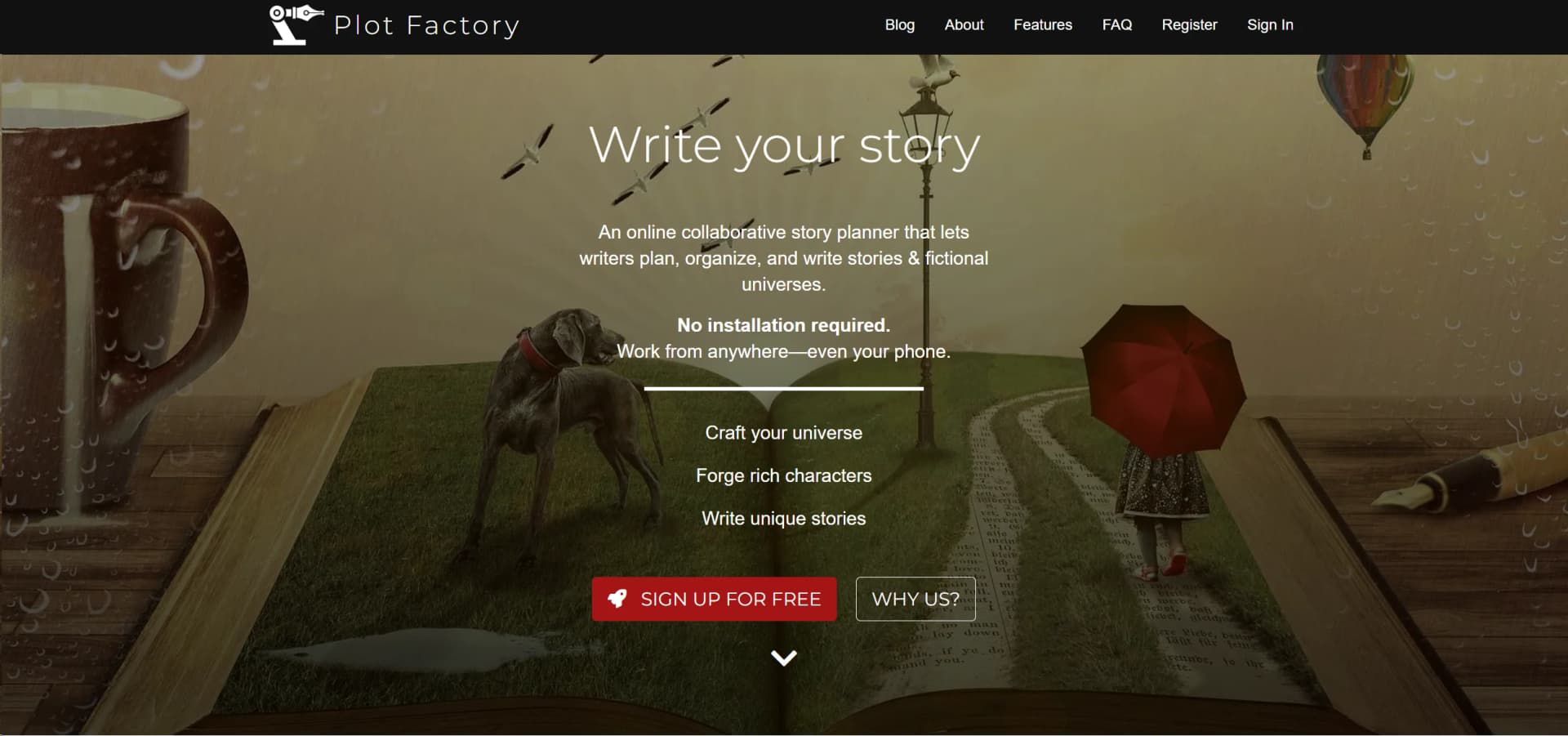
Plot Factory is an innovative online story planner designed for writers who wish to streamline the process of planning, organizing, and writing narratives and fictional universes. It's a tool that requires no installation, allowing users to work from virtually anywhere—even on mobile devices. The platform facilitates the crafting of detailed character sheets, complex story plots, and even the narration of written content with lifelike voices. Ideal for both amateur and professional writers, Plot Factory provides a robust environment that supports individual creativity and collaborative efforts.
Plot Factory distinguishes itself with its comprehensive suite of tools that not only support the writing process but also enhance storytelling through audio narrations and collaborative features. Its mobile optimization ensures that busy writers can work on their projects from anywhere, at any time, making it a highly flexible tool for modern writers.
Plot Factory excels in providing a comprehensive suite of tools that cater to the needs of both budding and experienced writers. Its unique features, particularly the advanced manuscript editor and narrative voiceover tools, offer significant advantages in crafting engaging and polished stories. Whether you're planning your next big novel or collaborating on a script, Plot Factory offers the resources and flexibility needed for today's diverse writing projects.
Who is Using Plot Factory?
Novice Writers
Individuals just starting their writing journey find the structured approach helpful.
Professional Authors
Experienced writers use the platform for managing complex narrative projects.
Writing Coaches
Utilized in educational settings to teach narrative structure and character development.
Scriptwriters
Employed by screenwriters for organizing plots and character arcs.
Uncommon Use Cases
Used by game developers for crafting storylines and character backstories; also popular among content creators for planning and scripting YouTube series.
Key Features
Rating Breakdown
Pricing Plans
Basic
Free
- Includes 1 story, 1 universe, and limited daily narrations
Hobbyist
$9 per month or $90 per year
- Includes unlimited stories and universes, and increased narration capabilities
Enthusiast
$14 per month or $140 per year
- Includes advanced features like story questionnaires and unlimited narrations
Novelist
$19 per month
- Or $190 per year
- Adds ePub exports
- Story versioning
- Collaborative writing features
Which Plot Factory plan should you pick?
Start with Free Plan for solo planning and writing; upgrade to Basic or Pro for higher limits and AI use, or Business for unlimited projects and stories.
Free Plan
Good for solo users who need one project, story, and draft with basic planning and writing.
Basic Plan
Good for writers who need five projects, ten stories, fifteen drafts, and premium AI assistance.
Pro Plan
Good for more active writers who need ten projects, twenty stories, thirty drafts, and higher AI limits.
Business Plan
Good for larger or prolific projects requiring unlimited projects, stories, and drafts.
Plot Factory Use Cases
Plan a novel
Create outlines, plot points, acts, chapters, scenes, and story beats.
Outcome: A structured story plan.
Build a fictional universe
Organize characters, locations, objects, cultures, notes, and research in customizable collections.
Outcome: A centralized world-building reference.
Write and revise drafts
Write in the manuscript editor, create alternate drafts, and preserve earlier versions before experimenting.
Outcome: Safer iterative drafting.
Get AI story feedback
Send selected project, draft, chapter, collection, or item context to Watson for analysis and feedback.
Outcome: Contextual plotting and writing guidance.
Prepare a manuscript for export
Organize a completed story and export it into supported manuscript or ebook formats.
Outcome: A shareable or publishable file.
Workflow Ideas with Plot Factory
Outline to draft
- 1Create a project and define its story concept
- 2Build characters, locations, and world-building collections
- 3Organize parts, chapters, scenes, and beats into a draft
Draft feedback loop
- 1Write or revise a chapter in the draft editor
- 2Open Watson with chapter or draft context
- 3Use the resulting analysis to revise pacing, plotting, or character development
Collaborative story development
- 1Create a workspace and invite co-writers or readers
- 2Share projects, drafts, and collections with collaborators
- 3Review feedback and continue editing the shared story
How Plot Factory fits into your stack
Mobile Compatibility
Fully optimized for use on mobile devices.
Export Options
Supports exporting to ePub and docx formats.
Collaborative Features
Offers real-time collaborative writing akin to Google Docs.
Narration Features
Integrates advanced text-to-speech technology for story narration.
Pros
- +Accessibility: Accessible from any device, enhancing flexibility for writers.
- +Enhanced Productivity: Features like automated backups, dark mode, and daily goal tracking help streamline the writing process.
- +Creative Support: From character sheets to plot organizers and story questionnaires, the tool supports deep creative exploration.
- +Narration Tools: The ability to listen to your story read aloud helps in refining drafts and improving story delivery.
Cons
- −Learning Curve: New users may need time to fully utilize all advanced features.
- −Narration Limitations: Free plans have a cap on daily narrations, which might limit some users.
- −Subscription Cost: While there is a free tier, more advanced features require a paid subscription.
Limitations & when to consider alternatives
Known limitations
- Free tier limits. The free plan allows one project, one story, and one draft.
- Premium required for writer collaboration. Working with other writers requires a premium subscription; collaborator seats are charged per seat.
- Watson requires a premium subscription. The AI assistant is not included in the free plan.
- No offline mode. The legacy Plot Factory FAQ states that offline mode is not offered.
- Migration does not sync versions. After migrating from the legacy app to Plot Factory Studios, data does not sync between the old and new apps.
Look elsewhere when
- You need a native iOS or Android app.
- You need offline writing.
- You need a documented developer API.
- You need third-party integrations.
How to Use Plot Factory
- 1
Explore a range of tutorials directly on the Plot Factory website, covering everything from basic setup to advanced features like character development and manuscript editing.
Who is Plot Factory For?
Authors
The platform is designed for planning, writing, organizing, and developing stories and fictional worlds.
Story planners and pantsers
Plot Factory supports both structured outlining and more discovery-driven, beat-by-beat writing approaches.
Novelists
Novelists can manage chapters, scenes, characters, drafts, plots, world-building elements, and writing statistics.
Co-writers
Team workspaces let co-writers collaborate on shared story projects.
Readers and editors
Readers can be invited to workspaces, while sharing links support beta readers and editors.
Frequently Asked Questions
Is Plot Factory free to use?
Plot Factory Studios uses a freemium model with a free tier offering one project, story, and draft.
Can I collaborate with other writers?
Yes. Users can invite co-writers and readers to workspaces; collaboration with other writers requires a premium subscription.
What can Watson do?
Watson provides story plotting and research help, creative inspiration, contextual analysis, and feedback for projects, stories, characters, and collections.
Can I use Plot Factory on a phone?
Yes. Plot Factory is optimized for mobile phones and is cloud based.
Is there an offline mode?
The legacy Plot Factory FAQ states that offline mode is not currently offered.
Can I export my content?
The legacy product supports exports including Word, ePub, text, PDF, HTML, and MP3 depending on plan and feature.
Community reviews
Be the first to share your experience.
Sign in to leave a review for Plot Factory.
Plot Factory Alternatives
Looking for alternatives to Plot Factory? Here are similar tools in the same category:
Learn to Master Plot Factory
With Skill Leap courses
Get in-depth training on Plot Factory and 50+ other AI tools with our expert-led video courses.
Start 7-Day Free Trial