
Plus AI
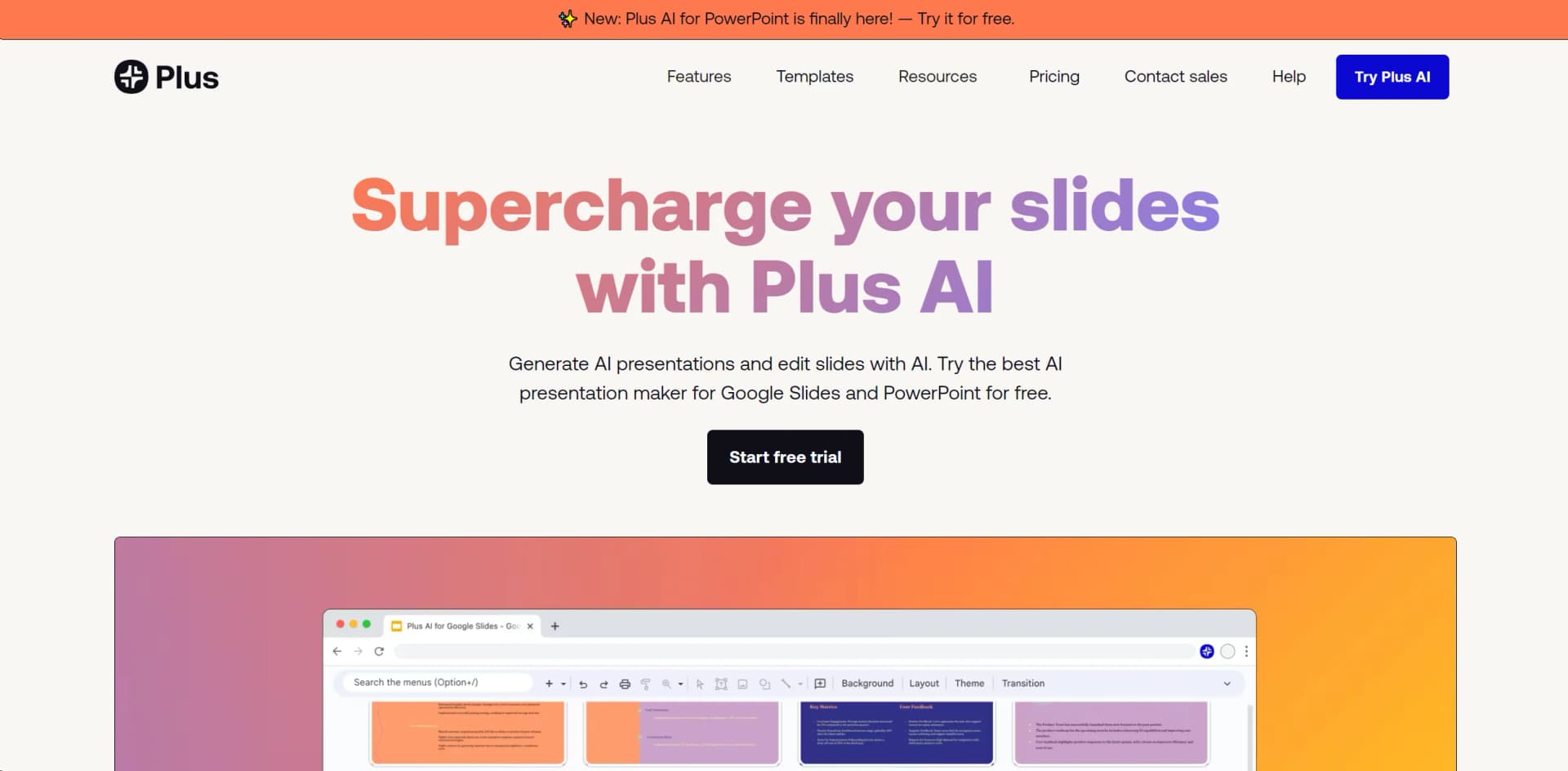
Transform Google Slides with intuitive, multilingual AI tools.
Watch Plus AI in Action
Key Takeaways
- What it is
- Transform Google Slides with intuitive, multilingual AI tools.
- Best for
- Prompt to Presentation
- Document to Presentation
- AI in Any Language
- Rating
- 4.5/5
What is Plus AI?
In the ever-evolving world of digital presentations, Plus AI emerges as a revolutionary tool, especially designed for Google Slides users. This AI-driven platform enhances the process of creating and editing presentations by integrating seamlessly with Google Slides, making it a go-to solution for anyone looking to elevate their presentation game without the steep learning curve of new software. Whether you're generating a new presentation from a simple prompt or refining an existing deck, Plus AI simplifies these tasks with its intuitive AI features.
Plus AI stands out by offering an exceptionally user-friendly interface that integrates directly with Google Slides, enabling users to generate presentations from text or prompts efficiently. Its multilingual capabilities ensure it is accessible to a global user base, making it a versatile tool in diverse environments.
Plus AI excels in transforming the way presentations are created and refined, making it an indispensable tool for professionals across various industries. Its integration with Google Slides and powerful AI editing tools provide a unique advantage, streamlining the creation process while maintaining high standards of quality and customization. Whether for business, education, or personal use, Plus AI proves to be a robust, user-friendly solution for anyone looking to enhance their presentation capabilities efficiently.
Who is Using Plus AI?
Marketing Professionals
Utilizing the tool to quickly generate compelling pitch decks.
Educators
Creating engaging educational content with minimal effort.
Business Analysts
Leveraging AI to produce detailed reports and presentations.
Event Planners
Crafting visually appealing presentation materials for events.
Uncommon Use Cases
Non-profits using it to educate communities; startups using it to pitch to investors.
Key Features
Rating Breakdown
Pricing Plans
Free Trial
- Get started with a 7-day free trial to explore full features
Subscription Plans
- Choose from various plans tailored to individual or enterprise needs
Which Plus AI plan should you pick?
Start with Basic for unlimited core slide generation, upgrade to Pro for uploads and API access, and choose Team or Enterprise for branding, collaboration, SSO, and automation at scale.
Basic
Good for individuals who need core AI presentation generation, slide insertion, rewriting, and remixing.
Pro
Good for individuals and teams who need document uploads, longer prompts, AI image generation, and API access.
Team
Good for teams who need custom branding, shared presets, custom instructions, shared templates, and collaboration.
Max
Good for power users and teams that use the AI Agent frequently and need unlimited AI credits.
Enterprise
Good for organizations that need advanced templates, asset libraries, automated workflows, SSO, user management, and onboarding.
Plus AI Use Cases
Create a presentation from a prompt
Enter a short description, customize the generated outline, and generate a complete presentation.
Outcome: A structured presentation is added to Google Slides or PowerPoint.
Convert documents into slides
Upload a PDF, Word document, text file, presentation, or source data and convert it into slides.
Outcome: Existing information becomes a formatted, editable presentation.
Remix and rewrite existing slides
Use AI to reformat slides, change layouts, rewrite content, adjust tone, or translate presentations.
Outcome: Existing presentations are refined without rebuilding them manually.
Generate on-brand team presentations
Apply custom logos, colors, fonts, templates, presets, and shared instructions across a team.
Outcome: Teams create more consistent presentations at scale.
Automate recurring presentation creation
Use the API, webhooks, scheduled jobs, CRM or ERP data, and automation platforms to generate decks.
Outcome: Recurring reports and personalized presentations can be produced with less manual work.
Workflow Ideas with Plus AI
Turn a report into a presentation
- 1Upload a PDF, DOCX, text file, or source document
- 2Choose the presentation language, length, and generation mode
- 3Review and edit the generated slides in Google Slides or PowerPoint
Automate a recurring sales report
- 1Upload a reusable PowerPoint template and current sales data
- 2Create an API session with a prompt and attachments
- 3Poll the session or receive a webhook, then download the PPTX and PDF
Create localized team decks
- 1Prepare a branded template and source presentation
- 2Generate or translate the deck into the required languages
- 3Share or export the resulting editable presentations
How Plus AI fits into your stack
Google Slides Integration
Designed as an add-on for Google Slides for seamless functionality.
PowerPoint Compatibility
Presentations can be exported to PowerPoint, accommodating users familiar with Microsoft's platform.
Google Workspace Integration
Fully compatible with Google Docs and other Google Workspace tools.
Enterprise Customization
Offers custom templates and automation for enterprise-level users.
Pros
- +Efficiency: Reduces the time required to create professional presentations.
- +Ease of Use: Works directly within Google Slides, eliminating the need to master new tools.
- +Multilingual Support: Offers the ability to read, write, and translate in numerous languages.
- +Customizability: Features like custom instructions and preset libraries allow for tailored content generation.
Cons
- −Platform Limitation: Primarily designed for Google Slides, which may not appeal to users of other presentation software.
- −Learning Curve: New users may need time to familiarize themselves with AI features.
- −Subscription Model: After a free trial, continued access requires a subscription.
Limitations & when to consider alternatives
Known limitations
- No permanent free plan. Plus AI requires a paid subscription; the free access described on the pricing page is a 7-day trial requiring a credit card.
- Web editing is limited. The web experience can generate and export presentations, but its editing tools are not currently available there.
- Generation length limits. The documentation says the AI model currently handles about 30 slides for uploaded-file workflows and about 20 slides for prompt workflows.
- Uploaded images and diagrams are not extracted. Plus AI cannot extract images, diagrams, or charts from uploaded documents.
- API input files have a size limit. Presentation Agent API uploads are limited to 125 MB per file.
Look elsewhere when
- You need a native mobile app.
- You need a standalone desktop application.
- You need image understanding for uploaded documents.
- You need programming-code generation.
How to Use Plus AI
- 1
Explore a range of tutorials and resources available directly on the Plus AI website or through their YouTube channel, covering everything from basic setup to advanced features.
Who is Plus AI For?
Professional presentation makers
Plus AI is designed for people who need polished presentations for work or school inside their existing slide applications.
Sales and marketing teams
Sales and marketing professionals can create personalized sales decks, strategy presentations, training materials, and on-brand content.
Consultants
Consultants can create proposals, strategy decks, market research presentations, and client-ready materials with custom branding.
Startups
Startups can quickly create pitch decks and other business presentations without hiring a full creative team.
Course creators and teachers
Educators can turn lesson plans, curriculum ideas, and course outlines into presentations in multiple languages.
Frequently Asked Questions
Does Plus AI have a free plan?
No. Plus AI requires a paid plan, but new customers receive a 7-day free trial with 1,000 AI credits.
Which presentation tools does Plus AI support?
A Plus AI subscription includes both Google Slides and PowerPoint.
Can Plus AI generate presentations from documents?
Yes. Pro and higher plans can upload PDFs, DOCX files, text files, presentations, and other source material.
Does Plus AI offer an API?
Yes. Pro and Team plans include API access for generating, editing, translating, and refreshing PowerPoint presentations programmatically.
Can teams collaborate in Plus AI?
Yes. Team features include unlimited members, shared presets, team-wide branding, and shared template libraries.
How does Plus AI handle security?
Plus uses AES-256 encryption at rest, TLS in transit, access controls, monitored data access, and SOC 2 Type II compliance.
Community reviews
1 review from people who use Plus AI.
Sign in to leave a review for Plus AI.
Thibault BM
Plus AI Alternatives
Looking for alternatives to Plus AI? Here are similar tools in the same category:
Learn to Master Plus AI
With Skill Leap courses
Get in-depth training on Plus AI and 50+ other AI tools with our expert-led video courses.
Start 7-Day Free Trial